
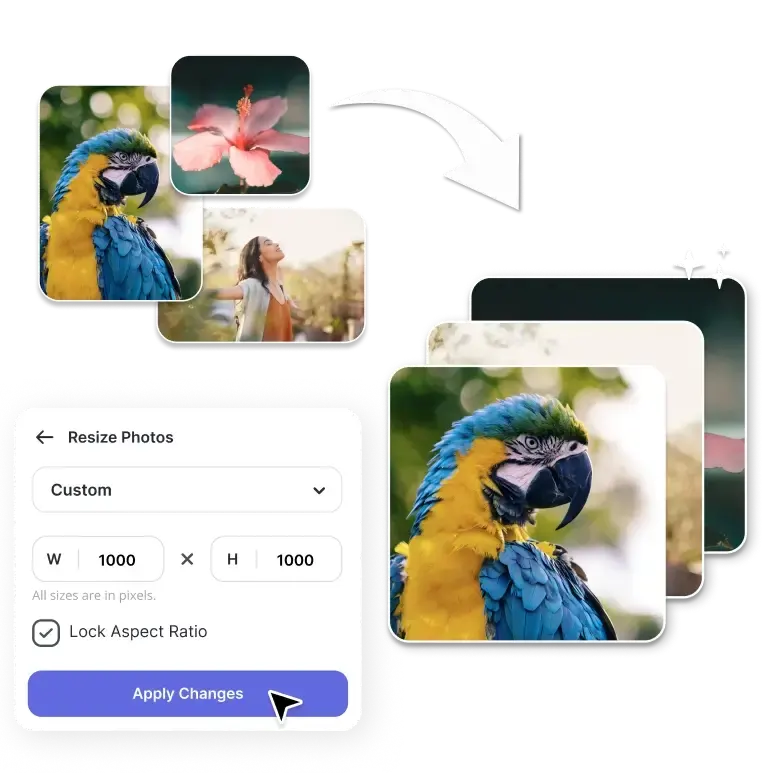
How to resize Images?
Upload Images
Select or drag and drop up to 50 images at once.
Resize Dimensions
Choose dimensions, scale, or target file size for all images in the batch. There are predefined sizes for social media, banners, ads, and custom dimensions.
Download Images
Resize all images in one go and download them instantly.
Resize images in bulk
Have a folder full of images waiting to be resized? Upload them all at once and let our tool handle the rest. It can do anything from photoshoots to Social media Posts, it processes every file easily by saving your time while maintaining the quality of your images. Simply upload the files, choose dimensions, and our bulk photo resizer will resize up to 50 photos all at once. Speed up your workflow and resize all the images in seconds.
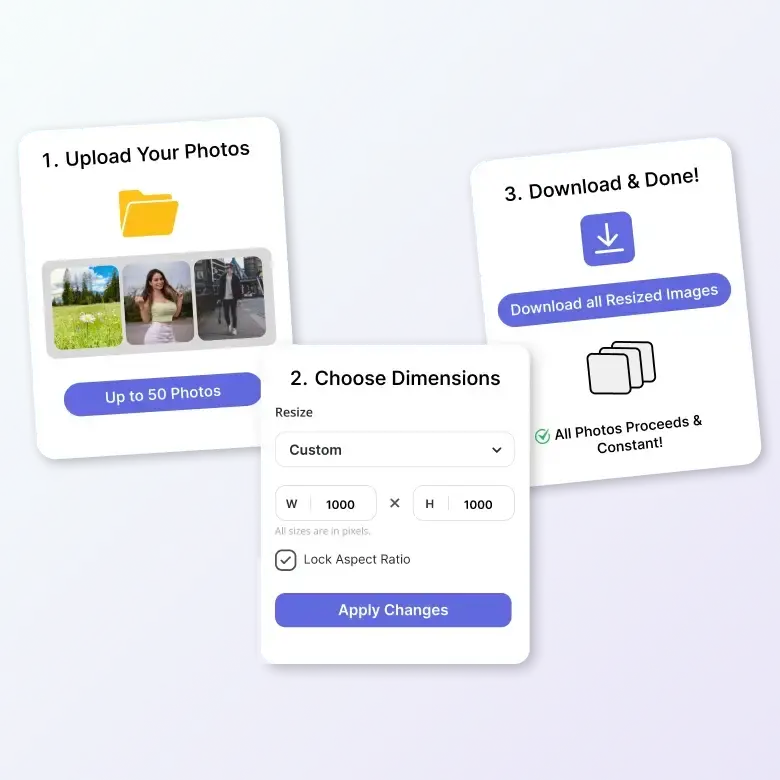
Set image width and height online
You don’t need to be a pro to use this batch resize images. Anyone can use it effortlessly. We have a user-friendly interface, as our image resizing tool gives you a wide range of predefined size options. These sizes have dimensions for Social media platforms, Banners, Display ads, print, and more. Check out available size options and click the size that meets your standards. Once the size is selected, the tool will automatically resize the dimensions of the images.
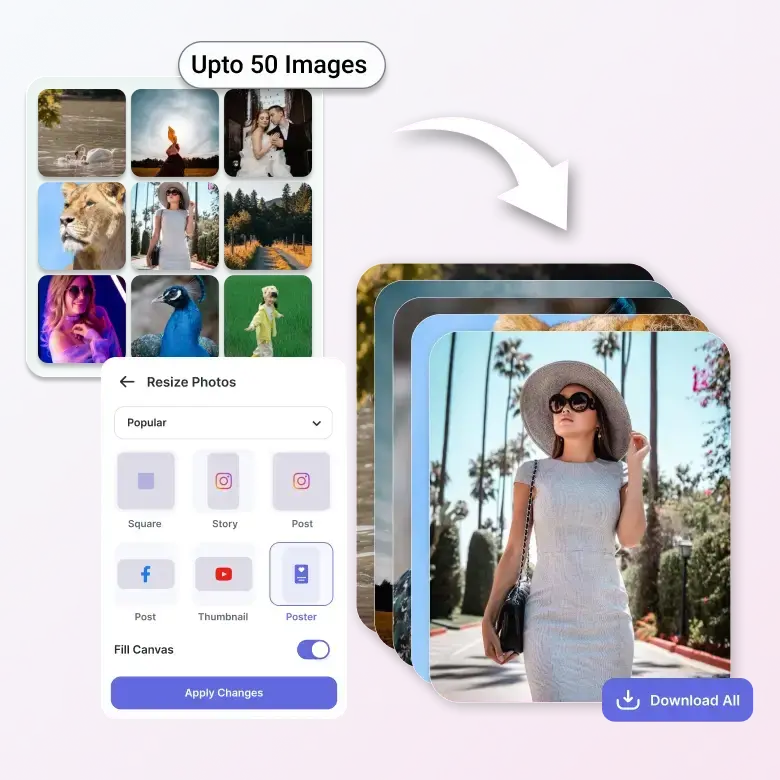
Advanced resizing without quality loss
Reduces the file sizes of multiple images easily while maintaining the quality of the image. It is perfect for sharing photos online, or via sending through emails, or freeing up the storage without sacrificing clarity. You can easily resize it for any social media platform like Youtube banner, Instagram, Facebook, WhatsApp, LinkedIn, etc. The batch photo resizer compresses all images at once while preserving the colors, sharpness, and detail, ensuring images are of Good quality.
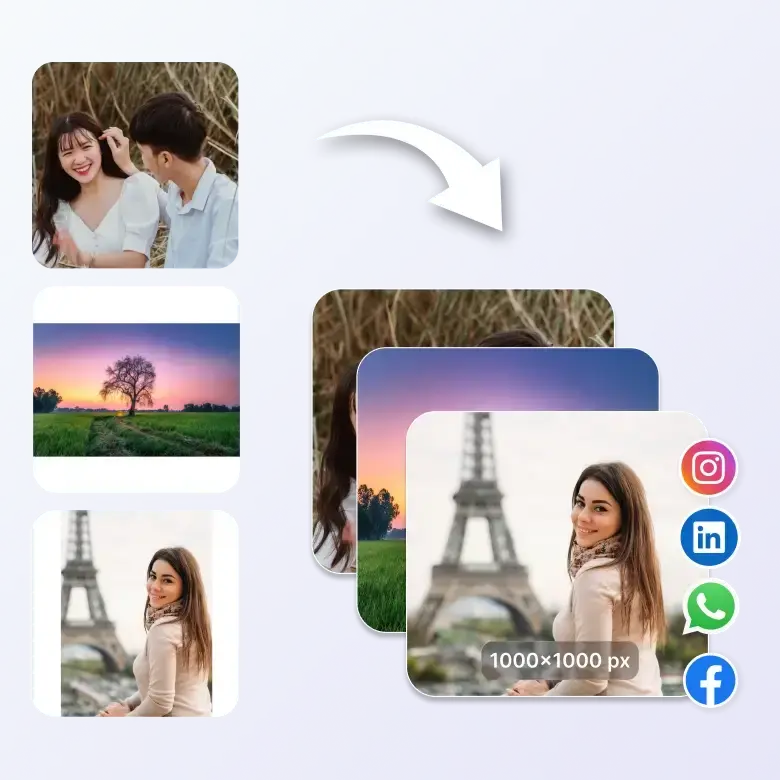
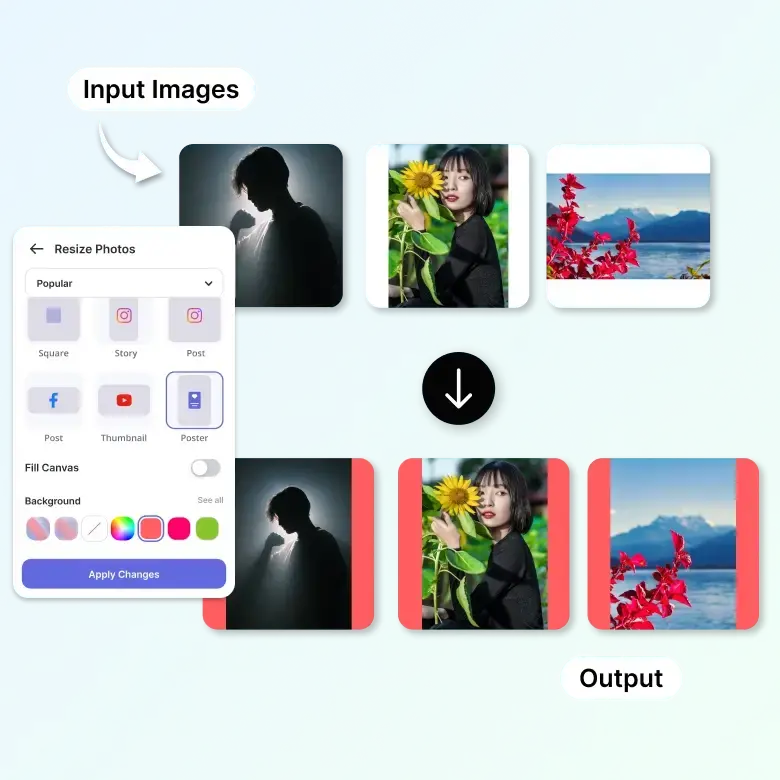
Customize your image background effortlessly
You can easily fill the choice of your colour in the background. When you upload the images, it automatically fits to the canvas. So, if you want to add the colour to your background, you need to turn off the canvas fill option. It will give you the background for your images. Color it and create eye catchy banners, posters, thumbnails etc.
Key features of bulk image resizer
✓ Batch Resize: Resize multiple images at once in seconds.
✓ Custom Dimensions: Set width, height, or file size easily.
✓ Canvas & Backgrounds: Fill canvas automatically or add colors.
✓ Smart resizing: Reduce file size without losing quality.
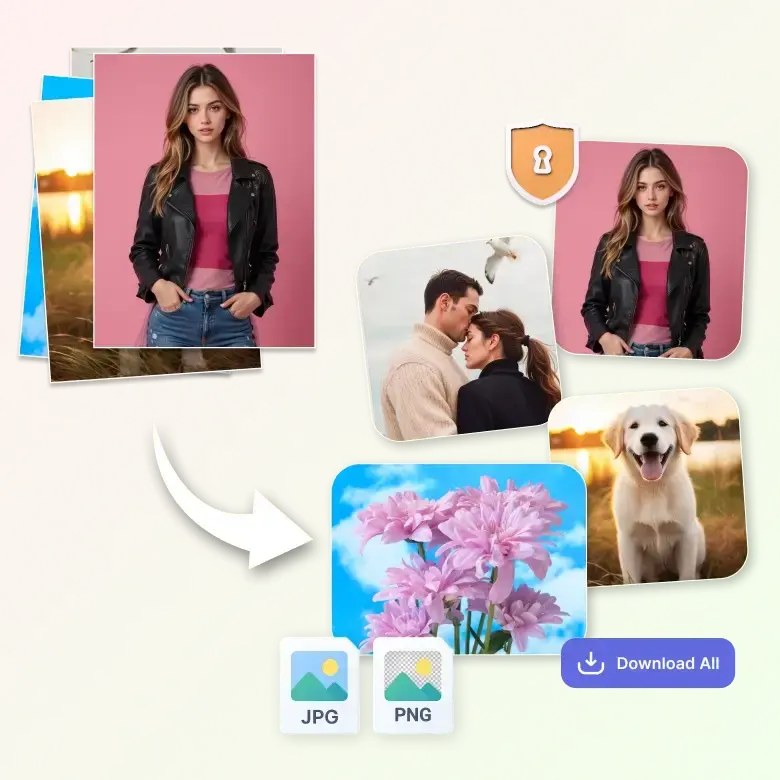
✓ Multiple Formats: Supports JPG, PNG, etc.
✓ Secure & Browser-Based: Fast and private image processing.
Frequently Asked Questions
Yes, you can easily resize it with our mass image resizer tool.