

How to use the AI facial hair remover?
Upload your photo
Upload your photo in JPEG or PNG format.
Mark over the facial hair
Paint over the extra facial hair that you want to remove.
Download and save
Download the cleaned-up photo to your device.
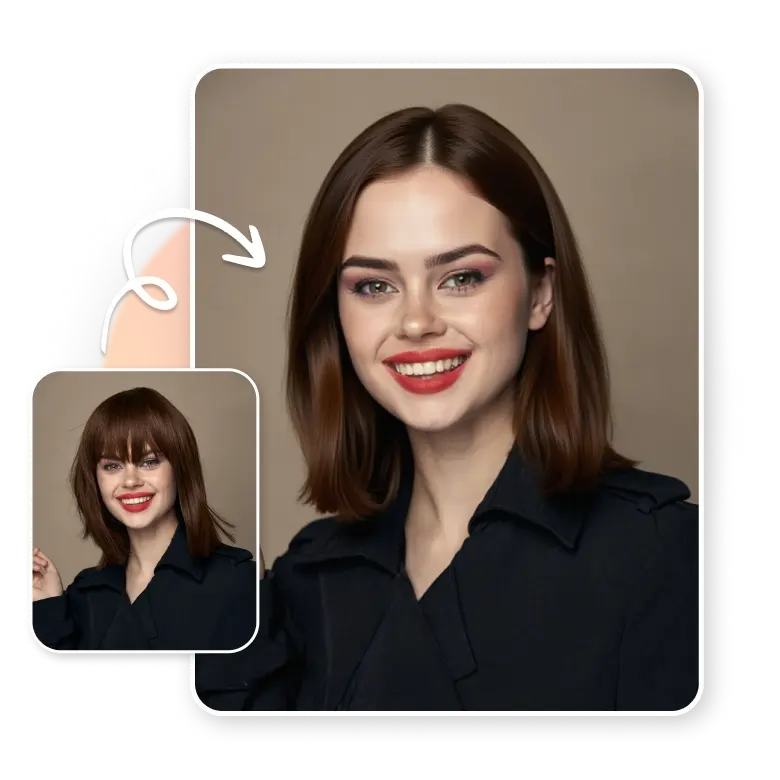
Remove extra facial hair
AI hair remover helps people to remove unwanted hair that appears on the forehead, near the eyes, and around the whole face. It masks even a single hair that shows due to lighting or angles, and gives a smooth, clean finish without changing the natural shape and features of the face.
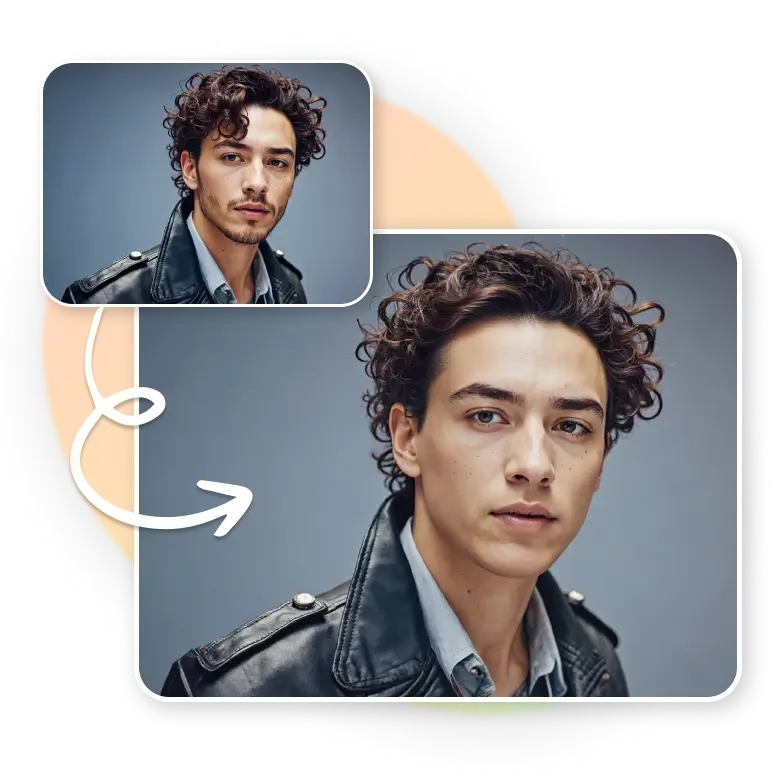
Works for men, women, and kids
Hair removal photo editor is designed for everyone. It works on light hair, thick hair, or small patches with equal smoothness. Men, women, and kids can use it to clean their photos easily. The result stays natural and does not look heavily edited.

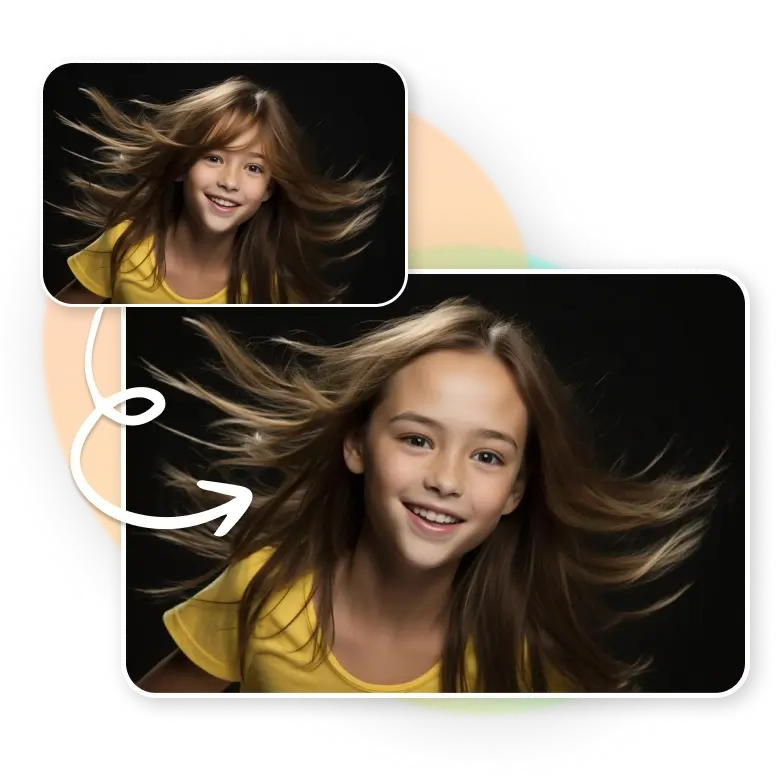
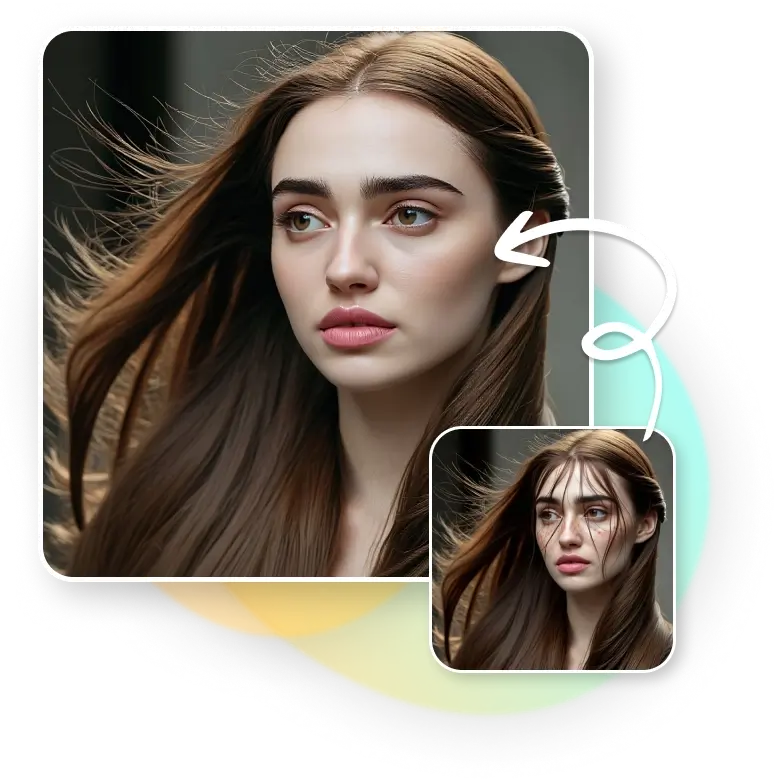
Fix flyaway hair and baby hair easily
Flyaway hair and baby hair often stick out in photos and break the smooth look of the face. Easily remove hair from face photo, just mask these fine strands and settle them naturally. It keeps portraits neat and helps the face look tidy even in close-up shots.
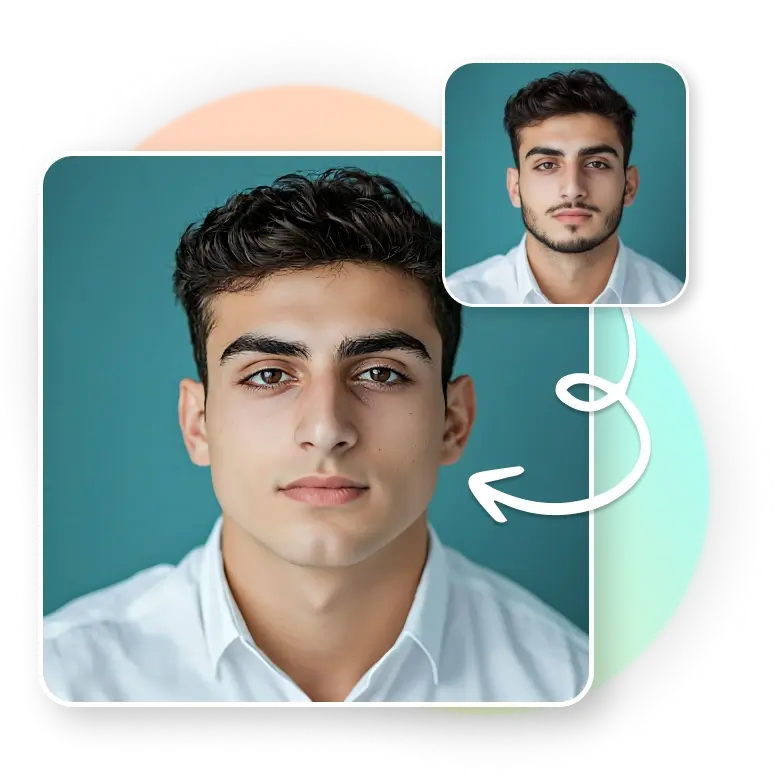
For quick touch-ups and no-shave days
When you do not have time to shave or clean your upper lip, the AI hair removal tool can fix it in seconds. It masks the area, smooths it, and keeps the face natural. You can also remove the beard or grey hair if needed, giving a clean photo look without any effort.
Fast and simple hair cleanup
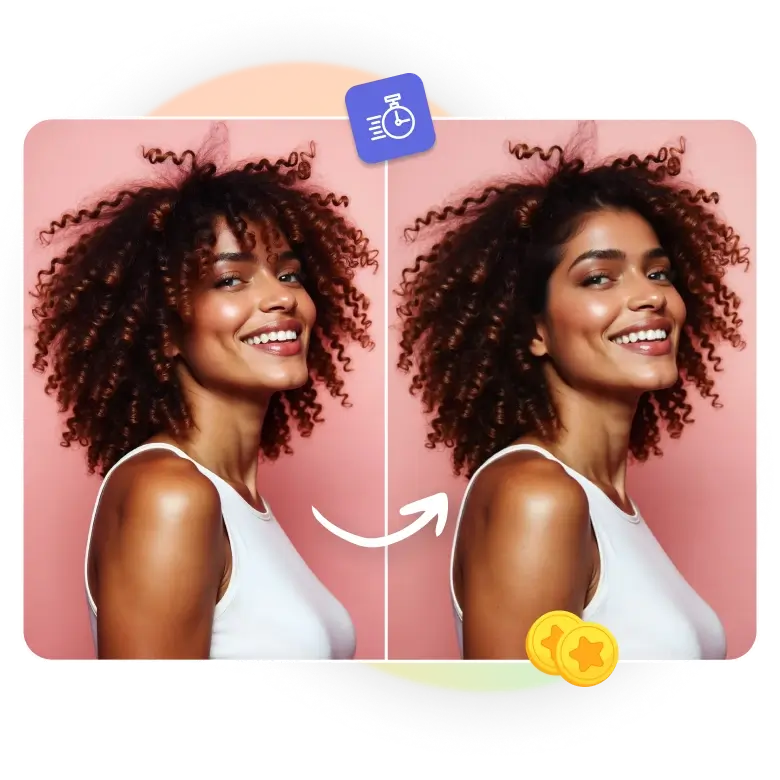
The tool works fast and needs no editing skills. It can remove small or large hair areas, smooth edges, and polish the face in a single step. To give a perfect look in every portrait, you can also use AI retouching and a free blemish remover. Removing hair from the face makes photos ready for profiles, IDs, and social posts with a clean and finished look.
Key benefits of facial remover from the photo with AI
✔ Quick hair removal preview
✔ Remove thin hair from photo
✔ Consistent output with preserved features
✔ Safe visual previews before applying
✔ Simple text-based controls
✔ Natural results across styles
✔ Instant changes with easy edits
Frequently Asked Questions
Yes, you can easily adjust the brush size with the slider, whether you want to mark a small or a big area.