
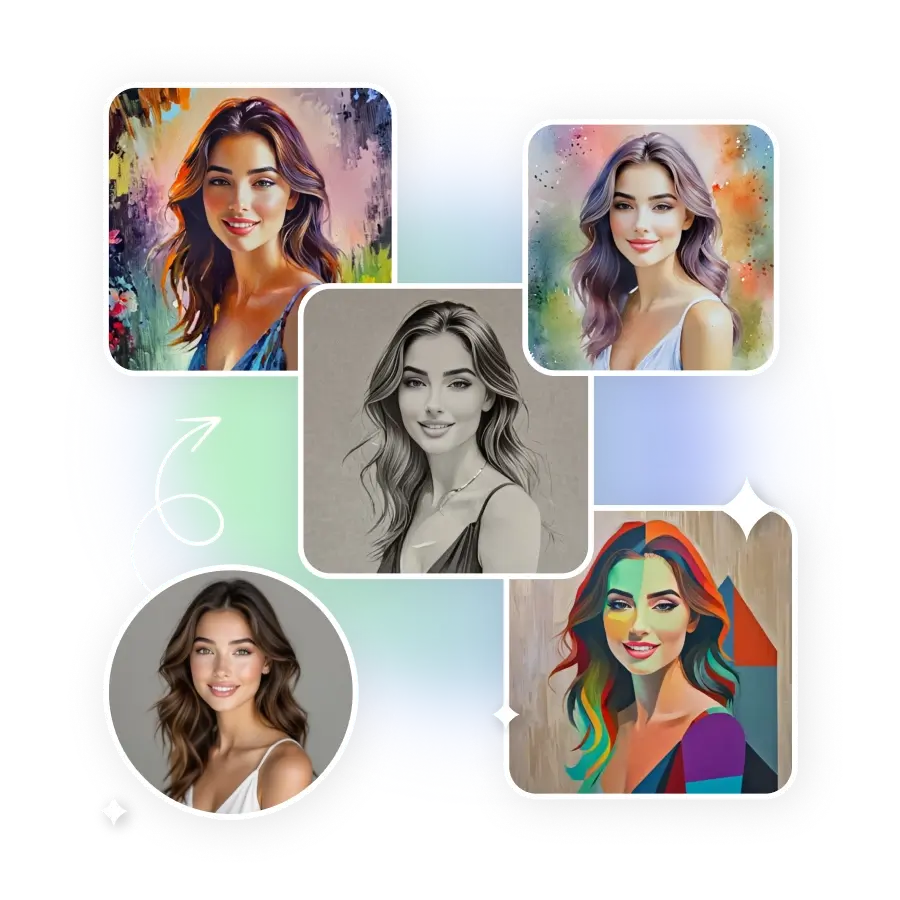
How to Use an AI Painting Filter on Photo
Upload Photo
Select a photo of yourself, a landscape, or your pet that you want to apply a filter to.
Choose a Filter
Explore the diverse range of AI filters available and select the "Art Style" one, or write a custom prompt to create your own filter.
Generate and Download
Click on “Generate" to apply the filter. Download the generated image to the device.
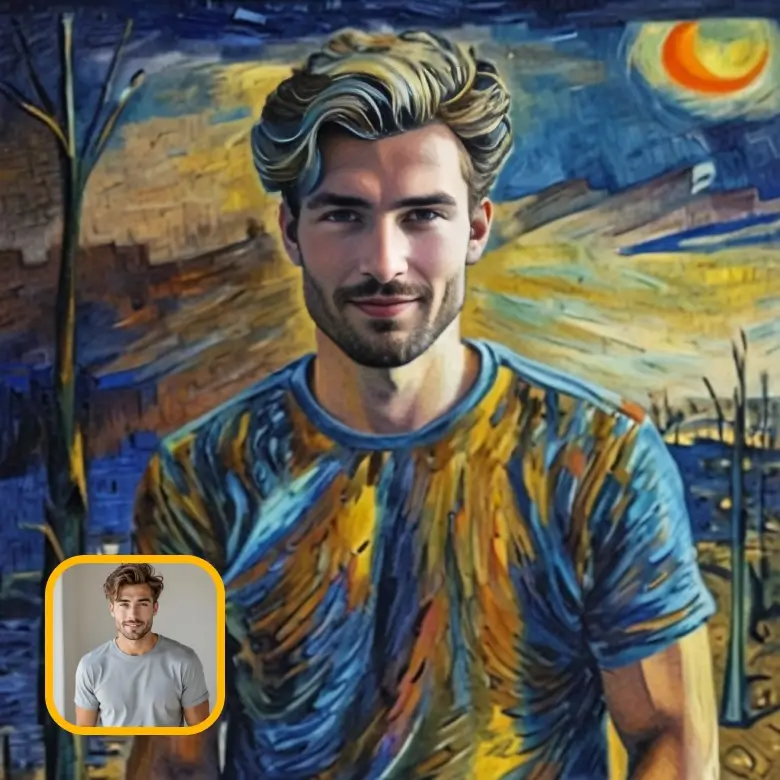
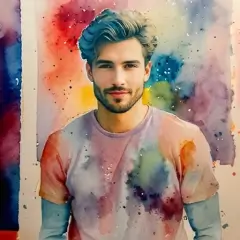
Choose from a collection of AI painting styles
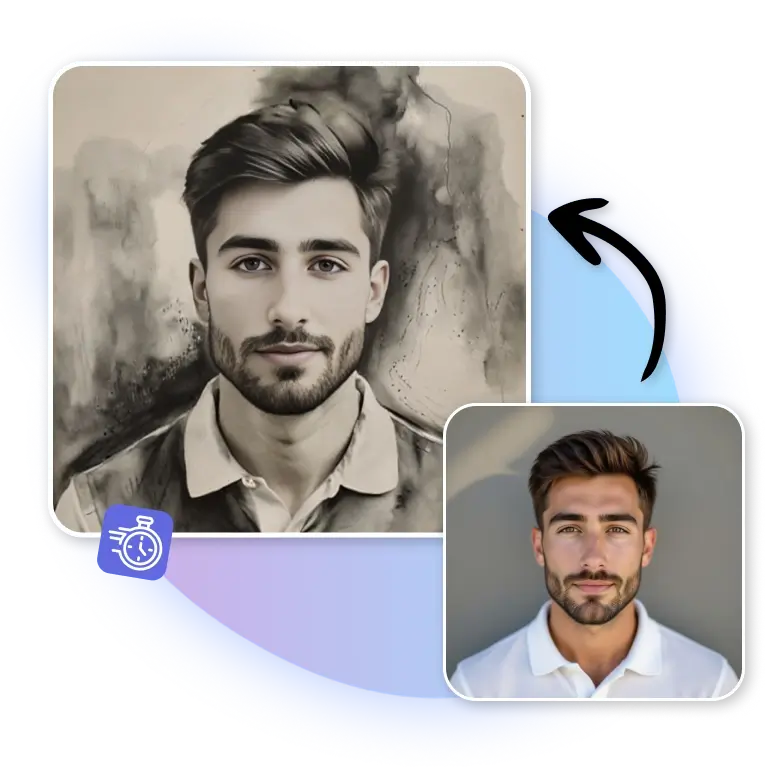
All styles give your photo an artistic look without actually painting yourself. AI turns a photo into artwork that suits your needs.
Convert your images into various painting art styles
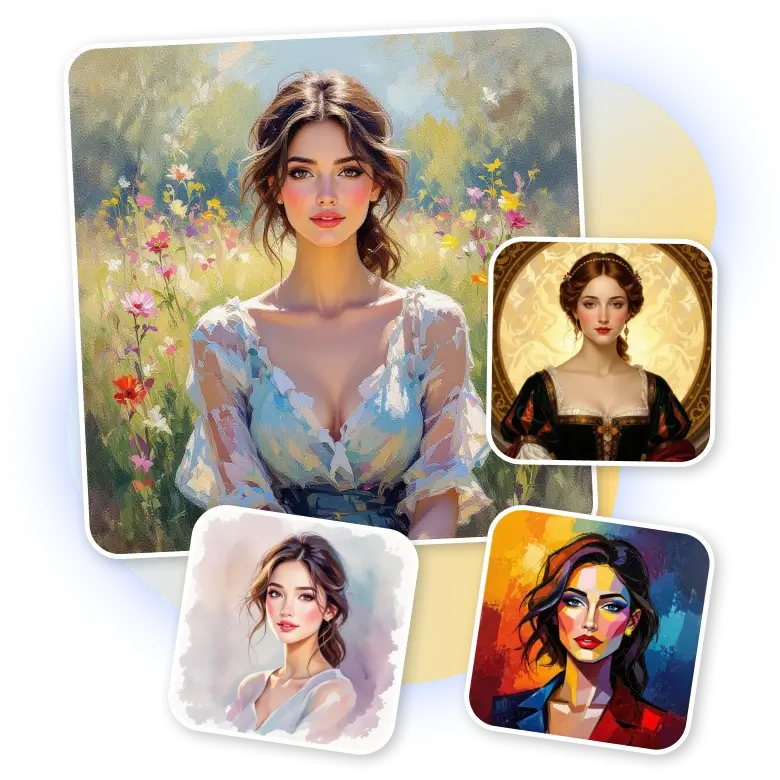
Turn a casual photo into presets like watercolor, sketch, cartoon, pop art, pointillism, and more. The tool works on any photo, whether it’s a portrait, a group picture, a backdrop, a road scene, a landscape, a historical figure, a pet, or even a series or game character.
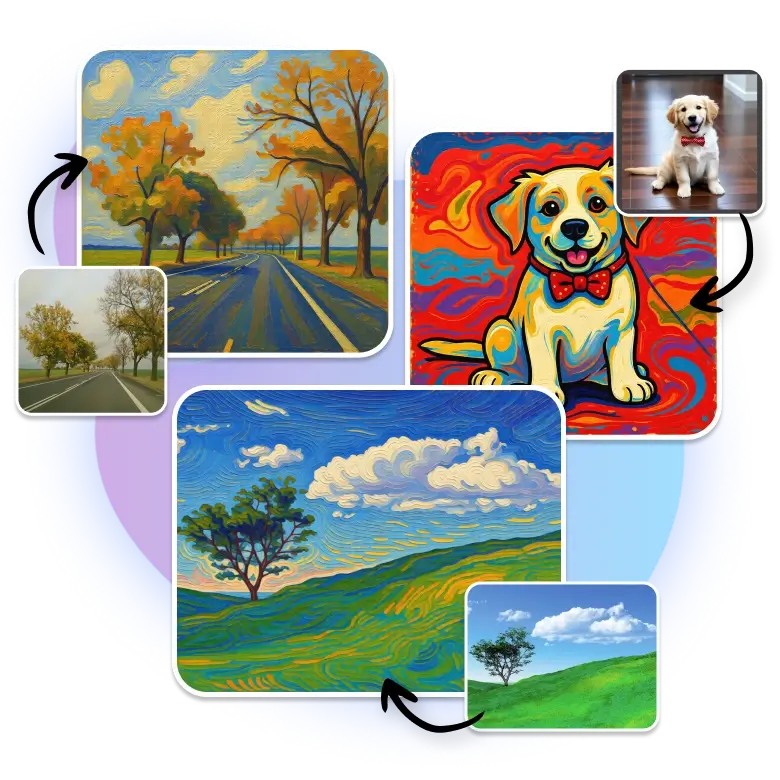
Impress everyone with beauty of paintings
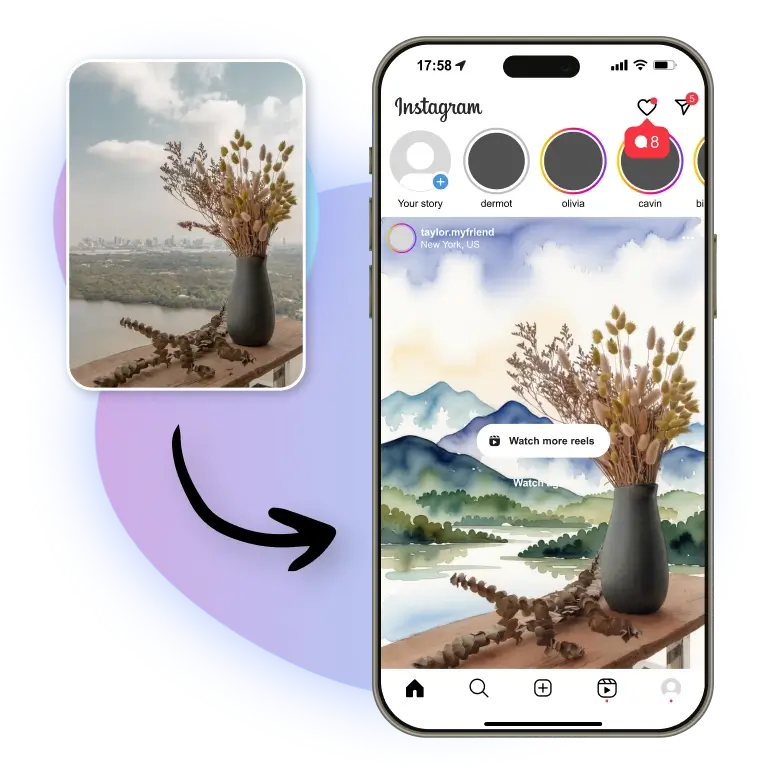
You can make your everyday photo look like real art for your wall or as a personal gift. The AI handles sharp classic styles and soft Impressionist looks. It gives brush textures, so your photo ends up looking like an oil painting or a colorful landscape. Convert your ordinary photo into a beautiful painting for your home decor, share on your Instagram feed, or give someone a unique and personal gift.
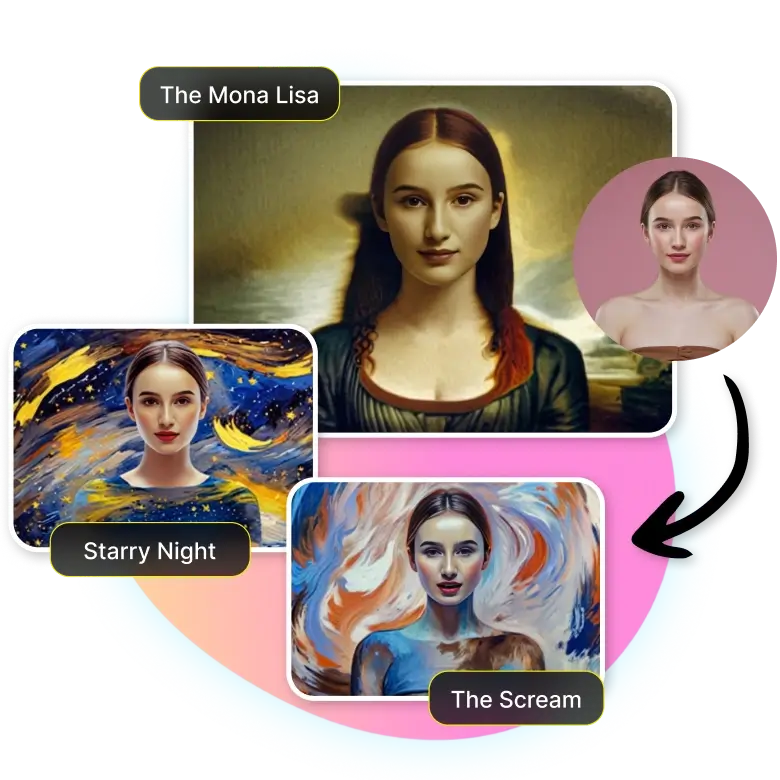
Make your photos look like famous paintings
LightX AI painting filter lets you transform any picture into an artwork that looks like classic paintings like “The Mona Lisa,” “Starry Night,” and “The Scream.” The tool also copies the style of artists like Van Gogh and Picasso. Your photo can quickly change into clean, bright paintings with just one click.
Make a beautiful painting, Text, or image
You can’t only change an image but also create through text prompts using our AI image generator. Describe what painting style you want, or upload a style reference image for more precise results. AI will give you the best results possible.
Use case of AI painting filter
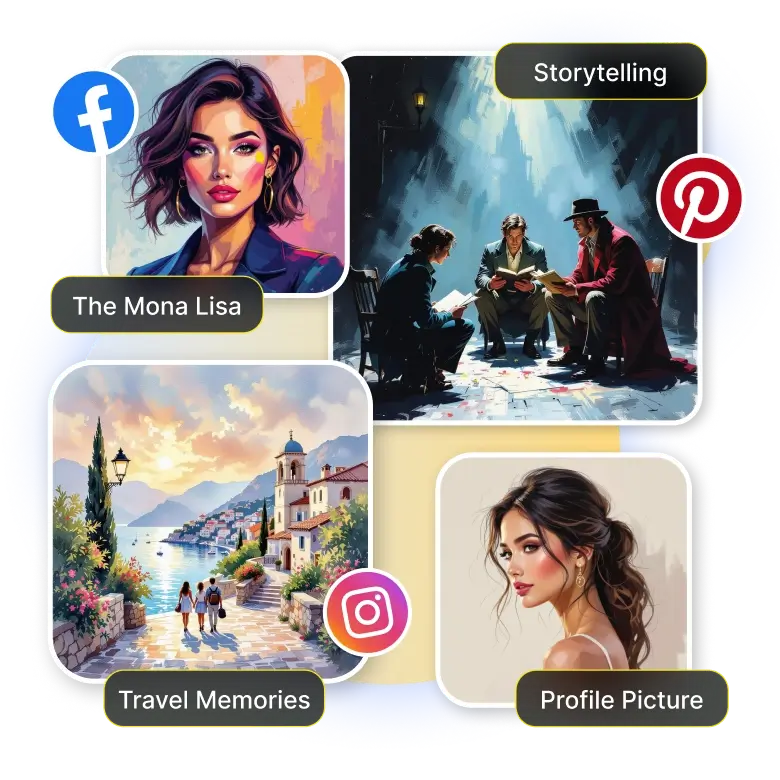
✔ Profile pictures: Turn your selfies into artistic portraits for your profile.
✔ Storytelling images: Make painted scenes for comics, stories, or creative projects.
✔ Travel memories: Turn vacation photos into artistic pieces you can keep.
✔ Business branding: Use painted images to make your brand look more creative.
✔ NFT art: Turn your pictures into digital art you can mint and sell.
✔ E-commerce designs: Create eye-catching images for product ads.
✔ Social media: Share on various social media platforms to gain attention on Instagram, Facebook, Pinterest, and more.
Key benefits of using AI photo painting
✔ Quick preview of painting styles
✔ Turns any photo into art too
✔ Keeps important details and features clear
✔ Safe style previews before applying
✔ Simple text or style-based controls
✔ Natural painting results across all styles
✔ Instant changes with easy edits
Frequently Asked Questions
No, our tool will not reduce the quality. You can upload a clear and sharp image for better results.


