
Mr Beast thumbnail styles to inspire your next video
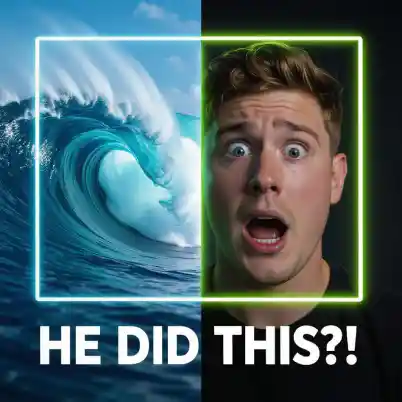



Design thumbnails that get more clicks
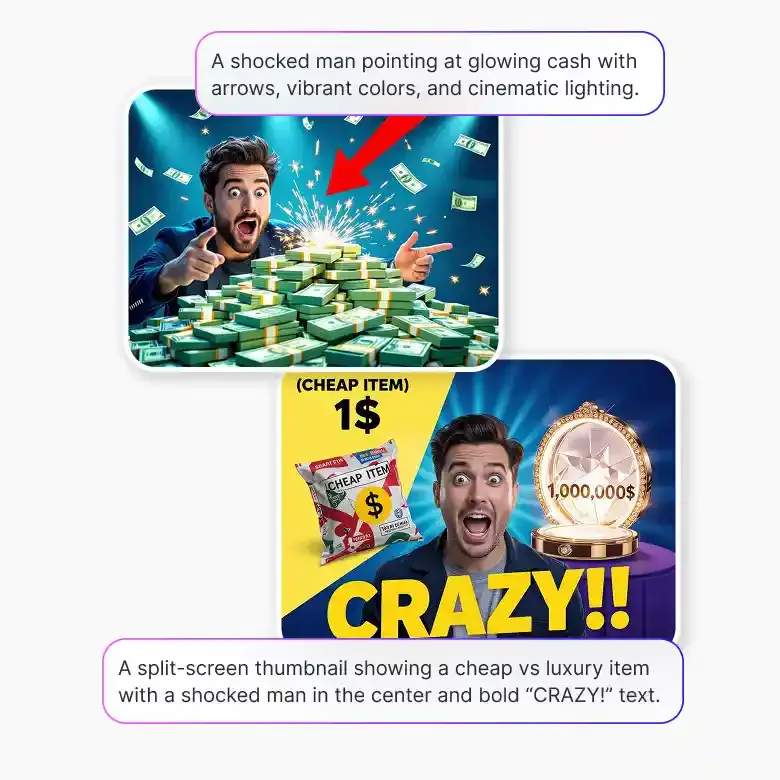
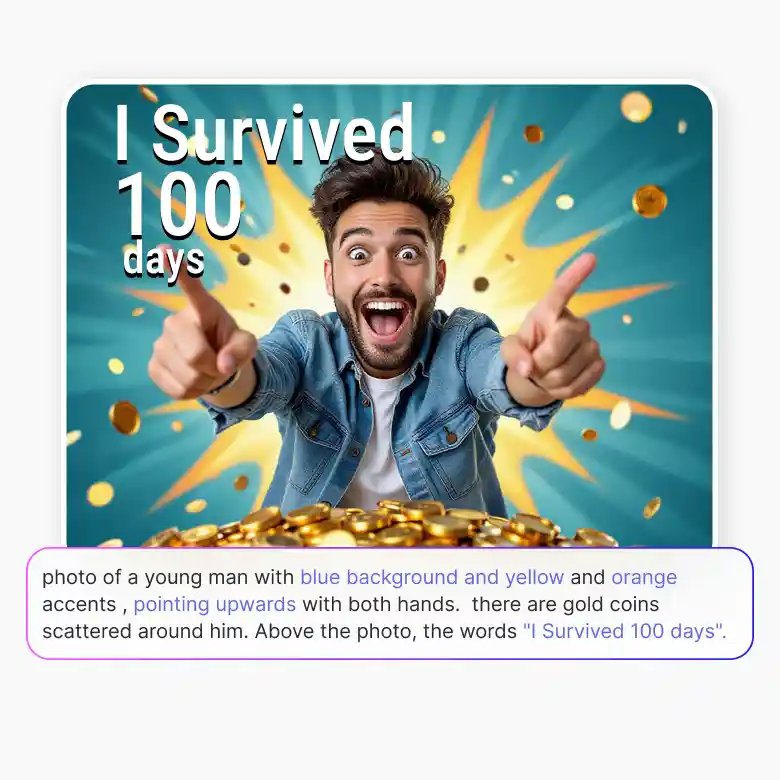
The first thing that people notice isn’t your title, but it’s your thumbnail. And if you fail to create an attractive thumbnail, viewers will move on to the next video. MrBeast thumbnails have a signature formula like oversized bold text, dramatic facial expressions, vivid backgrounds, and a visual story that makes you click before you even think about it. LightX's MrBeast AI thumbnail generator is trained to understand that formula. You just need to describe a scene, mood, or text in the prompt in detail & our tool will create it. No Photoshop. No designer. Just a prompt and a thumbnail that's ready to publish.
What kind of videos is this built for?
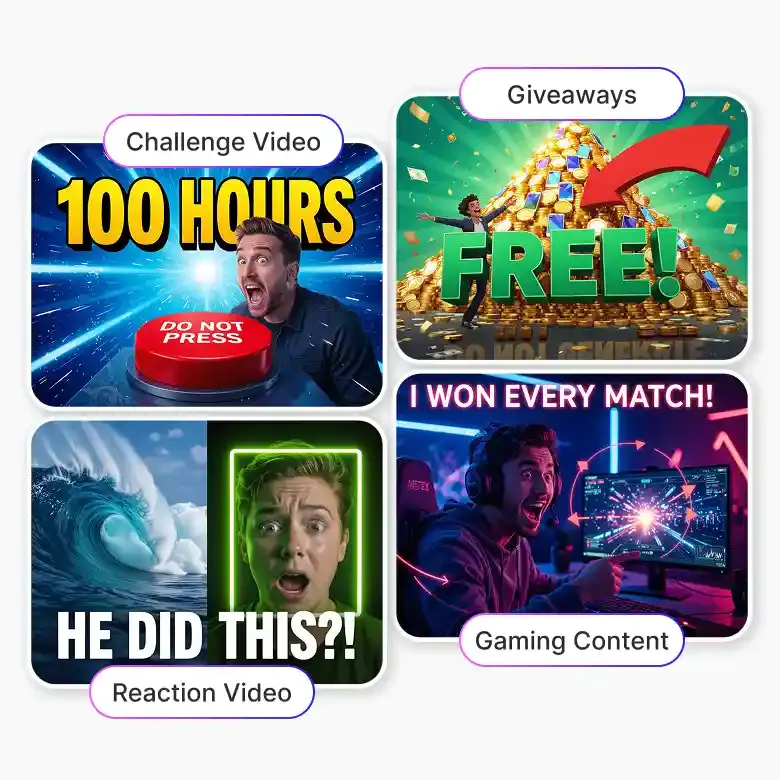
The MrBeast thumbnail maker isn't limited to a single type of content. It's designed to match the visual style across the biggest video formats on YouTube:
• Challenge videos — Create bold, intense thumbnails with Big reactions, high stakes, extreme stunts.
• Reaction videos — Generate sharp, eye-catching thumbnails with Strong expressions and fast energy.
• Vlogs — Daily moments with a cinematic feel. Make clean, engaging thumbnails.
• Gaming content — Get gaming thumbnails with Neon effects, action scenes, and dynamic text.
• Giveaways and big moments — Add strong visual drama like Big prizes, big reactions.
Generate your MrBeast thumbnail in 3 simple steps
Write your prompt: Describe your thumbnail like text, background, mood, colors, and visual elements in a detailed way for more accurate results.
Choose your size: you can easily select the standard size according to social media.
Generate and download: click Generate, and you can also download (JPEG or PNG) it for future use.
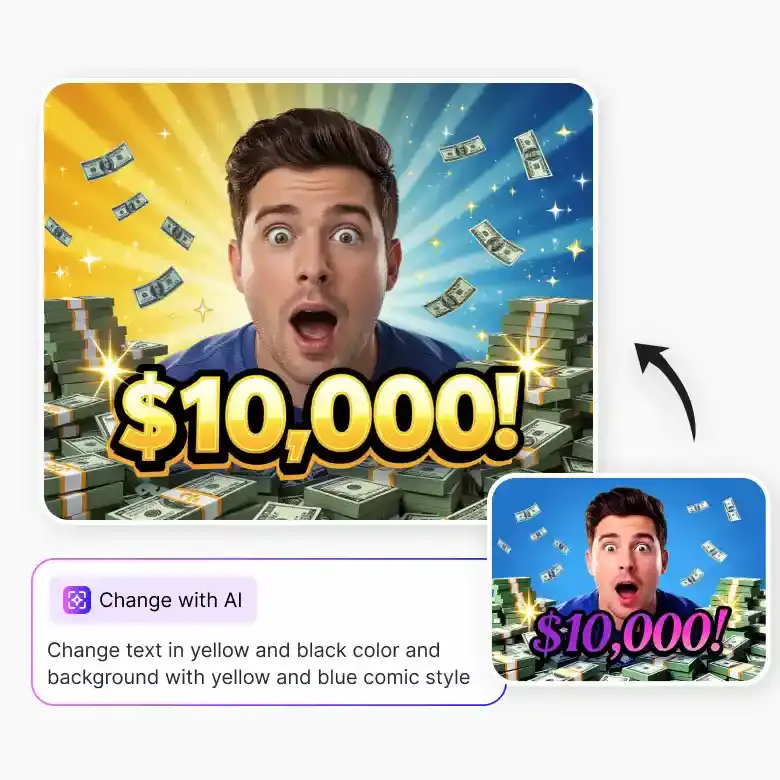
Tip: If you want to make further changes to the edits, you can click on the "Change with AI" option. You can easily change font, colours, text, etc.
Prompt tips — how to get the best results
• Include the title text: clearly write the exact text you want on the thumbnail, like bold white text saying "I Survived 100 Days".
• Background: mention a clear scene like a city explosion, a dark forest, a golden vault, or an underwater setting.
• Mood: use words like dramatic, shocking, chaotic, epic, or over the top.
• Visual details: include elements like arrows, shocked face, fire, confetti, money, or crowd.
• Specify colours: use strong, high contrast colours like red, yellow, black, and white.
Set up your full YouTube brand easily
Your thumbnail is just the start. LightX gives you everything to build a consistent YouTube visual identity in one place:
• Free YouTube Profile Picture Maker Online
• Make a YouTube Thumbnail Design Perfectly
• AI YouTube Thumbnail Generator for thumbnail making
• YouTube Video Resizer for easy resizing of videos
• YouTube Banner Resizer Online for banners
Frequently Asked Questions
Discover more tools


