

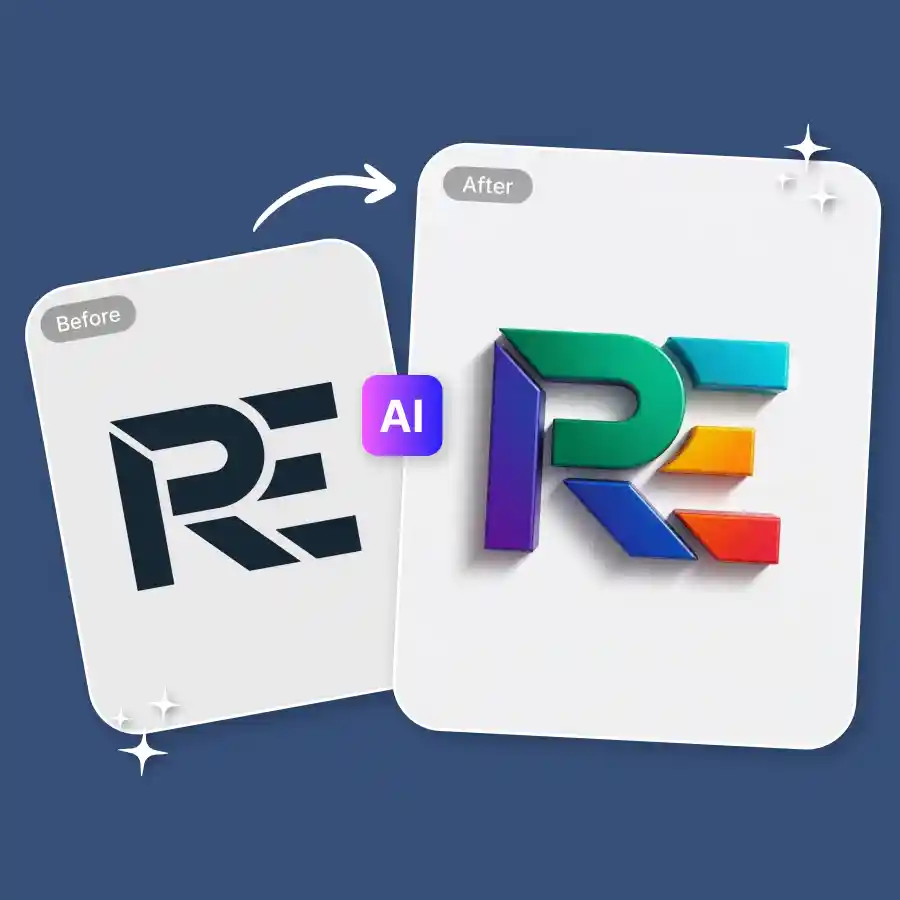
How to change logo color
Upload a photo
Upload a photo of the logo in JPEG or PNG format.
Enter prompt
Type a prompt describing the color changes in the text, icon, or color combinations.
Download
Click Generate to apply the changes. Once ready, download the logo.
Test new colors on your logo without editing skills
You only need prompt commands. The process is simple and does not require design knowledge. The tool analyzes each element of the logo and applies color changes accurately. There is no need to upload SVG files or do manual editing in Photoshop. Just upload a logo image and change its color instantly. You can try endless color combinations, gradients, or patterns to see what works best for your brand.
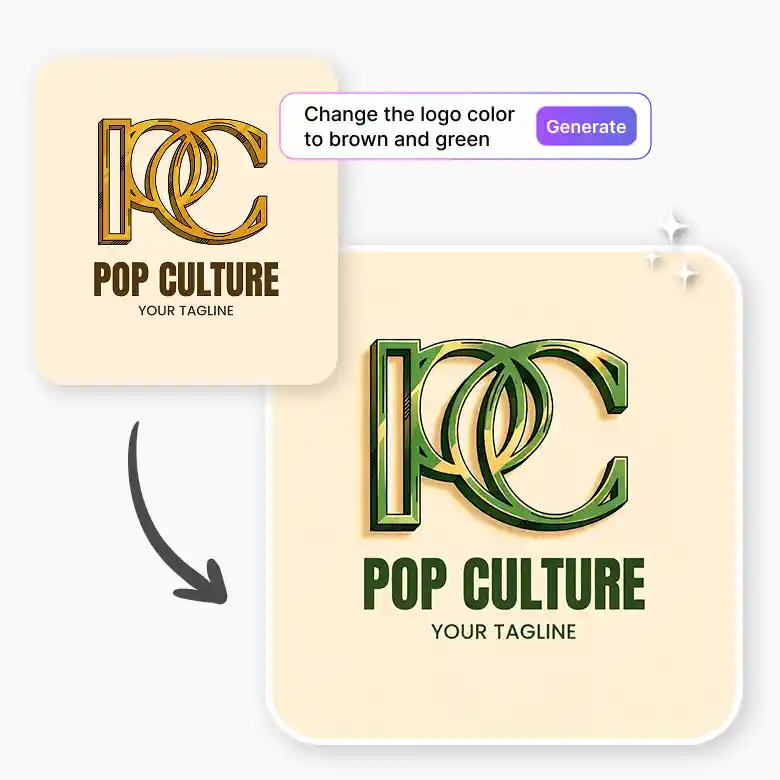
Recolor a logo while preserving original details
The tool does not distort or remove details. It only focuses on the command given in the prompt. Lines, shapes, and spelling remain unchanged. Text elements are preserved, and the logo structure stays the same. The output logo is generated in high quality.
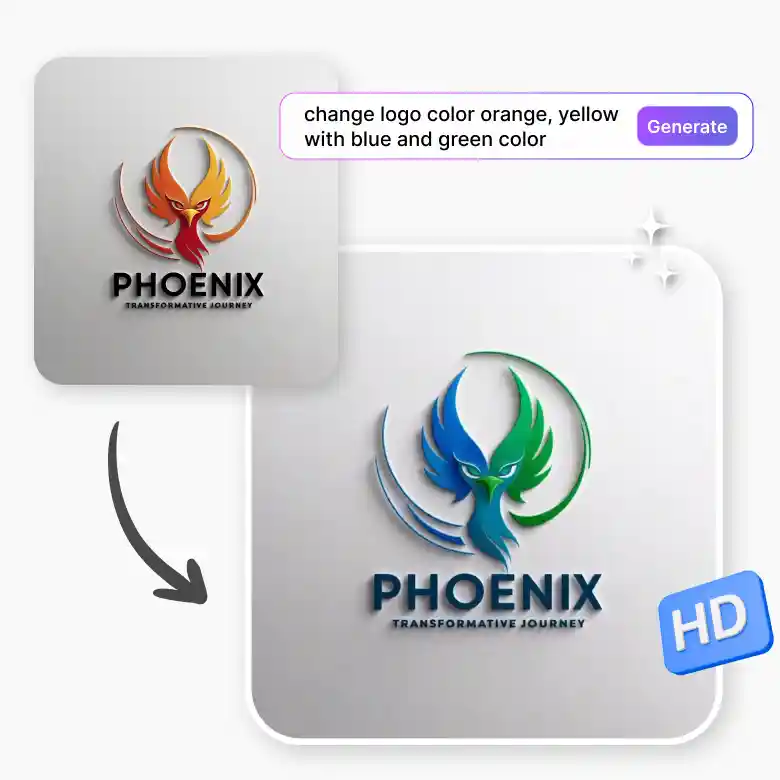
Change logo colors for seasonal campaigns
This tool is especially useful when you want temporary logo versions for seasonal campaigns. You can create Christmas, Halloween, Thanksgiving, and other themed logos without redesigning your logo from scratch. Our AI can also add tiny, seasonal, or festive design elements (like adding a Santa hat on logo) while keeping the original logo design intact.

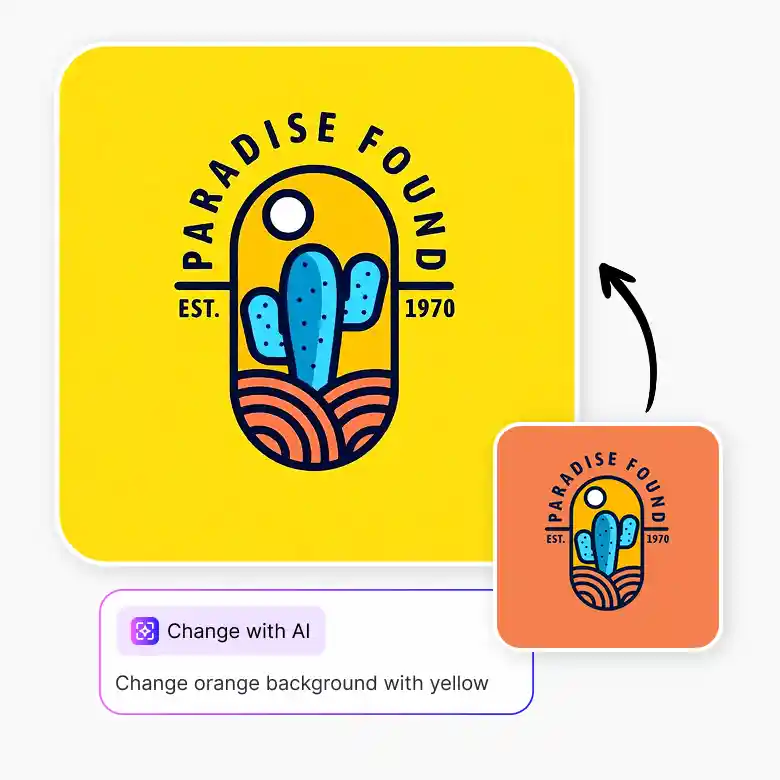
Preview your logo on different background colors
Testing logo colors is easier when you can preview them on different backgrounds. You can change the background color of the logo and see how it looks. No need to switch between different apps. All editing features are available in one place on LightX. After changing the color, simply click the “Change with AI” button and experiment with the logo on different backgrounds using prompts.
When should you consider changing logo colors
Seasonal sales: Turn your logo into holiday-themed versions.
Industry alignment: Test alternative colors that match your industry better.
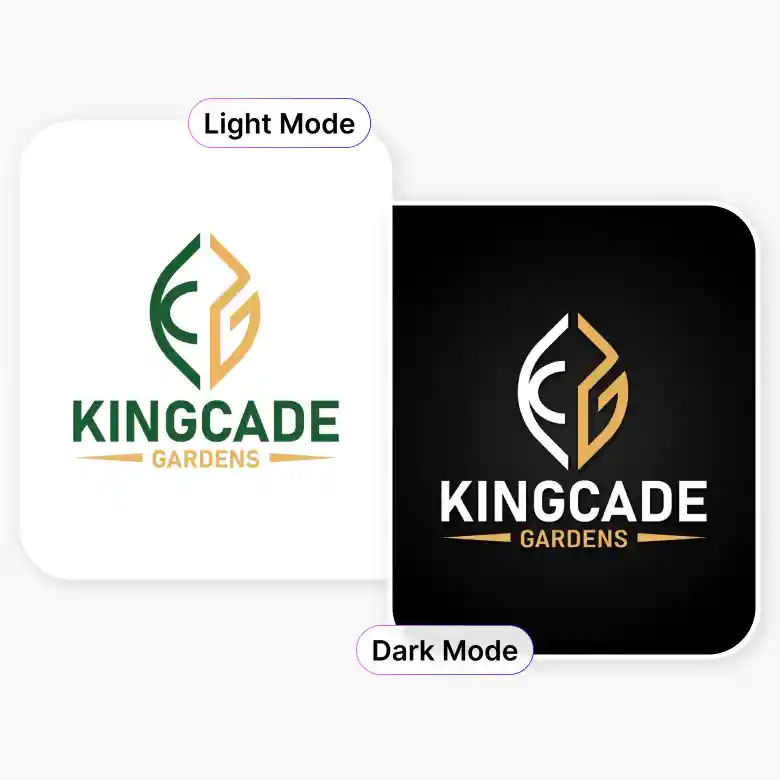
Dark mode and light mode: Create logo color palettes that work on both dark and light backgrounds.
Mockups: Try new logo colors on different products or packaging.
Do not have a logo yet? No problemo!
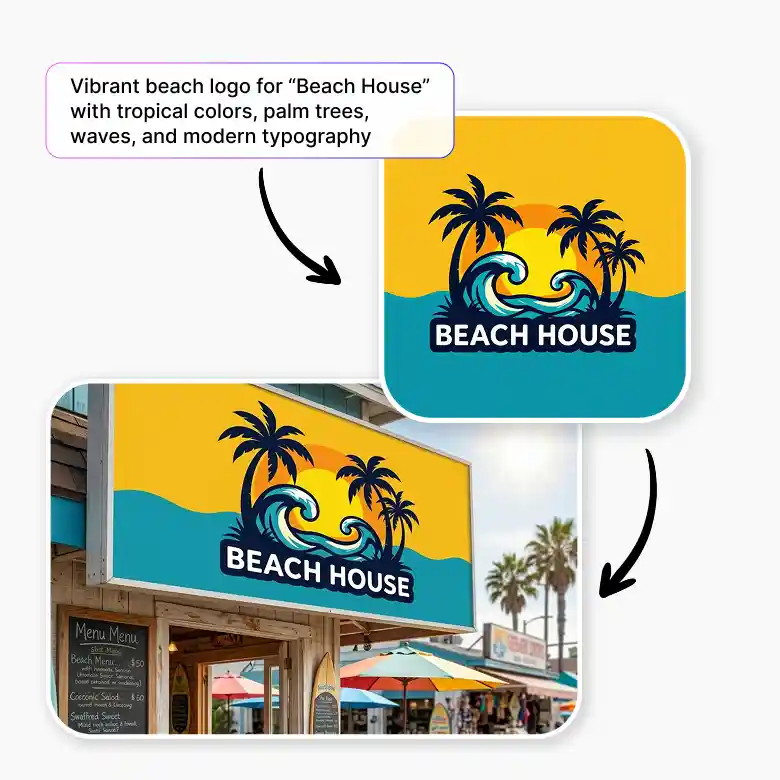
LightX also offers an AI logo generator. You can create a logo and a complete commercial design kit using simple prompt commands. This removes the need to scroll through templates or pay high fees to designers.
Frequently Asked Questions
Discover more tools


