



How to animate a face from a photo with AI?
Upload photo
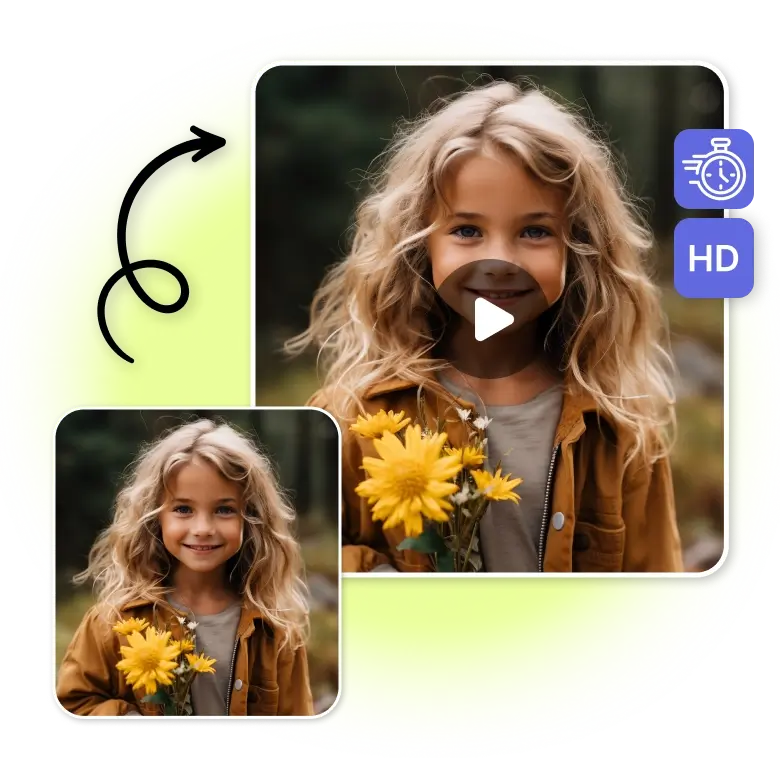
Upload a JPEG or PNG image to the tool by drag-and-drop or by selecting a file.
Select face animation
Explore the library of face movements and audio. Click to choose the animation you want. Each generation costs 4 credits. Use free credits to try.
Generate and download
Click Generate to turn the photo into an animated face video. When it is ready, you can download it as an MP4.
Animate selfies, headshots, portraits
Bring flat faces to life with AI realism. Add motion, expression, and fun to still faces. LightX AI Face Animator has an easy interface that does the heavy lifting for you. No more rendering for hours to get a video. Just upload a photo, pick the expressions you like, and turn faces into moving videos. Each feature, like eyes and mouth, moves in a natural way to add depth and realistic motion.
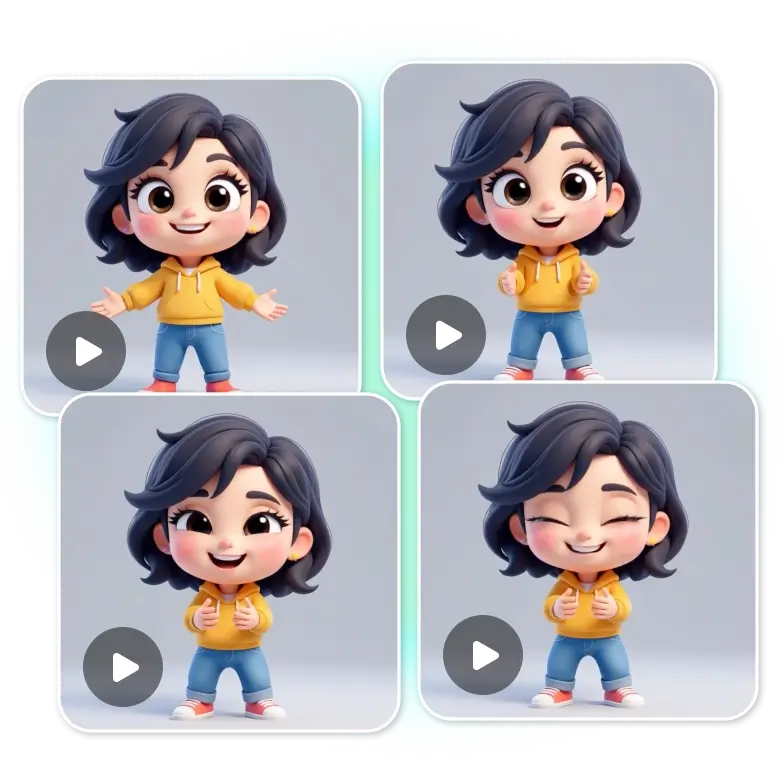
Create viral memes
The next viral meme can come from you. Use our AI moving image generator to turn any face into a meme. Make original content for Instagram, TikTok, YouTube Shorts, Discord, and WhatsApp. Upload photos of people, 3D cartoons, bitmojis, or characters and make them talk, react, smile, or look shocked. Use the AI face animator to create funny clips, reaction videos, and short meme videos in seconds.
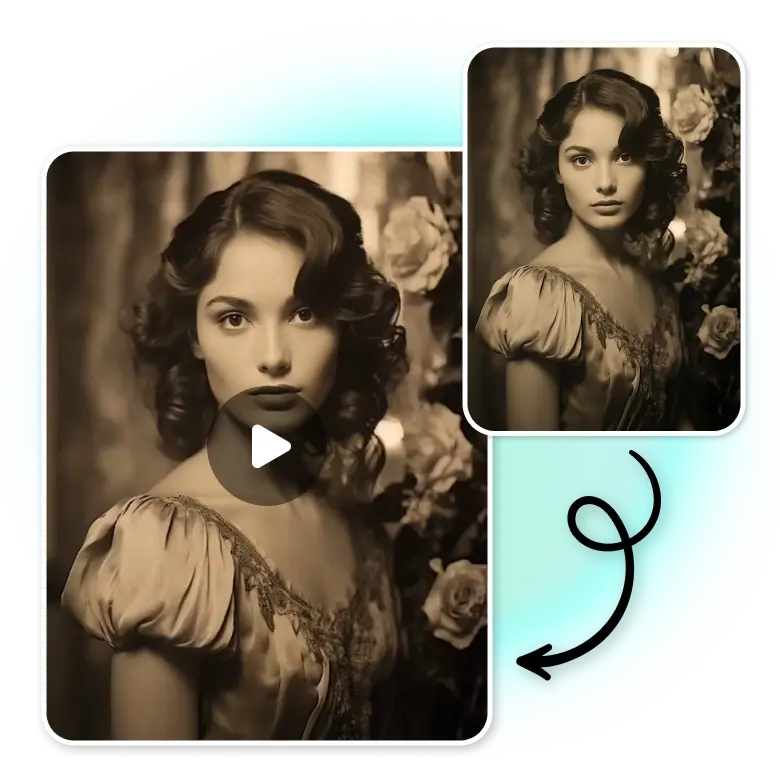
Animate old photos
Animate old photos of family members, old portraits, or paintings, and make the faces move. Add expressions like blinking, smiling, and other motions to still photos. This is great for restoring memories, sharing family history, or making classic images dynamic.
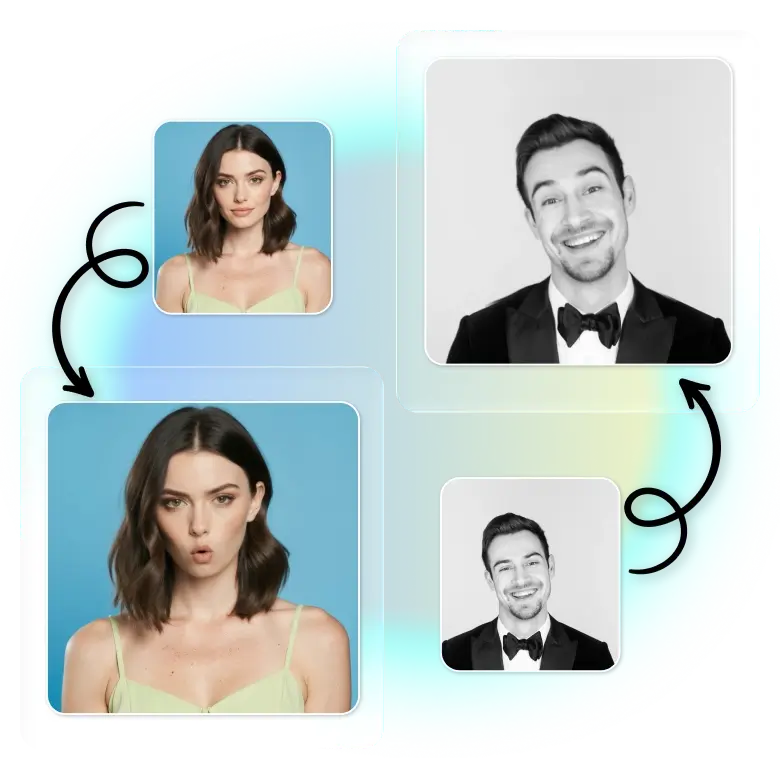
Packs updated every week
New animation packs are added every week, so you always have fresh content to use.
• Memes: Use famous animated meme expressions on any photo. Apply them to a photo to turn it into a famous, recognizable, and funny meme.
• Nostalgia: Add old-time movie expressions to any photo.
• Birthday: We have different happy birthday singing styles. Use a celebrity photo or any face and make it sing happy birthday for your family or friends.
• Expressions: Choose from smiles, laughs, surprise, anger, and make GIFs.
• Romantic: Choose from cute and loving face animations. Make a photo smile, blush, or send kisses.
Go further with our video editor
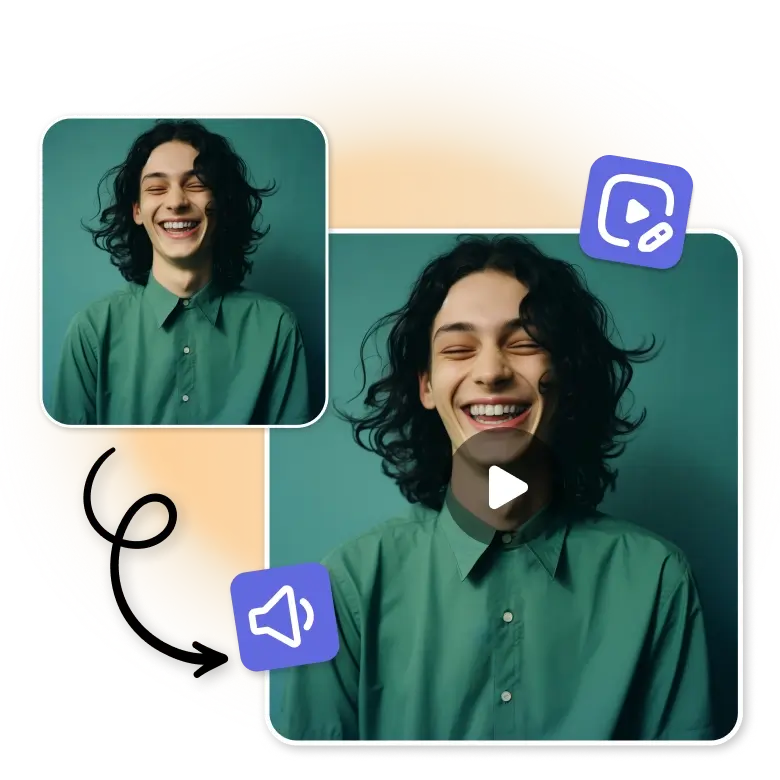
Get to personalize your AI face animation video further in LightX. Explore an extensive suite of editing tools and features in LightX's video editor. Add music to video from LightX's library or upload your own audio, voiceover, or music. Insert images, animated text, animated stickers, or illustrations, as well, for a unique creation.
Why use LightX AI Face Animator
• High-quality results: You can upload low-quality photos, but the animated video will always look high-quality and natural.
• Ready to use packs: No need to render. No manual editing or timeline work.
• Quick as a fox: Fast results with no long processing.
• Easy to use: Simple interface that anyone can use.
Frequently Asked Questions
Yes, you can adjust the speed of your face-animated video. You can edit it within LightX's video editor for a preferred speed adjustment.


