


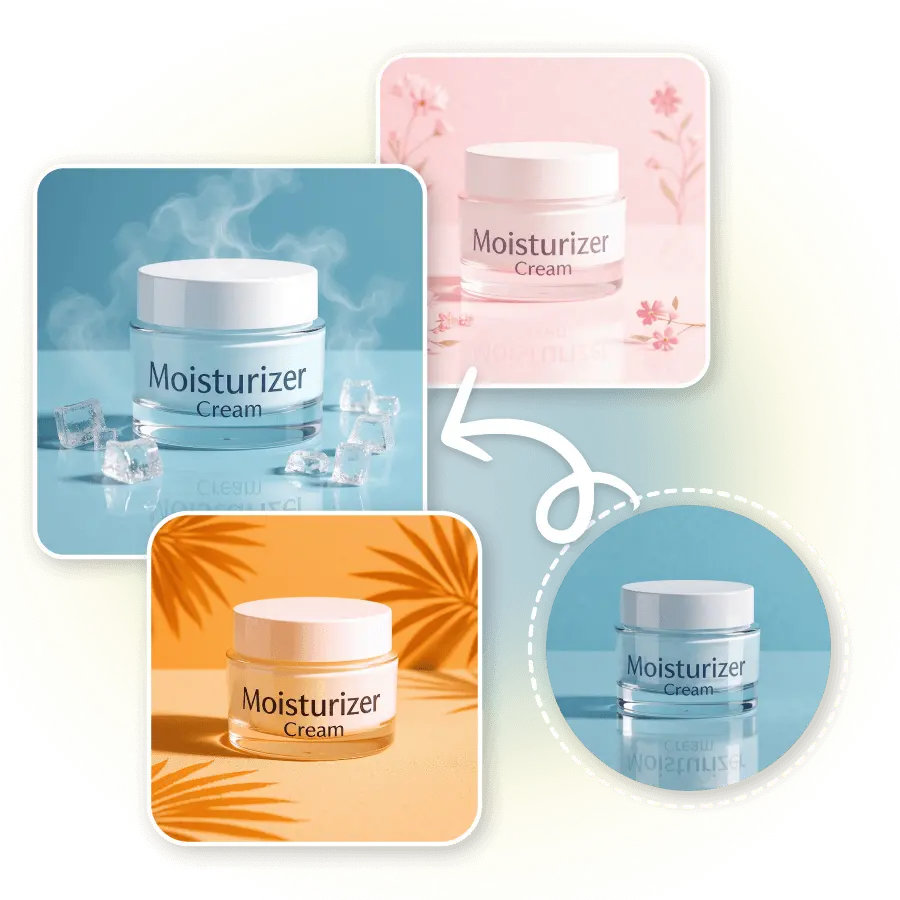
How to conduct a cosmetic photoshoot with AI?
Upload a photo
Start by uploading a well-lit and in-focus photo of your cosmetic product to the AI Photoshoot tool.
Choose or generate a background
Select from preset cosmetic backgrounds or write a short prompt to design your own.
Generate and Download
Click “Generate” to create your final image. Download instantly or try more variations for different styles.


Preset AI Styles for Cosmetic Photoshoot
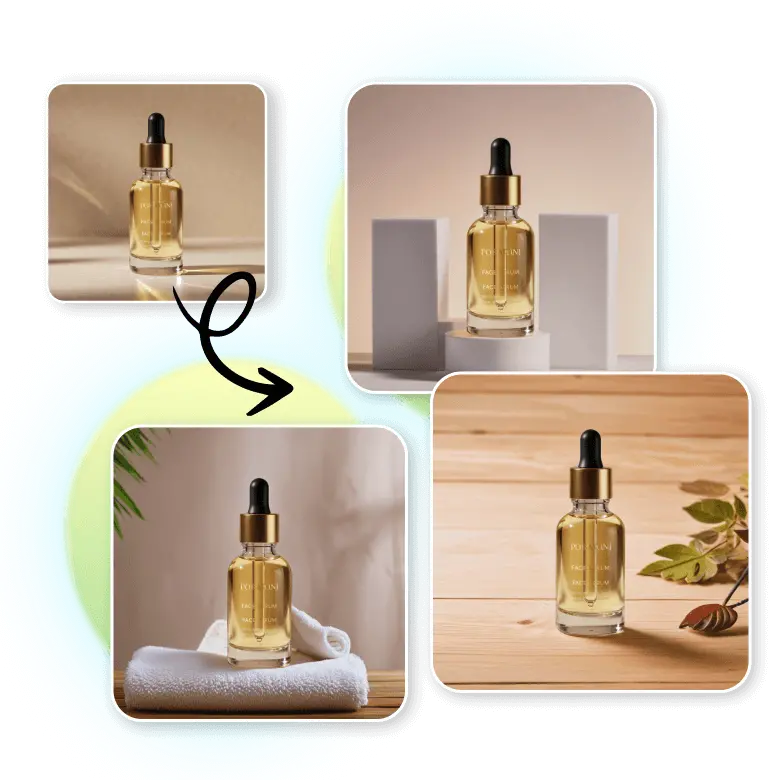
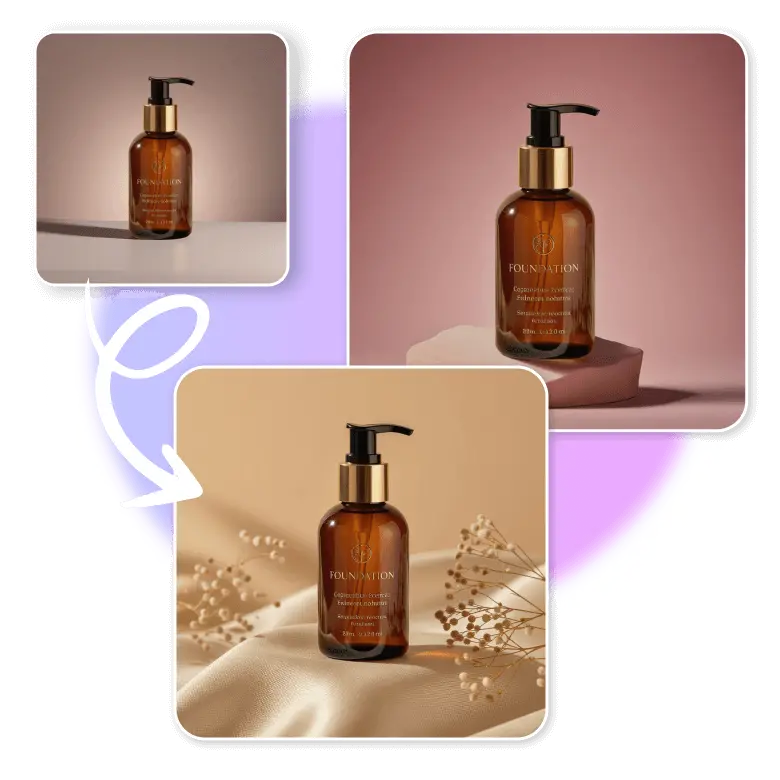
Enjoy fast and easy online cosmetic photography with LightX’s one-click AI styles. These create realistic background mockups for your product.
Custom Background for Cosmetic Products With Prompts
Change your cosmetic product shots with your own custom backgrounds. Create professional and industry-ready AI backgrounds by typing simple text prompts.

AI-automated cosmetic product photoshoot
The AI creates realistic cosmetic photos that match the latest design trends. With LightX AI background generation, you can save the cost of a photographer, time, and effort. Get beautiful, high-quality backgrounds for your cosmetic products in just a few clicks.
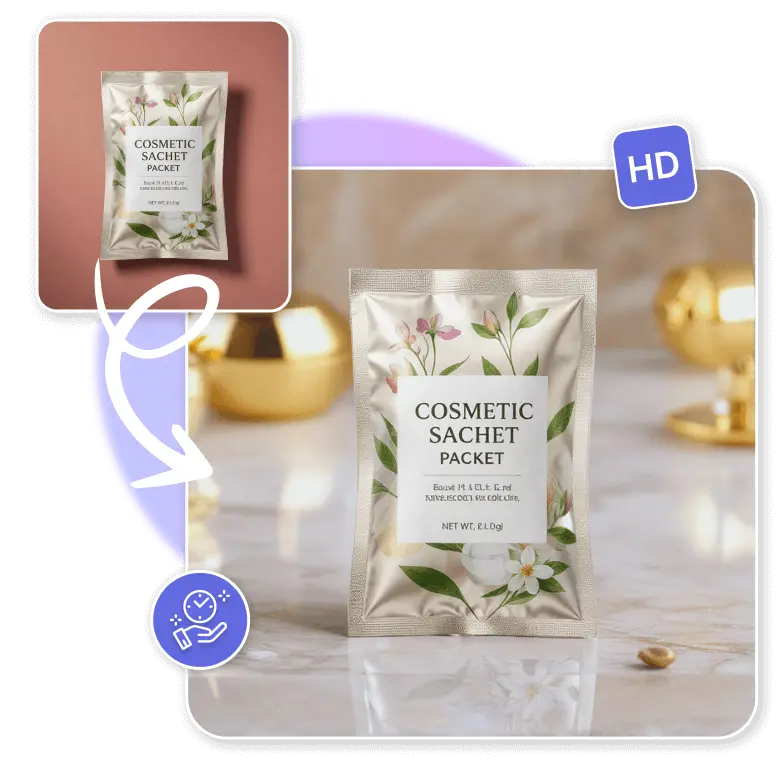
Use one-click cosmetic background mockup styles
Do your own cosmetic product photography using LightX’s one-click preset AI background styles. The AI picks backgrounds that match your product’s theme. You also get smooth blending, automatic adjustments, and a real-time preview of your product photo.
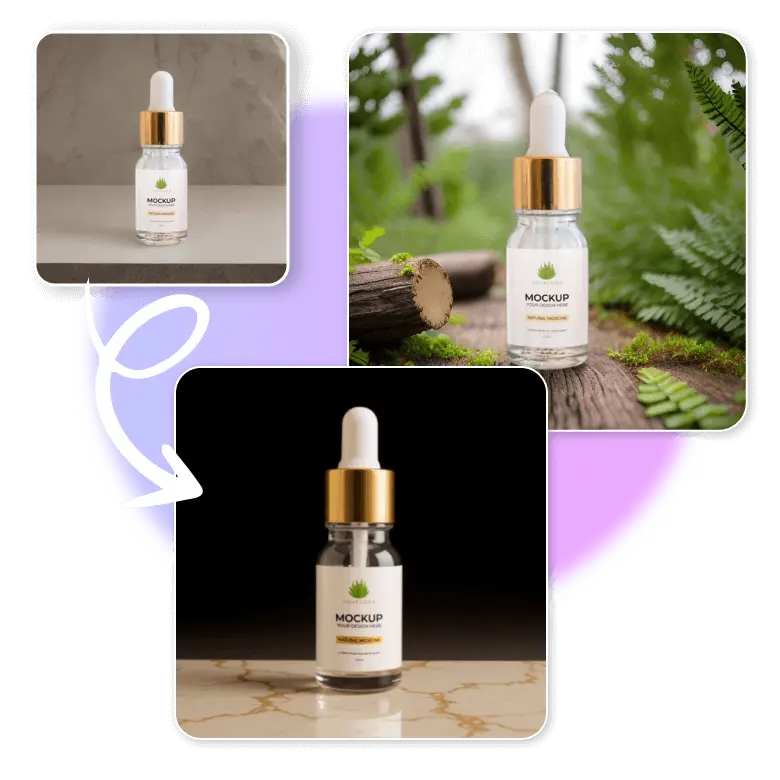
Do cosmetic photography like top brands
Use text prompts to create custom backgrounds for all your cosmetic photography ideas. Give your cosmetic products a background that goes perfectly with your brand colors and aesthetics. This could be ingredients of the product or an overall color vibe.
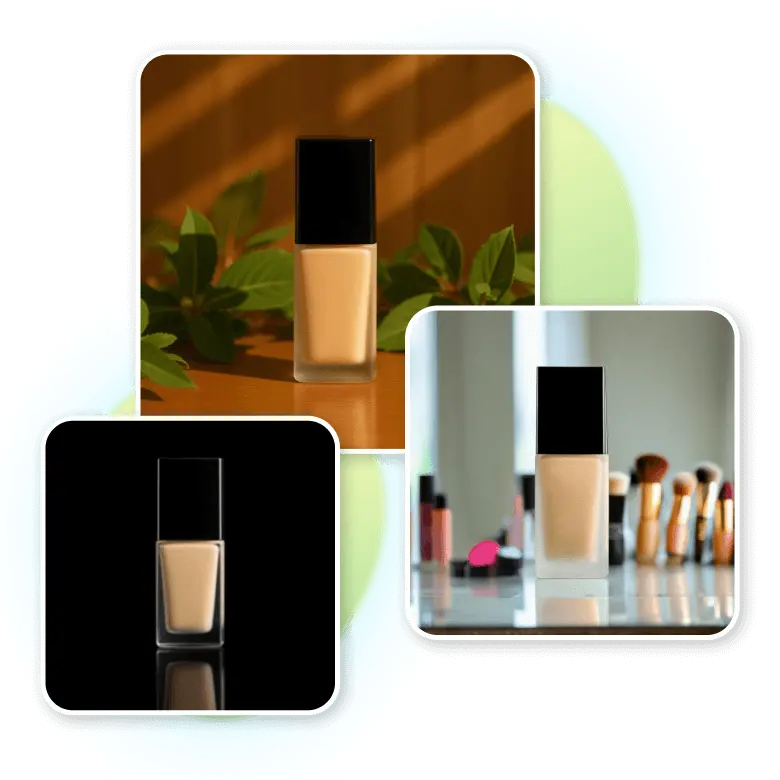
Key benefits for cosmetic photography using AI
Show your clean, stylish, and modern cosmetic products that catch everyone’s eye. LightX does it all easily.
✔ Smart match: Matches your product with the best background for your brand.
✔ Perfect focus: Gives sharp results and clear details with studio-like lighting.
✔ Natural look: Adds real shadows and reflections for a natural look.
✔ HD quality: Gives clear, non-blurry photos that grab attention.
✔ Premium look: Adds rich colors and modern textured backgrounds for a high-end look.
Use cases of AI cosmetic photography
Cosmetic brands: Perfect for your websites, makeup photoshoots, ads, and packaging.
E-commerce sellers: Create professional photos that perfectly match Amazon and Shopify standards.
Beauty influencers: Get clean, consistent, high-quality beauty product photos, ready to post on social media.
Marketing agencies: Quickly create campaign images for different clients.
Small business owners: Save money and time on traditional photoshoots.
Product photographers: Use AI to enhance or edit existing photos.
Frequently Asked Questions
Yes. Use the “Change with AI” option to balance lighting, angles, or background without changing the whole image.
Discover more tools


