
Explore different characters’ style inspirations
How to convert text into a character?
Enter your input
Choose the "Text-to-Image" option and describe your character in the prompt box. You can also give a reference image for AI to mimic its style.
Set parameters
Customize your characters by adjusting features, color tones, resolution, and art style to match the character.
Generate and Download
Click Generate to get the final image, create variations, or download your image in JPEG or PNG format.
Create a unique AI character with text prompts
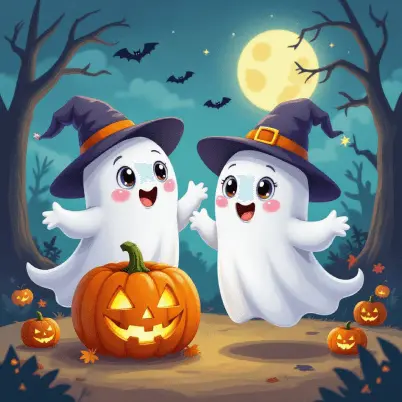
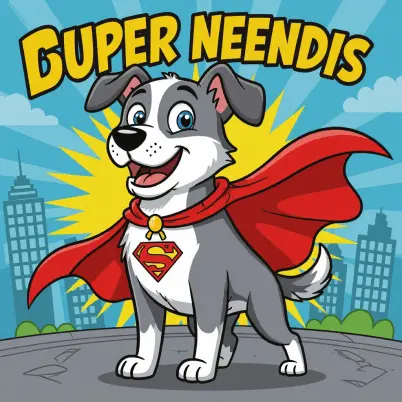
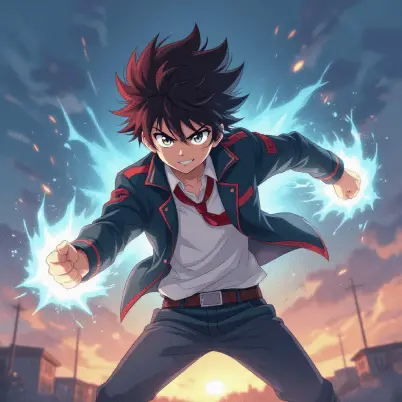
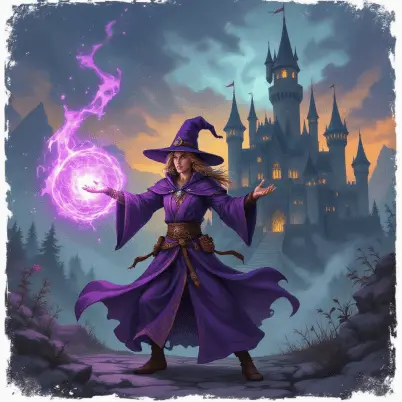
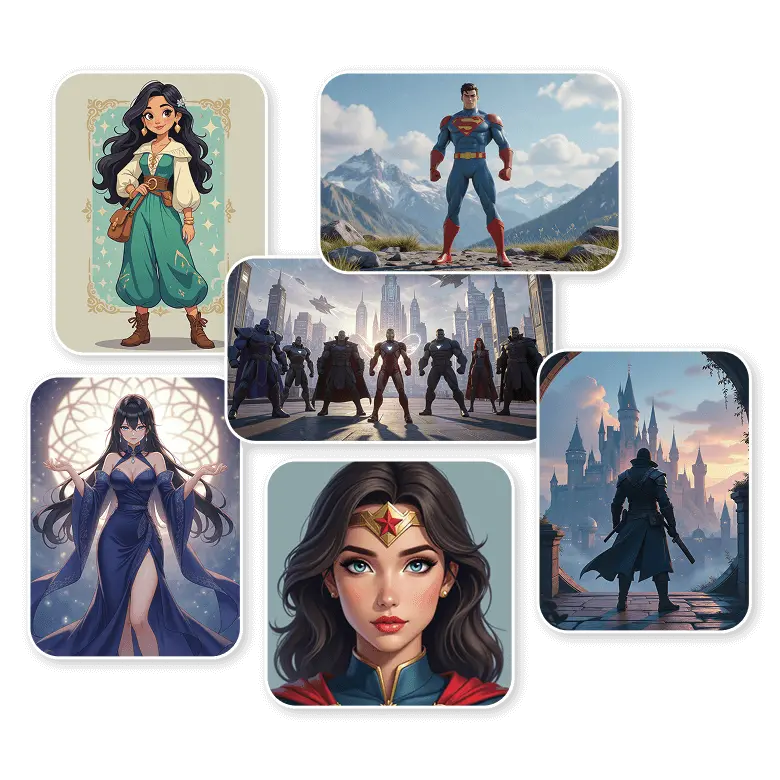
See your imagined characters come to reality by describing the characters you wish to create in detail, including appearance, personality, and style. Generate from classic, DnD, Disney, 3D, to modern chibi, comic book style, minimal cartoon, retro, and more.
Just mention details like:
✔ Age, gender, and occupation: Define who your character is.
✔ Appearance: Full control over the character's body shape and facial features.
✔ Style and accessories: Customize outfits, hair, and the details for the final touch.
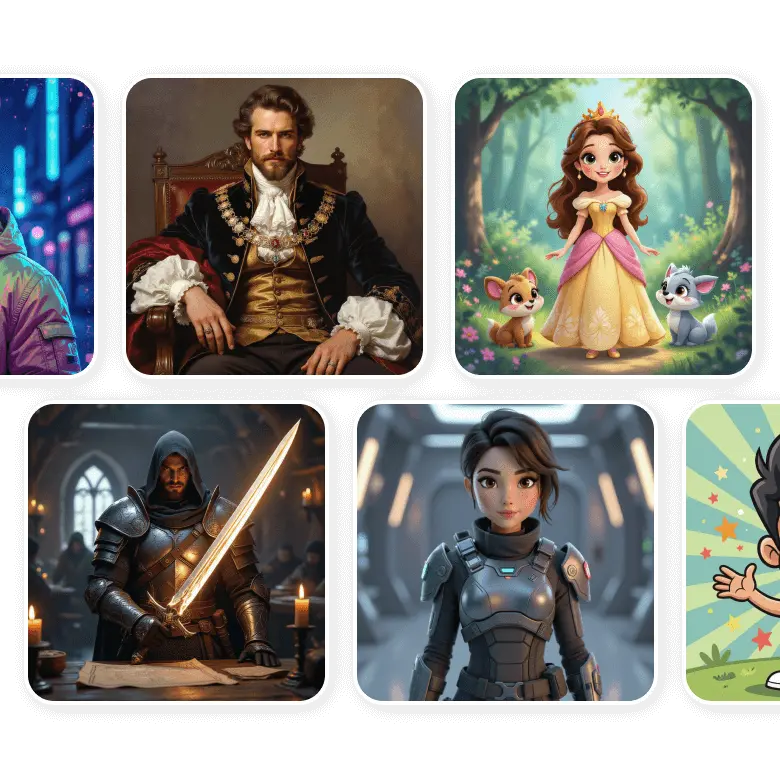
Perfect aspect ratios for every platform
Generate AI characters in the perfect size for every platform or use. Choose square 1:1 for posts, portrait 2:3, 3:4, 4:5, for profiles, posters, or covers, and landscape 4:3, 3:2, or 16:9 for banners and wide scenes like thumbnails. It ensures your characters look sharp, polished, and ready to share on any platform.
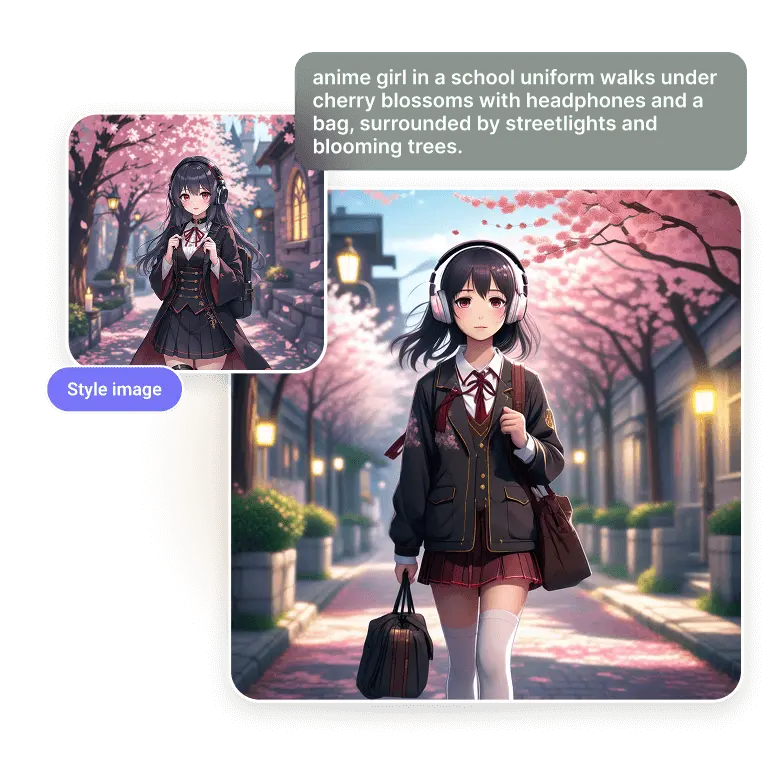
Give a style reference image for more control
Looking to recreate a character based on an inspiration? The high SDXL model lets you upload style reference images to guide AI character creation. The tool then applies features, style, and gives you more control over the final result. Additionally, use the sliders to control how much impact your reference image would have on your final output.
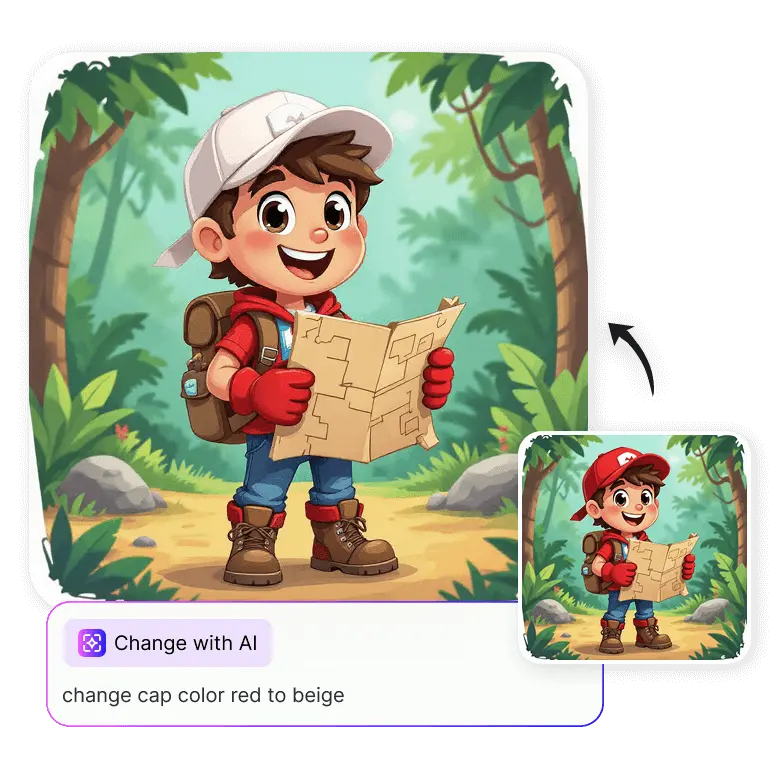
Easy edit for your AI creations
You can edit the details of your generated characters in real time! Whether you want to add something to the generated image, change a specific detail, or remove a specific part from the image, just click on the ‘Change with AI’ button to do further editing. For example, if you generated a cartoon character wearing a cap and want to change its color, simply type “change cap color red to beige” and only the color will change, leaving the rest intact.
Turn yourself into an AI character in one click
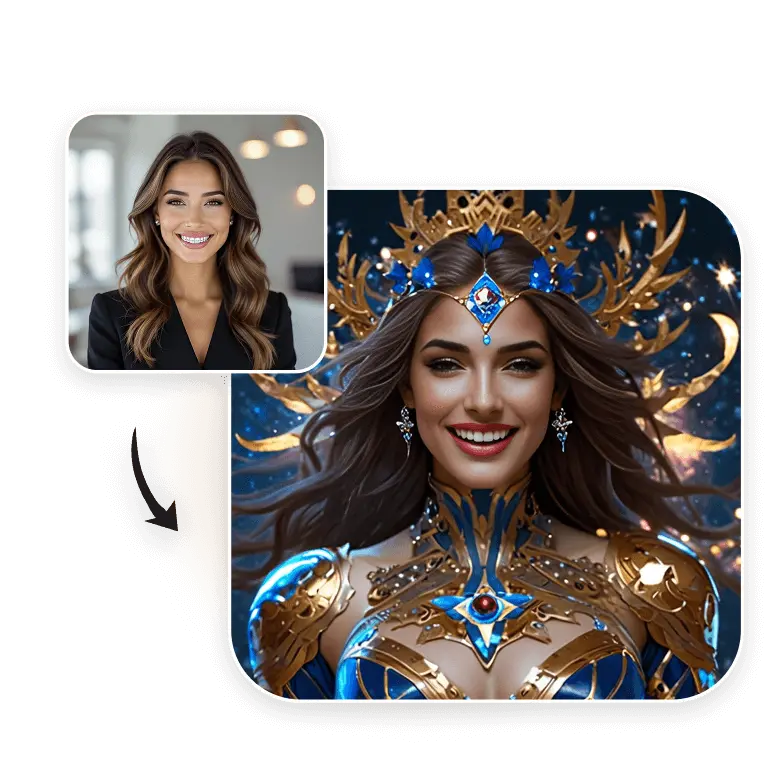
LightX not only generates AI characters from text, but you can also transform your portrait into your favorite character. Just upload your clear image and choose from presets. Turn selfies into realistic characters of anime, fantasy, punk, sci-fi, and more. AI analyzes facial features well and quickly turns your regular image into a personalized AI character.
Use Cases of AI Character Generator
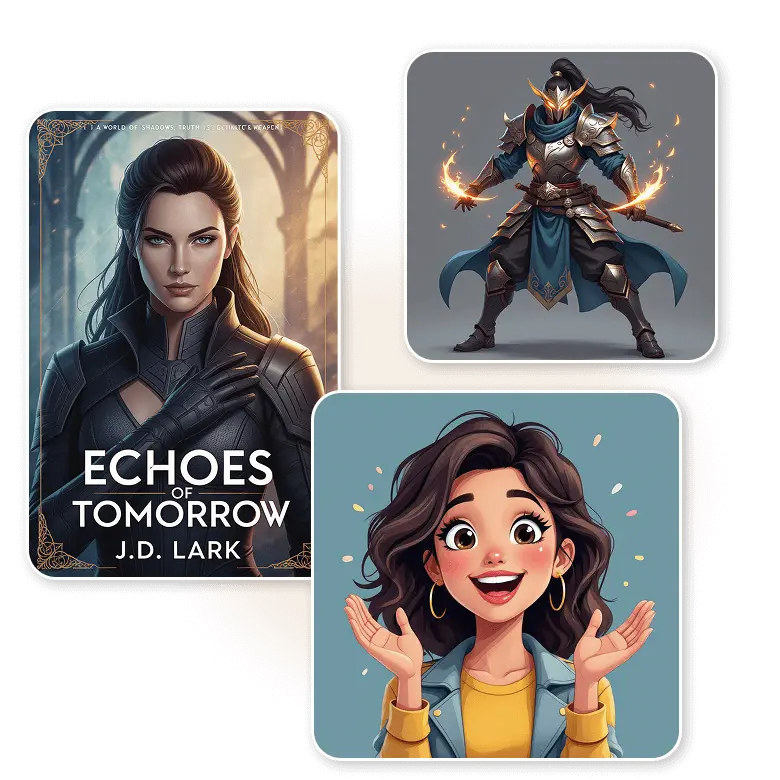
✔ Entrepreneurs and startups: Generate AI characters for packaging, apps, and branding.
✔ Aspiring artists: Discover different art styles, get creative ideas to build a strong portfolio.
✔ Storytellers and writers: Design AI characters for book covers, stories, comics, and manga.
✔ Game developers and animators: Get unique character images for mobile games, creative work, and more.
✔ Content creators and marketers: Social media, ads, promotion, and thumbnails can be more creative to attract more audience.
Frequently Asked Questions
Yes, the AI characters generated with LightX can be used for personal as well as commercial purposes. But please make sure not to use logos, names, or famous characters without permission.
Discover more tools


