

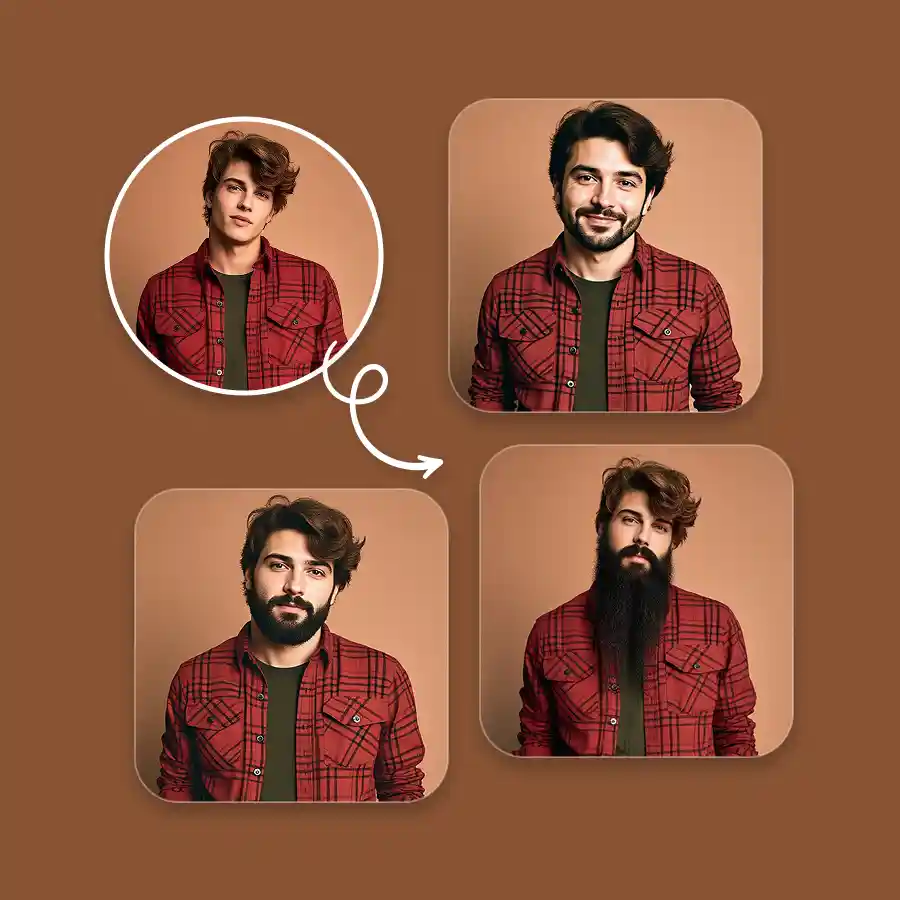
How to add a beard to a picture?
Upload your photo
Choose a photo in JPEG or PNG format that clearly shows your face.
Enter prompt
Describe the beard style you want, then click Generate.
Download
Generate more variations or download the result to your device in JPEG or PNG format.
Realistic AI beard results in seconds
LightX AI beard filter ensures realistic and high-quality results for every beard type, face shape, beard color, and photo quality. It ensures every hair strand of the beard blends perfectly with your photo. All it takes is a photo upload and a basic prompt, and your photo will be ready in 3 seconds.
Experiment with many beard styles and colors
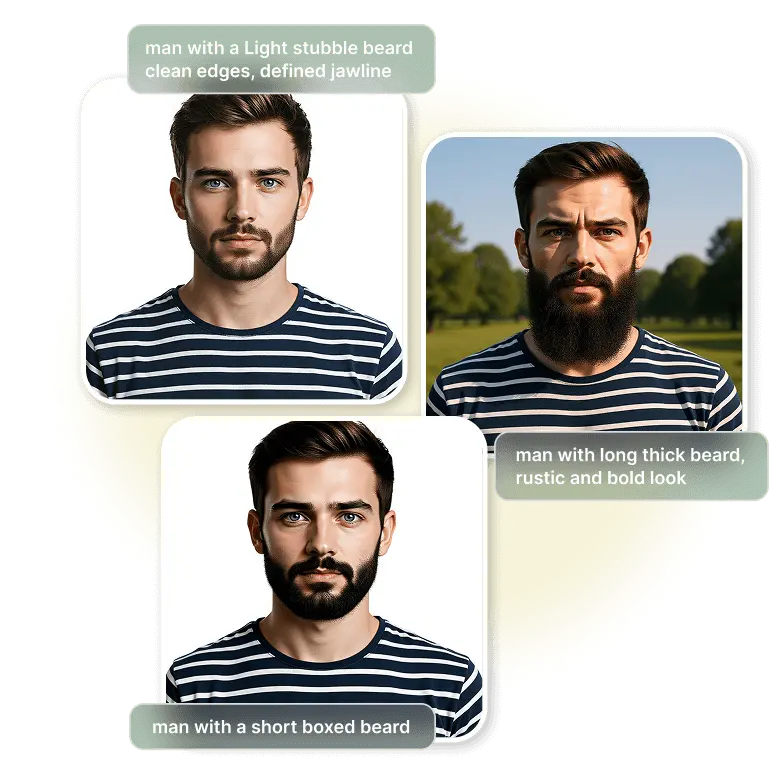
The prompt option unlocks many creative possibilities for experimentation. Try before you commit, try every beard style there is, and grow one in a snap. You can prompt AI for styles, colors, and mix-and-match options to find your perfect look just like that. The popular Italian beard? No problem! Just the moustache? Easy peasy!
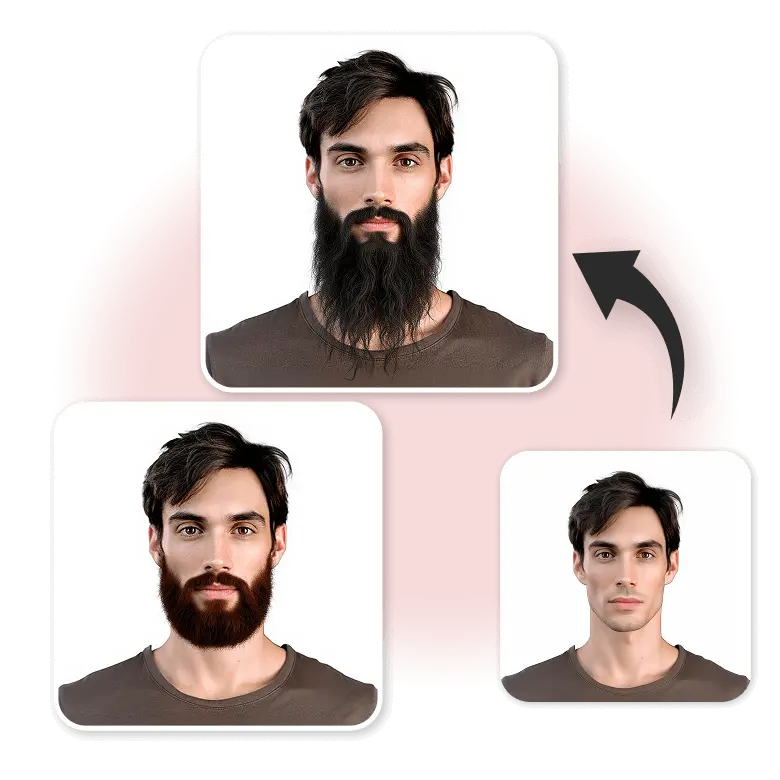
Beardify and stun your friends
Have fun using Beardify for social media! Add beards to your photos and create funny prank posts that surprise your friends. Edit further to remove the beard or add a moustache filter for even more fun and creativity.
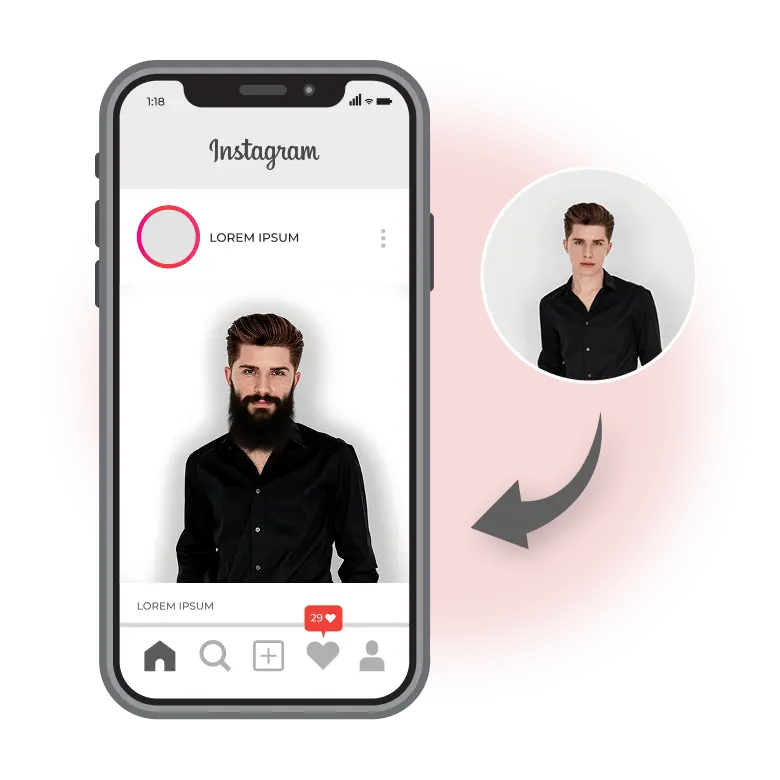
Caters to many use cases
✔Try on different virtual beard styles before growing a real one.
✔ Use it for professional headshots or dating profiles.
✔ Use the tool to hide your identity online.
✔ Plan cosplay or costume looks.
✔ Hair transplant clinics and salons can show clients different beard looks.
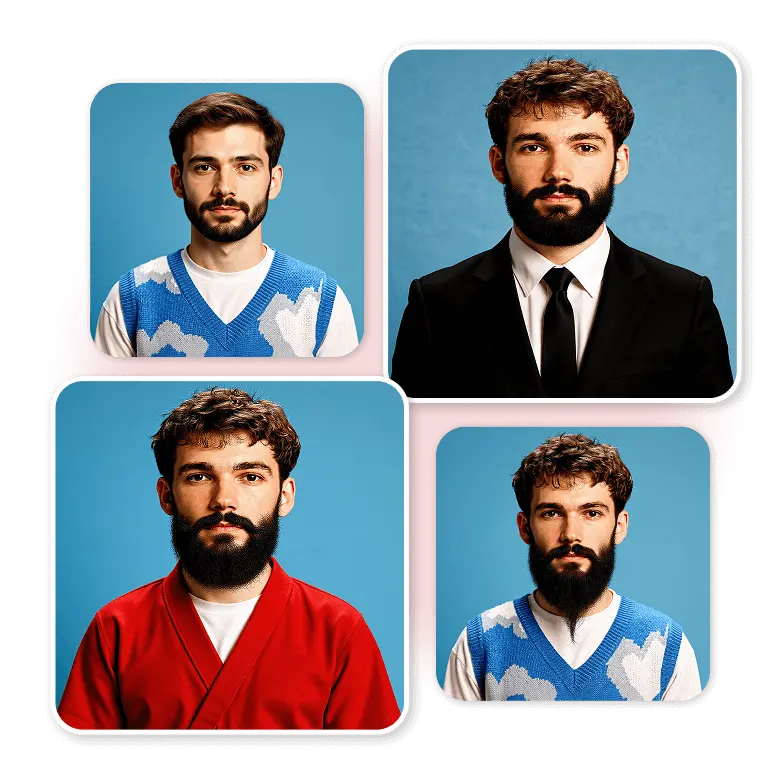
Beard style examples and prompts
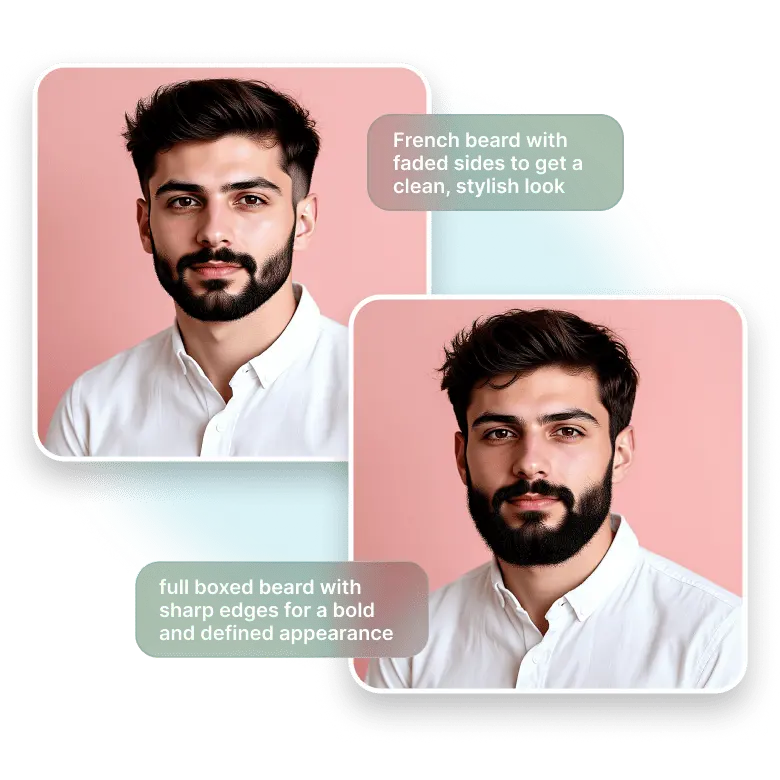
Just mention the beard style you want, like stubble beard, French, braided, full, boxed, or Van Dyke. The AI also understands specific terms such as goatee, faded beard style, or heavy beard falling till the neck, and will generate them accurately.
Example 1: Type “French beard with faded sides” to get a clean, stylish look.
Example 2: Type “full boxed beard with sharp edges” for a bold and defined appearance.
Frequently Asked Questions
Yes, you get 5 free credits daily, so you can try it for free.


