How to Use Kling 3.0 on LightX?
Choose Mode & Model
Select Text to Video or Image to Video, then choose Kling 3.0 from the AI Model dropdown.
Set Your Options
Add your prompt or image, then choose your duration and audio.
Generate & Download
Hit Generate, review your clip, and download it.
Kling 3.0's Omni One Engine now on LightX
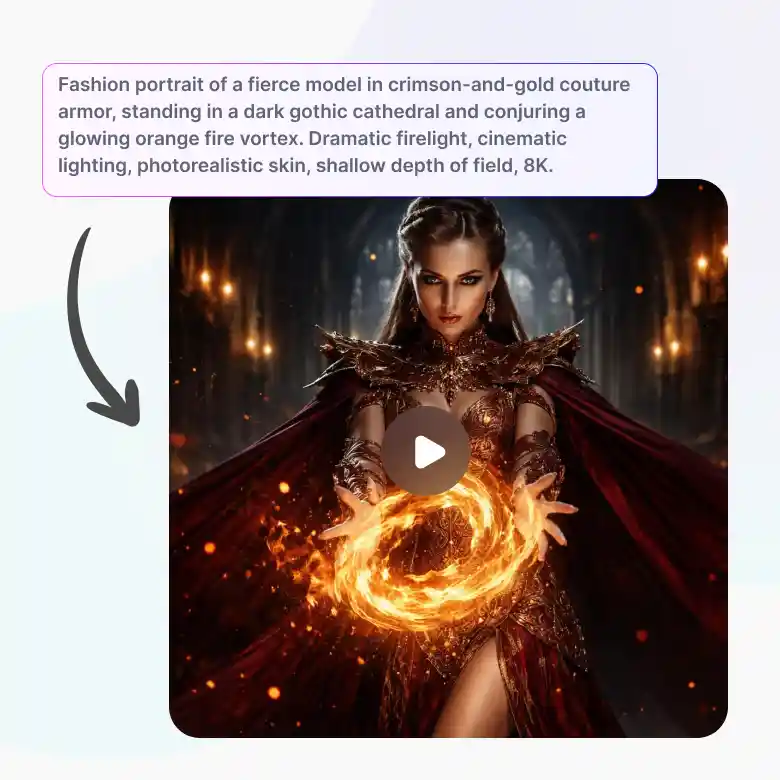
LightX now brings Kuaishou's Kling 3.0 to the most easy interface. Powered by the Omni One engine, the generation looks like real footage. It’s best trusted for realistic motion and cinematic-grade quality. With Kling 3.0, on LightX you're working with the same underlying realism serious productions rely on.

Built for the Final Cut Videos
Kling 3.0 is the same model professional filmmakers and studios trust, so the realism holds up even when the output needs to be the finished product. It’s best used for high-end social content, brand videos, product ads, and final client deliverables.

With 3D Spacetime Joint Attention
The biggest distinction of Kling 3.0 from other AI models is its 3D Spacetime Joint Attention. It means objects and characters in your video relate to each other across space and time, not just frame by frame. The result: a smooth video with physics-accurate motion.
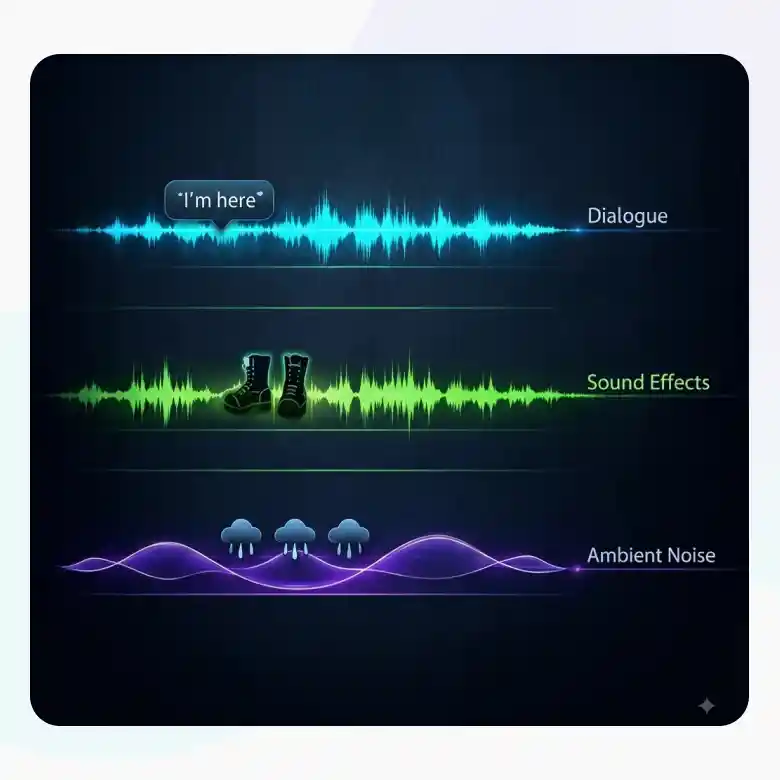
Native Audio, Built In
Generate videos with true audio to match your scene. It's capable of natively generating synced audio automatically to what's happening on screen. Audio like:
• Dialogue: Put what a character says in quotes, and their mouth movements will synchronize it
• Sound effects: Generated automatically based on what's happening in the scene like footsteps, a door closing, rain hitting a window
• Ambient noise: Background atmosphere, like city traffic or wind, generated to match the setting you describe
Prefer silence? Leave audio off for unscored clip.
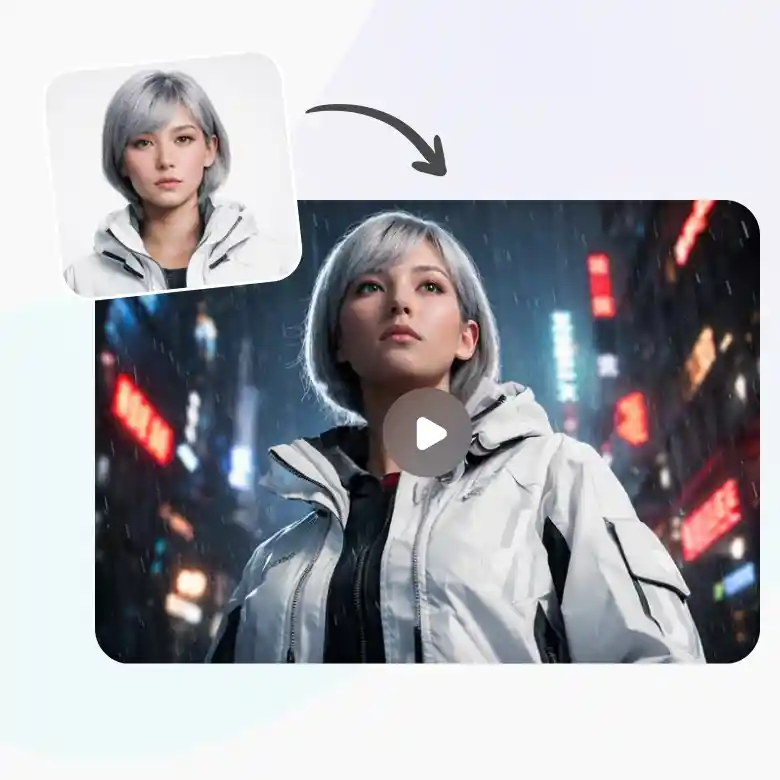
Flawless Input Image Consistency
Upload your input image, and Kling 3.0 keeps faces, logos, and subjects exactly as they are, no drift, no subtle changes. It blends the subject naturally into any new background, and even handles angle changes, a turn of the head, a different camera position, without altering the features you started with.
Kling 3.0 Text to Video
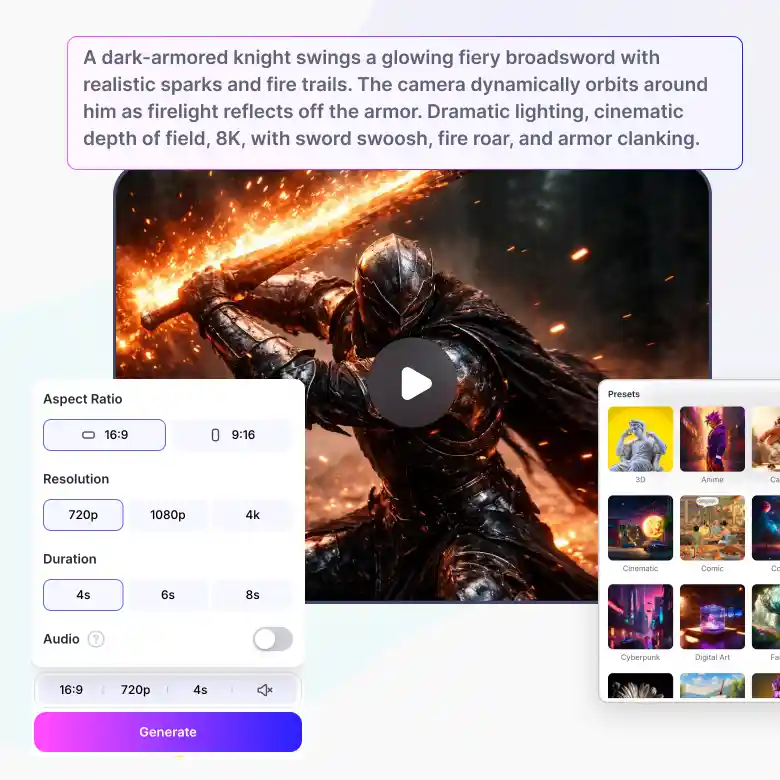
Generate a video straight from a text prompt. LightX's Text to Video comes with:
• Presets: Quick styling options so you don't have to describe every visual detail yourself
• Aspect Ratio: Auto, LightX selects the best fit for your prompt
• Resolution: Auto, optimized automatically
• Duration: 5, 10, or 15 seconds
• Audio: Optional, toggle on or off
• Credits: Starts at 100 credits, varies with duration and audio. Exact cost shown before you generate.
Kling 3.0 Image to Video
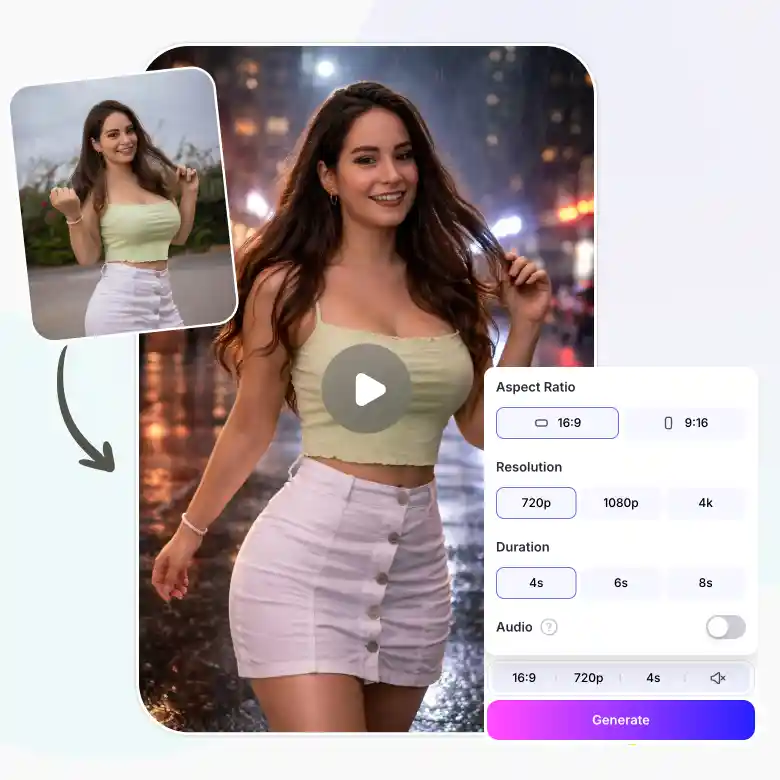
Upload a photo and turn it into a moving video clip. LightX's Image to Video comes with:
• Reference Images: Upload 1 image, or enable a 2nd for more control
• Aspect Ratio: Auto
• Resolution: Auto
• Duration: 5, 10, or 15 seconds
• Audio: Optional, toggle on or off
• Credits: Starts at 100 credits, varies with duration and audio. Exact cost shown before you generate.
Prompting Kling 3.0
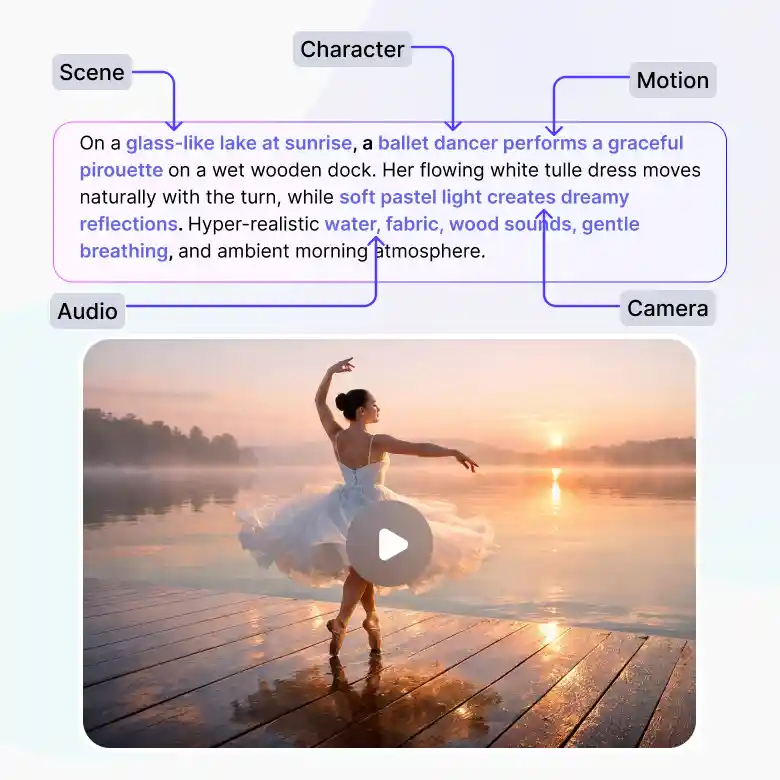
Describe the scene the way you'd explain it to a person. A nice flowing sentence and not just keywords.
Example: "A ceramic mug tips over on a wooden table, coffee spilling in a slow, deliberate arc across the surface, making ripple sound."
Elements to include:
• Scene: places, weather, indoor/outdoor, time of day
• Character/object: expressions, actions, posture
• Motion: describe real physical forces, not just movement, "the flag ripples in the wind" instead of "the flag moves"
• Audio: dialogue, sound effects, ambient noise
Tips:
• Put dialogue in quotation marks
• Describe motion with weight and force behind it, this is where Kling's physics engine shows its strength
• For a video with entirely different scenes, generate a few short clips separately, then compile them using a video editor