How to use the Wan 2.7 AI video model on LightX?
Choose Mode & Model
Select Text to Video or Image to Video, then choose Wan 2.7 from the AI Model dropdown.
Set Your Options
Add your prompt or image, then choose your aspect ratio, resolution, duration, and audio.
Generate & Download
Hit Generate, review your clip, and download it.
Alibaba’s advanced WAN 2.7 AI video model is here
Wan 2.7 is Alibaba’s advanced AI video model, built for creators who need high-quality videos with more creative control. It improves visual quality, native audio, natural motion, stylization, and character consistency.
You can create cinematic videos from text and images while controlling the first and last frames. This makes it perfect for creators, marketers, filmmakers, and brands producing professional video content.
Create high-fidelity videos with cinematic motion quality
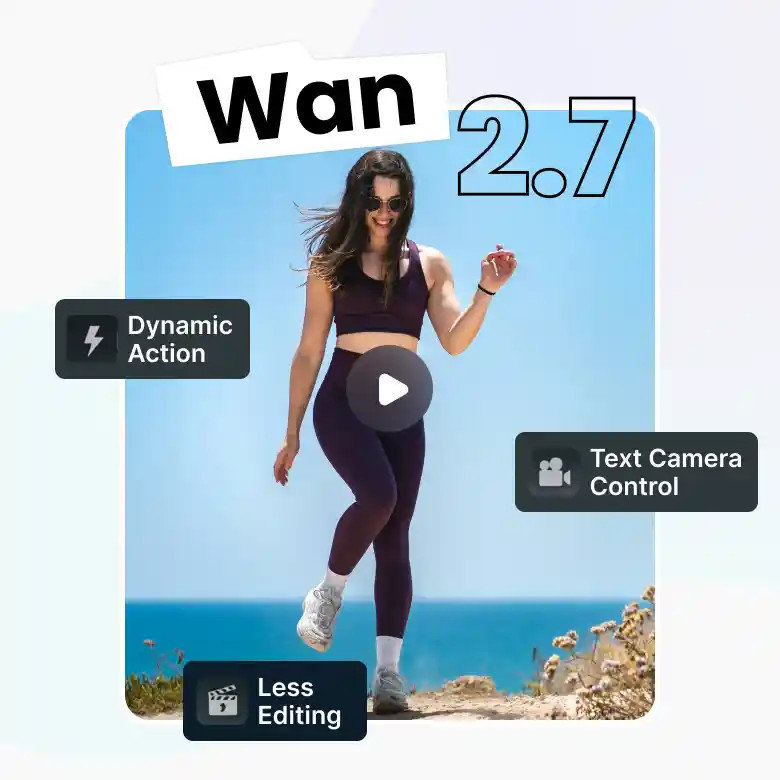
Realistic motion is one of Wan 2.7’s key strengths. It creates smoother, more physically plausible movement, with natural body weight and better-directed camera behavior. Character details across skin, fabric, and hair also remain more consistent during movement. This makes it useful for cinematic pitches, lifestyle content, and high-fidelity ads.
✔ Create dynamic action and movement-based scenes
✔ Add cinematic camera directions through text prompts
✔ Generate polished videos with less manual editing
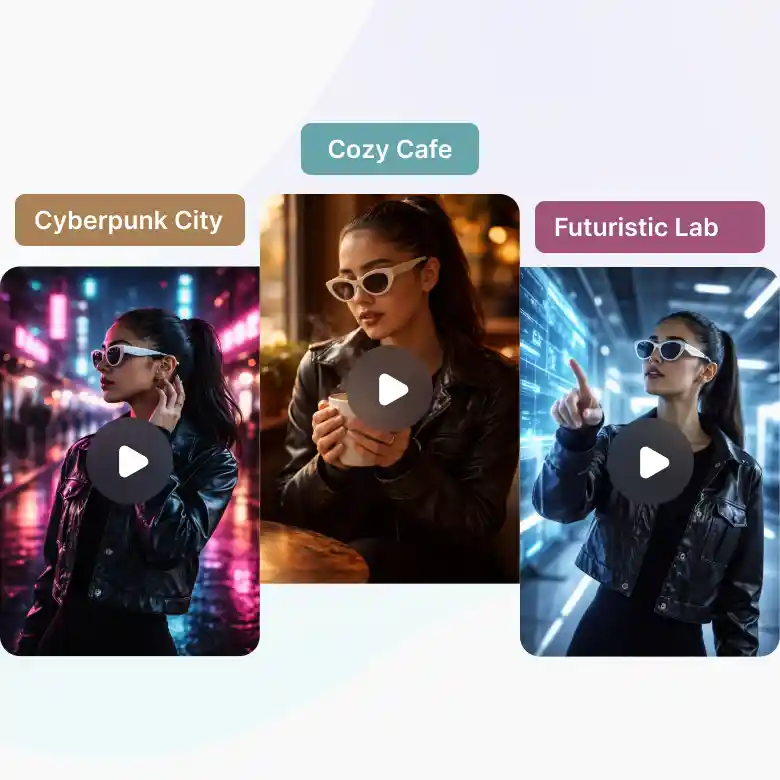
Preserve character identity across scenes
Wan 2.7 helps keep characters looking consistent throughout a video. The input image guides the model to maintain the character’s face, clothing, identity, and overall appearance across different scenes.
This makes Wan 2.7 useful for:
✔ Character stories and short films
✔ Virtual character videos
✔ Product and brand content
✔ Multi-scene social media videos
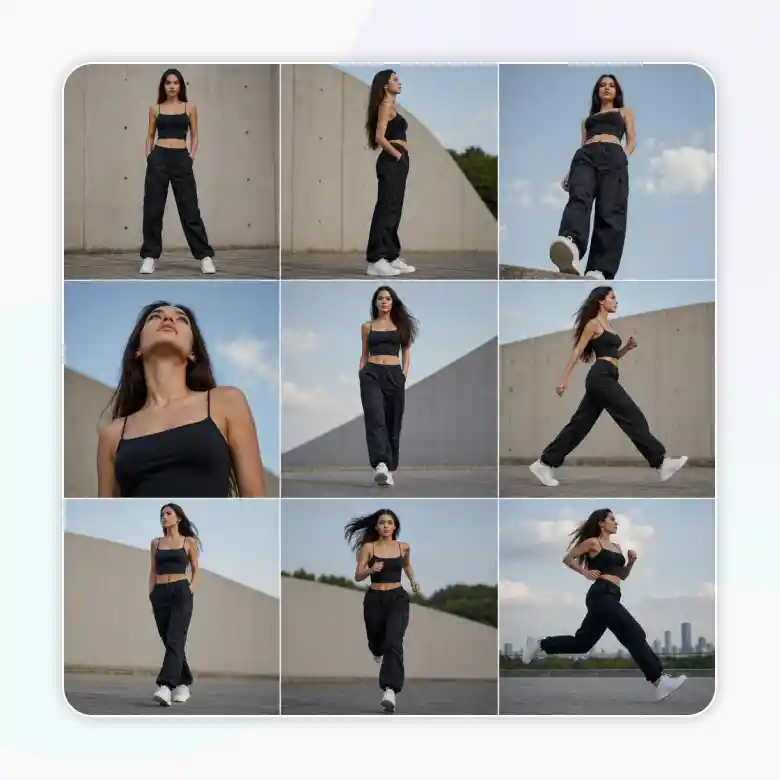
Create multiple views with 3×3 grid image-to-video
Upload one image, and Wan 2.7 turns it into a 3×3 grid with different motions, poses, and camera angles. The model better understands the subject and generates a more detailed, consistent video.
✔ Explore different camera angles
✔ Add varied motions and poses
✔ Keep the subject consistent
✔ Create more dynamic video scenes
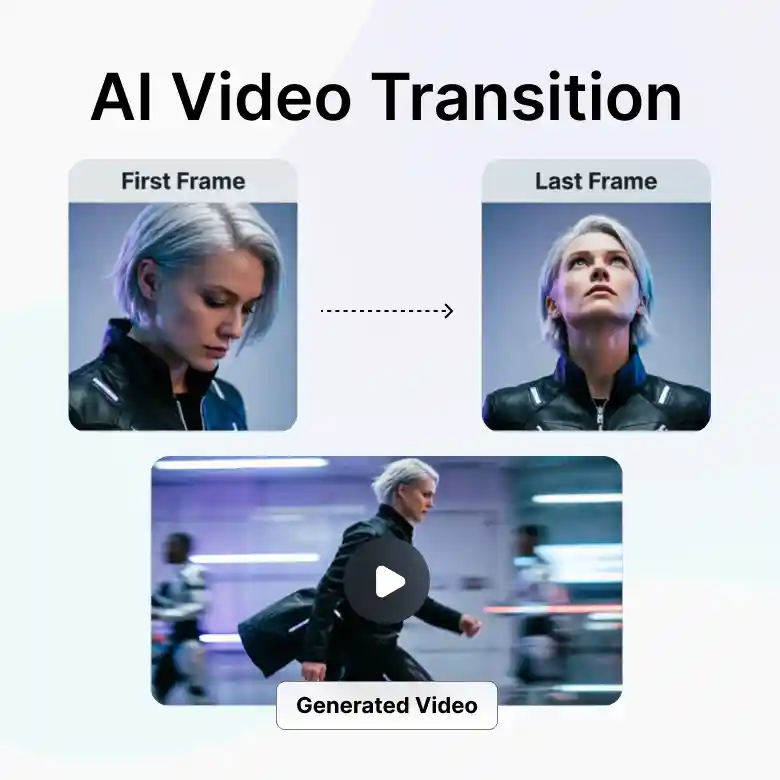
First and last frame control
Upload a starting image and an ending image, and Wan 2.7 creates smooth motion between them. Describe the movement or transition in your prompt to control how the video begins, changes, and ends. This is useful for planned scenes, character movements, and visual transitions.
Wan 2.7 text to video
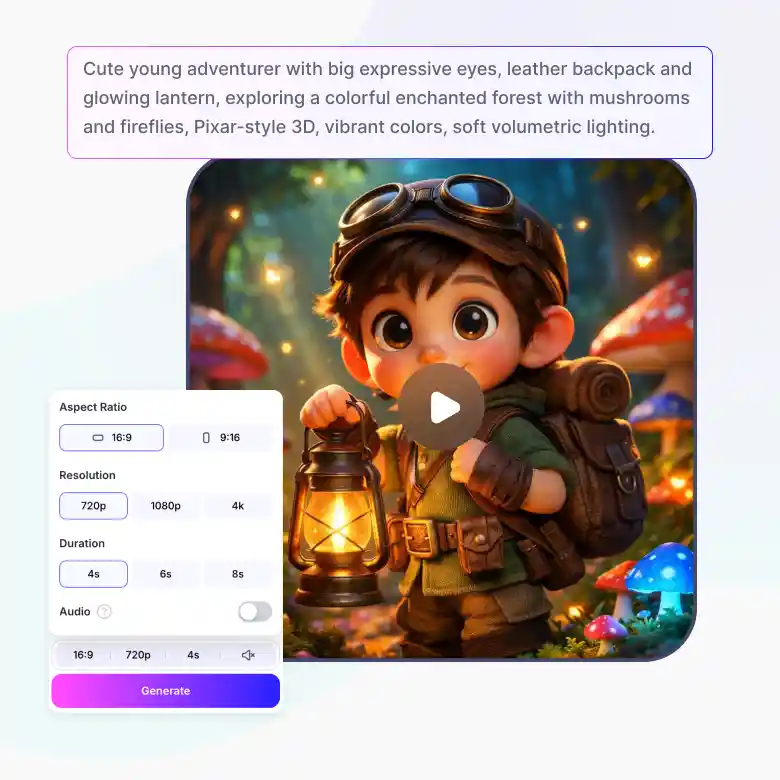
Generate videos directly from a text prompt. Wan 2.7, combined with LightX AI Text to Video, comes with many features:
• Style presets: 3D, Anime, Cartoon, Cinematic, Comic, Cosmic, Cyberpunk, Digital Art, Fantasy, and more
• Duration: 5, 10, or 15 seconds
• Aspect ratio: 1:1, 16:9, or 9:16
• Resolution: 720p or 1080p
• Credits: Start at 100 credits and vary with resolution and duration. The exact cost is shown before you generate.
• Negative prompt: Specify what to exclude from the generation.
Wan 2.7 image to video
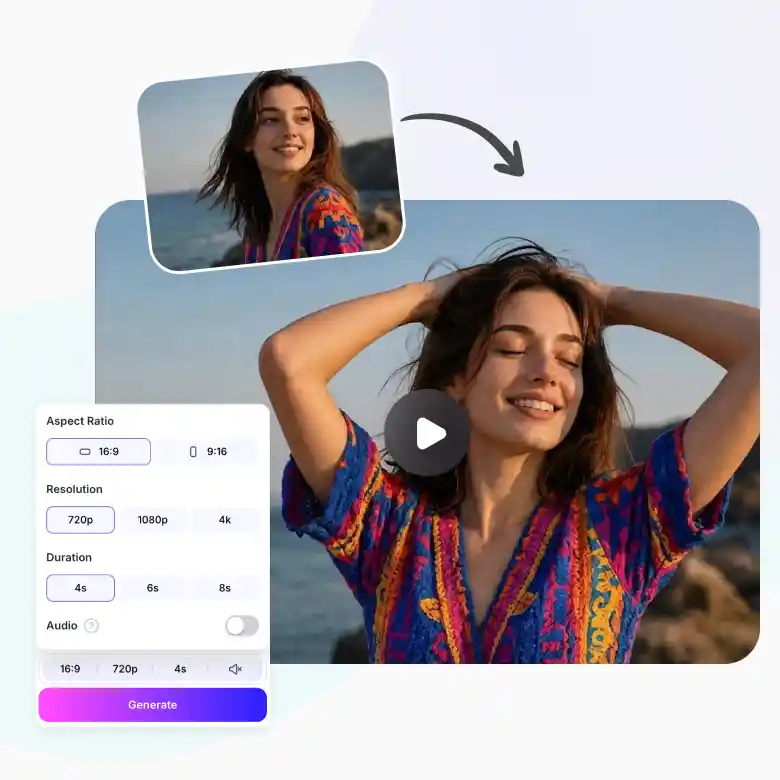
Upload a photo and turn it into a moving video clip. Wan 2.7, combined with LightX AI Image to Video, comes with many features:
• Input image: Upload one image, or enable a second image for more control
• Duration: 5, 10, or 15 seconds
• Aspect ratio: Auto
• Resolution: 720p or 1080p
• Credits: Start at 100 credits and vary with resolution and duration. The exact cost is shown before you generate.
• Negative prompt: Specify what to exclude from the generation.
How to write prompts for Wan 2.7
Describe the scene as you would explain it to a person.
Example: “Create a cinematic scene of a medieval warrior slowly drawing a sword inside a dark castle.”
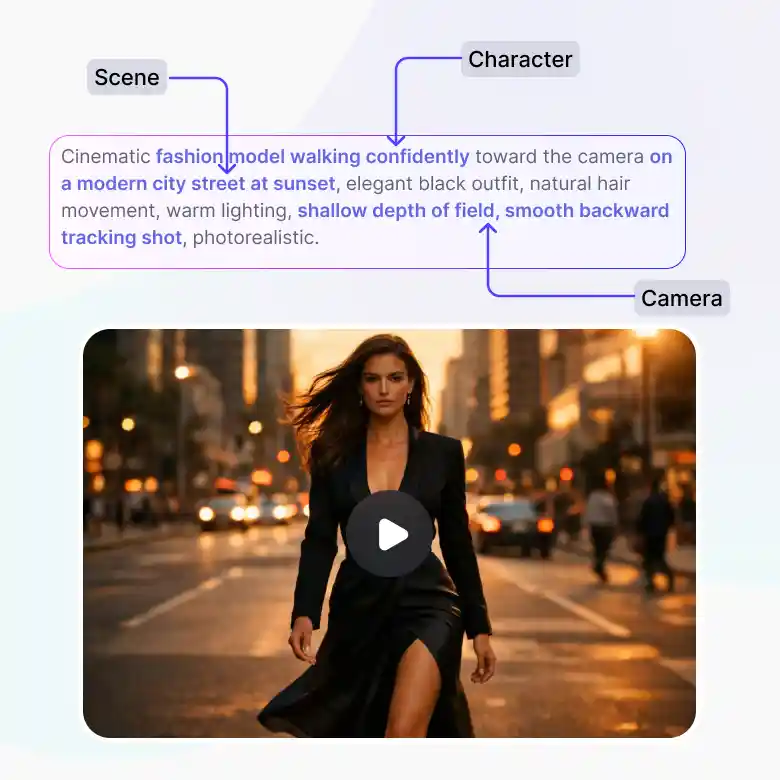
Include details such as:
• Scene: Location, weather, indoor or outdoor setting, environment, and time of day
• Character: Appearance, expression, action, posture, clothing, and movement
• Camera: Panning, zooming, tracking, static shot, or camera angle
Tips:
• Describe actions in a clear order.
• For videos with different scenes, generate short clips separately, then combine them using a video editor.
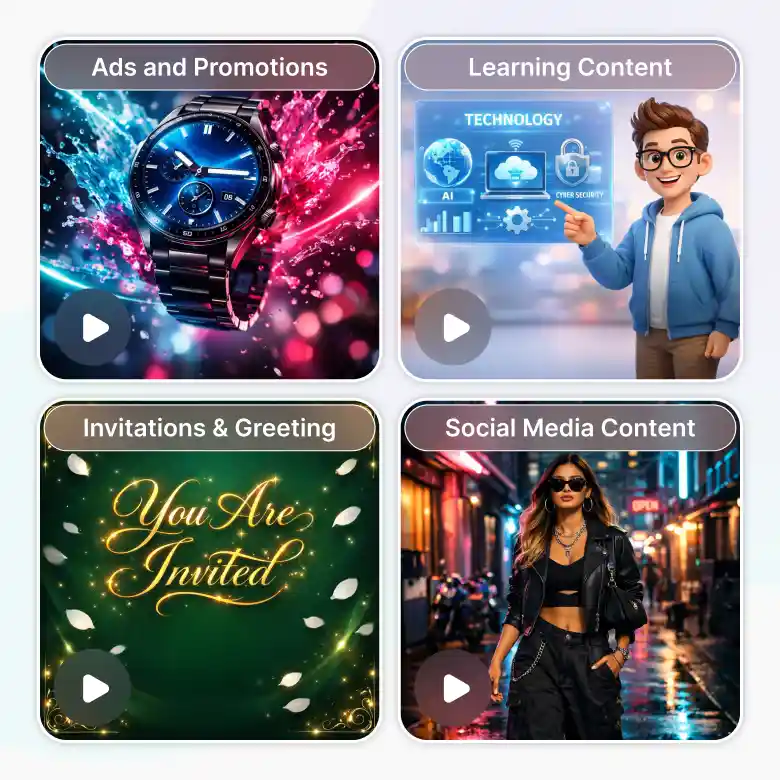
What can you make with the Wan 2.7 video generator?
• Social media content – Make quick videos for Reels, Shorts, and TikTok.
• Ads and promotions – Create product ads and campaign videos.
• Product showcases – Bring product images to life with motion.
• Learning content – Turn ideas into simple explainers and training videos.
• Brand stories – Show your products, features, or brand in action.
• Music visuals – Create interesting videos for YouTube and social media.
• Video invitations and greetings – Design invites and greetings for any occasion.