


How to reduce noise in photos?
Upload
Choose or drag and drop an image into “Quick Edits.” Supported formats are JPG or PNG.
Remove
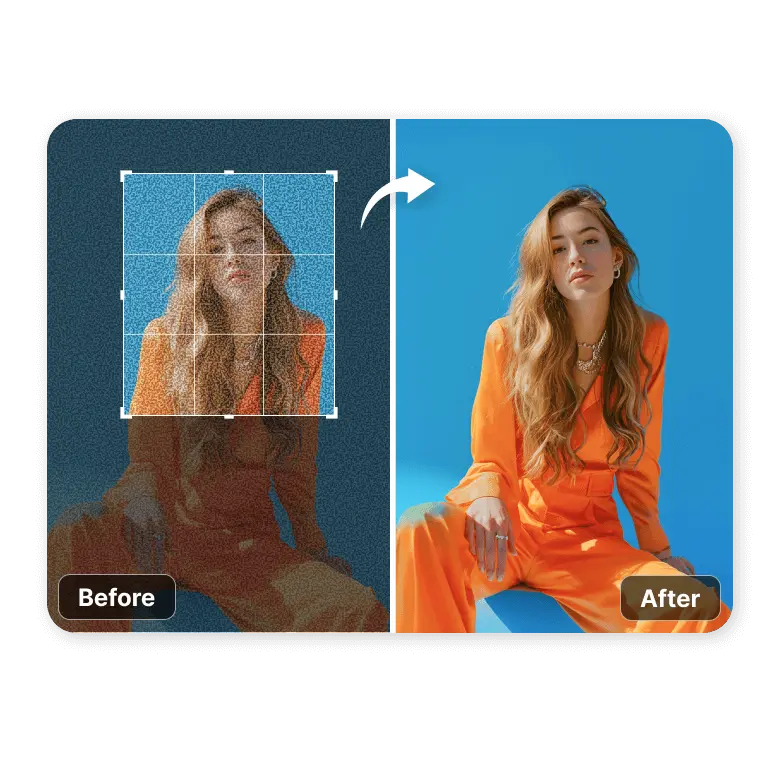
Select the “Remove Noise” feature and click the Remove button. The tool will automatically remove all the noise from the photo.
Download
Once done, download the noise-free photo to your device in JPG or PNG.
Remove grains from compressed / cropped photos
Fix low-quality grains occurring in your JPEG artifacts, especially caused by multiple compressions or cropping too closely. Give clarity to faces and make photos look better quality.
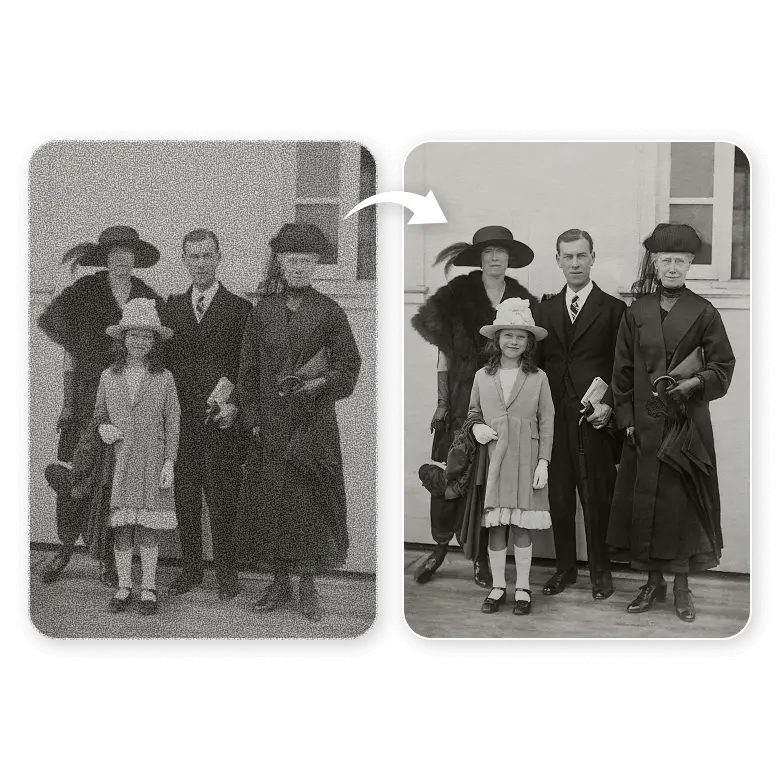
Make old photo less grainy
Restore old family photos or screenshots from old movie scenes. Even black and white or sepia can be denoised for sharing on social media or for printing backgrounds and posters.
Add clarity to astrophotos / night sky photos
Photos zoomed in and taken of the night sky can be fixed too, revealing small stars clearly. Perfect for further editing without amplifying noise.
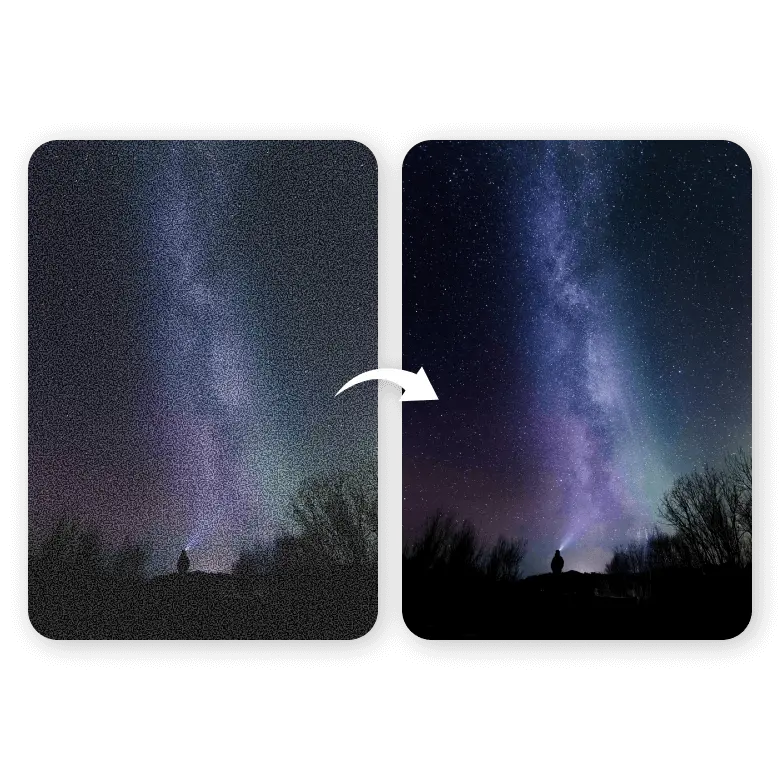
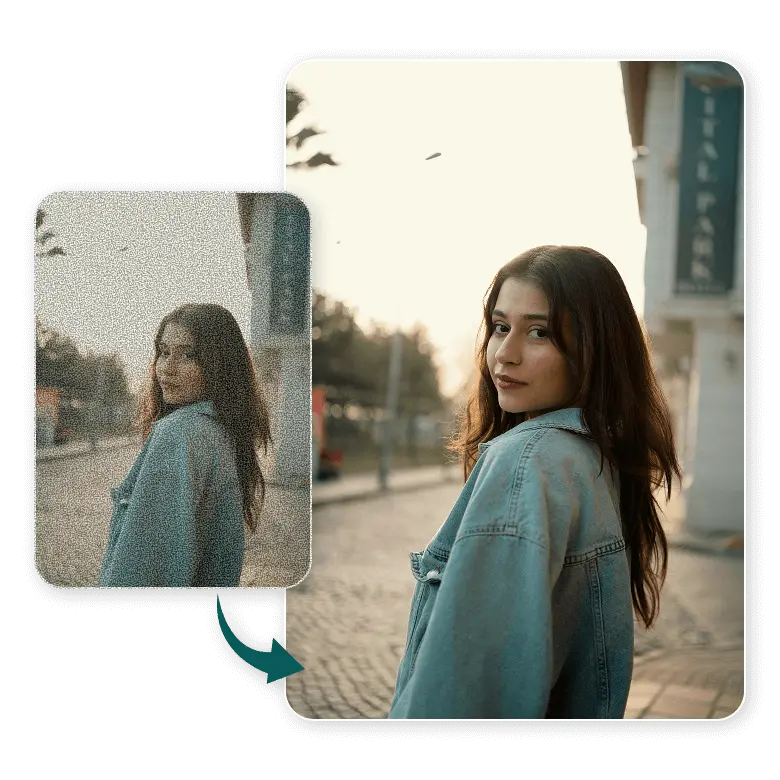
Image noise reduction for low-light photos
Photographers, portraits, or phone camera photos taken in low light or at high ISO can all be improved. With LightX, even colored speckles can be fixed. Just prompt specifically what needs to be done.
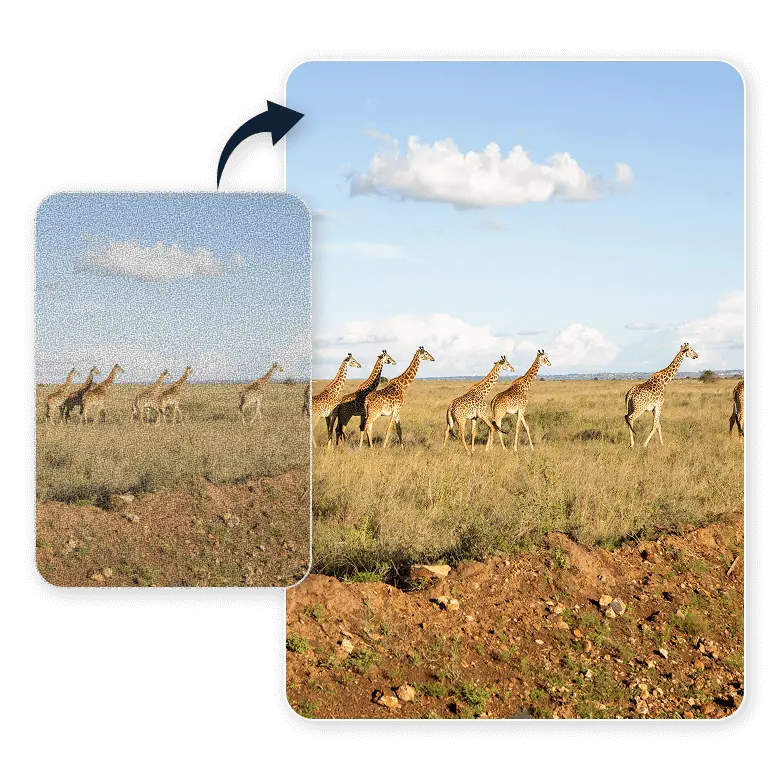
Make fur less grainy in wildlife shots
Clarity, sharpness, and fur detailing are very important in wildlife photographs. But action shots or photos taken from far away can make it impossible. Fix them and make them high-quality, ready for use.
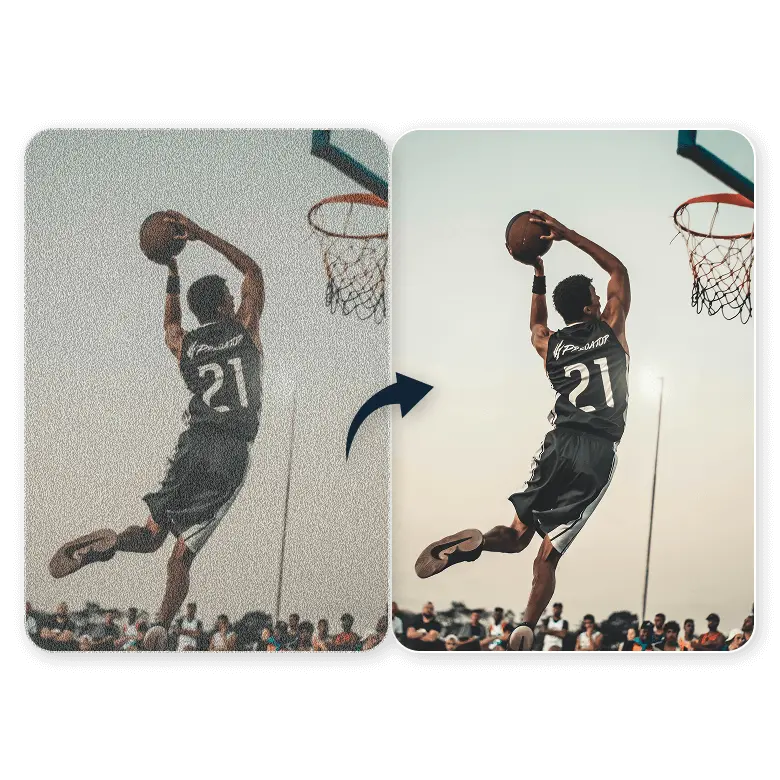
Reduce noise from sports photos
Make photos of players or audience shots clear. Perfect for zoomed-in photos taken in stadiums or sports arenas.
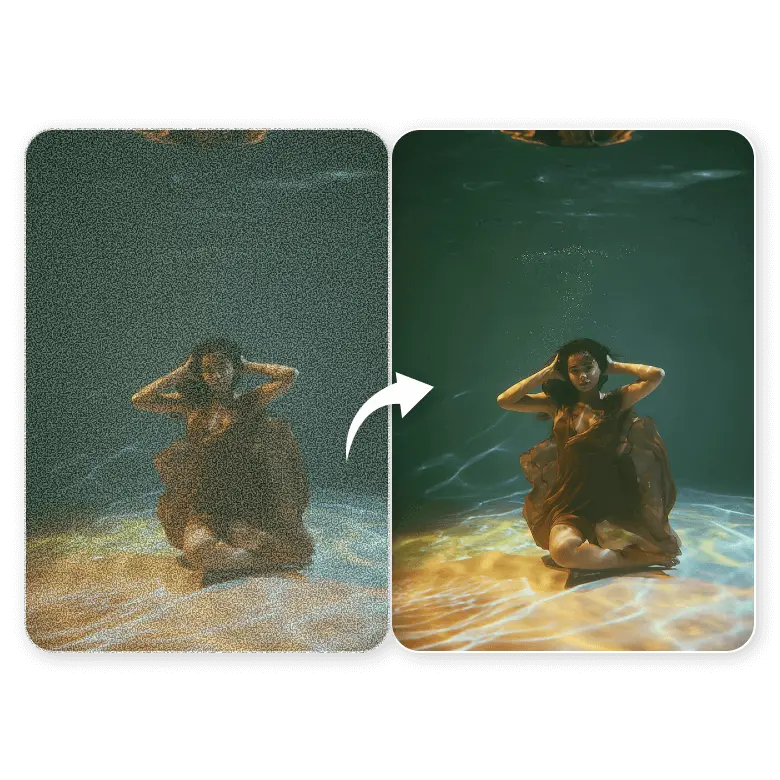
Easy photo denoiser for underwater shots
Don’t let underwater low light and water quality affect your adventure memories. Scuba divers or tourists who took a shot can fix distortions of coral reefs, fish, or wrecks easily.
Frequently Asked Questions
Yes, you get 5 free credits daily upon sign-up, so you can use the tool for free.