
Customizable tattoo design inspirations
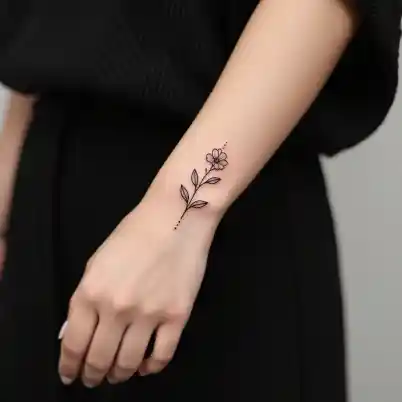
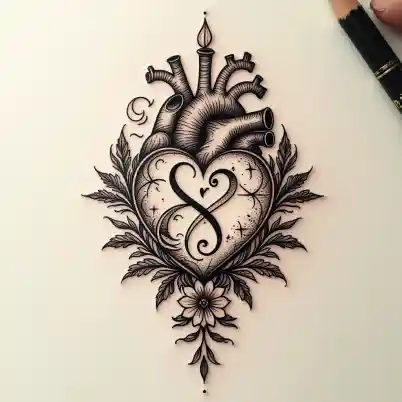
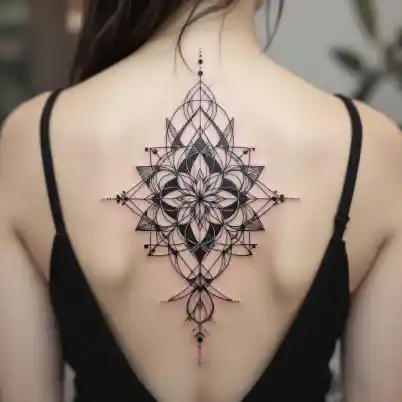
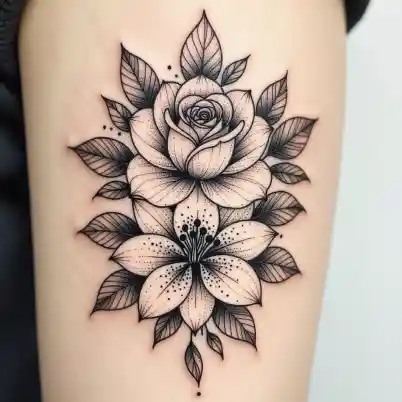
How to generate tattoo design ideas?
Describe Your Tattoo
On your desktop or laptop, go to the tool and type a few words to tell the AI what kind of tattoo you want. If you're an iOS user, you can download the LightX app to get started.
Pick Your Style
Choose how you want your tattoo to look—minimal, detailed, bold, or artistic. You can also let the AI surprise you with a unique style of its own.
Make and Save
Click “Generate” to create your tattoo. Then, you can download it, adjust it if you want, and share it with friends or even show it to your tattoo artist!
Generate unique tattoo ideas
No more scrolling or giving all your time to finding tattoo designs, just use LightX AI tattoo generator instantly. Our AI offers from masculine to feminine tattoo design ideas, such as sleeve, forearm cross, collarbone, side chest, and cover-up tattoos in just a few seconds.
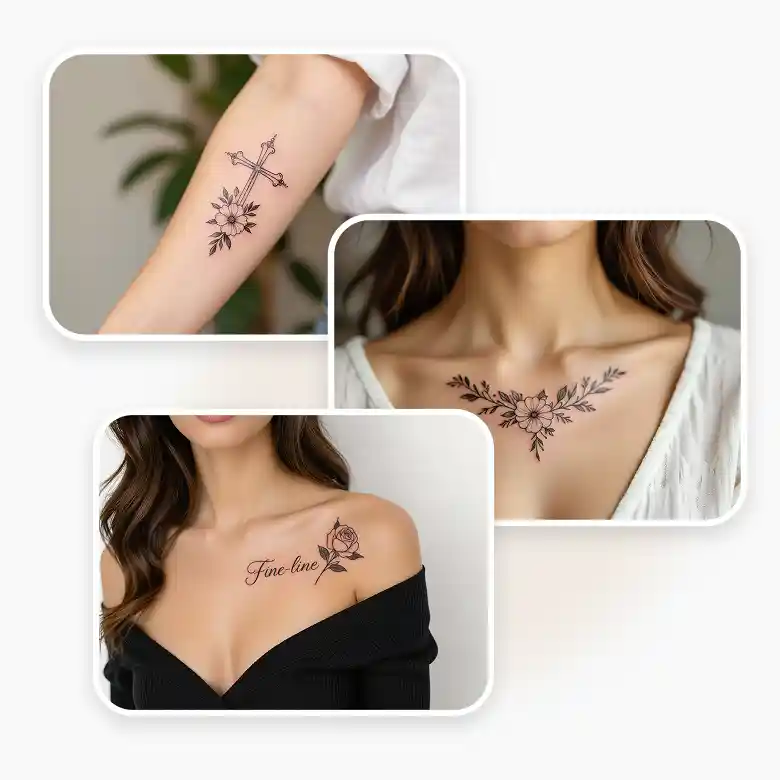
Edit the generated tattoo design through text prompts
Once your tattoo is generated, you can make further edits through the prompts. To edit your image, click on the generated image and select 'Change with AI'. Then, mention the changes you want to make, such as changing the style, colors, or adding and removing design elements quickly.
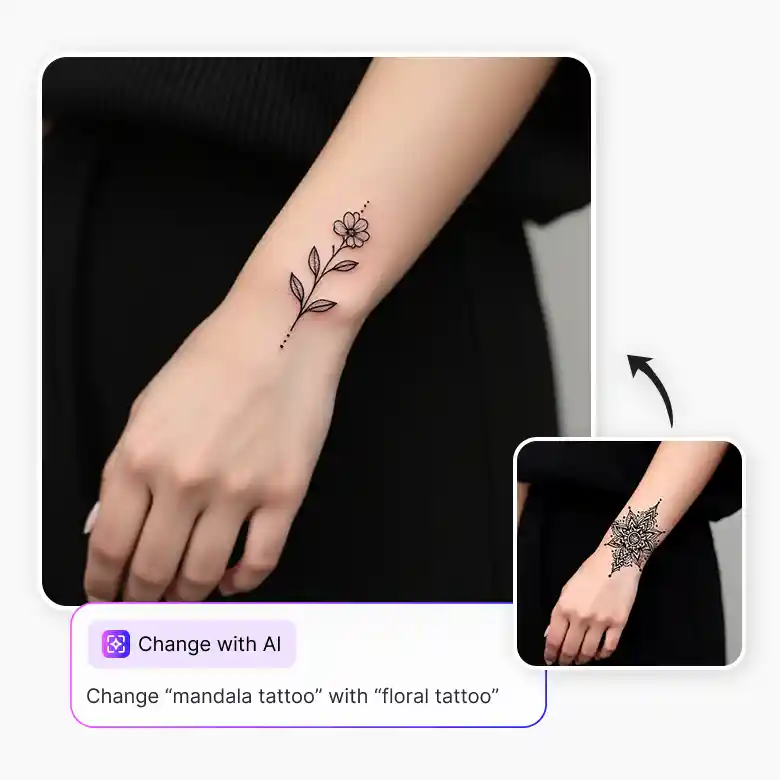
Explore popular tattoo themes and styles with AI
Describe your tattoo styles from minimalist fine-line, bold blackwork, floral botanical, watercolor, geometric, to mandalas. Generate tattoo ideas of many popular designs, like sunflower, hummingbird, chest, wolf, cherry blossom, compass, poison tree, joker, sun, moon, butterfly, and more.
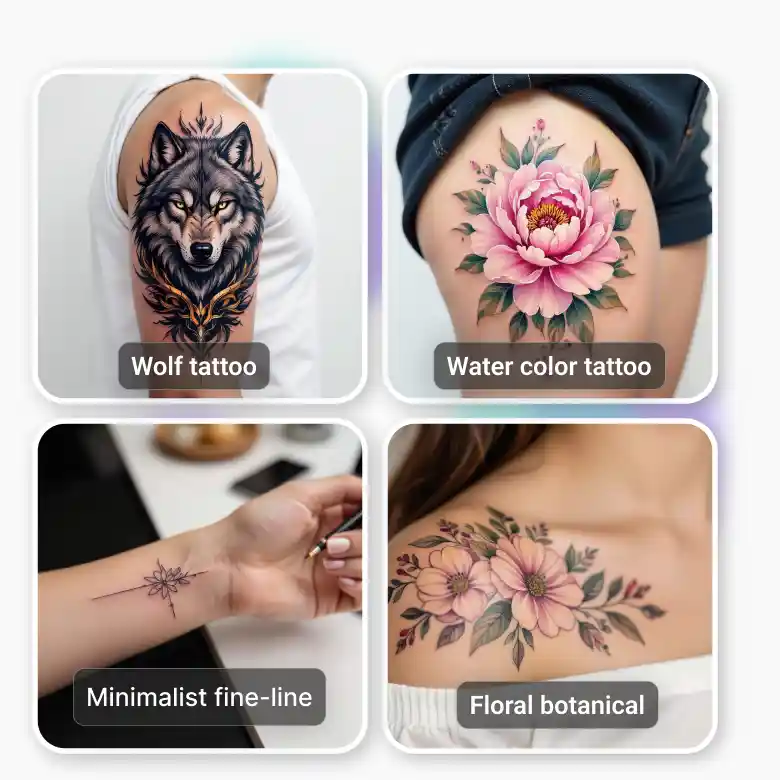
Explore more tattoo tools
You can not only generate tattoo ideas but can also virtually try the tattoos on yourself. Generate as many tattoo designs as you love and customize to match your style. Generate them on the go with the tattoo generator app on IOS and Android.
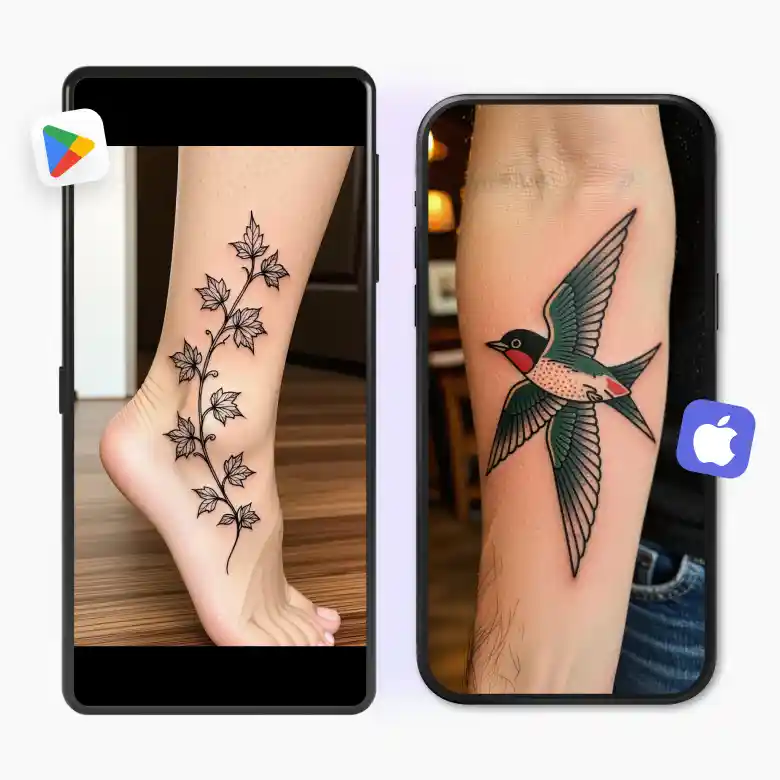
Key features of the AI tattoo generator
✔ Free credits upon sign-up
Get daily free credits for generation
✔ Generate and edit
Easy editing of the generated image
✔ High quality
Download in high quality
✔ User-friendly interface
Available on Android and iOS devices
✔ Upscale
Get the image upscale after generating
Core use cases of AI-generated tattoos
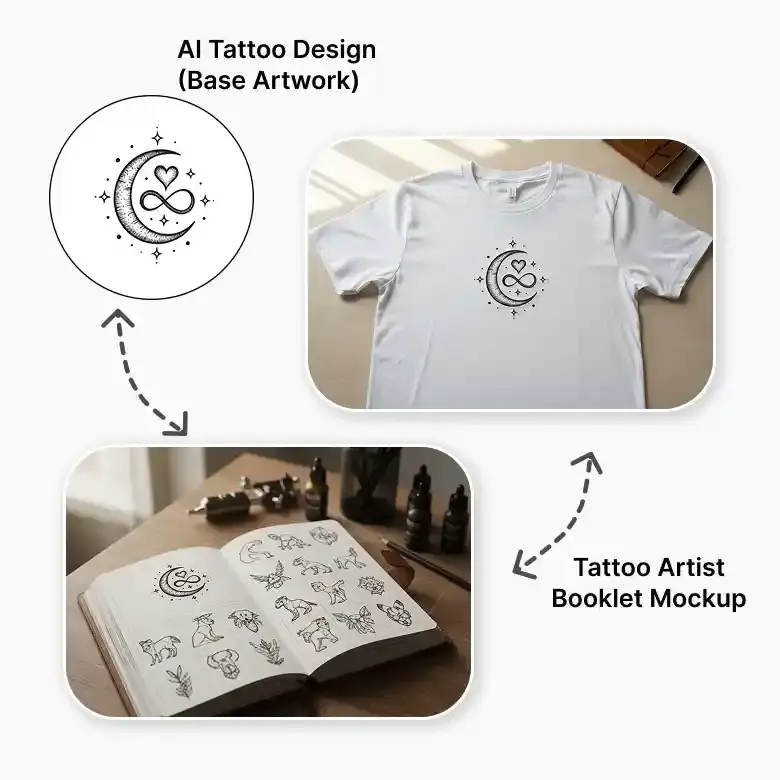
Ideation for Artist: Tattoo artists can design booklets to show creative ideas for clients.
Graphic designers & illustrators: Tattoo-inspired designs can be used in logos, digital art, branding, and custom illustrations.
Print on accessories: Get the ideas for tattoo-style graphics that are popular in clothing and accessories.
Frequently Asked Questions
The standard size of the tattoo you get on LightX is 1024x1024, offering a high-quality image, best for detailed designs.


