
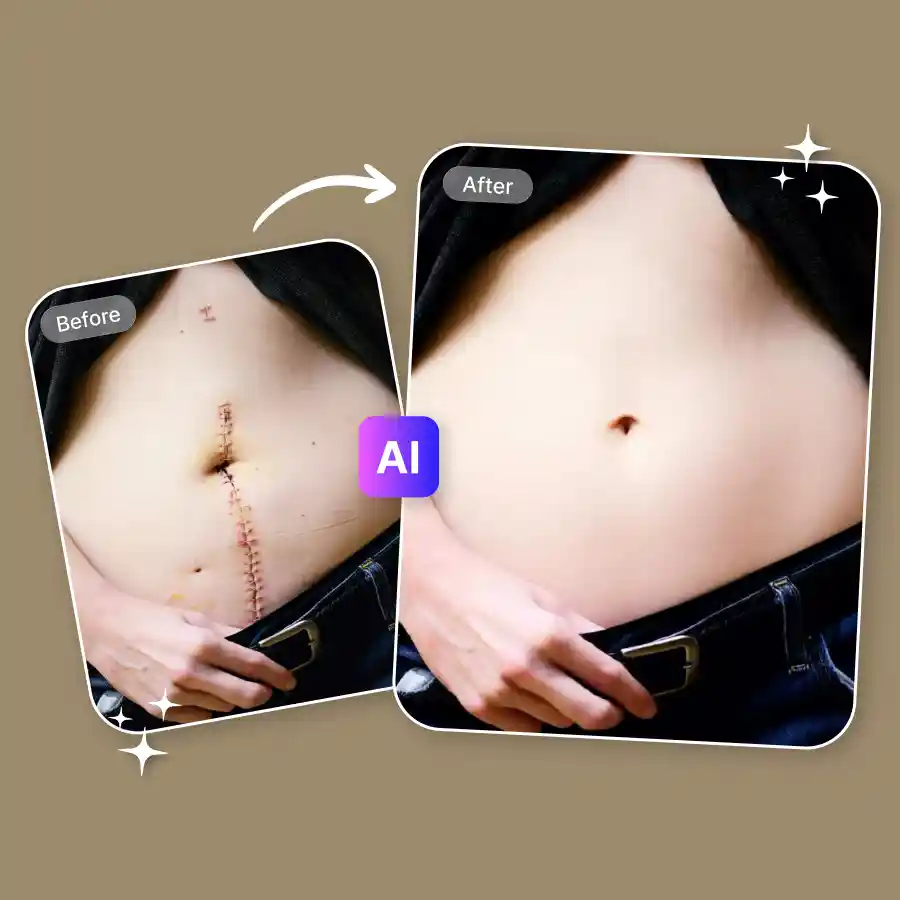
How to remove scars from a photo
Upload your photo
Upload your photo in JPEG or PNG format. You can upload portraits, selfies, close-up face photos, or full-body images.
Click generate
The prompt is already set to remove scars from the photo. Just click Generate to start. Or if you want only specific scar to be removed you can edit the prompt.
Download your photo
Once the AI finishes processing, download the edited photo to your device. Ready to share anywhere.
Remove all types of scars from photos
The AI scar removal photo editor can reduce many types of scars in photos.
✔ Acne scars
✔ Surgery scars
✔ Burn marks
✔ Stitch marks
✔ Birthmarks
✔ Piercings and more
Our AI analyzes the skin area and blends the edited part with the surrounding skin. It regenerates the skin area to create a natural & realistic result.
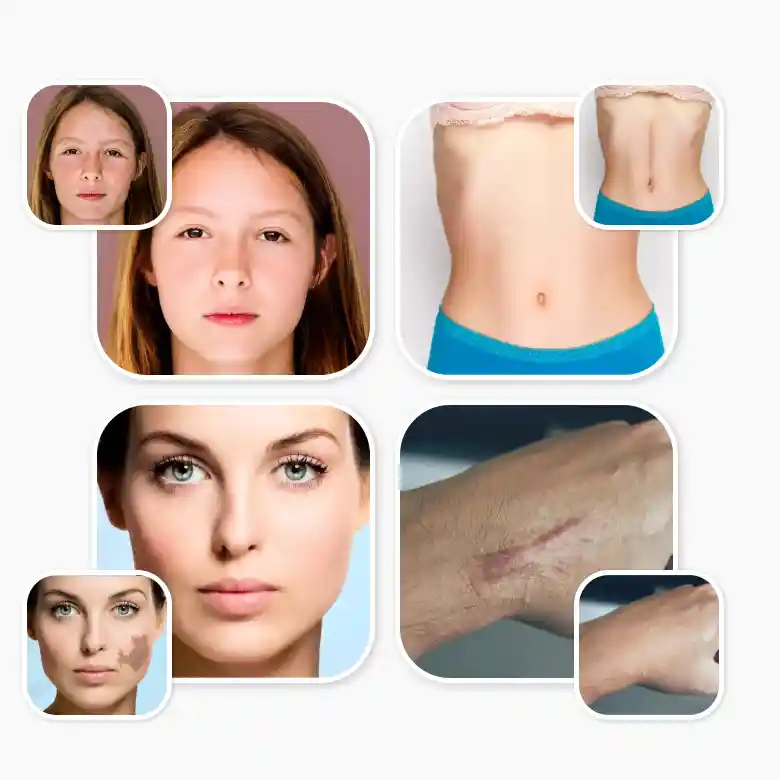
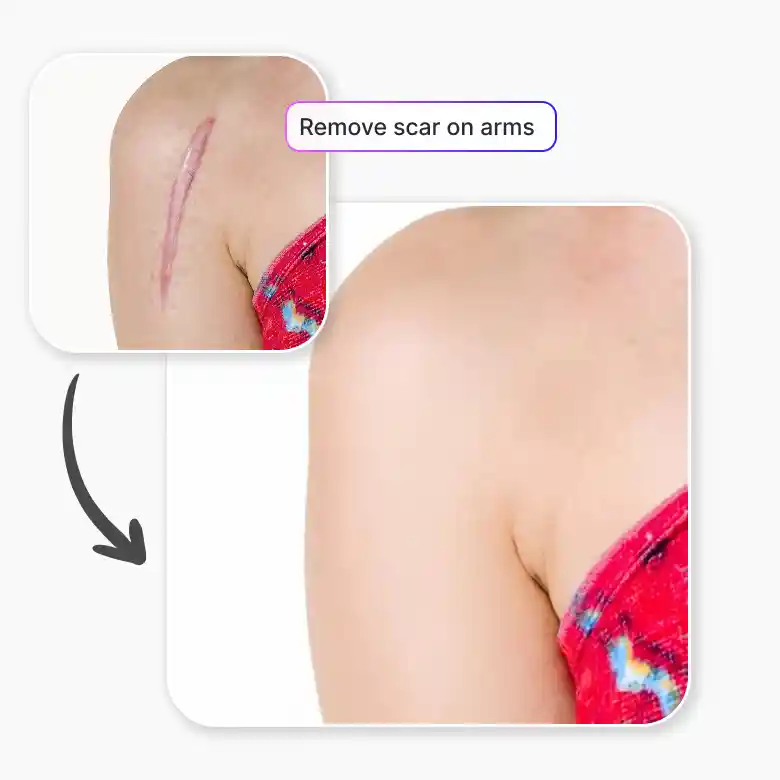
Remove body scars from photos
It works flawlessly on arms, legs, stomach, back, and other areas of the body. It can help hide both large marks and small skin imperfections. This makes it useful for lifestyle photos, fashion shoots, and beach pictures, where visible scars may distract from the photo.
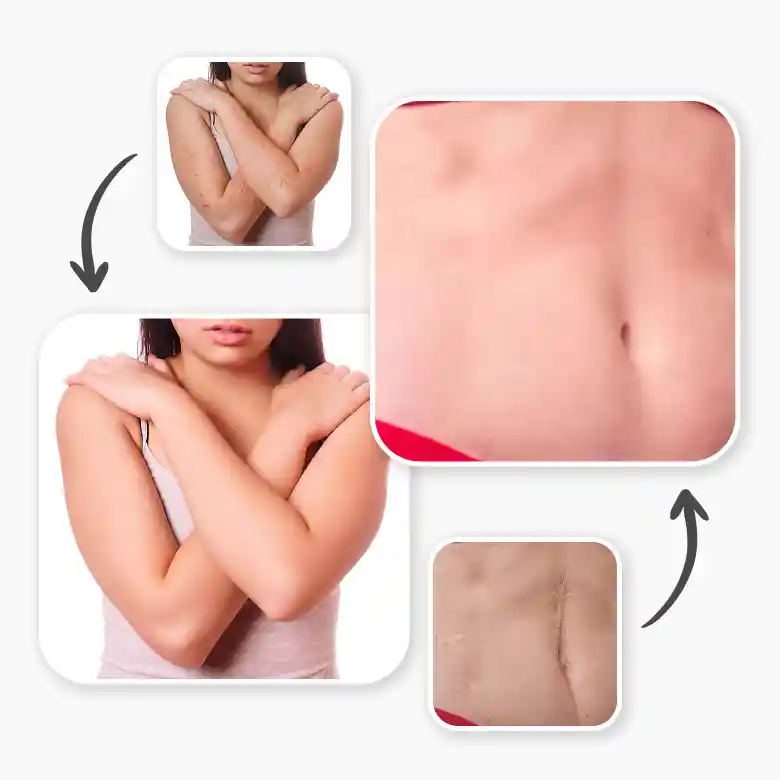
Remove face scars online
Use the tool for portrait photos, profile pictures, social media, portfolios, and professional headshots. In these images, facial details are clearly visible, and so are scars. Instantly get rid of them with LightX’s smart portrait retouching editor.
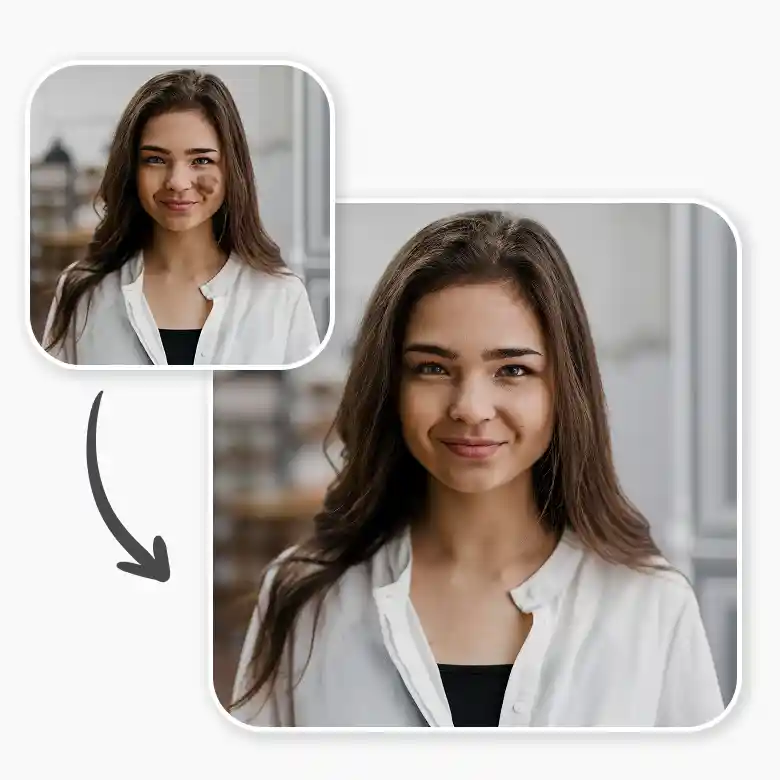
Preserves originality in photos
Many editing tools blur the skin or remove important details. Our AI scar removal photo editor preserves the original photo quality.
You can expect results like:
✔ No change in skin tone
✔ No change in facial features
✔ No blurriness
✔ Flawless-looking skin
✔ High-quality downloads
✔ No change in shadows or lighting
This makes it suitable even for professional use.
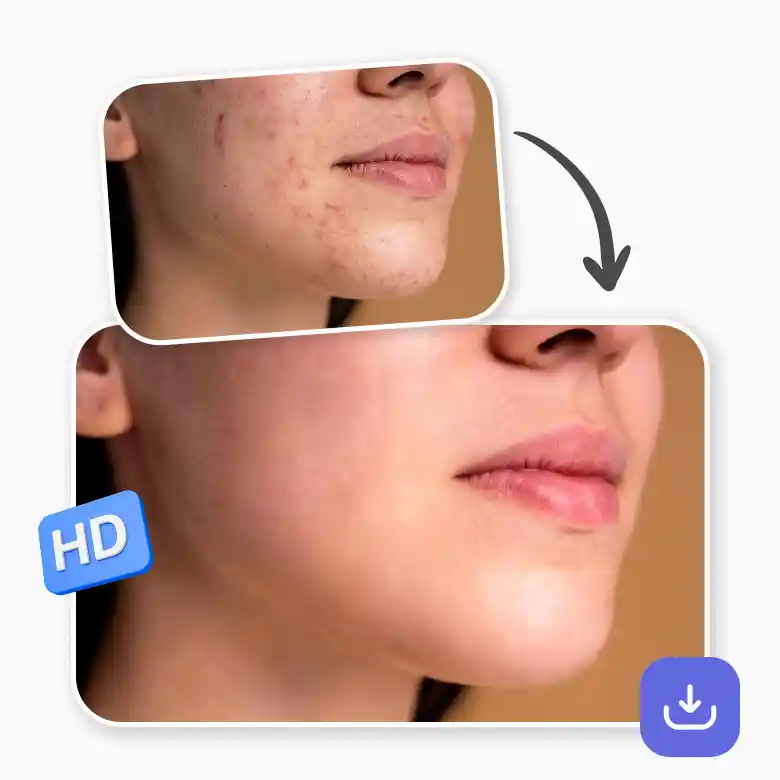
Remove scars without manual photoshop
You do not need advanced editing skills to remove scars from photos. Traditional editing tools require manual retouching in Photoshop or complicated healing brushes. With LightX, the AI handles the editing automatically. Upload your image, generate the result, and download the photo. The process takes only a few seconds and works directly in your browser.
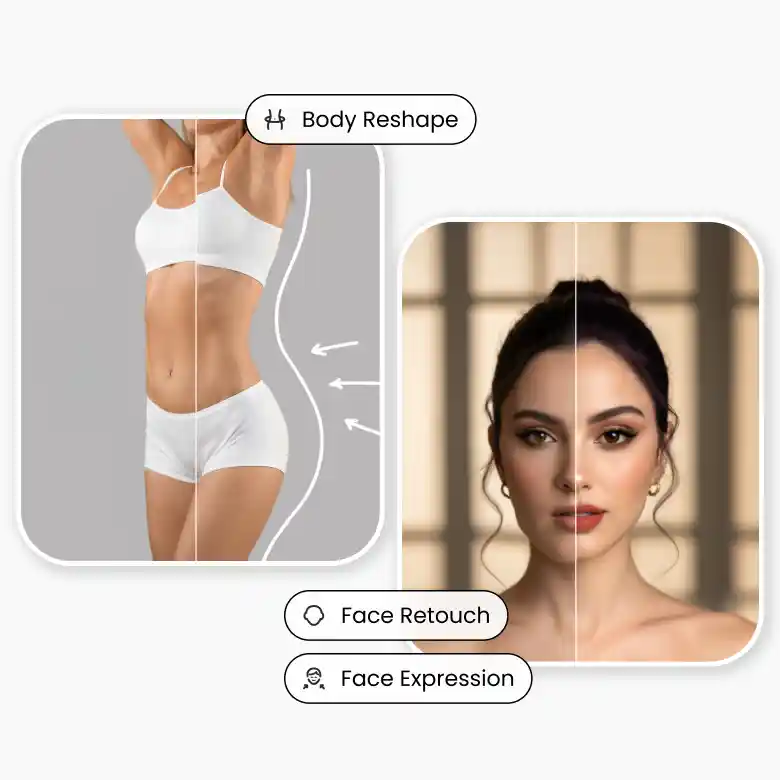
Social media ready face & body editing
LightX gives you multiple portrait and body editing tools in one place. Along with the AI scar removal photo editor, you can improve different parts of the image using other AI-powered tools. You can edit body shape, height, reshape facial features, retouch skin, and more. All these tools are AI-enabled and beginner-friendly. You do not need professional editing skills. Just upload your photo, generate the result, and download the edited image in seconds.
Frequently Asked Questions
Yes. The AI can work with group photos as well. You can edit the prompt to describe which person or area of the photo should have the scar removed.


