
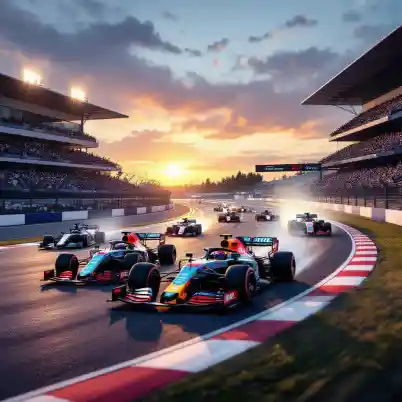
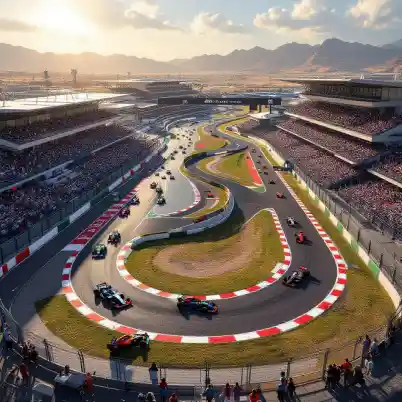
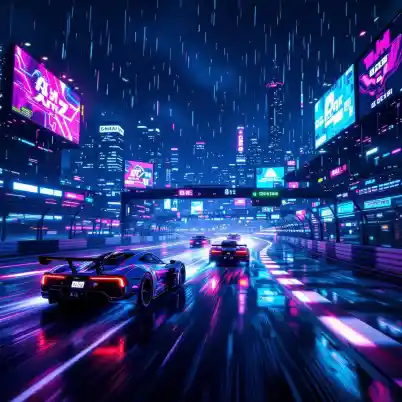
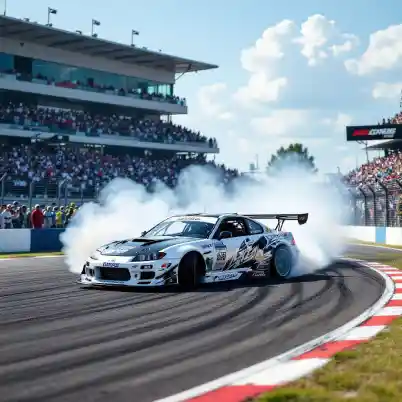
Racetrack styles & inspirations to explore
How to generate a racetrack with AI
Describe your track
Type the track type, setting, mood, or any specific details in the prompt box.
Set your preferences
Choose your model (Standard for fast results, Ultra for commercial-grade quality), pick a resolution, and an aspect ratio.
Generate and refine
Hit Generate. Once your image appears Download in JPG or PNG formats.
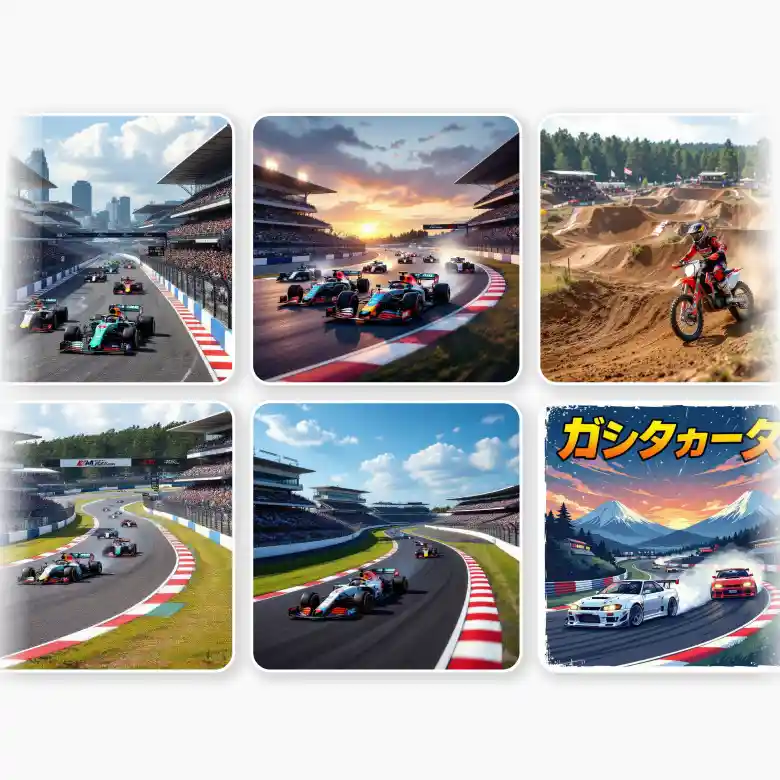
Generate many types of tracks
Motorsport classics, vintage, or futuristic fantasy, build the whole range. Create
• Formula 1 circuits with chicanes, DRS zones, and full pit infrastructure.
• Oval speedways where the whole point is flat-out speed on banked asphalt.
• Road courses that mix long straights with sections that actually punish a mistake.
• Street circuits hemmed in by barriers, with city backdrops and pedestrian bridges overhead.
• Karting tracks, tight and technical, indoors or out. Rally stages cutting through forest, desert, or mountain passes on loose surface.
• Motocross tracks with jump sequences, berms, and corners that chew up the ground.
• Drag strips built for one thing: the launch.
• Drift circuits with wide, sweeping corners designed for angle, not lap time.
All without lengthy prompts, just type in the word and generate.
Control what your track looks like
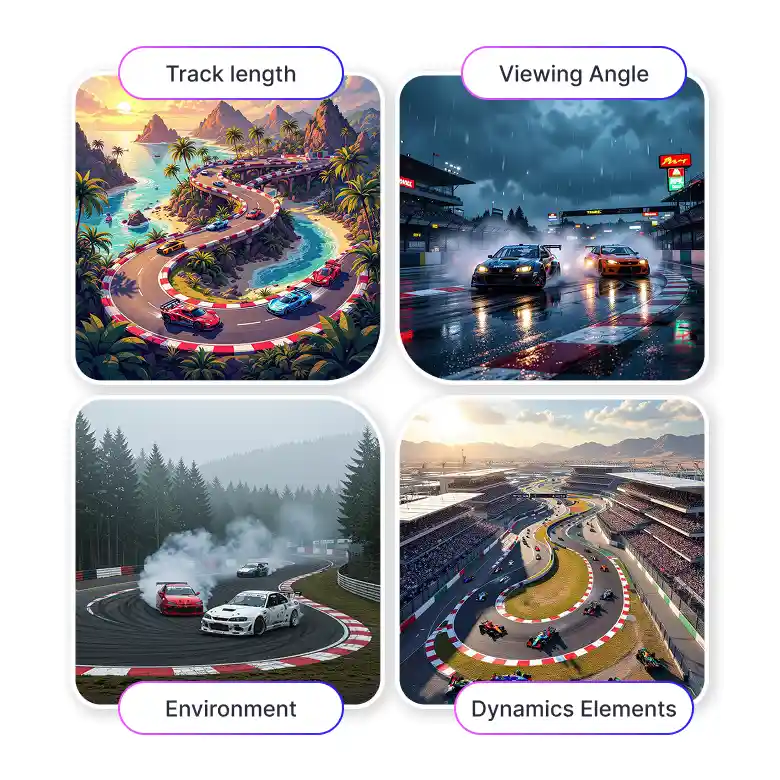
No two prompts need to produce the same result. Adjust these parameters to shape the output:
• Viewing Angle: Aerial, bird's eye, isometric, ground level, corner, or start-line. Each angle changes what the track reveals.
• Environment: City, countryside, coast, desert, mountains, or forest. The setting shifts the whole mood.
• Track Length: From short and tight (under 2 km) to full-scale circuits stretching past 6 km.
• Complexity: Simple layouts for quick concepts, technical ones for professional-grade presentations.
• Dynamic Elements: Toggle race cars, grandstands, and crowds on or off depending on what the image needs to do.
AI racetrack generator used by many
The tool works across industries and skill levels. You don’t need any design skills.
• Game developers use it to concept circuit layouts, generate track art for pitches, or build visual references.
• Track designers and architects can use it to visualise ideas to clients.
• Racing enthusiasts can build fantasy circuits. Add dreamy combinations of environments that don't exist anywhere else. Great for social media content.
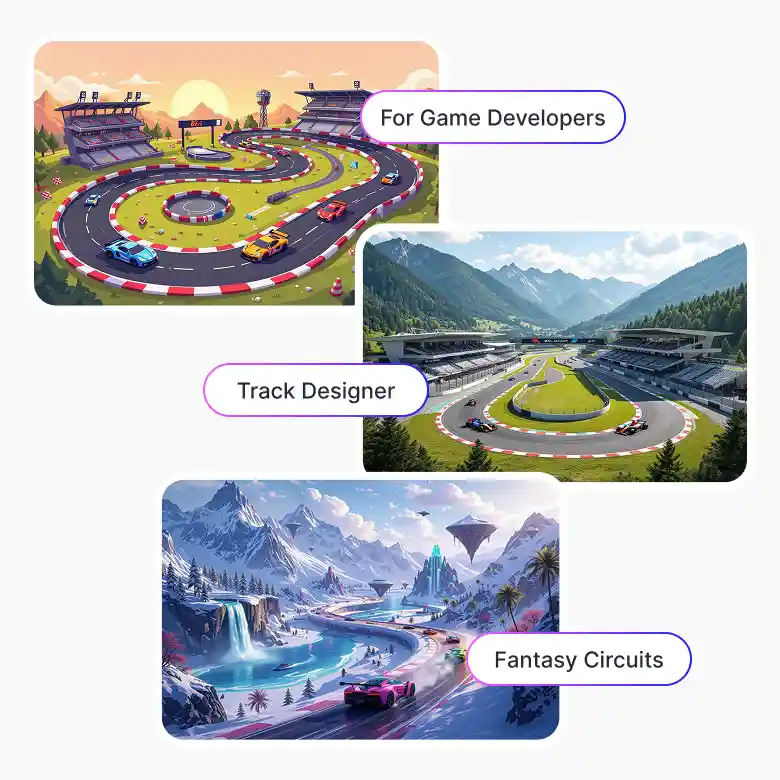
Image quality that matches the use case
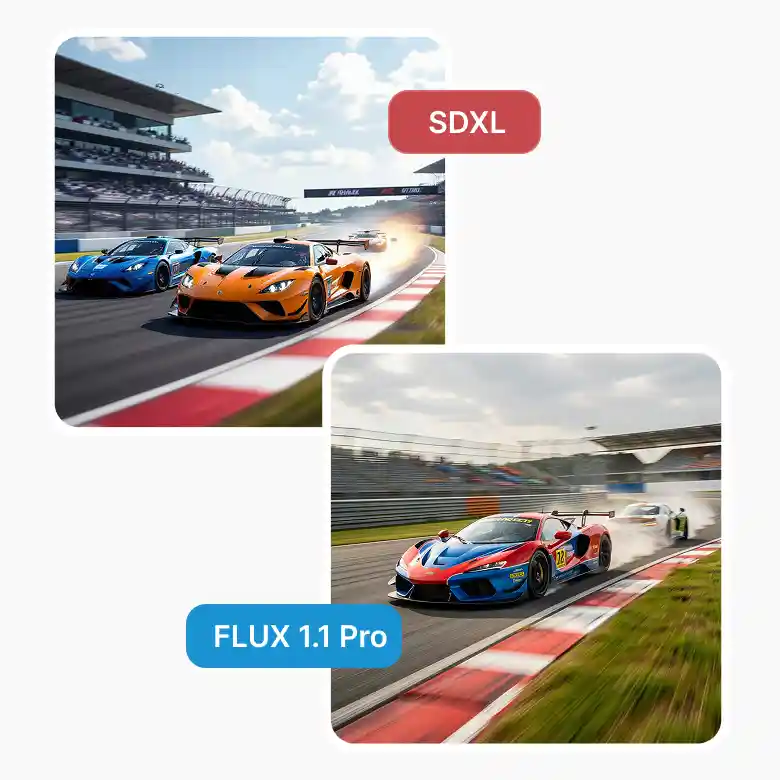
LightX offers two generation models:
• Standard generates quickly and produces clean, well-composed racetrack images. It is strong for iteration, internal use, and social content.
• Ultra (Flux 1.1 Pro) delivers high-resolution output at 1440px+, suited for commercial projects, print-ready assets, game concept art, and anywhere the detail needs to hold up at scale.
All generated images are free for commercial use. No attribution required, no licensing restrictions.
Beyond generation. Edit after you create
Once a racetrack image is generated, the LightX editor gives you tools to take it further:
• Remove the background to isolate the circuit from its setting.
• Upscale to increase resolution for print or high-res digital use.
• Expand to extend the canvas to add more context or create wider compositions.
• Add text on the image to add event names, lap records, or location labels.
• Animate still image into a moving asset for social.
• Change camera angle without re-generating from scratch.
• Change lighting to swap from golden hour to overcast, or from daylight to night race atmosphere.
Frequently Asked Questions
Discover more tools


