
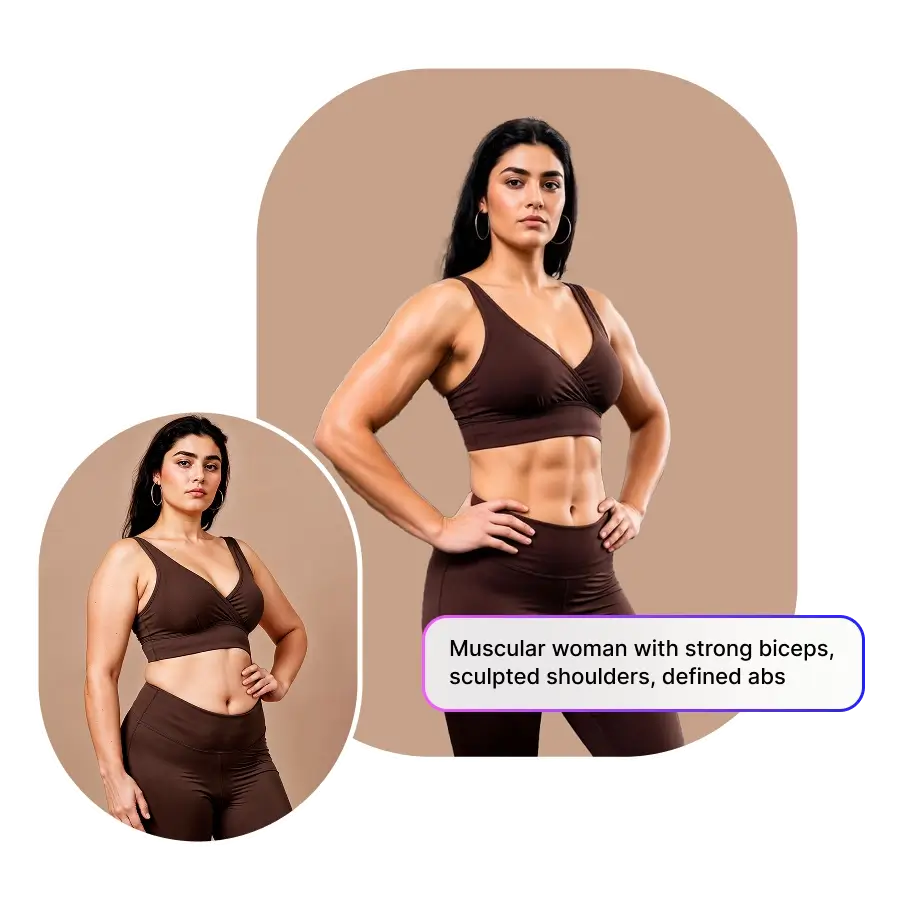
How to get AI muscles in a photo?
Upload photo
Upload a photo of yourself to the AI muscle filter. JPG and PNG are supported.
Choose the muscles
Choose from presets to select the type of body transformation you want. You can apply a full body change or edit only one muscle.
Generate and download
Click Generate to preview the result. Download the final image.
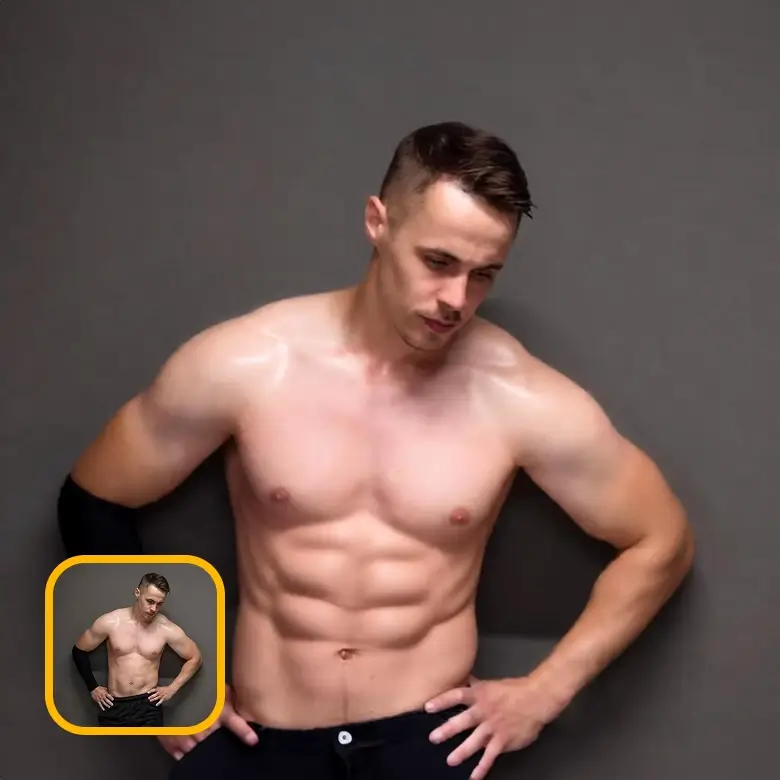
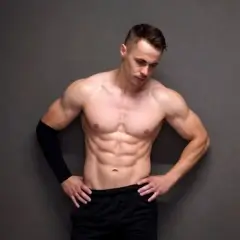
Choose from various body transformation options
Different people want different body types. That is why we offer many body transformation styles for both men and women.
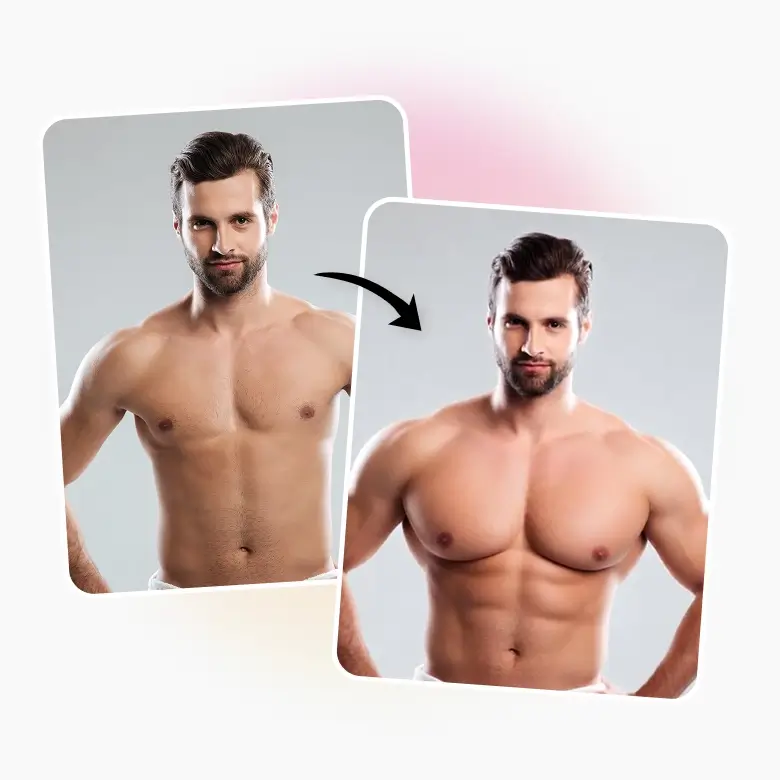
Real body transformation, not fake overlays
No fake results.
No cartoon look.
LightX AI gives you a dream physique realistically. Our tool regenerates real body pixels and blends muscles with your skin tone, lighting, and shadows. The result looks natural and realistic.
You get an athletic body with correct proportion, symmetry, and natural anatomy. Your face, clothes, and pose stay the same. Only the muscles change.
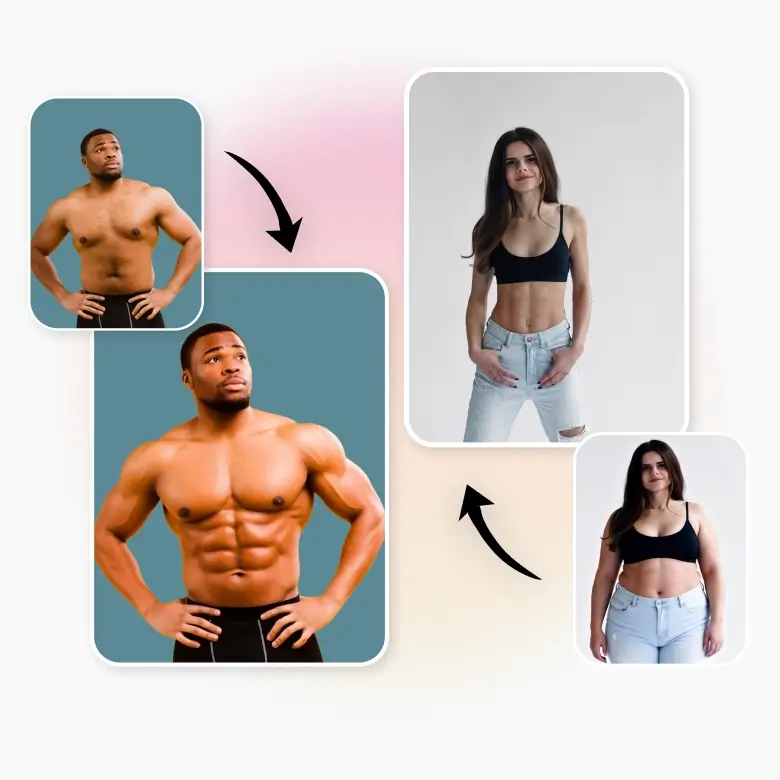
Handles difficult photos with accuracy
Everything is done automatically. You do not need to manually select or paint any area. It can detect the body even in:
✔ Action shots
✔ Couple photos
✔ Photo with only the body visible
✔ Photos with loose clothing
✔ Photos with minimal clothing
✔ Photos featuring both men and women
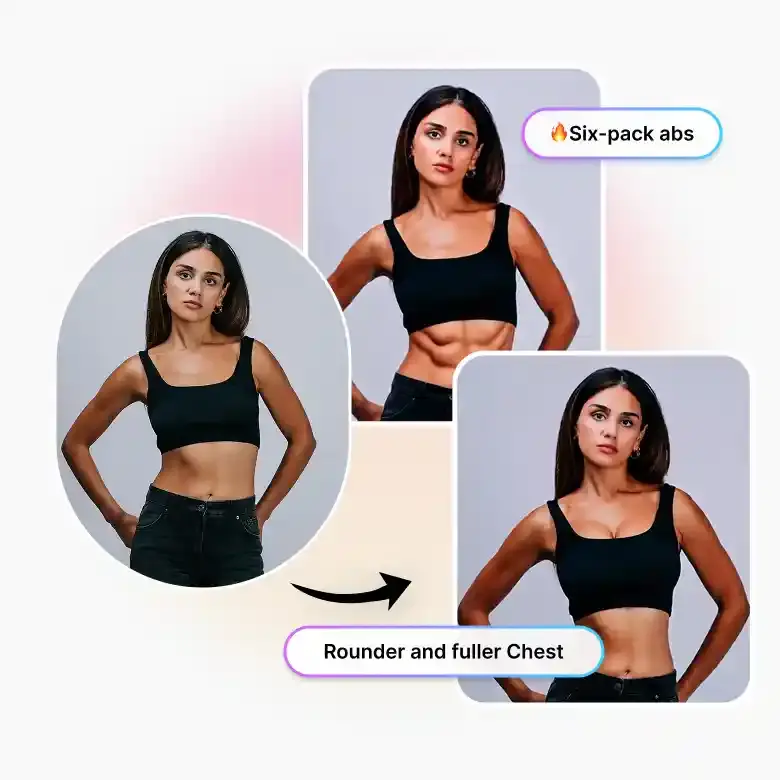
Buff specific muscles with additional controls
Spot training is no longer a myth. With LightX, you can add muscles to specific body parts. In one click, you can:
• Bulk arms to get bigger biceps.
• Transform forearms with visible veins.
• Add chiseled chest for a strong and defined look.
• Fix abs with six-pack or toned V-Line Abs.
• Shape shoulders without changing other areas.
• Buff leg muscles so it looks like you never skipped leg day.
• Add calves so your legs look strong in beach photos.
Real results for real use
Your dream body made on LightX looks real enough to use on:
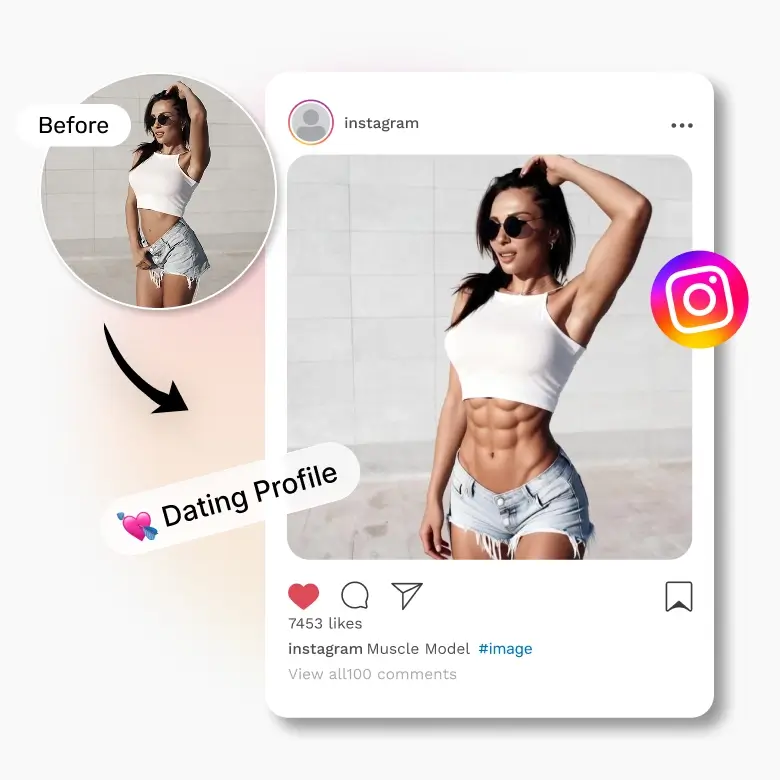
• Instagram: Create clean and flawless influencer-style photos, or create a fun, exaggerated, muscular avatar.
• Dating profiles: Show your best version in a positive and confident way.
• Fitness motivation: Seeing yourself fit can push you to start your real fitness journey.
• Before and after photos: Use them for ads, posters, fitness edits, or fun pranks.
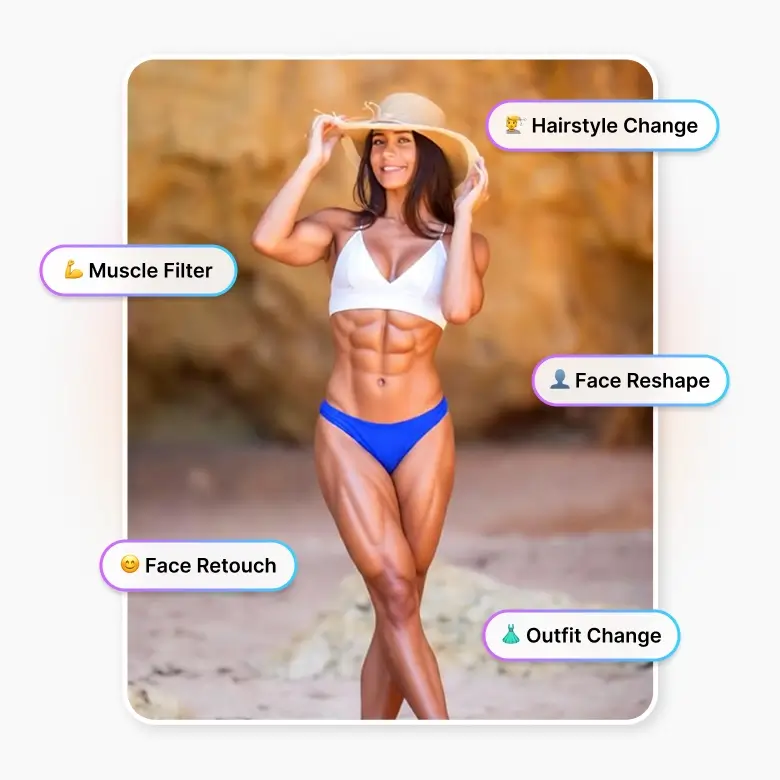
All-in-one tool for your beauty editing
No more going on 10 different apps to get those flawless photos. LightX puts everything in one place. Edit your body, retouch your face, reshape your face, and change outfits and hairstyles in one tool. Get free access to our muscle filter and all other tools with free daily credits when you sign up.
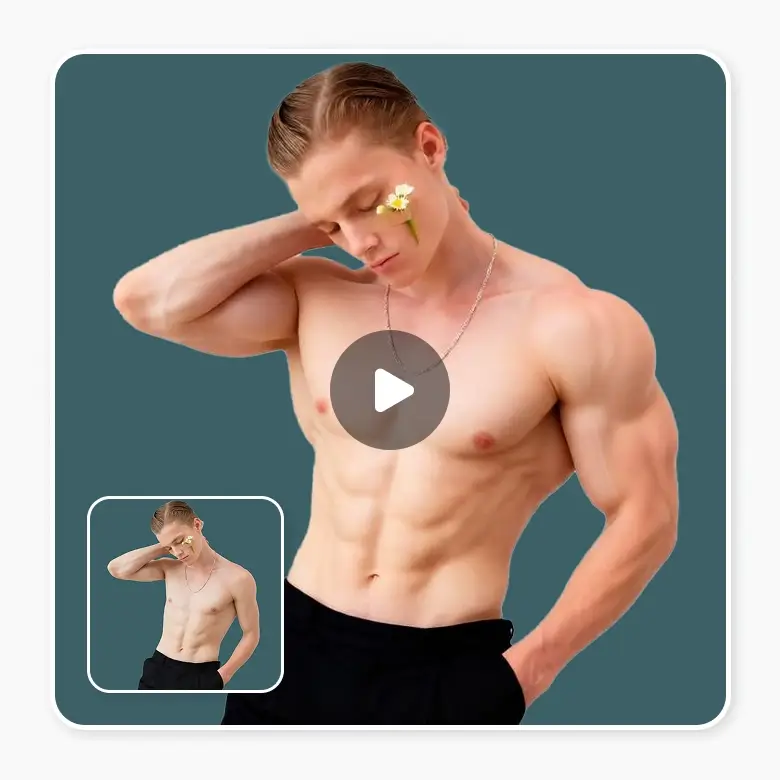
Keep the fun going with muscular video
Create your first muscle video and share it with the world. Use image to video to animate your muscular photos. Turn them into moving clips for social media, ads, and stories. This makes your edited photos more engaging and more fun to share.
Frequently Asked Questions
Yes. Your photos are secure. They are not used to train our models and are not stored on our servers. Both inputs and results are deleted.
Discover more tools


