




How to use the AI logo enhancer?
Upload Image
Upload your image to the AI generator by drag-and-drop option or selecting a JPEG or PNG file.
Enter Prompt
Use text prompts to improve logo quality, such as clear, sharp, bright, and more.
Generate and Download
Click generate to enhance the logo. Once it’s finished, you can download it to your devices directly.
Give your logo 4K quality
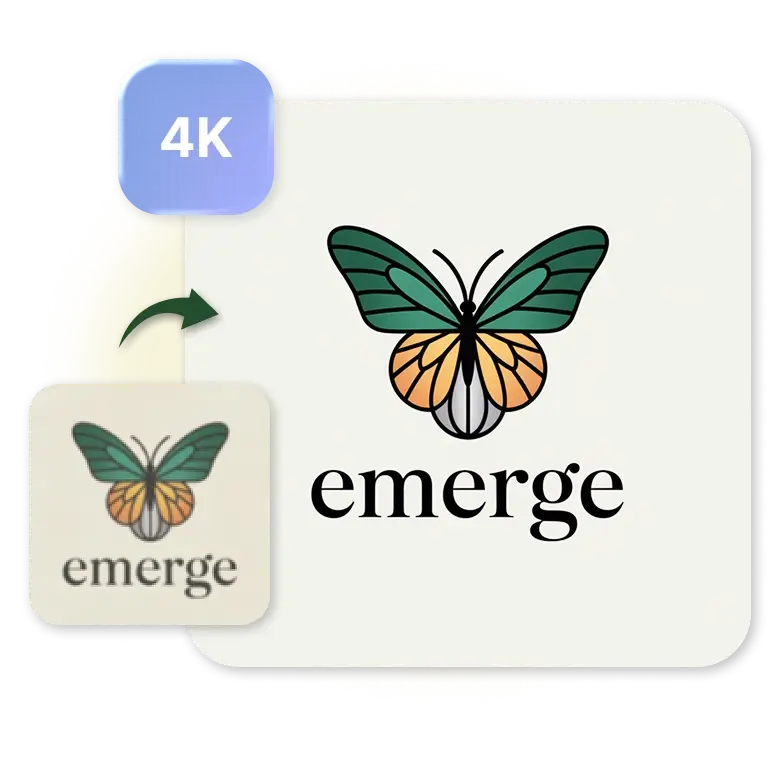
A logo that looks blurry or dull can make even a good brand feel less professional. With modern AI enhancement, your old or low-quality logo can instantly turn into a vibrant 4K quality logo. It focuses on fine details and makes it look visible, brightens faded areas, and makes the entire design look clean and fresh again, without changing the original version.
Sharper details that make a difference
AI doesn’t just upscale the logo but also carefully polishes the shape, edge, and thin line. Little mistakes can be perfect, text becomes clearer, and the overall design looks much smoother. These tiny improvements help your logo pop anywhere it appears.
Get quick results with AI logo improver
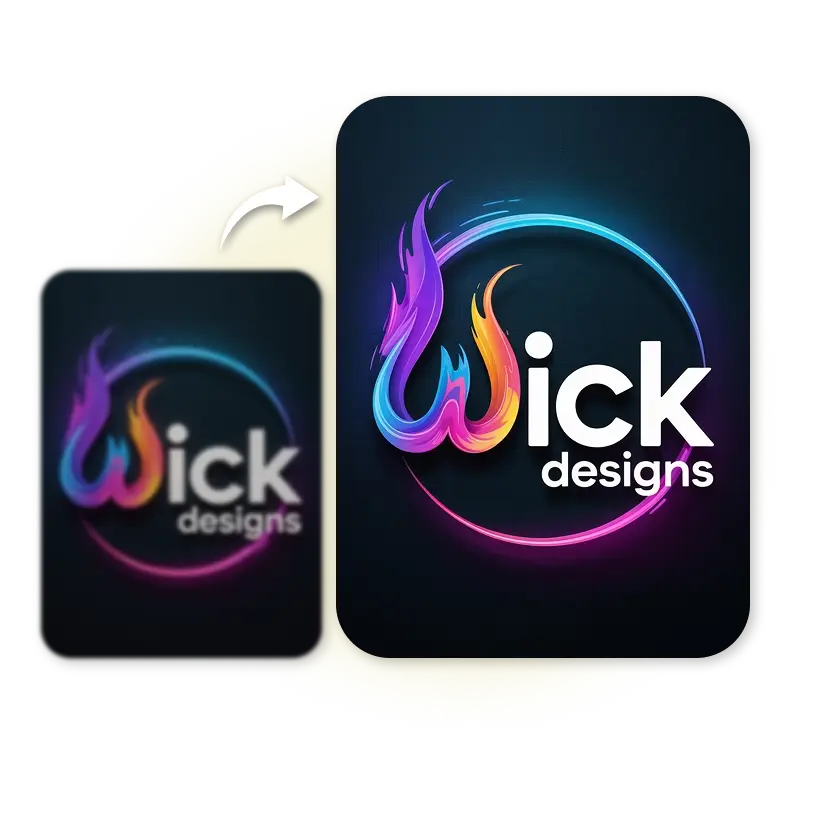
You don’t need to wait hours to get a better logo. AI tools now enhance logos within seconds, making the whole process quick and stress-free. Blurry logo fixer is useful for designers, business owners, marketers, and more. Get high-quality results instantly and complete your work on time.

Perfect clarity on any platform without pixelation
Your logo will look good everywhere, including all branding purposes such as websites, product images, social media, business cards, packaging, and even large banners. AI helps you to upscale your logo, keep it clean and professional in any format. You can easily resize your logo without worrying about pixelated or blurry corners.
Do color correction to stand out your logo
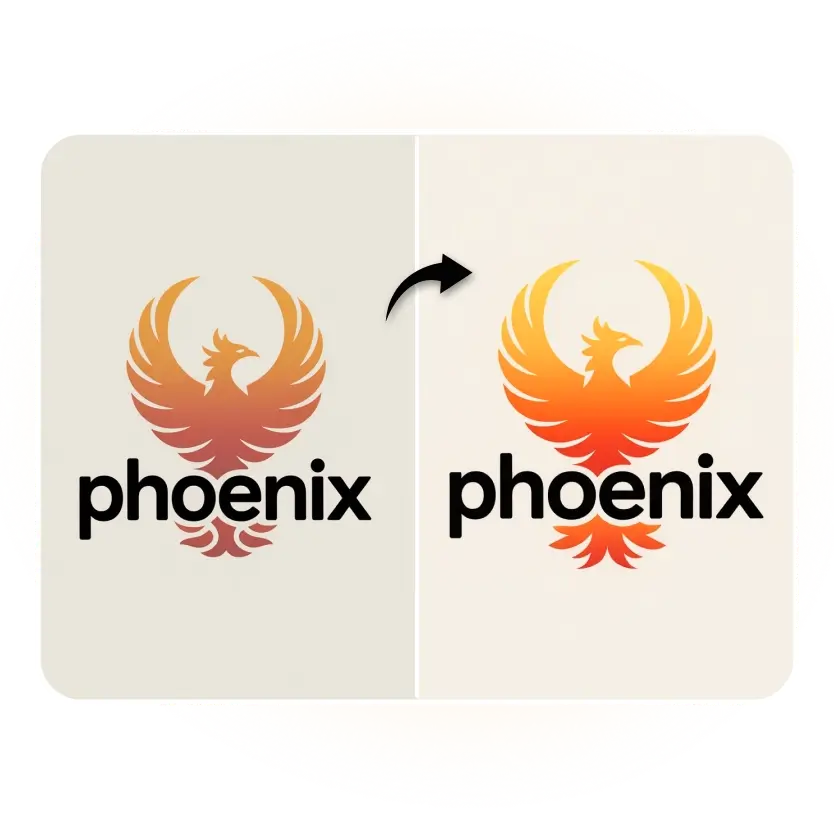
Any uneven, faded areas on the logo get corrected naturally as AI adjusts the colors and gives a fresh look to the logo. It enhances your pixelated logo by improving contrast, balancing its tone, highlighting the real colors, and making it eye-catching again. The text is clearer and easier to read, making the whole logo look bold and noticeable.
Remove unwanted backgrounds in one click
With one click, AI can detect your logo and remove unwanted background or any distractions around it. You get a clean, transparent PNG that fits perfectly into any design layout, no rough edges, no leftover patches, just a neat and polished finish ready for use.
Discover more tools


