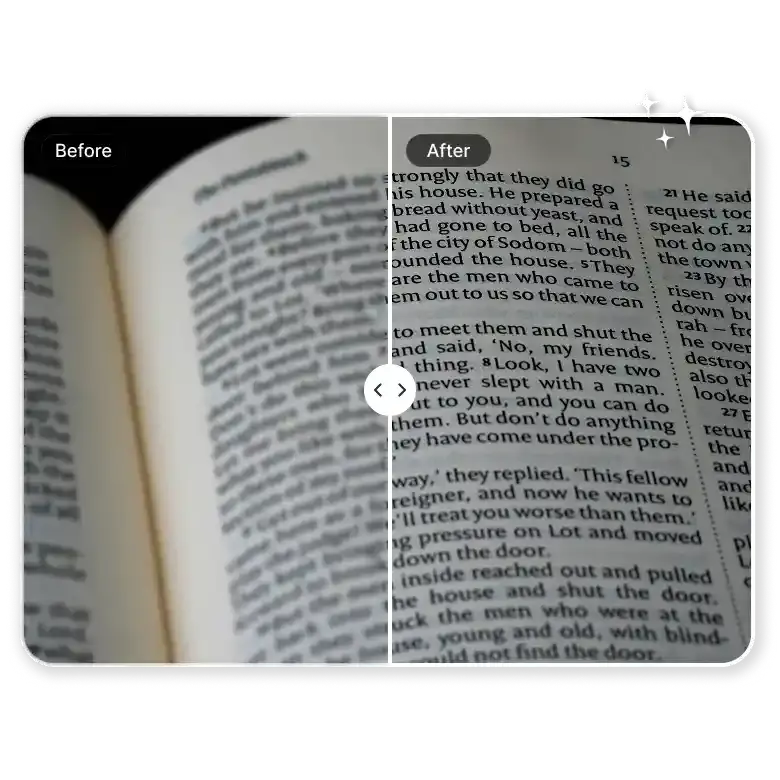
How to fix blurry text in an image online?
Upload your image
Upload an image with blurry or unclear text. It can be a screenshot, document, photo, or scan.
Enhance text
Click on denoise. The AI will automatically clean noise, sharpen text, and improve clarity.
Download the image
Once processed, download the image with clearer and readable text.
100% automatic: Fix blurry text from any image source
Stop struggling with bad photos. A shaky photo of a wrinkled receipt? Or a distorted PDF? LightX to the rescue! It works perfectly on grainy or low-resolution images that usually look like a mess. The AI scans the page to remove noise around the letters. It makes everything look sharp and professional without you lifting a finger.
Enhance text in product photos
If text on product labels are hard to read, our AI image text enhancer solves this. It boosts text visibility while keeping the rest of the photo looking as it is. It cleans up distorted labels and tiny packaging details. Essential for listing products on e-commerce.

Clear notes and study material for students
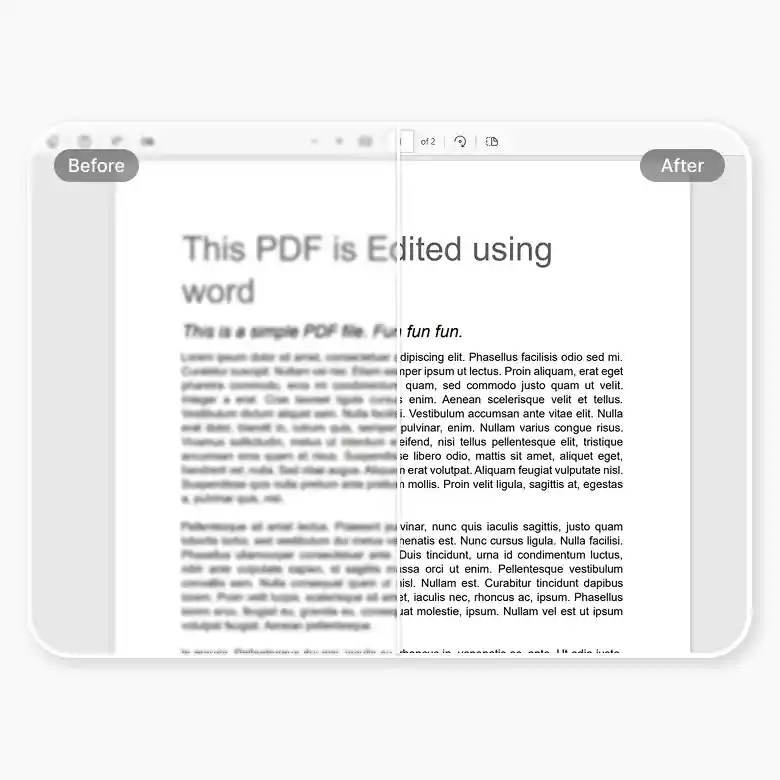
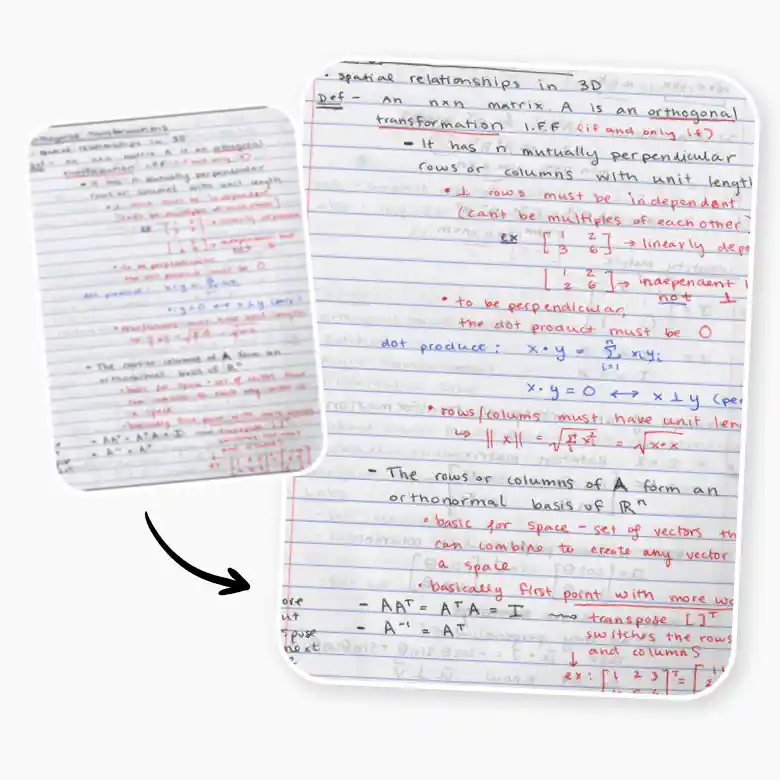
Being a student is hard enough without having to squint at blurry lecture notes. If your friend sent you a shaky screenshot or a dark photo of a textbook, don't worry. This tool helps you sharpen text in images so your study guides are actually useful. It works great for PDFs and even handwritten notes. No more re-typing everything, just run it through our tool and get back to your homework.
Your data stays secure
We know your documents are private. Whether you are uploading a contract, a personal note, or a sensitive ID, your data stays safe with us. LightX processes your images securely and never stores your files or uses them to train AI models. We provide a formidable shield for your privacy so you can fix your images without worrying about where they end up. It’s the safest way to unblur text image files online for free.

More ways to use the text enhancer
There are so many ways to use a word unblurrer! You can use it to fix UI mockups for a new app or clear up text in a meme you found online. It even works on photos taken while moving, like a shot of a street sign from a car. If you have a low-quality screenshot that looks compressed and blocky, this tool will fix the blurry text image online in one click. It is the perfect "all-in-one" fix for any digital image that just isn't clear enough.

Why use LightX AI text enhancer
LightX doesn't just fix the words. Enjoy a suite of editing tools to make any image better. Restore old photos, unblur, colorize photo, or remove watermarks instantly. Enjoy benefits such as
Free credits daily
AI precision and automation
Access on desktop, Android browsers, iOS, and the Android app