

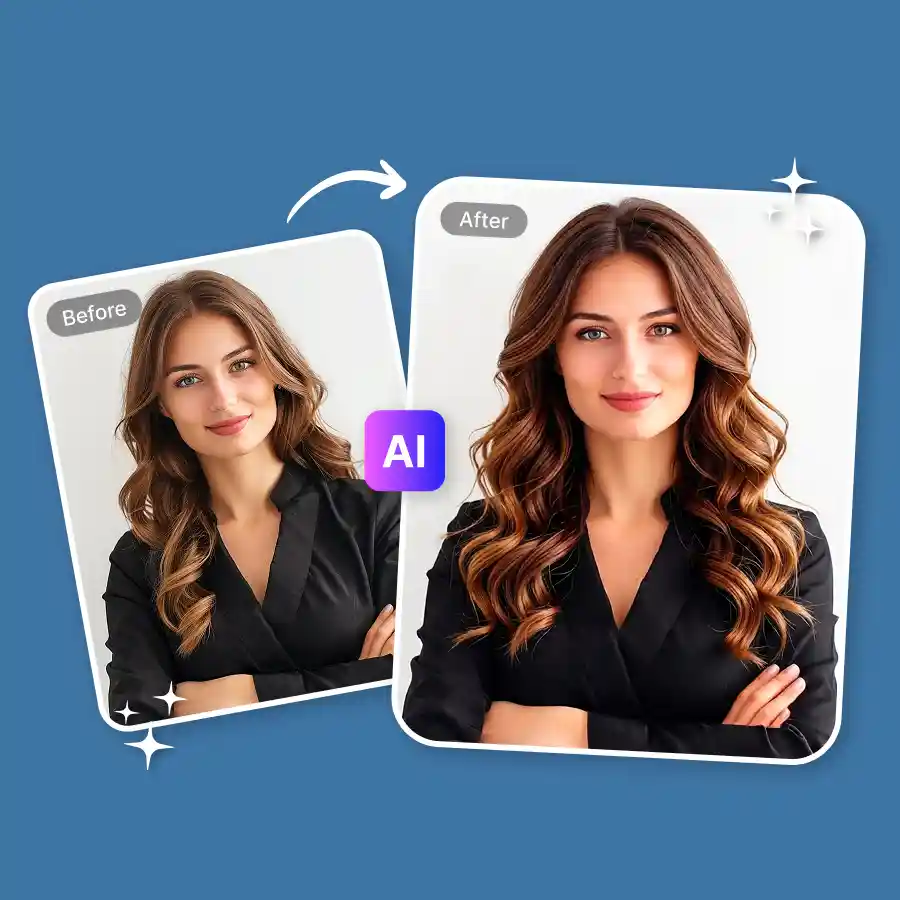
How to add hair volume in photo?
Upload your photo
Upload your photo in JPEG or PNG format.
Click generate
The prompt is already set to add volume. Just click Generate to start. You can also edit the prompt if needed.
Download your photo
Once done, download the edited photo to your device.
Add instant hair volume in one click
Flat, thin, or lifeless hair is fixed instantly. The AI adds volume and depth in hair, scalp, or hair part without manual editing. Whether it is the crown area or overall hair thickness, the tool creates a fuller and denser appearance. Just upload your photo and prompt “add volume to hair.” The tool automatically detects where volume is needed and gives natural results. You do not need editing skills or salon styling products. Everything is done in one click.
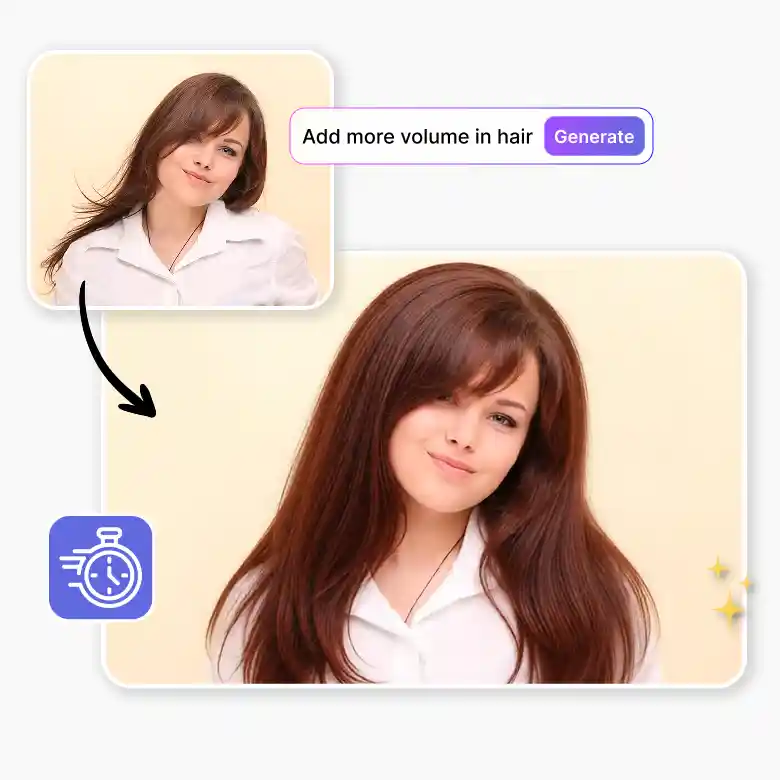
Natural hair volume effect without changing hairstyle
Our tool is trained to give you digital hair enhancement and hair density while keeping your original hairstyle intact. It blends new volume with your real hair texture, so the result looks realistic and not edited. No artificial puffiness. No shape distortion. Use it on straight, wavy, or curly hair. The tool keeps it intact. Add volume to thin hair, improve flat roots, or enhance crown lift for portraits, selfies, and professional photos.
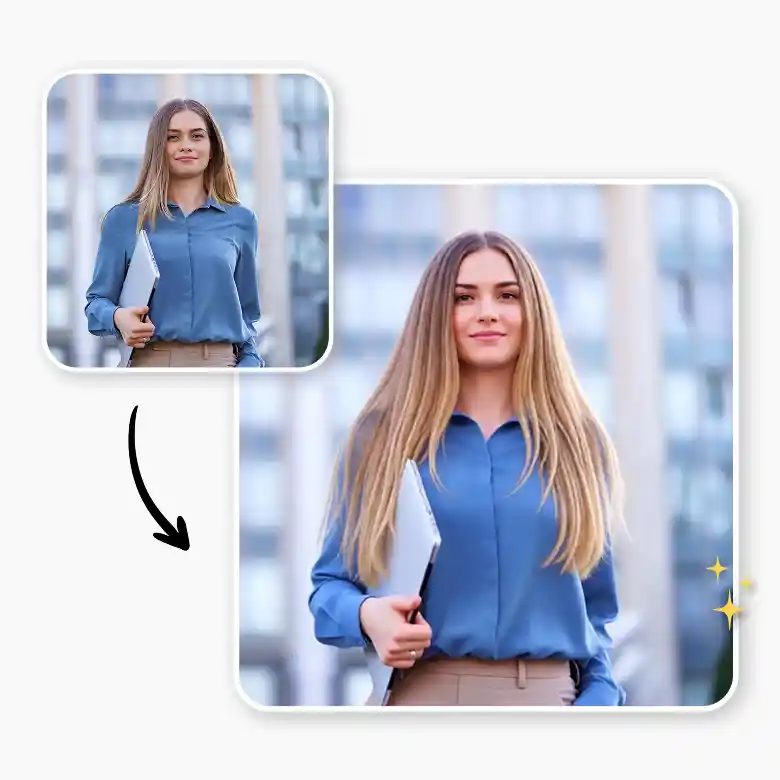
Do more than just add hair volume
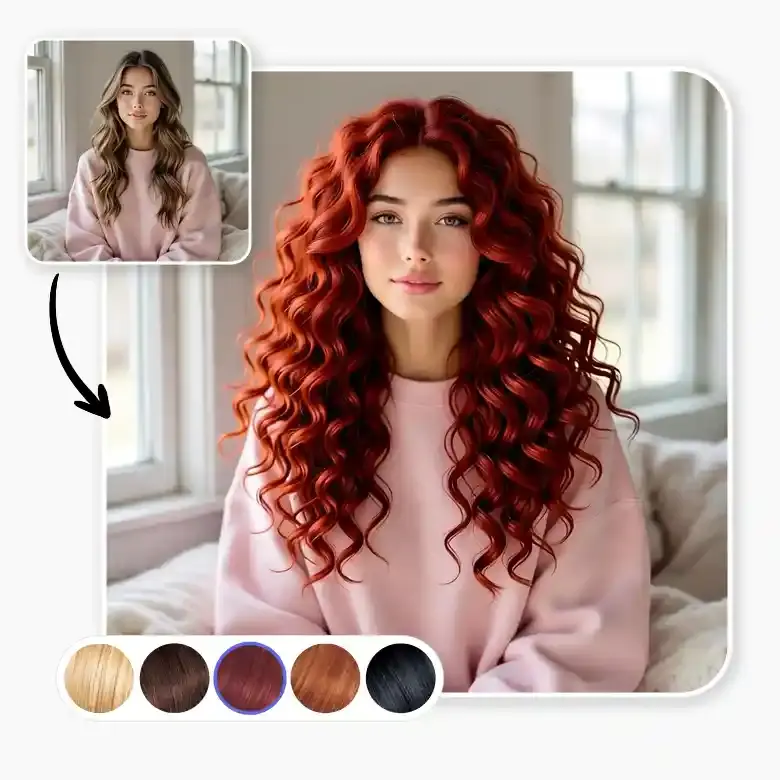
Enhance your photos further with additional hair virtual styling tools. Make hair look glossy with our add shine to hair tool. Fix uneven edges and receding areas using the AI hairline fixer. Adjust hair color, change hairstyle, remove stray hair, retouch skin, upscale images, and more. All in one place at LightX!
Use edited photos anywhere
All AI-generated images created with credits are watermark-free.
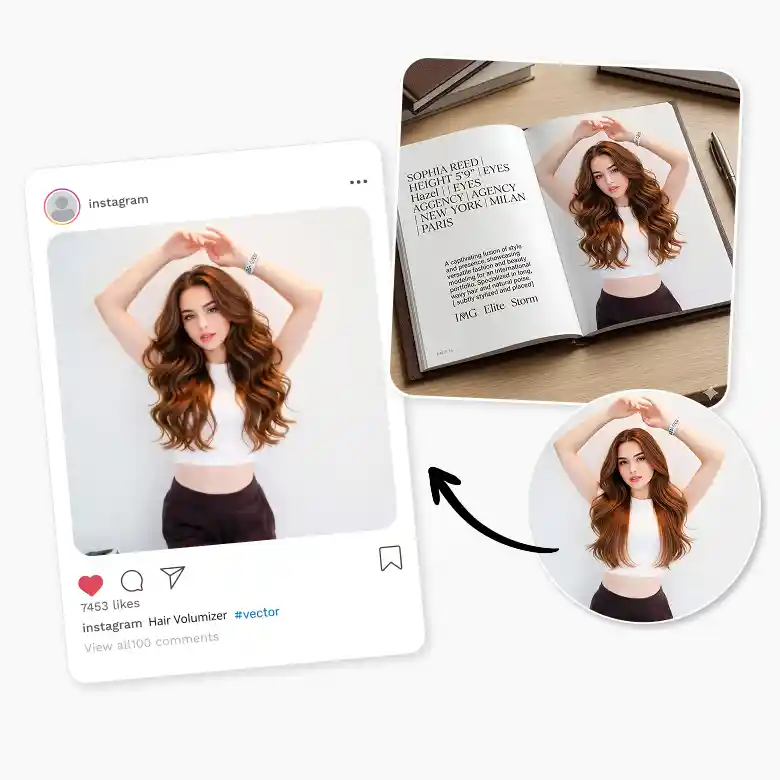
Use them for volumize hair in images for:
Social media posts
Model portfolios
Professional headshots
Beauty and hair showcases
Frequently Asked Questions
Yes. Sign up and get 5 free daily credits to try the hair volumizer tool.


