
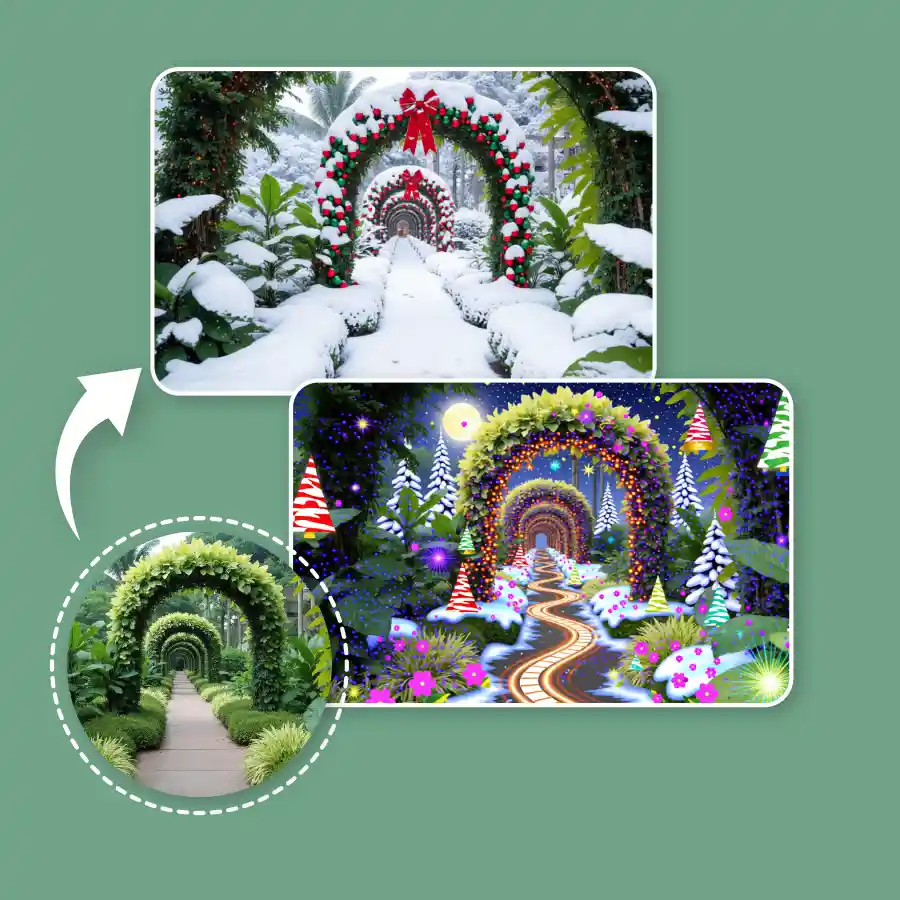
How To Use Xmas Photo Filters
Upload a Photo
Select a photo of yourself, a landscape, or your pet that you want to apply filter to.
Choose a Filter
Explore the diverse range of AI filters available and select the “Christmas” filter. You can also write a custom prompt to create your own filter.
Generate and Download
Click on “Generate" to apply the filter. Download the generated image to device.
Add Christmas filter to photo in one click
Use our AI tool to give your photos a Christmas makeover right away! Choose from the preset collection you want to look like, such as elf, Santa, or Mrs. Claus. The background also gets changed into winter, forest, snowy background, or a classic living room setting with light and trees.
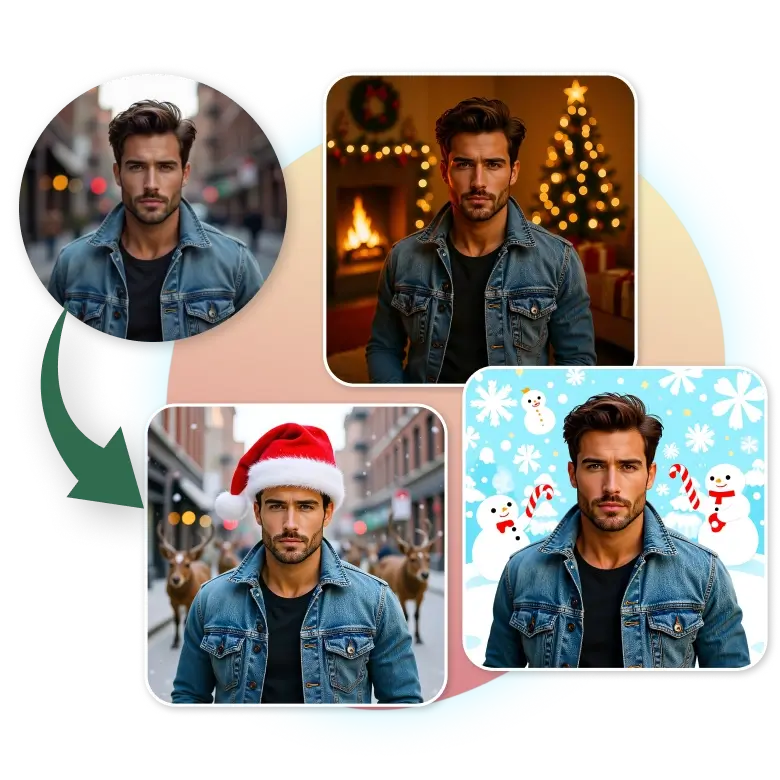
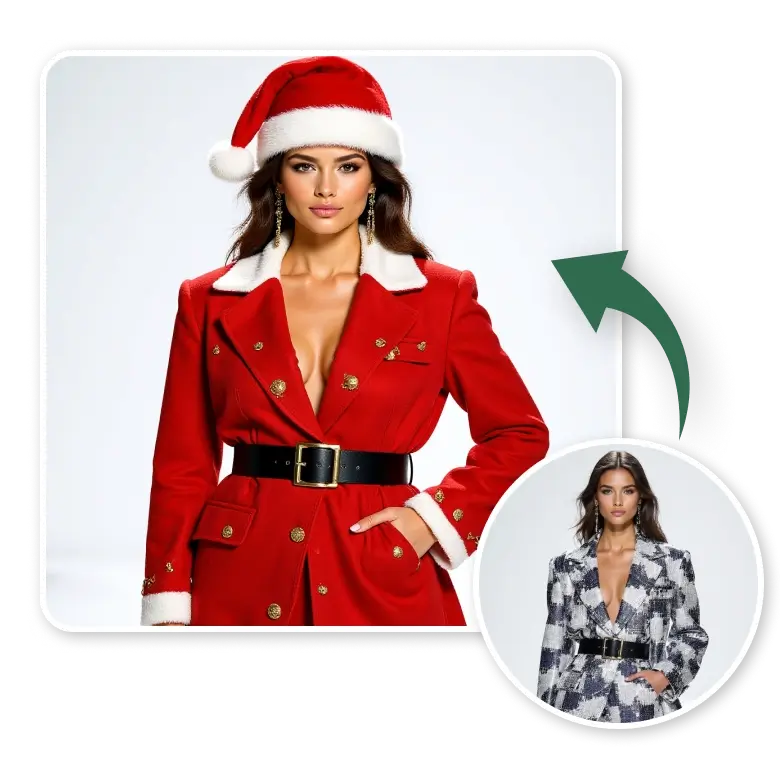
Easy makeover with Christmas attire
The filter can change your outfit into a Christmas style. You can add a red coat, a warm scarf, or a Santa cap. These tools let you appear in sweaters, festive dresses, or fun elf outfits. All the colors are vivid, like red, white, and gold, giving you the whole Christmas vibe in your picture.
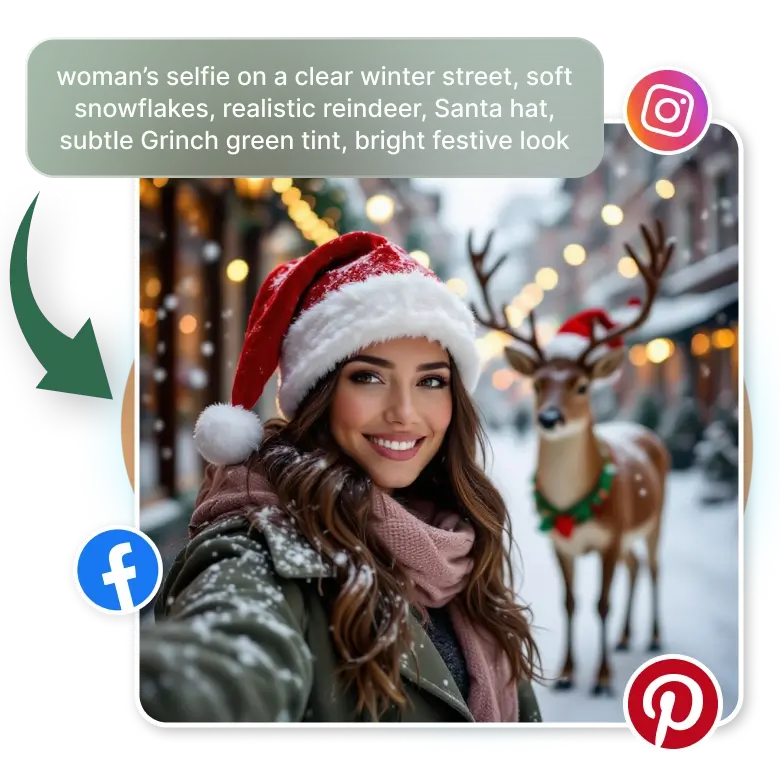
Use the Christmas filter for social media sharing
This filter prepares your photos for posting on social media, including Facebook, Instagram, Pinterest, and more. Transform your selfie and customize it with text prompts, mention details like winter street photos, soft snowflakes, reindeer, and add Santa hats, or a Grinch filter for fun. The images are already in social size, so you can post them without resizing.
Use cases of Christmas filter online
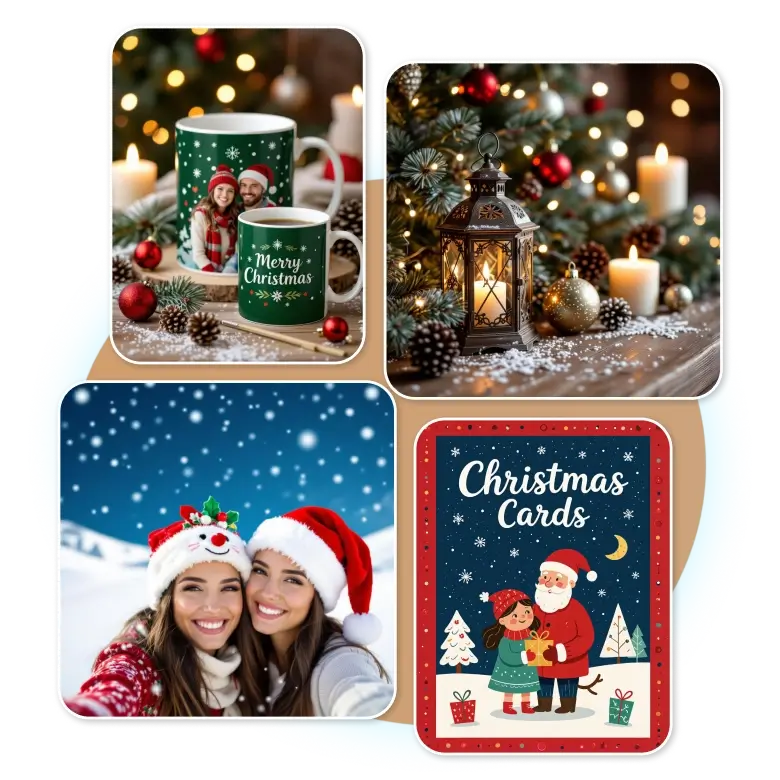
✔ Christmas cards and invites: This helps turn a simple photo into a warm Christmas scene ready for party invitations.
✔ Profile pictures: People can turn a regular selfie into a festive Christmas look.
✔ Printed gifts: Printed gifts like canvas prints and mugs are great for creating Christmas-style photo gifts.
✔ Holiday content images: This helps you add Christmas-themed photos that match your holiday posts or pages.
✔ Decor inspiration: This can help you create Christmas-style images for seasonal displays at home or in the office.
Why choose LightX AI Christmas filter?
✔ Quick AI Christmas filters
✔ Create unique Christmas photos
✔ Fast festive photo filters
✔ Keeps important details and features clear
✔ Safe style previews before applying
✔ Instant changes with easy edits
✔ Protected Christmas photo edits

Frequently Asked Questions
Use a clear, front-facing well well-lit picture. AI will turn into a Christmas filter.


