

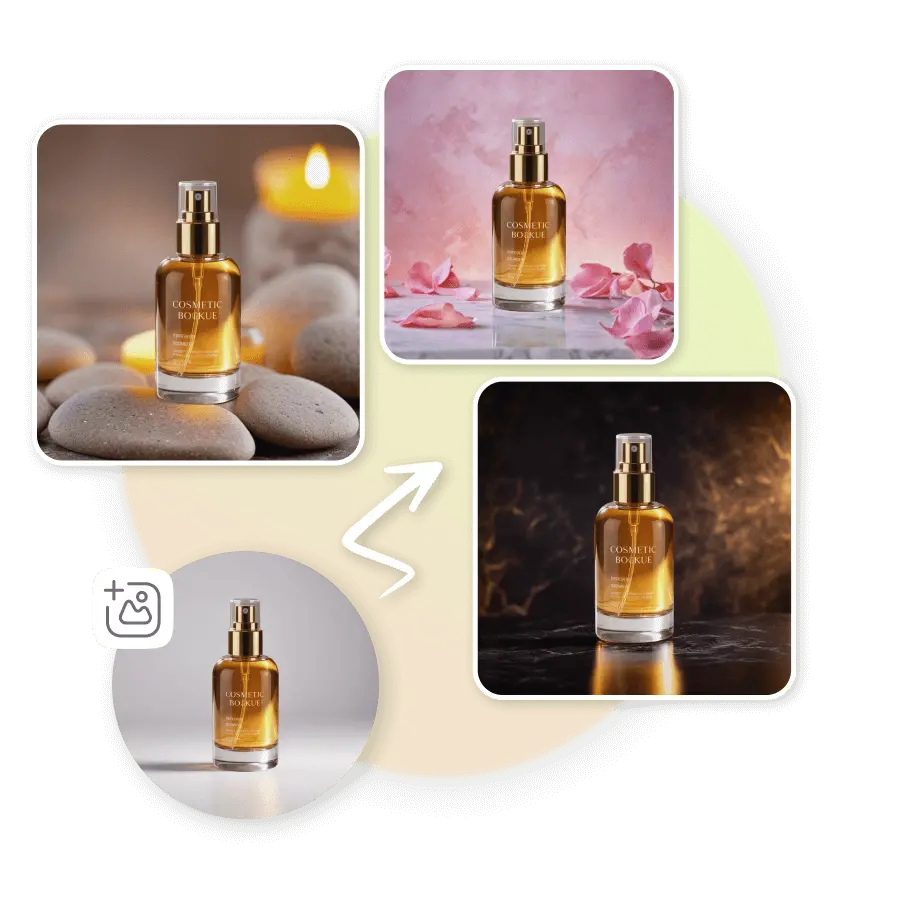
How to conduct a bottle photoshoot?
Upload a photo
Take a clear photo of a bottle with your phone and upload it to the AI Photoshoot tool.
Choose or generate background
Select from preset eyewear backgrounds or write a short prompt to design your own.
Generate and download
Click “Generate” to create your final image. Download instantly or try more variations for different styles.
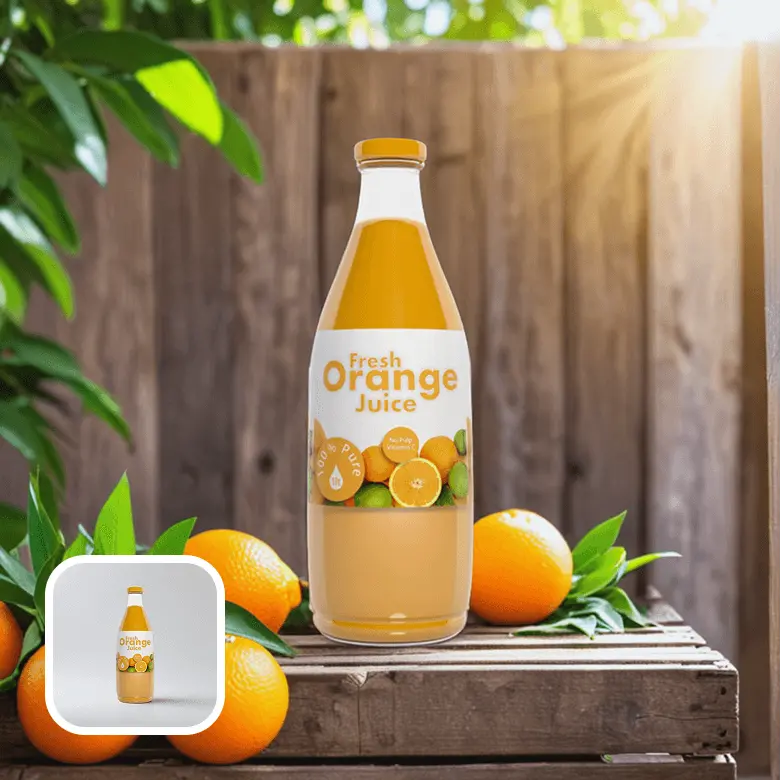
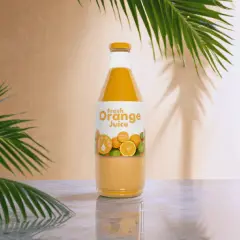
Apply backgrounds in one click
Choose from ready-made presets to instantly add perfect backgrounds to your bottled products. These presets blend perfectly with your products’ lighting and shadows.
Type prompts to create your own background
Describe your setup idea in the prompt box to get a customized background in your brand colors or theme.
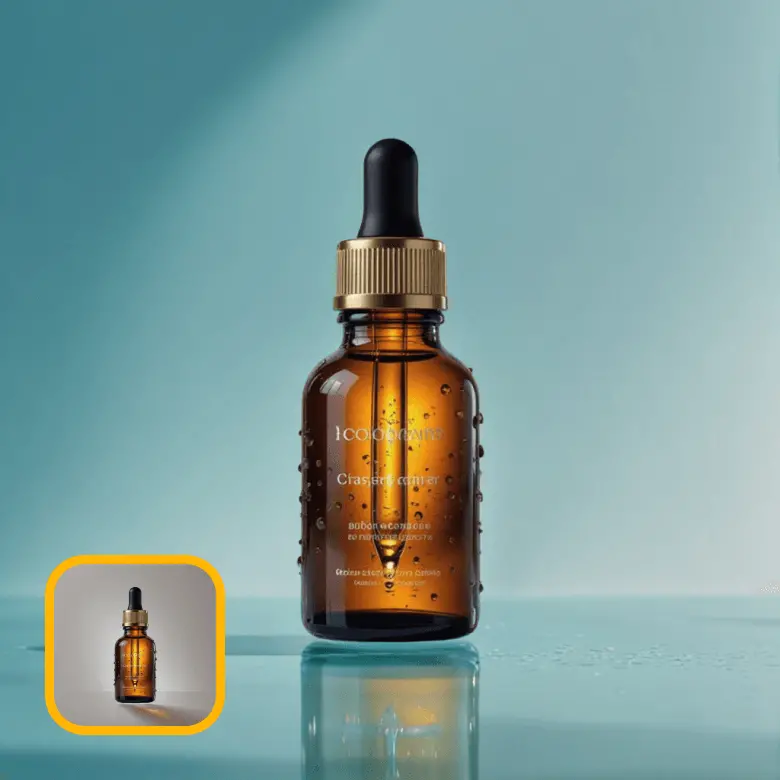
No fuss of lighting, studio setup, or editing
Conduct bottle product photography at home, without any setup. LightX AI photoshoot tool helps you create studio-quality, beautiful bottle product photos in seconds. The tool adds creative backgrounds, fixes product lighting and shadows, and blends your product realistically with the background, all automatically in one click.
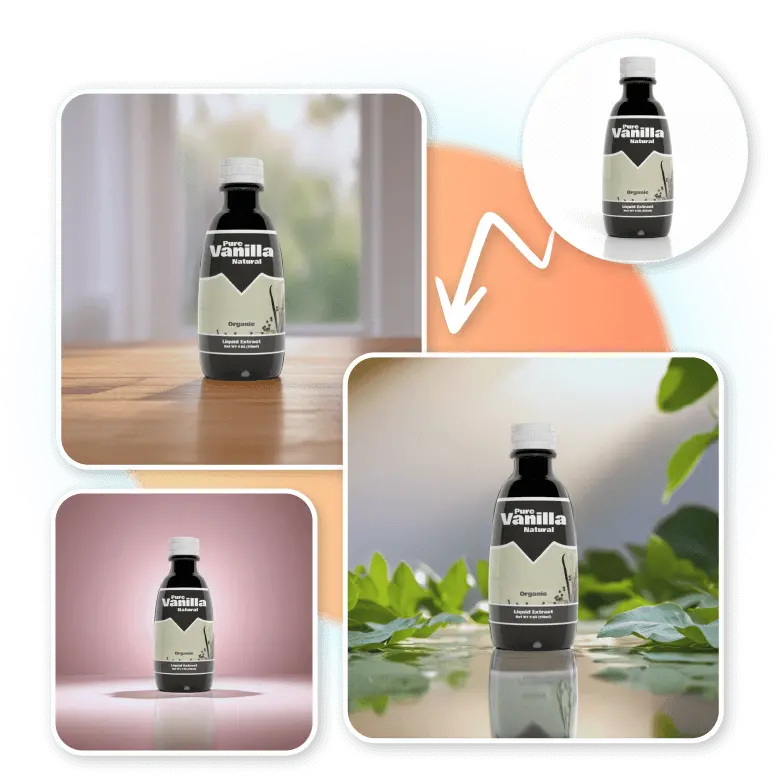
For beverage brands & bottle sellers
Whether you’re selling bottled products or just plain bottles, this tool is all you need. We make sure your products are so high-quality and creative that you can confidently use them on eCommerce sites, Instagram pages, ads, and even printable marketing materials.
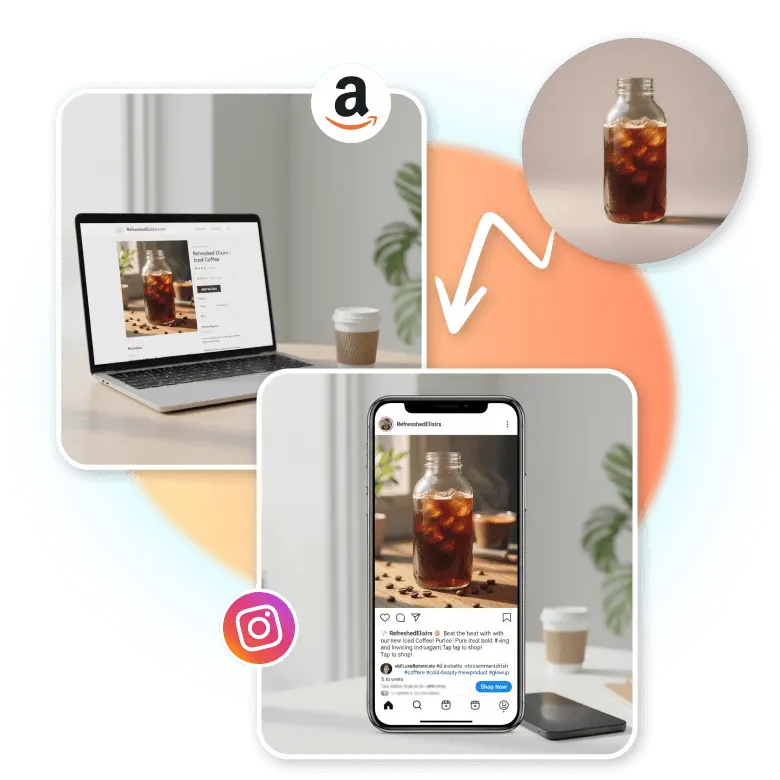
Fixes glares and reflections
Shooting with reflective / glass bottles is hard. The flashlight from the camera can make your product details invisible. But our AI is here to help! It removes unwanted glares and shadows from reflective surfaces to give you a clean product image with all details intact.
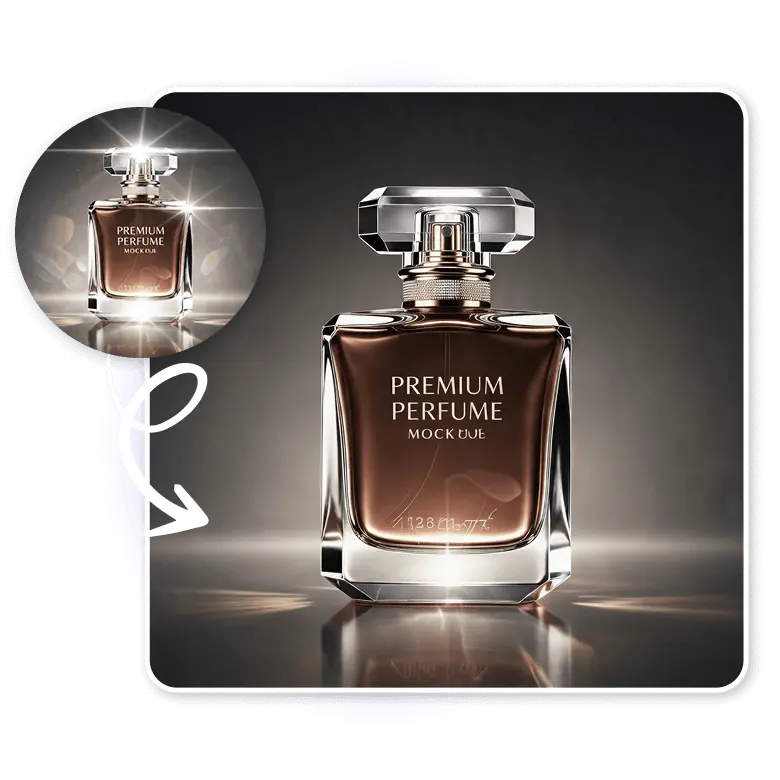
Edit further like a pro
Our AI doesn’t just add surroundings to your product photo but also lets you edit your product within the editor. Upscale your product photo quality, add a watermark or logo, and best of all, Access all these features right at your fingertips with the iOS and Android app.
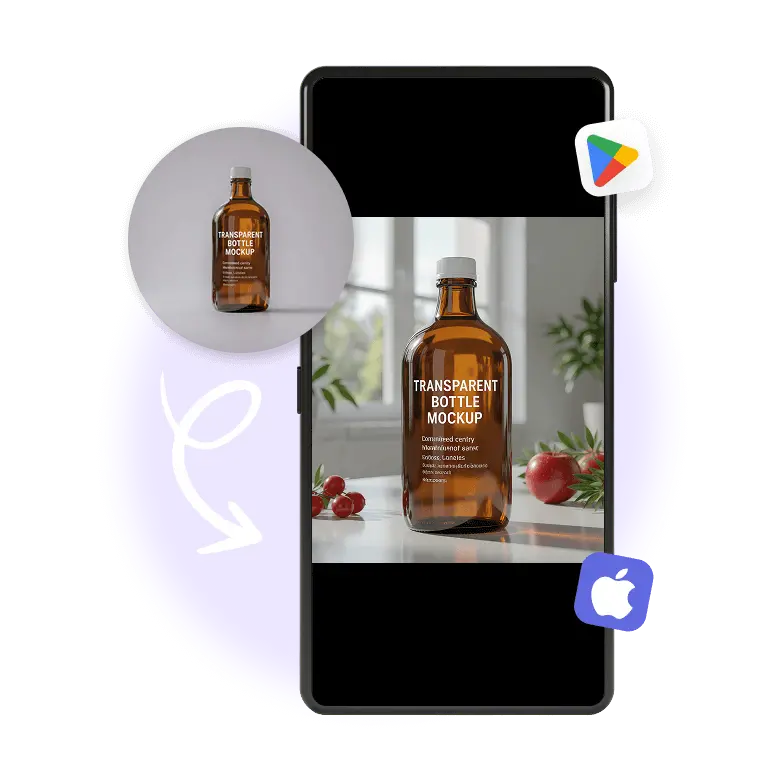
Creative ideas for every niche
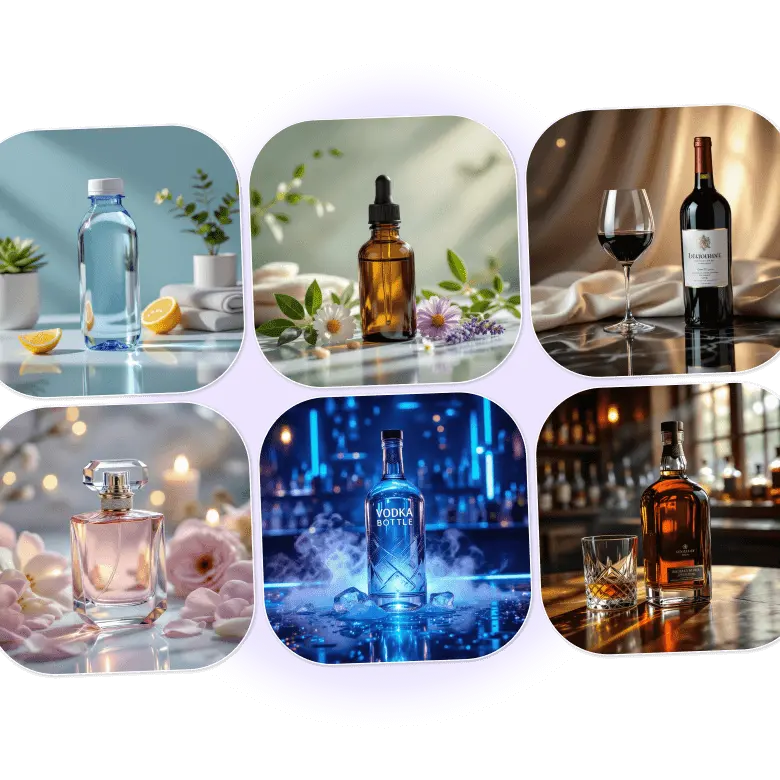
• Wine bottle photography: Create elegant photos. Use dark, luxurious backgrounds.
• Beers, whiskeys, vodkas, and other liquor bottles: Use bar-style backgrounds with golden lighting.
• Perfume bottles: Ideal perfume photoshoot backgrounds are the ones that reflect the notes of your perfume.
• Water bottles: Use minimal backgrounds; you want the product design to be the center of attention.
• Other beverages: Depending on the niche, add backgrounds that include the product ingredients like coffee beans, fruits, or milk.
• Cosmetic or oil bottles: These should have either the ingredients or a lifestyle setting.
Frequently Asked Questions
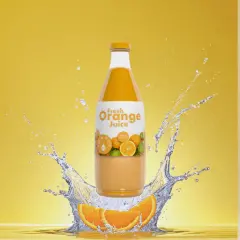
Yes, you can add mist or a water splash effect to it. Just go to the generation, click on Change with AI, and prompt the AI to add a mist or water splash effect to the bottle.
Discover more tools


