


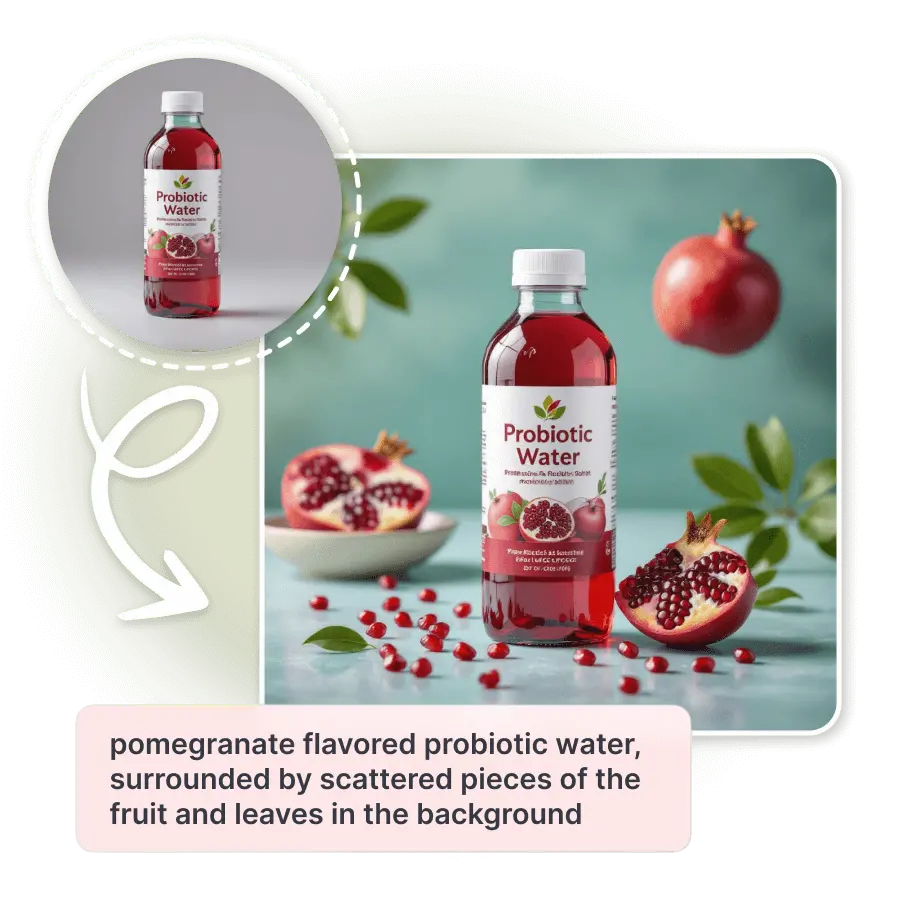
How to conduct a beverage photoshoot with AI?
Upload a photo
Take a clear photo of your beverage with your phone and upload it to the AI Photoshoot tool.
Choose or generate a background
Select from preset beverage backgrounds or write a short prompt to design your own.
Generate and download
Click “Generate” to create your final image. Download instantly or try more variations for different styles.
Apply premium backgrounds instantly
Choose from preset backdrops and the tool automatically adjusts lighting, reflections, and proportions for realistic results.

Instant AI beverage photography in diverse background aesthetics
LightX AI makes beverage photoshoots free and effortless for cafes, drink brands, and small sellers. No cameras, no props, no studio. Just upload your drink photo and create stunning, ready-to-use product images in seconds. Capture products in varied, complementary AI backgrounds. The background blends seamlessly with your product. This creates a balanced and appealing arrangement. The result is always a crisp, clear image highlighting your beverage's details.
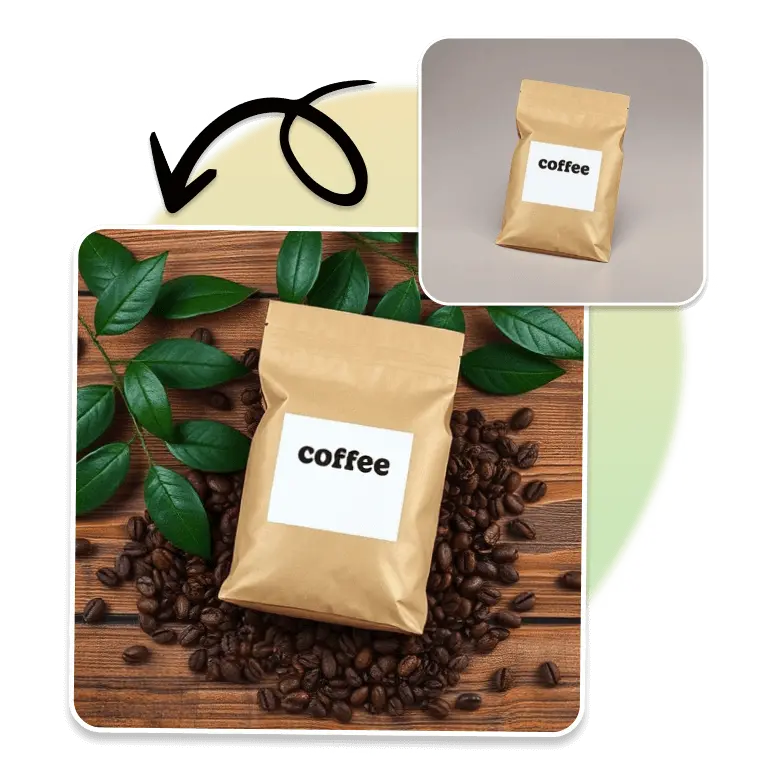
AI beverage photoshoot like professionally taken photos—for free
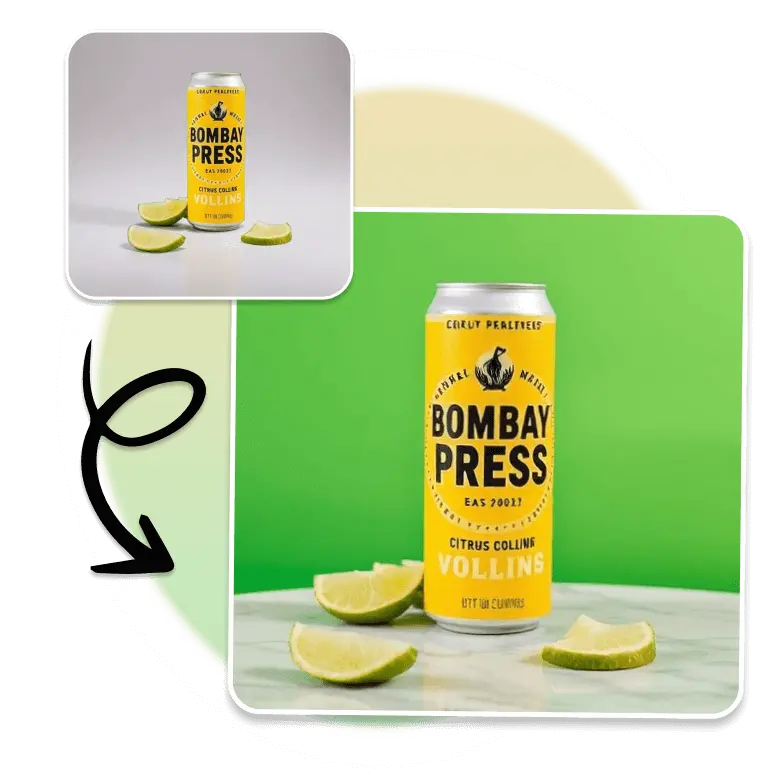
Get a realistic AI-generated beverage product photo with LightX. This AI approach is better than traditional photography. It is more affordable, effortless, and gives high-quality pictures, looking perfect as if taken by a professional. Create beautiful lifestyle scenes like coffee on a cafe table, refreshing juice on the beach, or a soda can in a natural background. Generate multiple product-ready images for any beverage type in seconds.
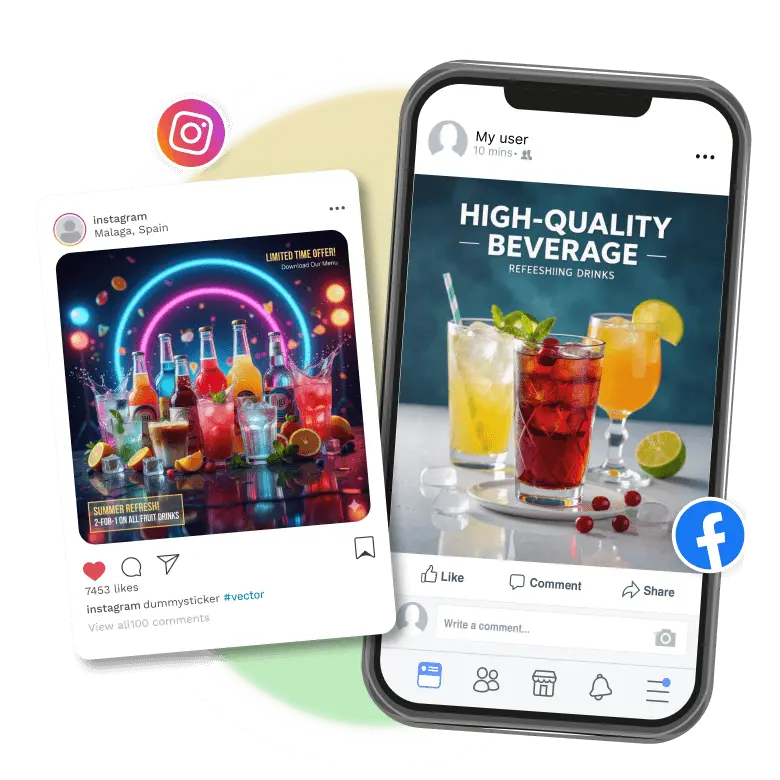
Personalize AI-generated beverage photos for social media or listings
Customize your AI beverage images with LightX AI drink generator. Add your logo for branding or text to mention essential product details. Use lifestyle clicks for Instagram posts and ads. Make professional setups for your menu and e-commerce listings. You can also create AI products like ads, banners, or flyers using them. Get multiple images for all your needs with LightX's AI beverage photography online. Choose which suits your brand tone across all platforms.
Try these creative beverage photoshoot ideas
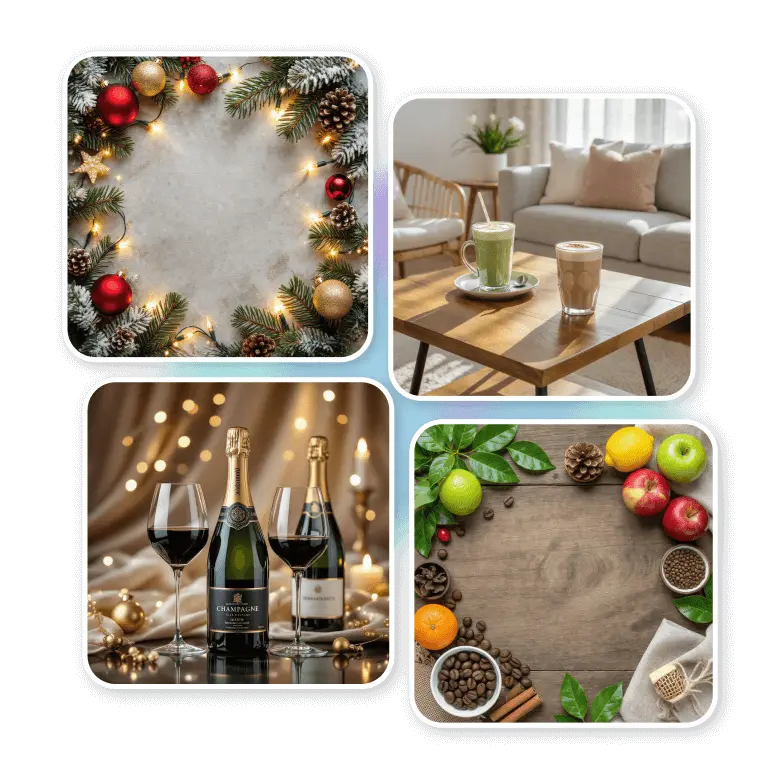
All AI generated backgrounds will look real. It automatically adjusts the lighting, angles, and proportions to match your product. It will focus on the background while complementing your product in every shot. You can try these ideas below:
Holiday theme background: Best suited for festive beverages for all sales.
Luxury background: Apply elegant backgrounds for premium wines, champagnes, macchiatos, and fine spirits.
Lifestyle background: It’s good for trendy drinks like smoothies, coffee, and mocktails.
Organic background: Best for natural juices, herbal teas, and organic coffees.
Frequently Asked Questions
Conduct a professional beverage photoshoot using LightX's AI beverage product photography. To begin, upload your product's photo to the tool. Then, apply a suitable background setting from presets or a custom text prompt. The AI will create a high-quality image that looks professional.
Discover more tools


