

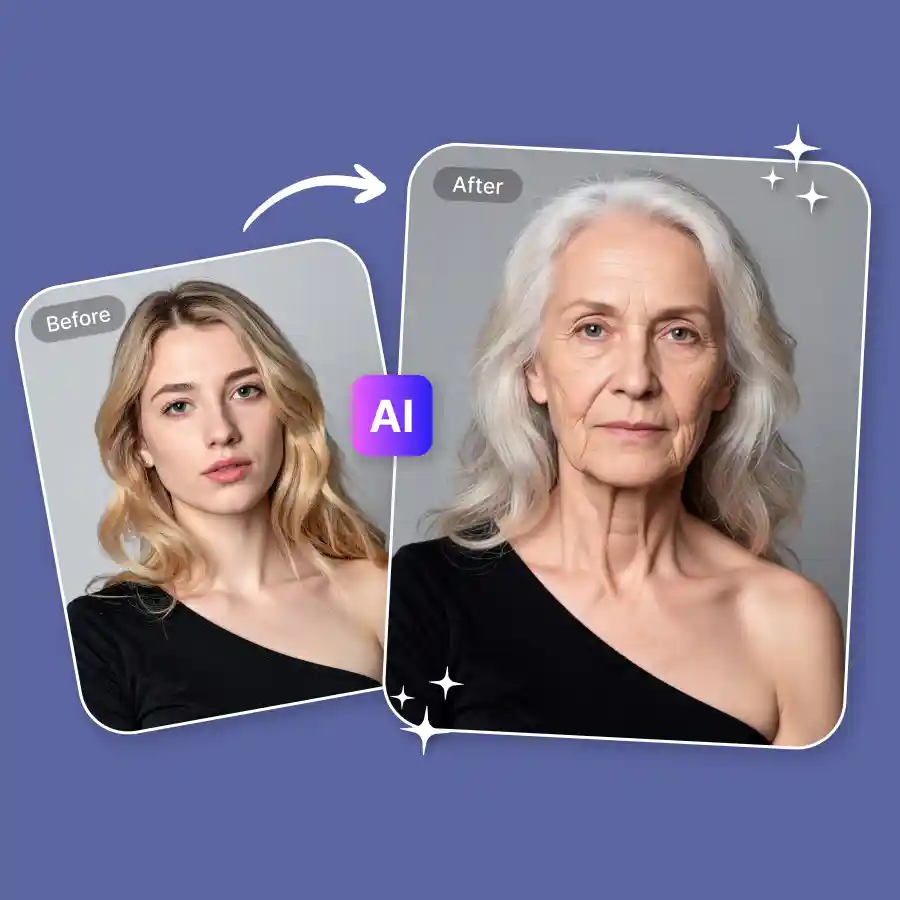
How to use the AI aging filter?
Upload your photo
Choose any clear, front-facing portrait from your device in JPG or PNG.
Describe the effect
Type your prompt. "make me look 70" or "show my younger self at 20."
Download your result
Get a realistic aged or de-aged photo in seconds in
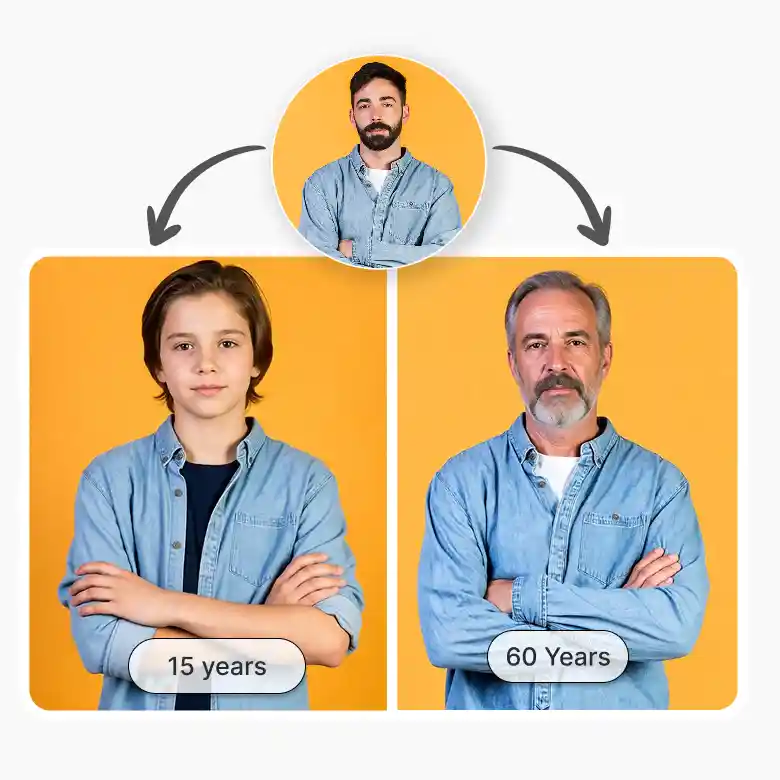
Age forward or backward
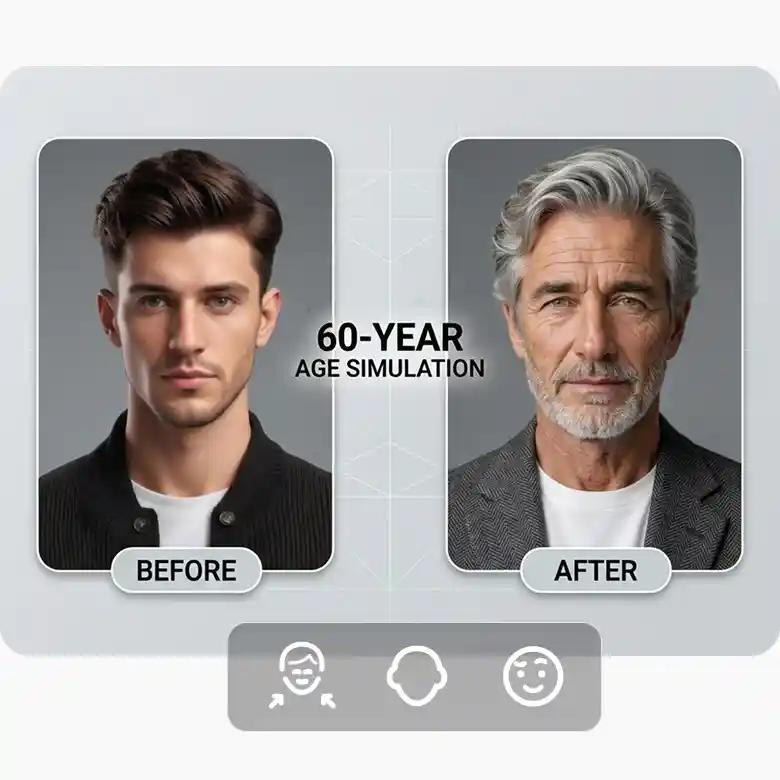
Get a realistic AI age transformation of your future self or rewind to your younger years. One tool covers both the young age filter and the old face filter. See what you'd look like as a child or a senior citizen. Just prompt and done. Our AI generates a real version of you and does not place a filter overlay.
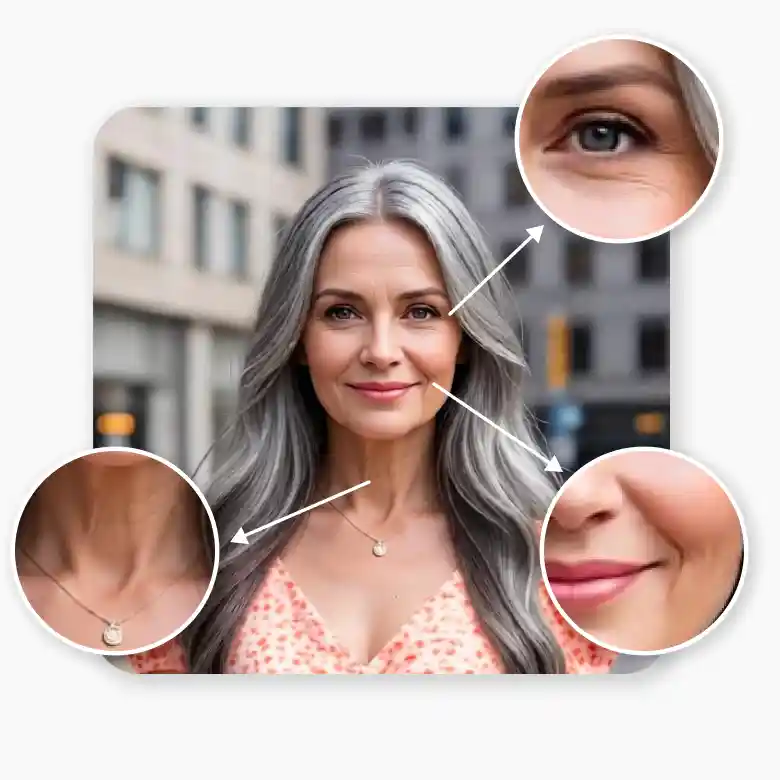
Hyper-realistic results
LightX modifies only your facial features. Background, lighting, and clothing stay unchanged (until prompted otherwise). Our AI generates:
✔ Realistic wrinkles around the mouth and eyes, age spots, and graying hair for the old self
✔ smooth skin and baby features for the younger versions.
The result looks like a real photo of a real person, not a cartoon effect.
Private by default
Every photo you upload is encrypted in transit and processed in a secure environment. LightX does not store your images after processing, does not share them with third parties, and is fully GDPR compliant. You get the result. We keep nothing.

Why use LightX virtual aging filter?
• Simple: Upload, type your prompt, done. No learning curve, no complex settings.
• Free to start: Sign up and get 5 free credits every day.
• Everywhere you are: Use it on web, or download the LightX app on iOS and Android.
• High quality: Upscaled quality at its best.

Use case
• Pure curiosity: Wondering what you'll look like at 60 or 70? Get a glimpse instantly.
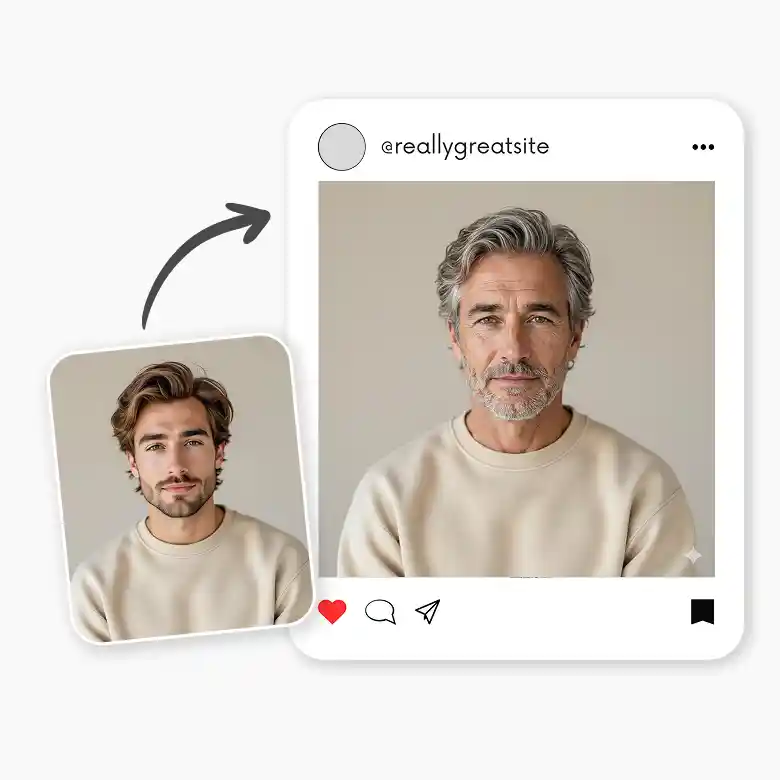
• Social media & trends: Create convincing "past vs. future" transition content for Instagram Reels and TikTok.
• Birthday & gifting: Generate a funny aged photo of a friend, family member for a personalized card they'll never forget.
• Family resemblance: ge your photo and compare it with a grandparent's to see which features run in the family.
Explore more AI face tools
Get a full suite of AI-powered tools at one place. With face swapping or morphing, create fun photos for social media with a funny face filter, or make everything come to life with the face animator. No need to switch tabs, explore all face enhancement tools here.
Frequently Asked Questions
Discover more tools


