

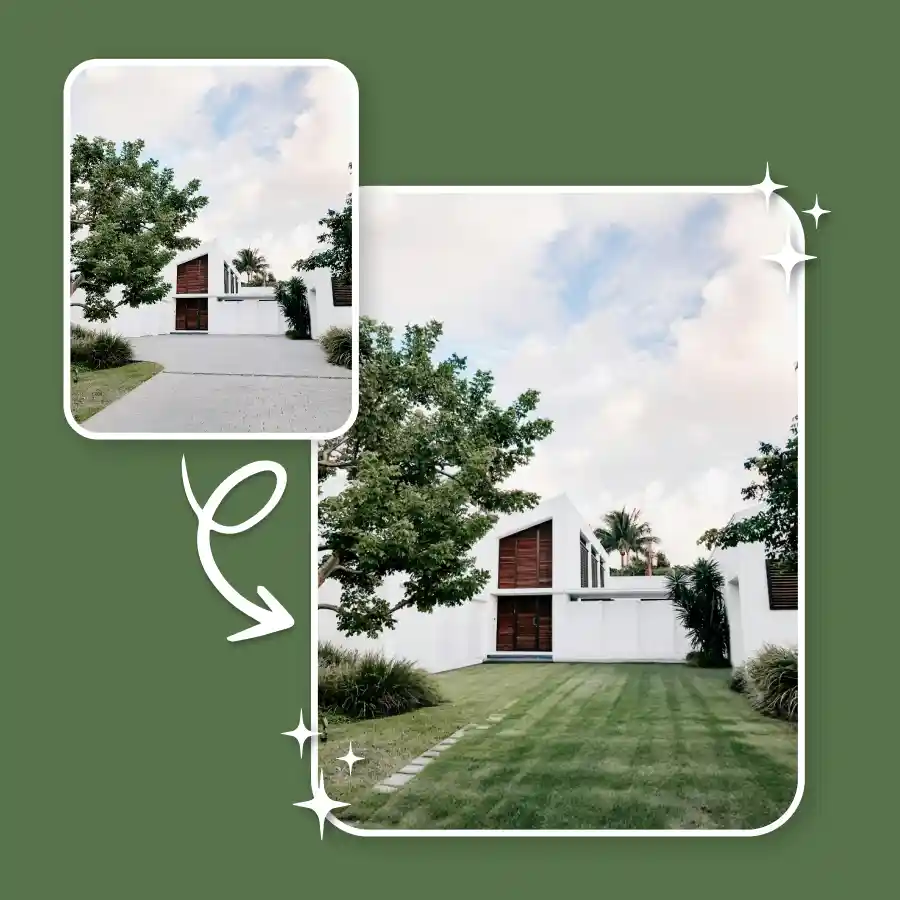
How to add grass to the photo online?
Upload your photo
Upload a photo in JPEG or PNG format.
Enter prompt
The prompt “add grass” is already added. Click Generate to proceed. You can edit the prompt to describe the grass style.
Download
Download the edited image to your device.
Easy and quick lawn fix using AI text prompts
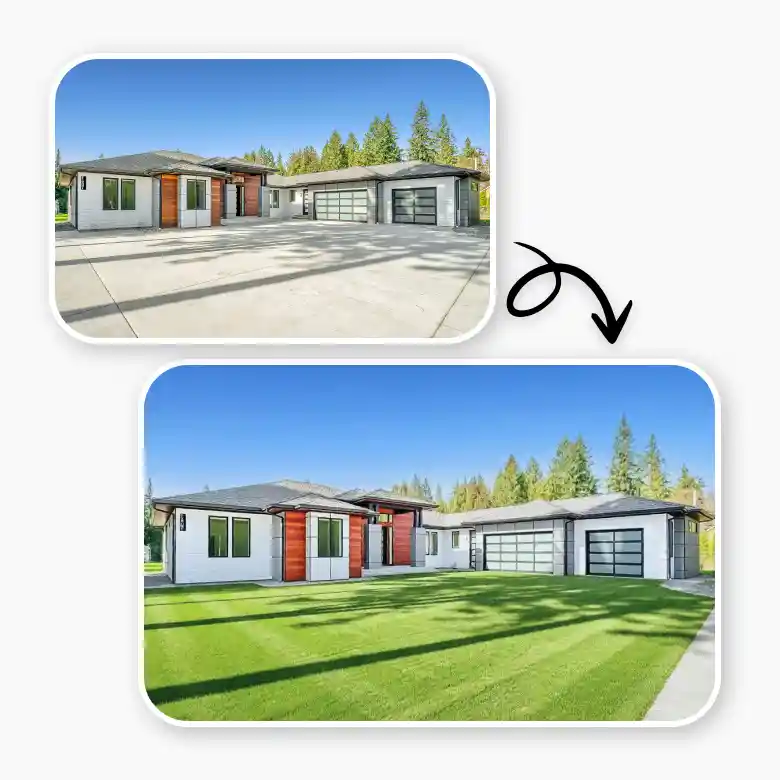
1. Fix dry or dead lawns
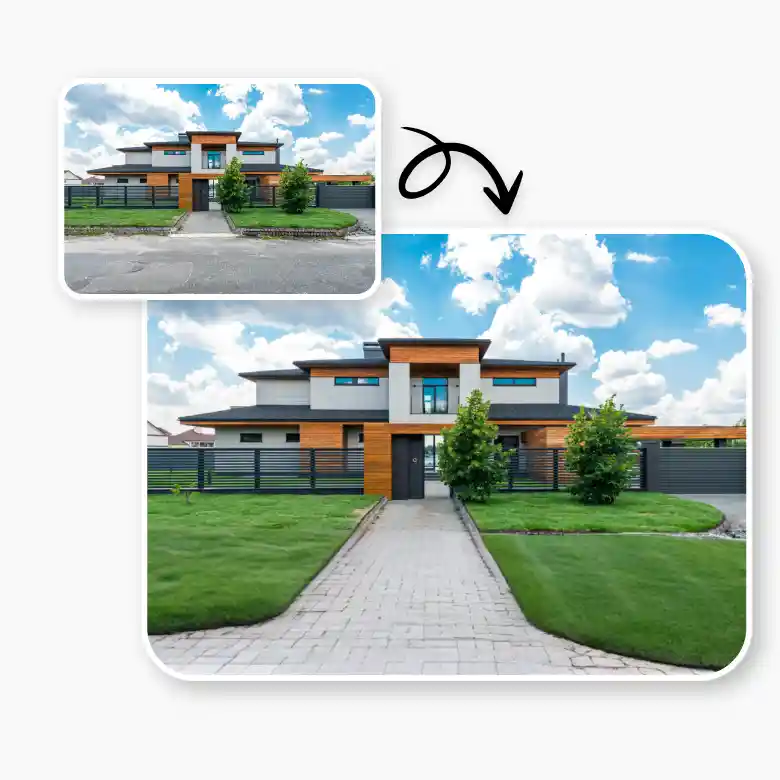
If the grass in your photo is brown, spotty, or dead, the AI can instantly turn it back into a vibrant green, enhancing the whole look of your gardens.
2. Grass replacement with unwanted space
Add grass overlays and replace any unwanted objects in the image quickly. The AI blends the grass seamlessly with the surroundings, covering concrete, dirt patches, or unpleasant items.
3. Replace the bald patches rather than the entire lawn
The tool lets you repair dead spots and helps you in lawn replacement without completely covering it, giving it a natural-looking aesthetic instead of laying a new grass layer.
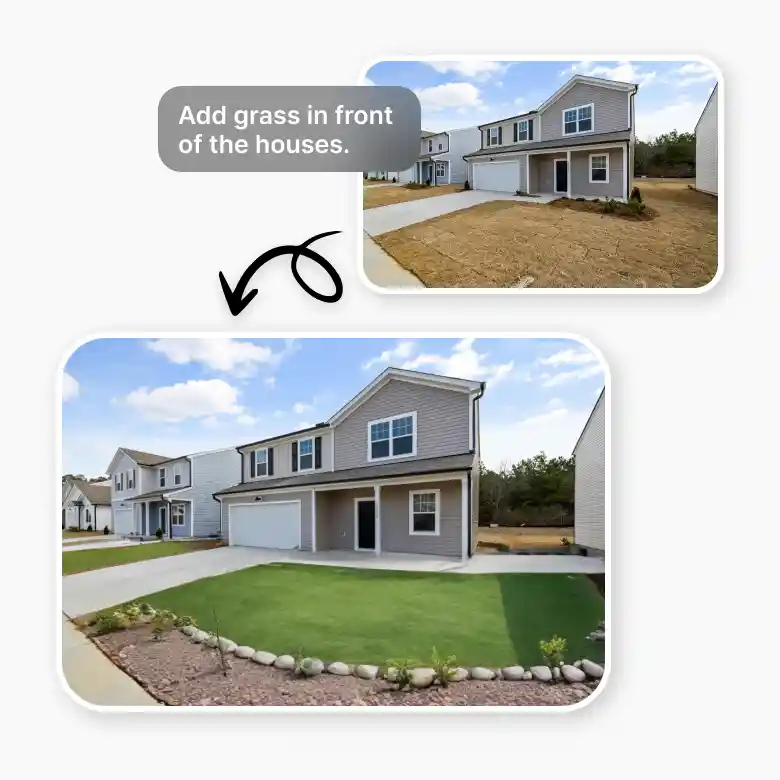
Realistic grass generation in multiple grass styles
1. Real green grass: The tool analyses your original image's lighting, angles, and textures to make sure the new grass blends in smoothly. No unreal or phony-looking changes, just seamless, lifelike creations.
2. Generate your own grass style: Add grass to photos as it’s perfect to give fresh views, and change empty ground to healthy-looking grass in a lush green yard.
Fun grass creative & fun extras:
✔ Add cute grass stickers
You can also add grass stickers to give your ideas a unique twist and make them ideal for gaming concepts, animations, or artistic images.
✔ Integration of wildlife and nature
Add a grass background to the image and enhance your landscape with more elements of nature! A vivid and engaging nature scene can be easily created by adding tiny flowers, mushrooms, or creatures like birds, butterflies, or rabbits.
✔ Beginner friendly
You only need to swipe and generate—no Photoshop skills needed! Through the user-friendly interface, beginners can easily generate beautiful, realistic tweaks.
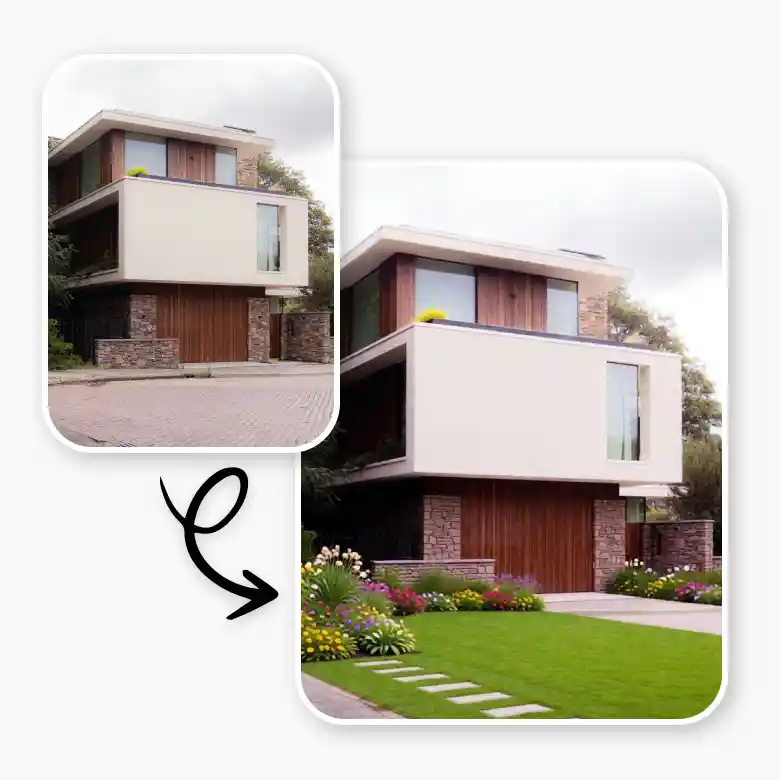
Enhancing photos with AI grass: Top use uses
1. Enhancement of real estate
Make outside spaces look greener and cozier to instantly upgrade property images. To draw in new tenants or buyers, cover up any dead areas or visible soil.
2. Design gardens and landscape
See how a space will appear with new grass before making actual landscaping adjustments. Try out several grass types to get an idea of outdoor redesigning tasks.
3. Influencers and content creators
Enhance outdoor photographs with lush greenery for a more polished and aesthetically pleasing appearance.
More editing after adding grass
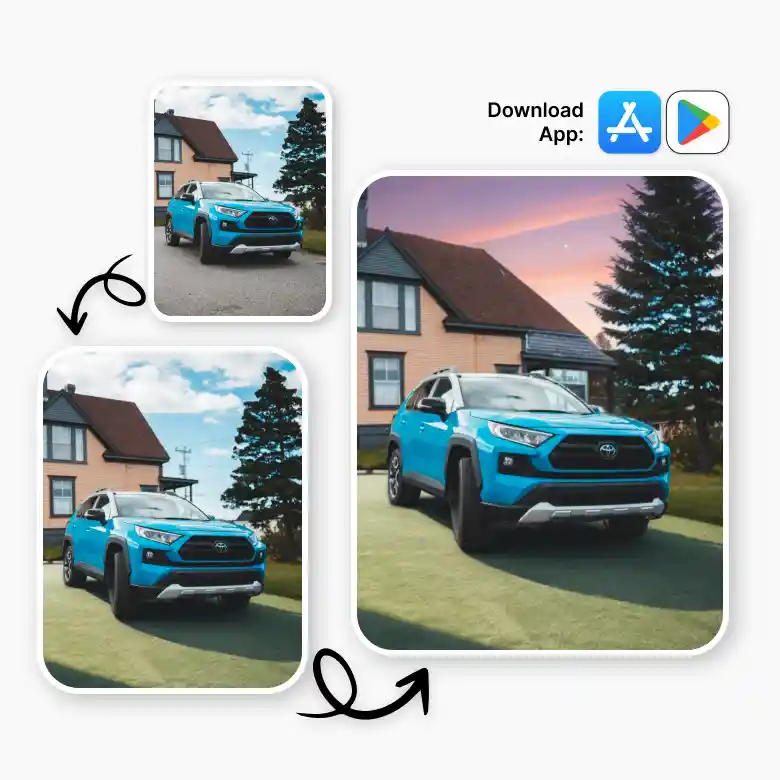
LightX is available on the App Store and Play Store, making it compatible with both PCs and mobile devices. With AI-powered editing, you can add grass to images and do even more such as changing the sky, AI filters, and adding stickers and more.
Frequently Asked Questions
To make grass show green in pictures, upload your picture, cover the grass, and type an AI text prompt such as "lush green grass." With amazing results, LightX's AI will quickly turn dry grass into a vibrant, new lawn!