



How To Put Your Logo On a Photo
Upload your Photo
Once you have uploaded your photo, click “Media” to add the logo in any format from your device.
Add & Customize Logo
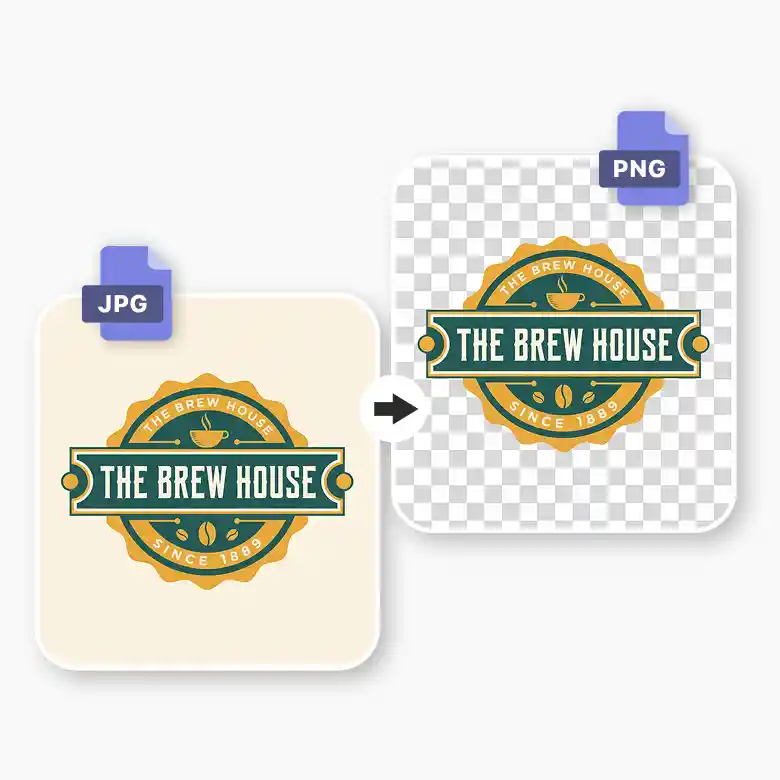
If the logo is in JPEG format, then use the built-in background remover to make it a transparent PNG. You can also resize it, position it, and adjust its opacity.
Download The Final Image
Once you finish by adding and editing the logo then you can download the final image to your device in JPEG or PNG format with a preferred resolution.
Add logo to picture for marketing: flyer, brochure, and others
With LightX's tool to superimpose a logo on a photo, ensure your marketing materials possess one perfectly. You can place the logo on the product photos, flyers, or brochures, and at the header or footer for maximum visibility without overshadowing the main content.
Furthermore, you can add a logo to a photo for a social media post, website, blog or email newsletter to achieve a professional and polished look. Ultimately, the key is to merge logo into picture seamlessly, and LightX's overlay logo on photo tool makes it possible in seconds.

Insert logo on photo for a touch of personal branding
Add logo to image to establish your brand's visual identity, elevate its recognition, and foster a sense of authenticity. Apart from aesthetics, when you put a logo on a photo, it acts as a shield, protecting your content from unauthorised use.
With LightX's insert logo on photo tool, move beyond mere symbolism - let your logo be a subtle yet powerful medium to strengthen your brand's association in the minds of your audience.

Manage logo opacity and size in the add logo to image tool
With LightX's advanced add logo to photo tool, enjoy the ability to control the appeal of your added logo. Easily resize to fit it into your image flawlessly. Adjust opacity for a nuanced effect that makes it stand out as needed. Moreover, when you superimpose a logo on an image, simply drag and drop it to a desired spot and rotate it for proper alignment. This versatile tool by LightX empowers you to add logo to photo online free and personalise it with the utmost finesse and flair. With this, you can also make your own logo with the help of our lightX tool.

Put logo on photo with the transparency feature
Imagine, you are all set to add logo to picture but the JPEG format with a background poses a challenge! Tough, right?
Well, when you overlay logo on photo in LightX, you can instantly make it transparent using the one-click free built-in feature. It automatically removes the background from the logo, delivering a transparent logo PNG. LightX's add logo to photos free tool makes the entire process more accessible and simpler than ever!
Frequently Asked Questions
Add a logo to a photo using the LightX app for iPhone and Android devices. Its photo editor lets you incorporate your logo into your image smoothly and instantly.