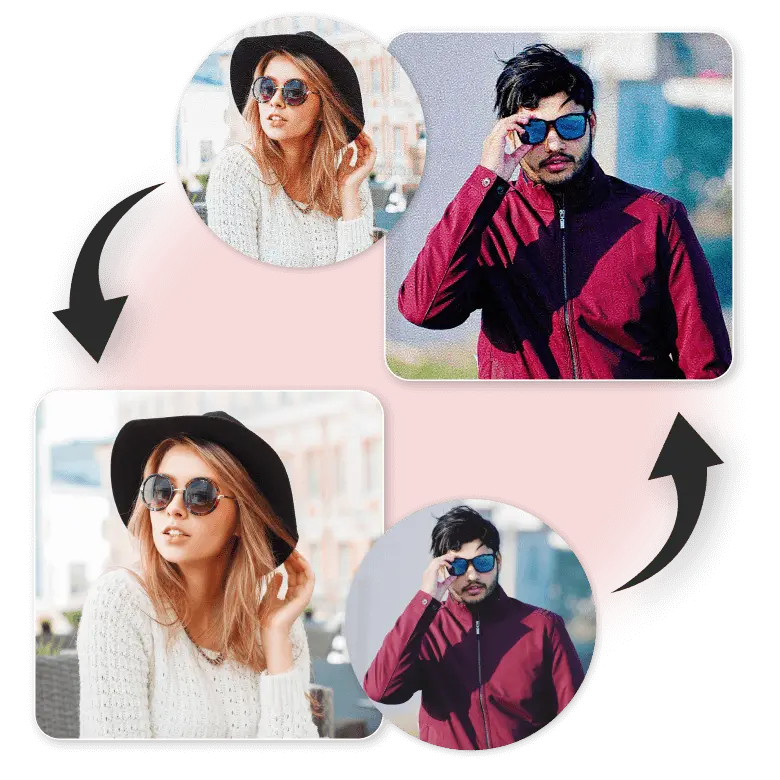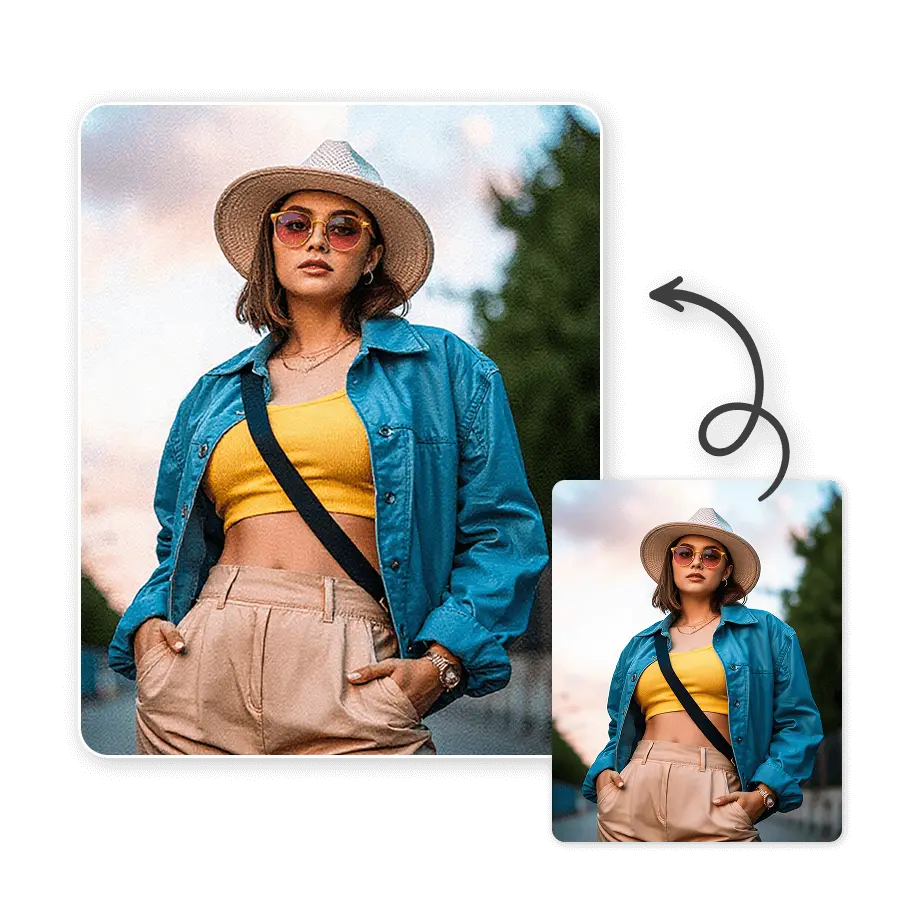
How to add the grain photo effect?
Upload your photo
Choose or drag and drop a photo in the JPEG or PNG format.
Click Generate
With the pre-defined prompt, simply click on Generate.
Download
Download the image to your device.
Make photos nostalgic without reducing quality
Not a grain overlay tool, but a generative AI that recreates images with a natural grainy effect. Make your photos look as if they were taken with an old camera. Not only can it be used to make digital photos look nostalgic, but it also helps hide small flaws or over-sharp areas. Normally, adding film grain leads to image pixelation, but with LightX, the quality is always sharp in 1080 x 1080 pixels.

Make grain edits with a prompt command
We do not offer generic, boring one-click grain filters. We give the option of adding prompts. The beauty of using prompts for editing is that the creative possibilities are endless. Which means you can add grain effects in many different styles. To create, you only need a few simple words describing the kind of effect you want.
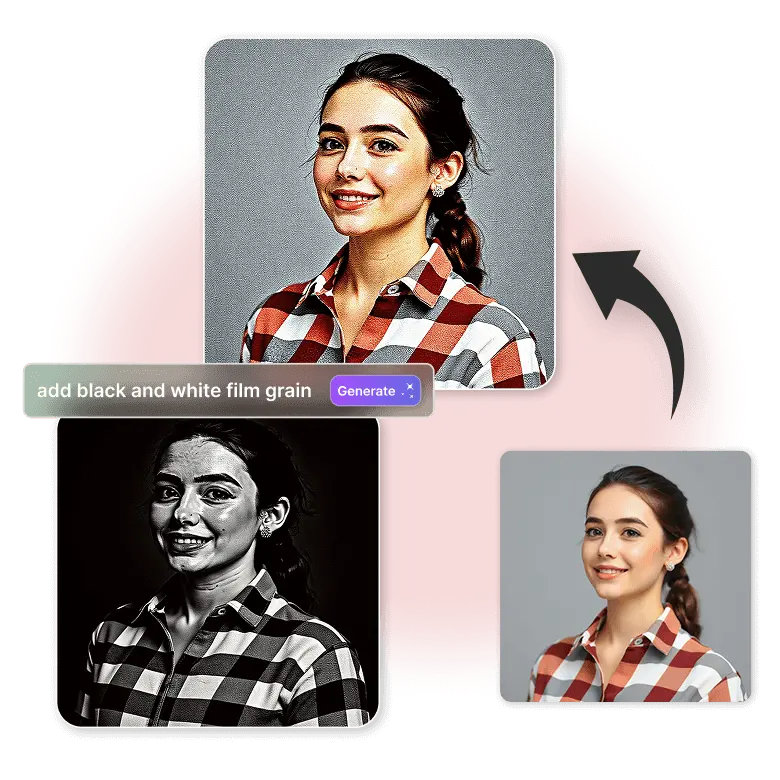
Try these prompts for creative grain effects
“add fine film grain to photo”
“add vintage grain photo effect”
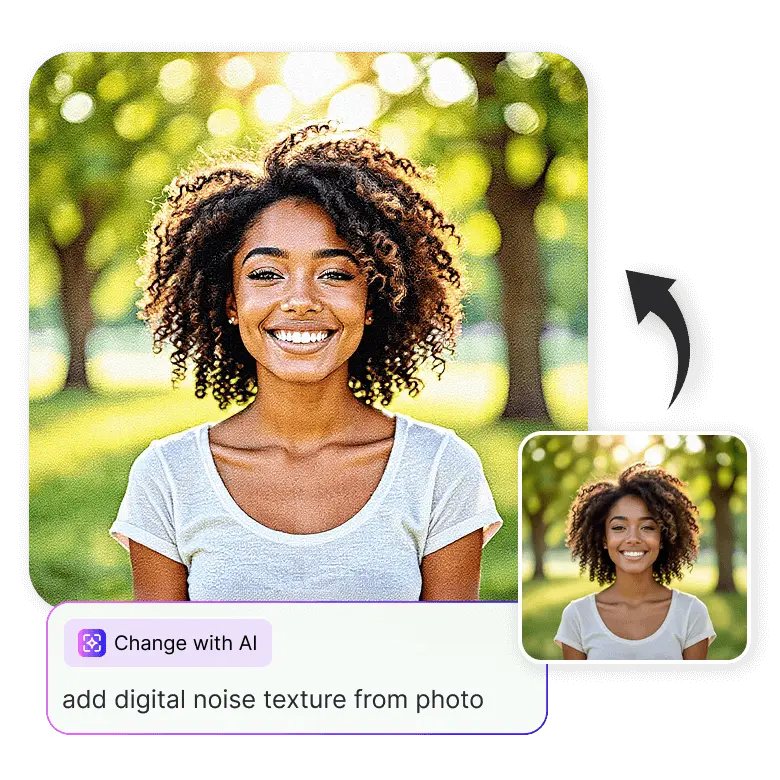
“add digital noise texture”
“Add dye granules like old hollywood film”
“add soft subtle grain”
“add cinematic silver halide film grain”
“Add gritty grain”
“add black and white film grain”
“add natural light grain”
“make image look grainy like old 90s polaroid“
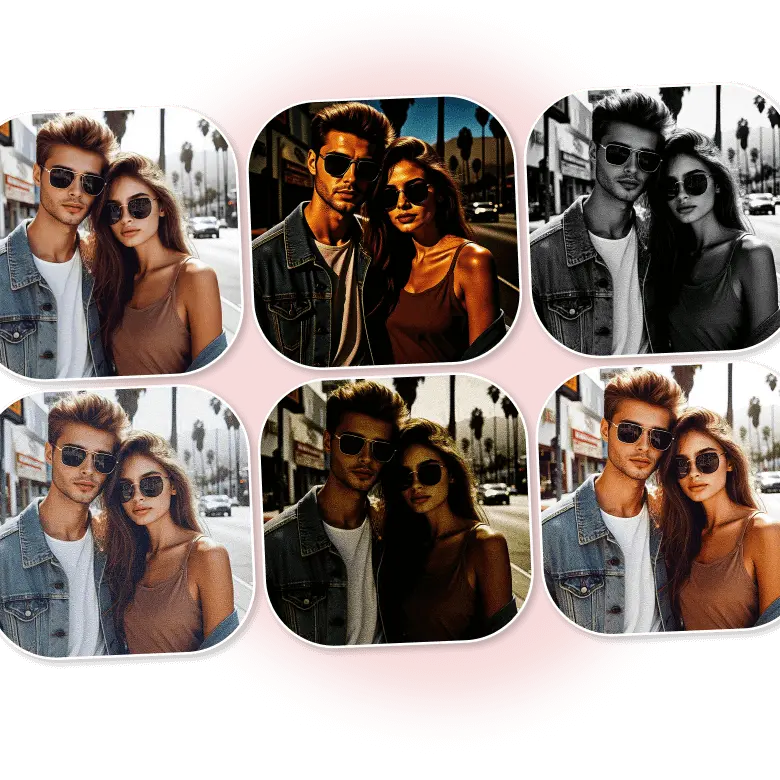
Adjustable grain intensity
Yes, you can control the grain intensity too. With prompts, the grain intensity ranges from 0 to 1, where 0 means no grain and 1 means the highest-intensity grain. For example, use 0.3 for light grain and 0.8 for heavy grain. You don’t need to regenerate the entire image; just click the “Change with AI” button and describe the changes in the prompt box to edit only specific parts.
More effects, more fun
The fun of experimenting with creative effects never stops at LightX. You can use prompts to create any type of effect in your photos, as long as you know the style you want. Just describe your desired look, and get creative, high-quality results. The tool can both generate film grain and remove grain from images with the same prompt feature.