




How does the tool work?
Upload Image
Choose or drag and drop your picture in JPEG or PNG format to get started.
Change background
Click “Remove Now” and the background will be automatically erased. Then, select a black color shade of your choice to change it.
Save image
Refine the edges if needed, or click “Download” to save your file in JPG or PNG format.
Why do you need a black background
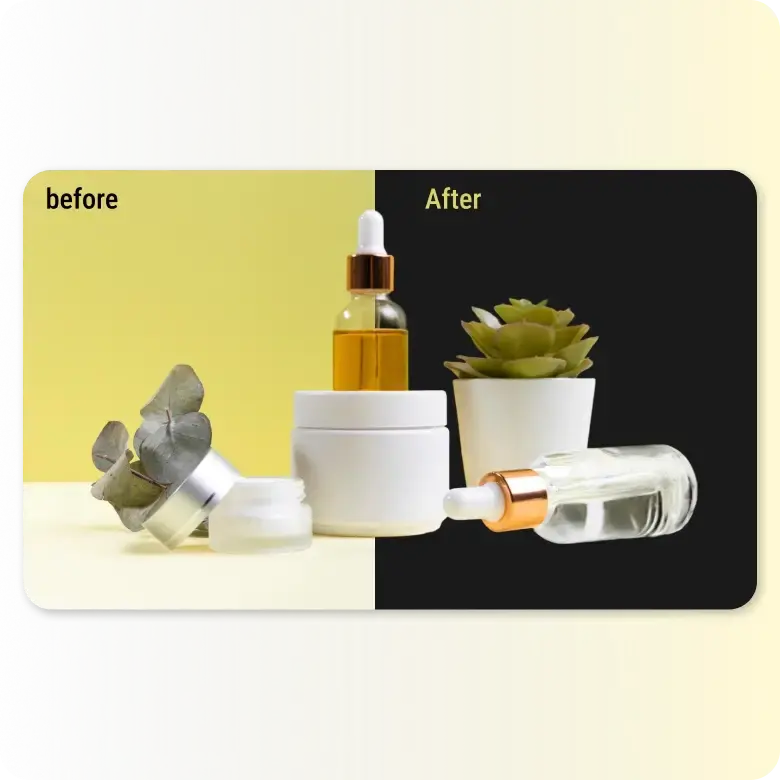
Experience the power of black backgrounds in photography. Making the background of your picture black gives it a sense of elegance and adds depth, drama, and contrast by highlighting the subject's colors. Not only can a black background help a photo stand out, but it also makes it look grandiose.
What types of photos are best suited for a black background?
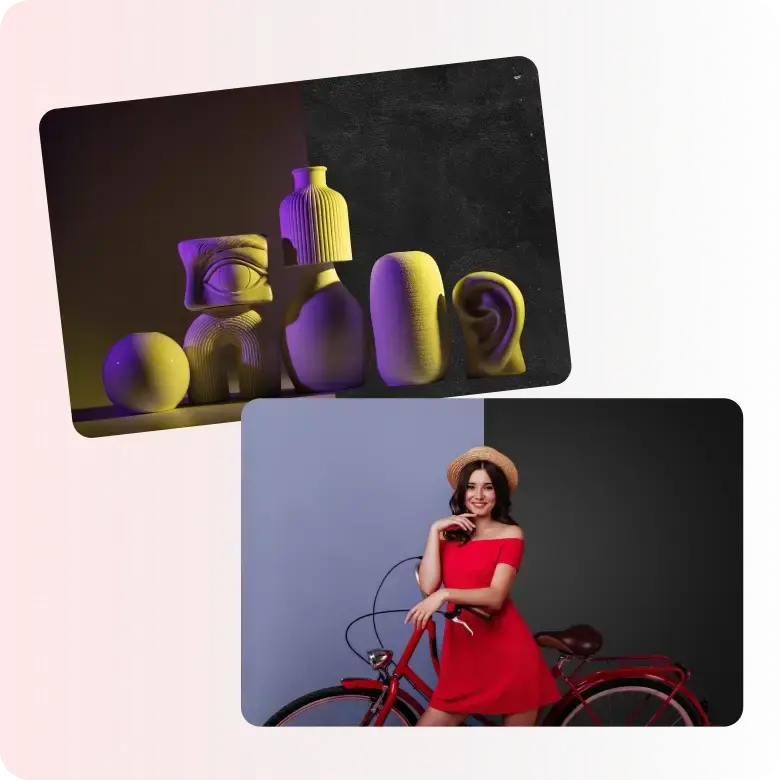
A black backdrop holds up images with high contrast. It can be photos of people, objects, fine art, or still life compositions. You can figure out what black shade works best for your images by experimenting with using different shades, textures, or styles on our black background photo editor.
How LightX is the easy and efficient solution
No editing skills or complicated software required! LightX makes it super effortless to replace even complex backgrounds with black. This AI-integrated tool precisely removes backgrounds and replaces them with a black background of your choice in real time. It can detect people, products, animals, and even text accurately every time.

Add a luxury vibe to product photos
Our tool is popular with many industries and can be used for the following:
• Jewelry or watches
• Food photography
• Packaging
• Tech gadgets
• Fine art photography
• Cosmetics, and many more.
Black backgrounds are highly optimal for these niches as they help demonstrate a sense of luxury and exclusivity.

Edit further
LightX is a full suite of editing tools for both personal and commercial projects. Right after you edit photos with black backgrounds, you can access other easy-to-use tools to create a final masterpiece. You can add text, icons, stickers, logos, cutouts, or resize images for social media dimensions. We also offer a variety of templates that you can use and apply a black background to.

Post-processing at one place
All the outputs you receive on LightX are not just for display but are also fully usable. That's why we ensure all results are high quality and watermark-free. With many tools available for post-processing, you can upscale and expand photos, and download them in JPEG or PNG format with a resolution of 1024x1024. You can also access the LightX app to share directly on any social media platform right after editing (iOS and Android).

Get other background options
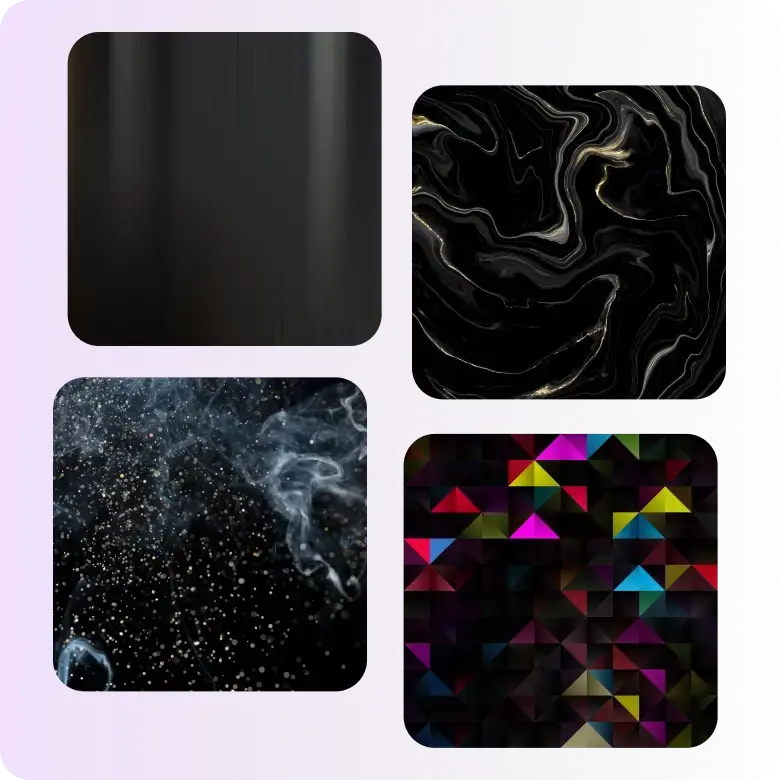
If your image has requirements of different colored backgrounds, then choose LightX to change background colors like a pro. With a full palette of colors, each color comes in hundreds of shades. You can also experiment with textures like red and black gradients, block images, glossy finishes, marble, or frosted effects. Use our AI background generator to create black scenes— or any other color scenes, realistically. Just describe and apply!
Frequently Asked Questions
Each color has its own psychological impact on users. While white makes photos look professional, black is used to make photos look deluxe. Even though a white background is widely accepted on e-commerce sites and behind professional photos, you can use black backgrounds to create contrast and creativity on your own websites and social media platforms.