
Custom church logos for faith-based brands
Crafting a unique identity is somehow easy, but making an identity that represents your mission, trust, and values is a matter of discussion. We all think like this, but it will amaze you as to make the church logo is super easy. You can easily design a church logo in any style, whether it's modern, simple, symbolic, or traditional. So, get ready to make a Powerful faith logo that reflects hope, unity, trust & devotion.
Get church logo designs for different categories
With our AI church logo generator, you can create:
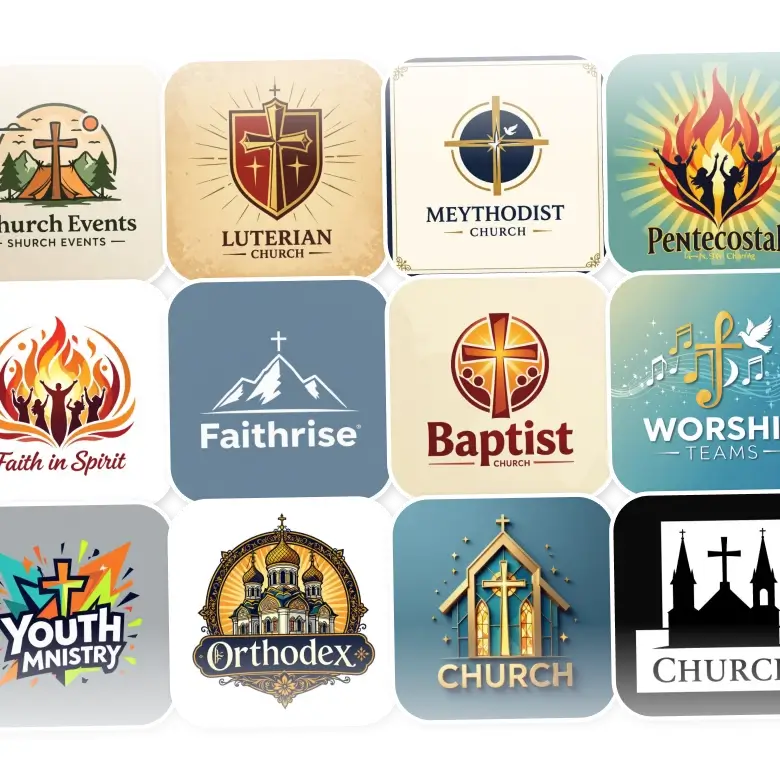
Christian: Simple crosses, doves, and light-inspired icons
Catholic: Rosaries and classic sacred symbols
Orthodox: Domes and detailed traditional designs
Pentecostal: Flames, worship themes, and uplifting visuals
Baptist: Clean, friendly, community-focused styles
Methodist: Traditional designs with a modern touch
Lutheran: Strong, faith-centered symbols
Bible church: Open Bible and scripture elements
Youth ministry: Bright, fresh, energetic designs
Worship teams: Music-inspired and creative icons
Church events: Logos for retreats, camps, and gatherings
Black & white: Simple, timeless looks
3D church: Bold, modern designs with depth
How to prompt to create the Best church logos
Theme: Mention style like modern, traditional, minimalist, spiritual, bold, classic, etc.
Text: Add Texts like ministry name, initials, or a short faith-based tagline.
Icon: Describe symbols like a cross, dove, Bible, church building, flame, steeple, rays of light, or worship silhouette.
Shape/layout: Circle badge, shield, crest, vertical, horizontal, emblem style, minimal frame, etc.
Colors: Use peaceful tones like blue, gold, white, brown, teal, or clean gradients.
Background: Choose transparent, white, textured, gradient, or soft religious backgrounds.
Editing your generations: With prompts
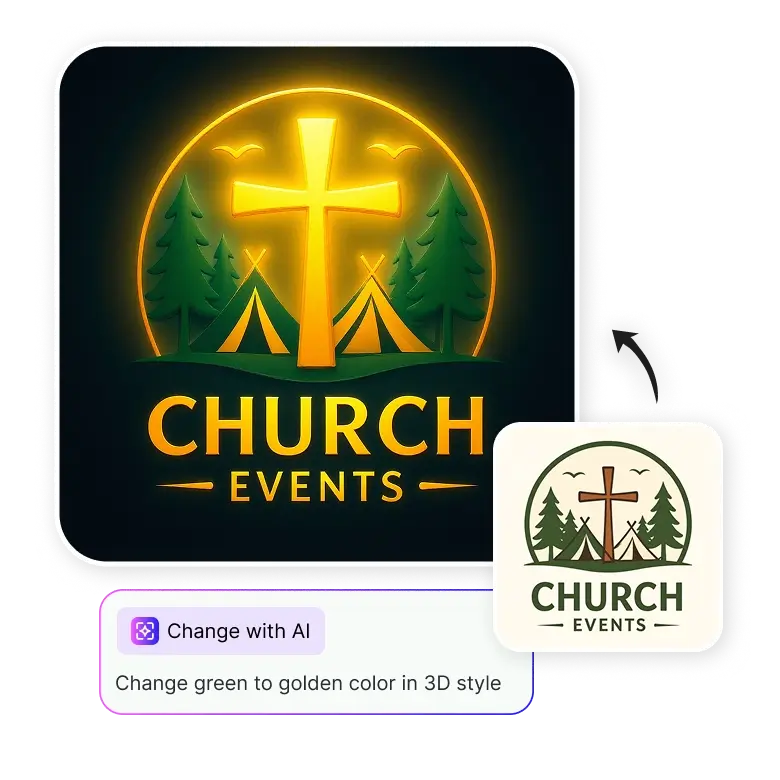
To edit, click on your generated logo and select “Change with AI.”
Then describe what you want to modify, like changing colors, adding symbols, background, shape, text, etc.
Example prompt:
“Replace the cross with a dove and add a gold gradient background.”
Click Generate, and only the specific part you describe changes & everything else remains intact.
Frequently Asked Questions
Yes, you get 5 free credits daily after logging in. You can upgrade anytime for more.


