






How to shrink forehead in photos?
Upload your photo
Add your image to the “face reshape” tool in JPEG or PNG file format. Make sure your face is clear.
Use the reshape tool
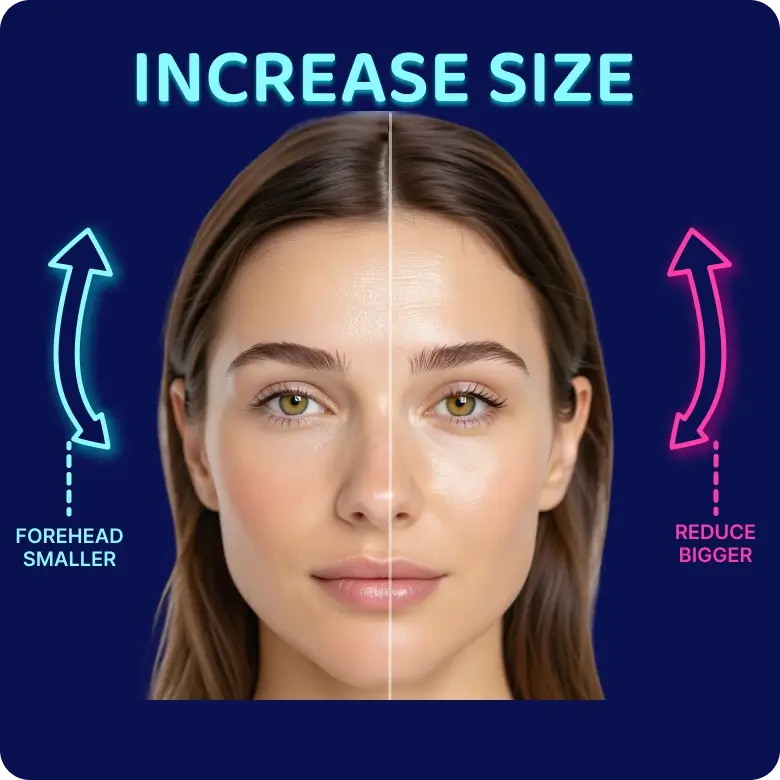
Select “ratio,” then go to “top” to adjust the forehead. Use the sliders to the left to make it smaller, or slide to the right to make it larger.
Download image
Click on "Apply" and then "Download" to save the edited image to your device in JPEG or PNG format.
Edit the forehead: Realistic & easy
Many factors, such as hairstyles, camera angles, lighting, or just your natural facial structure, can make the forehead appear larger in photos. With LightX AI, you can now easily and realistically balance your facial proportions. The result? Natural & high-resolution edits every time. You can make your forehead look not only smaller but also bigger.
Share your photos confidently
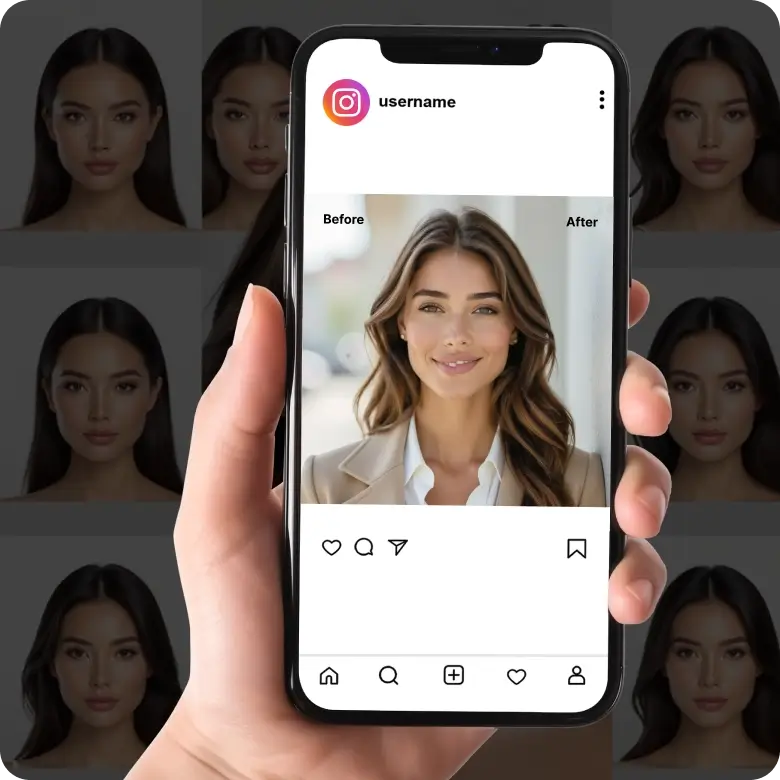
If you’re worried about your edits looking obvious in photos, worry not! Our AI-powered tool detects and adjusts each facial feature with precision, without any weird warping or liquifying effects. It ensures your edits blend seamlessly, so they don’t look like edits at all. Even the tiniest details, like individual hair strands along your forehead, are carefully refined for a flawless, natural result.
Explore other face symmetry tools
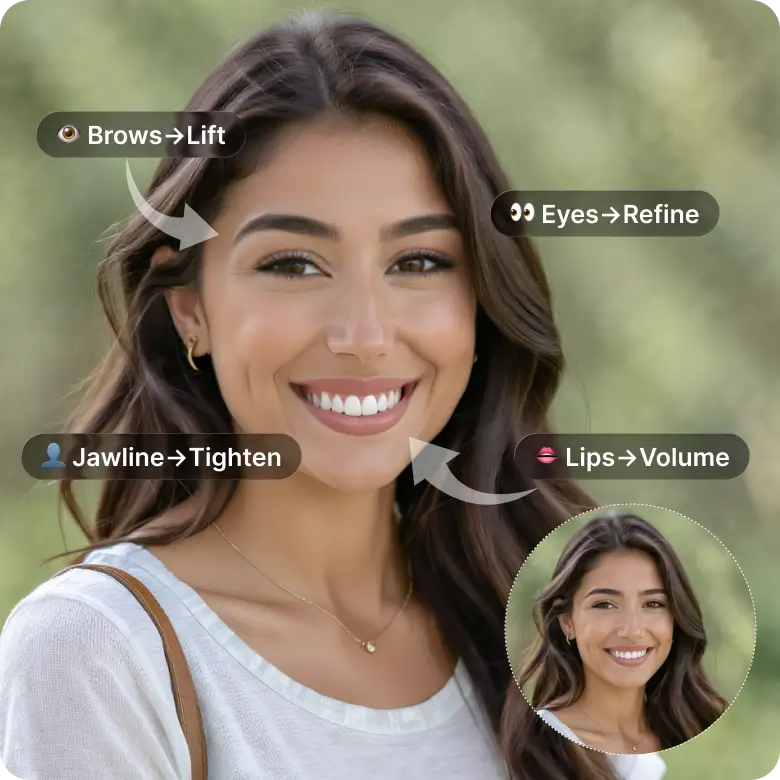
LightX is more than just a forehead shrinker. Our Reshape Tools comes with a full set of features to edit each facial element like a pro. You can also explore our Retouch tools to add even more aesthetic appeal to your selfies and portraits. With its simple interface, beginners can use it effortlessly, yet the level of refinement in the output is professional-grade, perfect for experts too.
Frequently Asked Questions
Yes! The tool is free to use. But there are some editing features available only for Pro users.