
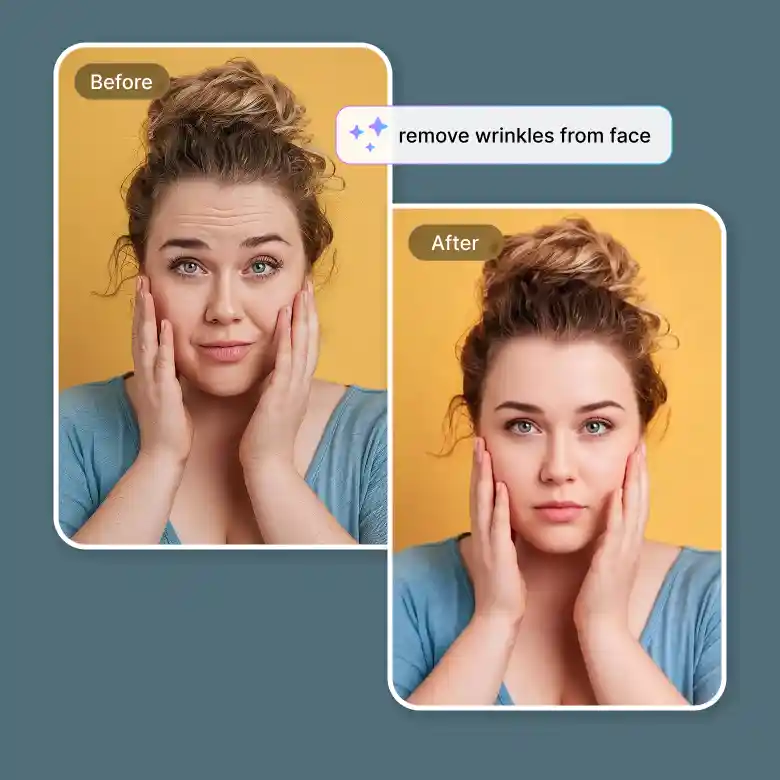
How to remove wrinkles from photos
Upload
Upload Upload your photo in JPG or PNG format.
Remove
Click “Remove Wrinkles”, and the tool will automatically clear all wrinkles.
Download
Once done, download the clear image instantly.
Wrinkle-free portraits with AI-powered wrinkle remover
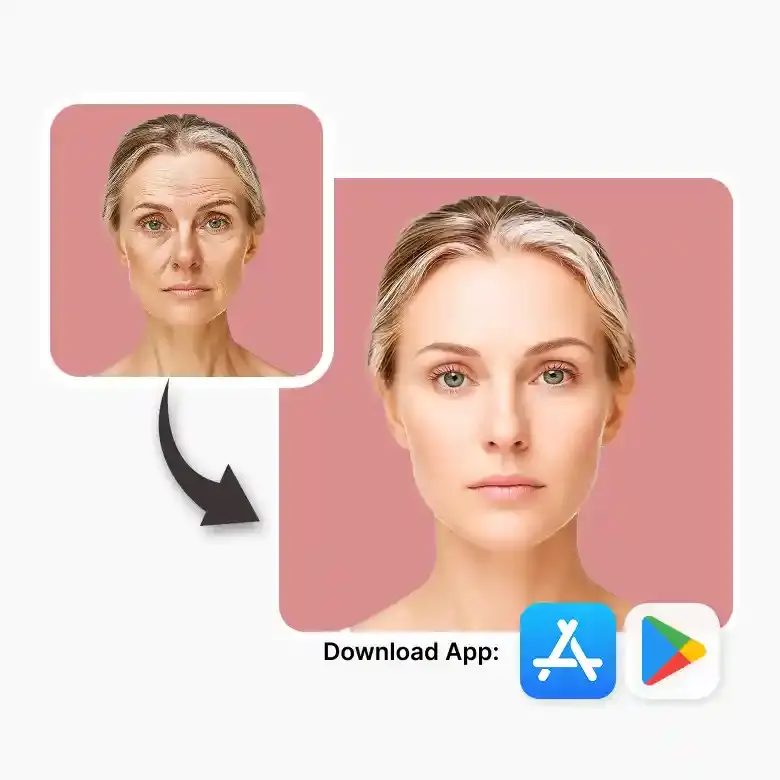
Wrinkles ruining a great photo? One click fixes it. Our wrinkle remover is a precisely pre-trained AI model that detects and reduces wrinkles and rejuvenates faces automatically. You don’t need to manually select anything, use any sliders, or have any AI skills. The tool smartly detects wrinkles, whether due to aging, lighting, or shadows. Just upload your photo and let the tool handle it.
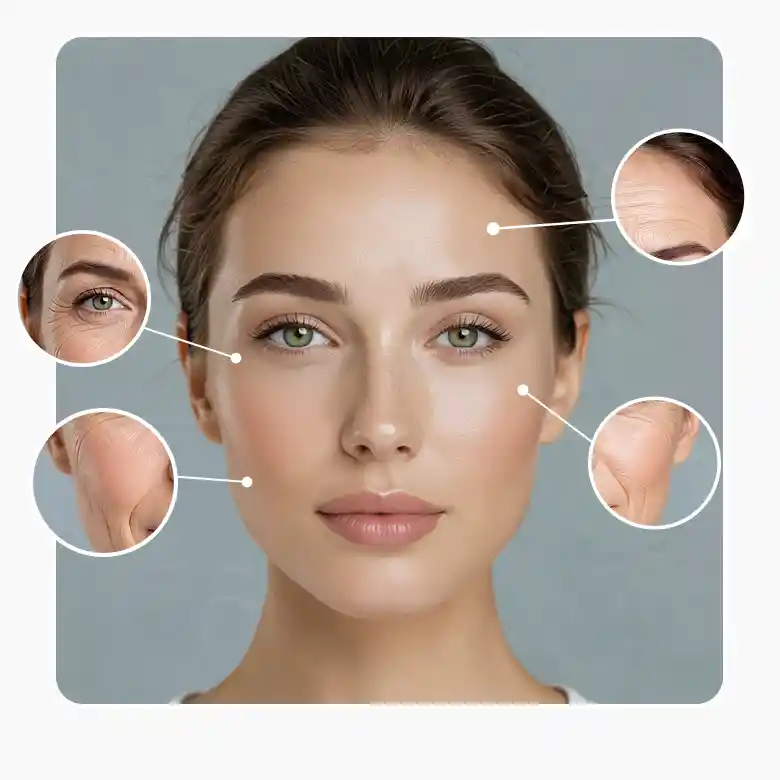
No over-smoothing. Natural results only
The tool works so beautifully that you don’t have to worry about oversmoothing. It focuses only, and only on wrinkles and doesn’t affect your facial features or expressions. Wrinkles are removed like magic without blurring the skin or hair. No matter the skin tone, no matter the wrinkle depth, no matter the pose or subject, it works on everything.
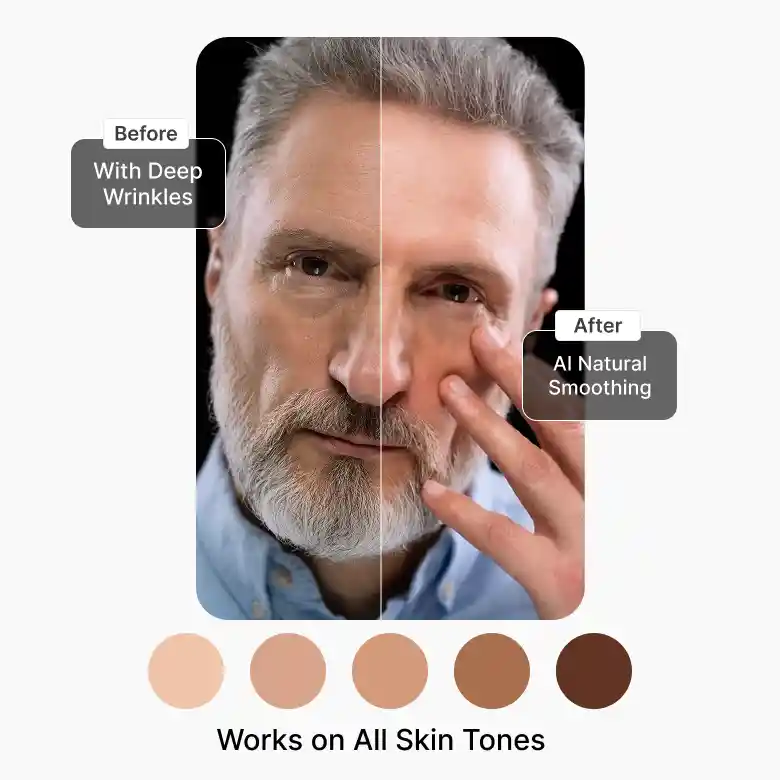
Automatically fixes all kinds of wrinkles
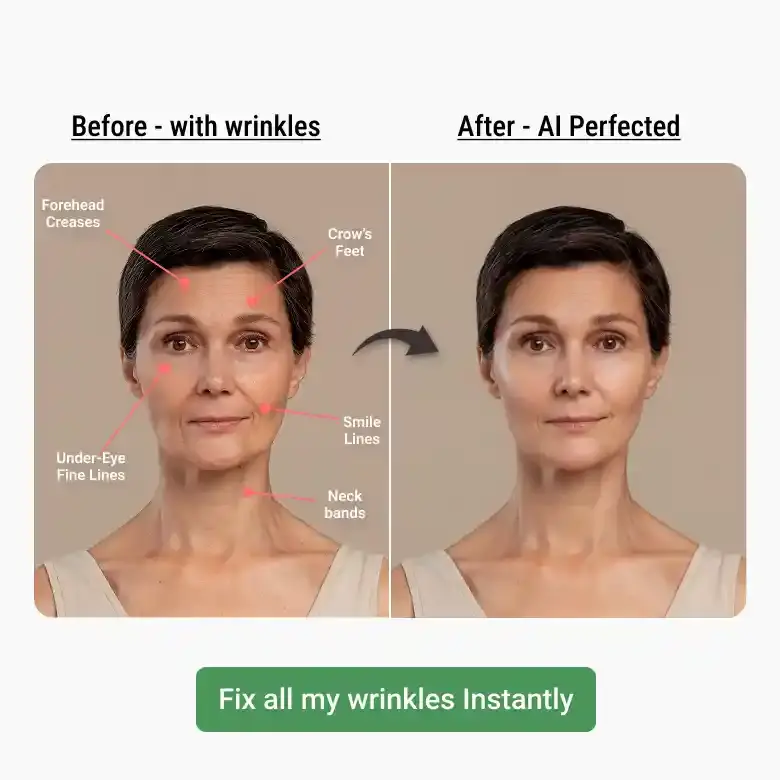
No matter where the wrinkle is on the body, the tool removes all types of wrinkles.
• Forehead: Removes horizontal or vertical lines (eleven lines) and deep creases caused by aging or facial expressions.
• Smile lines: Fix lines around the mouth area due to smiling or laughing. (it keeps dimples intact).
• Crow’s feet: Lines at the outer corners of the eyes due to smiling, squinting, or aging.
• Fine lines under the eyes and eyelids.
• Neck wrinkles
Perfect for everyday and professional photos
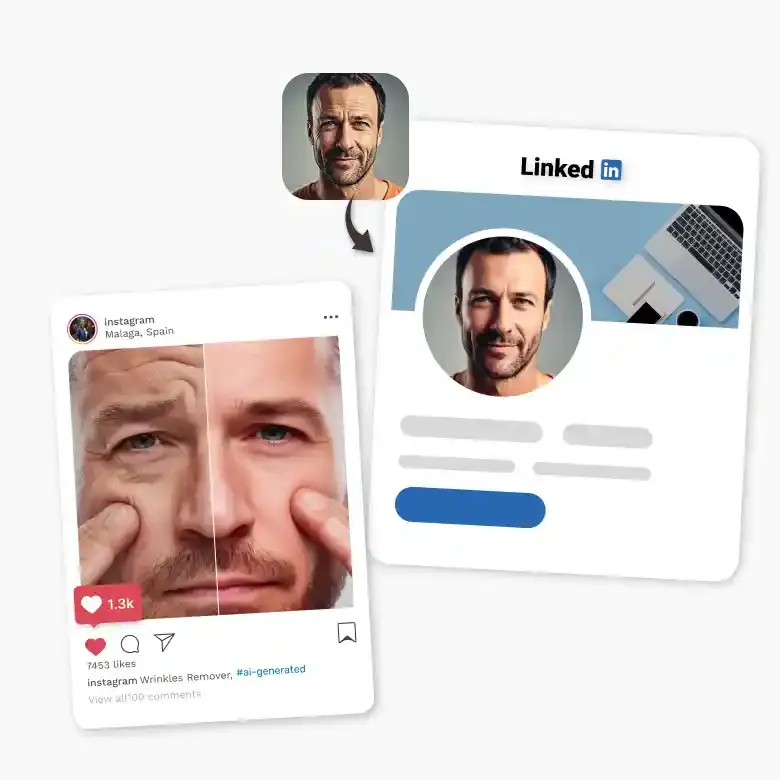
The results are clean enough for professional use and simple enough for anyone to achieve. Use the tool on:
✔ Selfies and portraits
✔ Headshots for LinkedIn & resume
✔ Social media posts, stories, highlights, profile pictures
✔ Dating app photos
✔ Wedding photos, or other event photos
✔ Model photos, beauty or fashion shots
No editing skills are required, making it ideal for both beginners and professionals.
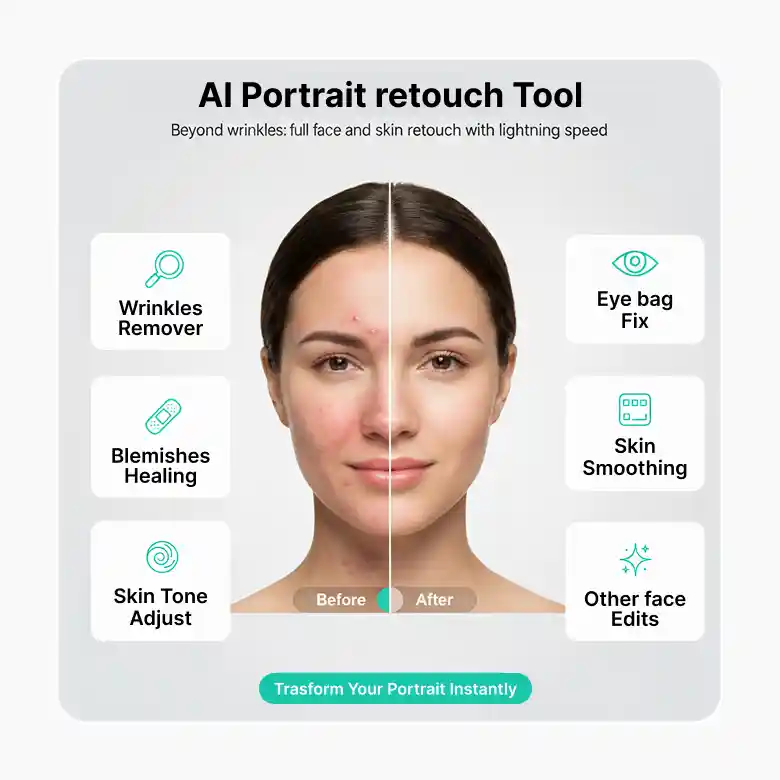
More than wrinkles: full face and skin retouch
Get onboard with our all-in-one portrait retouch tool. It works not just for removing wrinkles, you can also remove blemishes, fix eye bags, smooth skin, adjust skin tone, and make other face edits. Each tool is easy to use and gives results with the lighting speed.
Frequently Asked Questions
Just a couple of seconds. Upload the photo and it’s done.


