






How to open eyes in a photo?
Upload Your Photo
Choose a JPEG or PNG photo, whether solo or group, using the Face Expressions tool. Make sure your face is clearly visible for accurate editing.
Select Eyes
Go to the Eyes section and use the Wink slider to partially or fully close one eye, adjusting how strong the wink appears.
Save Your Image
Click on Apply, then Download to save the final image to your device.
Make selfies more expressive
Add a wink to your selfies to make them look more fun and expressive. LightX uses AI to apply a natural-looking wink that doesn’t appear fake or edited. It automatically detects your eyes and closes one eye to create a playful effect. No manual editing, no effort, get a wink instantly.
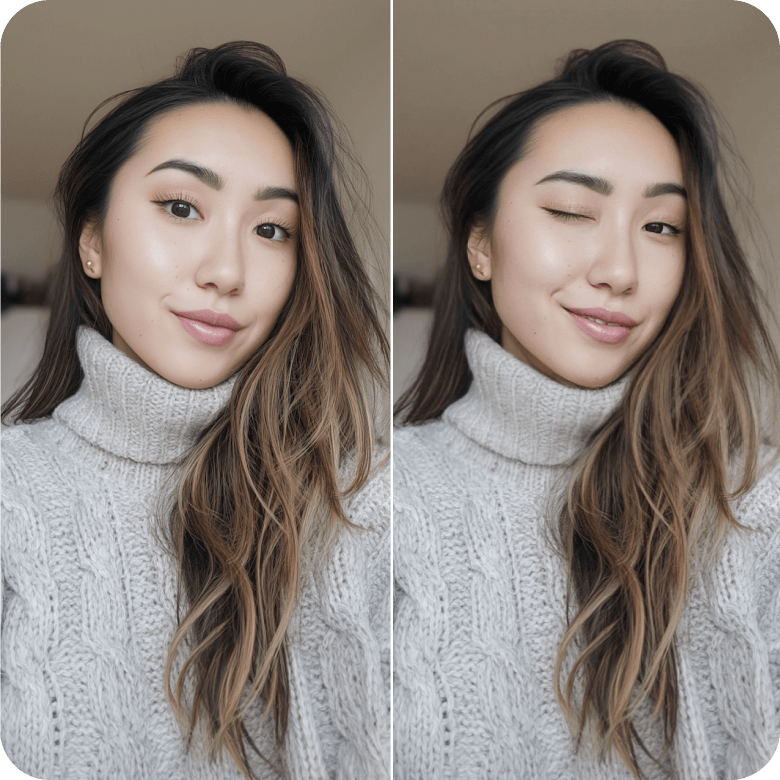
Use on thumbnails, stickers, or memes
A wink in your content can make your posts or thumbnails more clickable. Use this tool to create memes, expressive stickers, profile photos, or digital avatars. The results are high quality and look realistic, so you can share them anywhere with confidence.
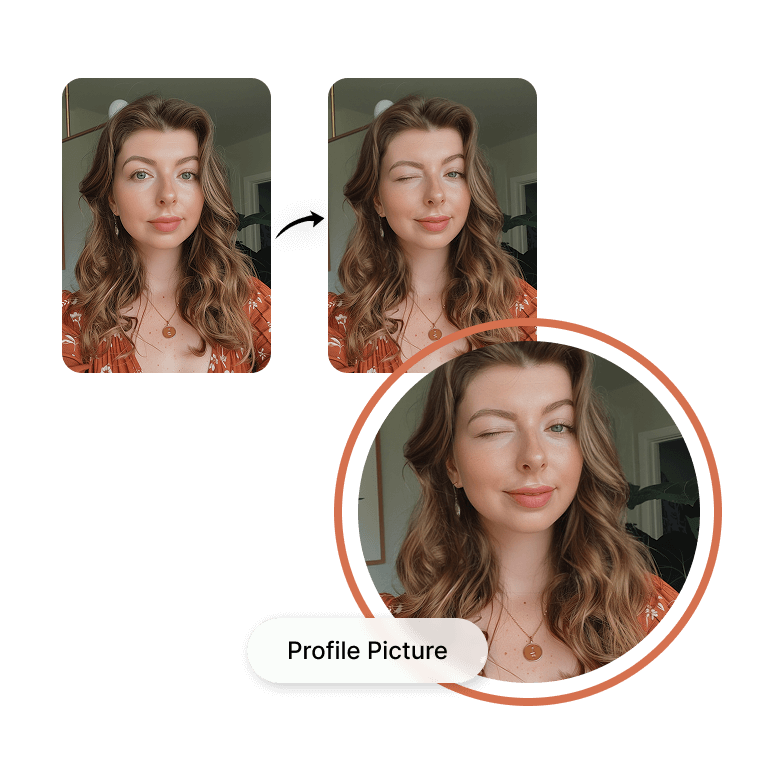
Explore more expression-changing features
Play around with your selfies using LightX’s full suite of face editing tools. Change expressions for fun or make subtle face edits to improve photos you want to keep. The results always look natural, like no edits were made. Use it online or download the free LightX app on iOS or Android to edit anytime, anywhere.
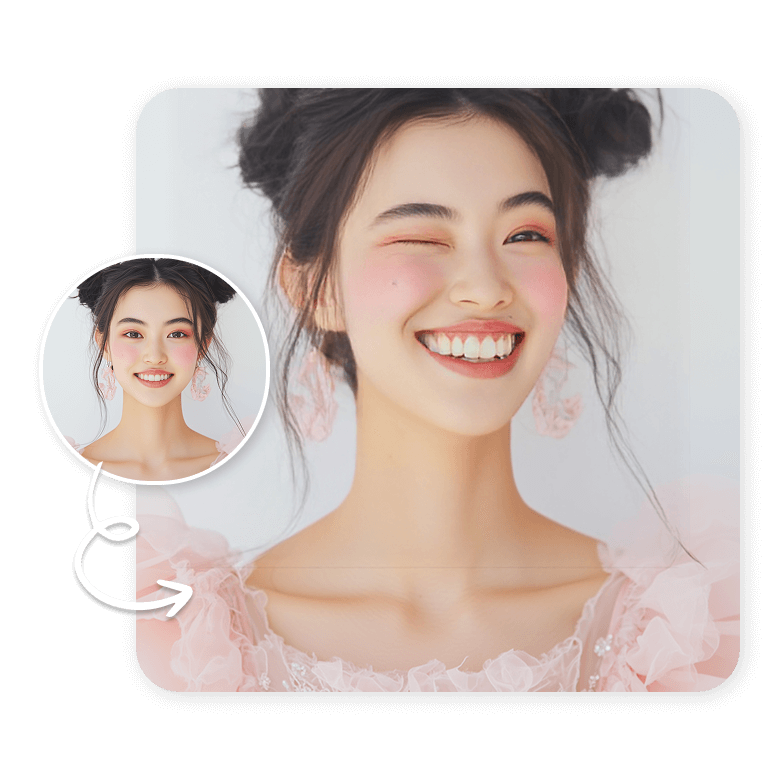
Frequently Asked Questions
Yes, it works on old, vintage, low-quality photos, but the results may not be very good. We recommend upscaling the image before uploading.