
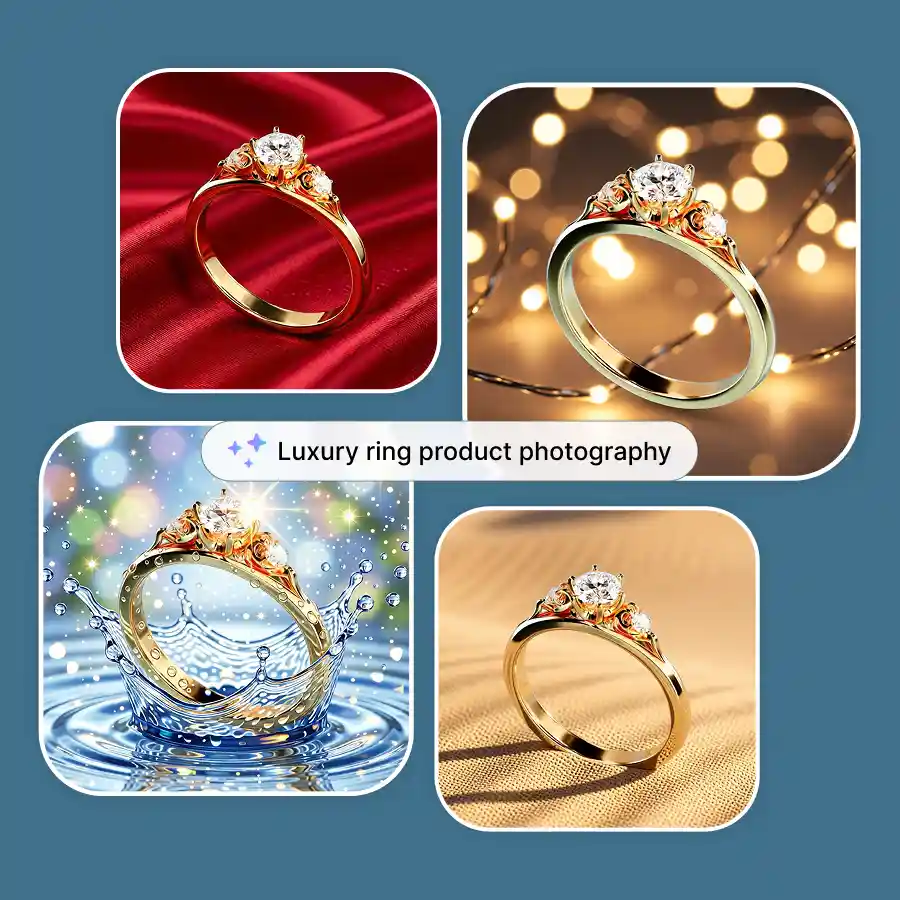
How to create a virtual ring photoshoot
Upload Your Ring Photo
Use a clear image of your ring (any angle works).
Choose a Preset or write a Prompt
Give a simple prompt to describe your ideal background or select from ready-made styles.
Generate & Download
Get instant results, regenerate variations, and download when satisfied.
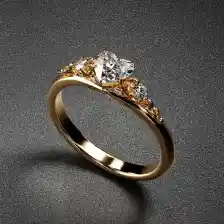
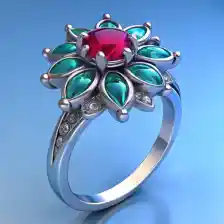
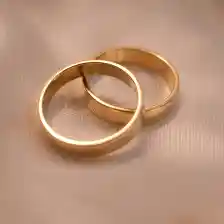
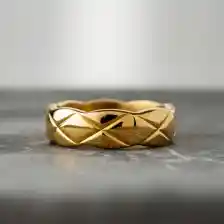
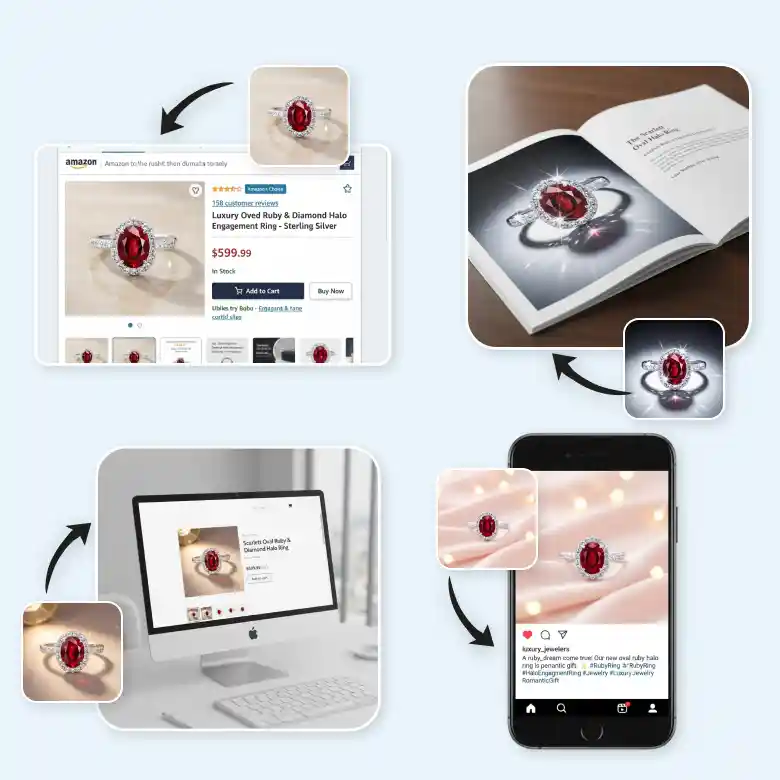
See how AI turns simple ring photos into finished shoots
 and
and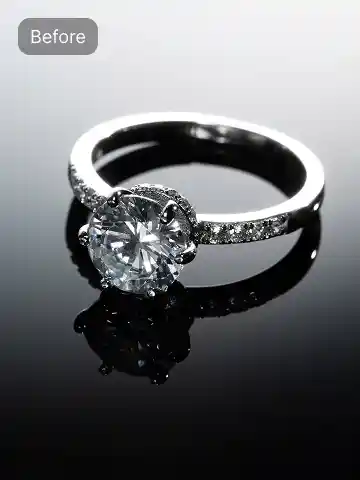
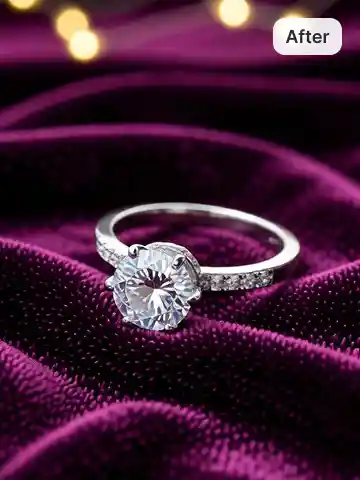
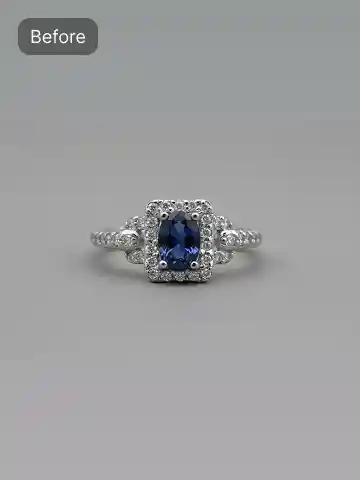
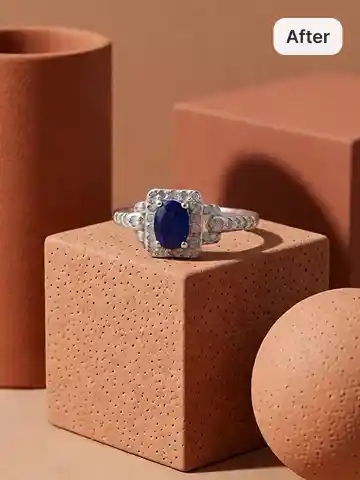
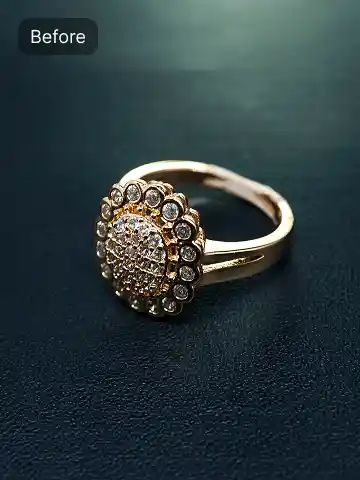
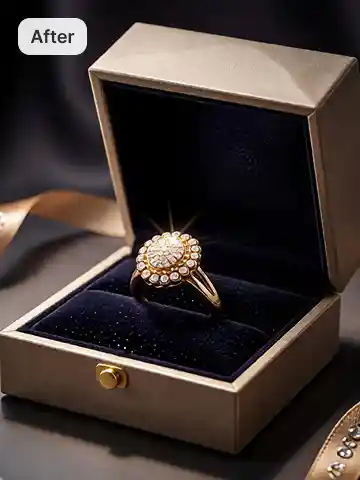
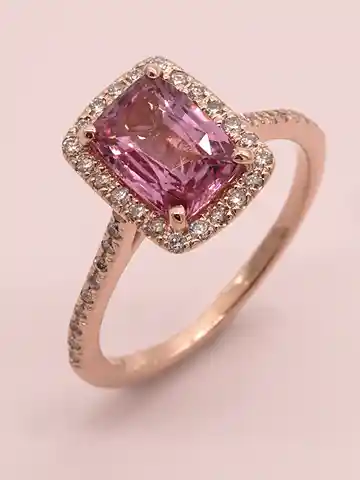
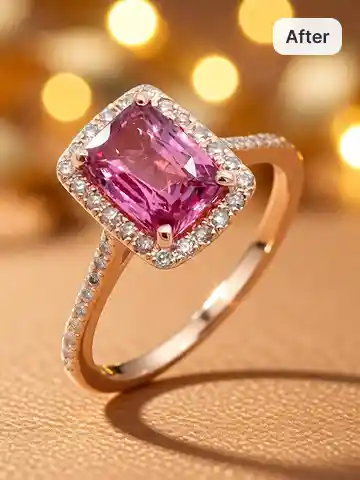
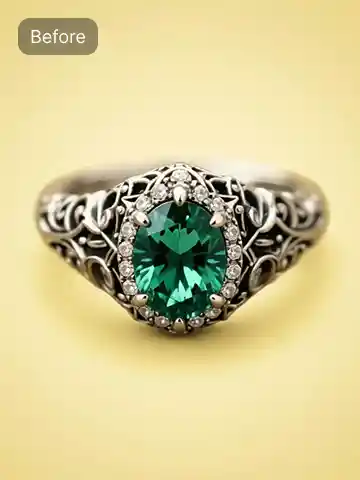
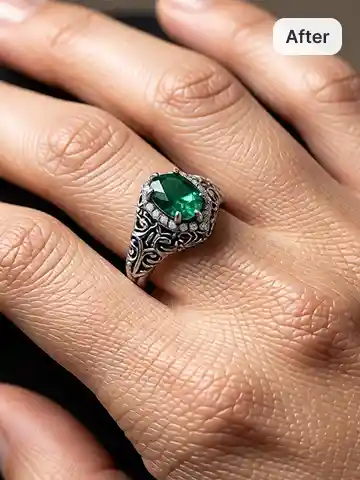
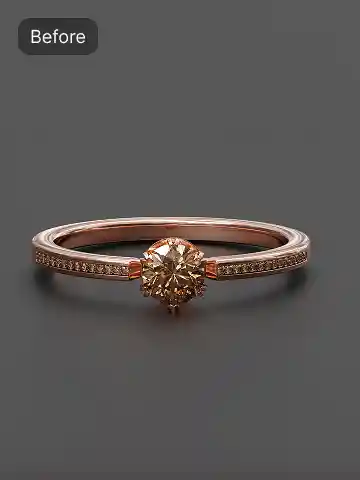
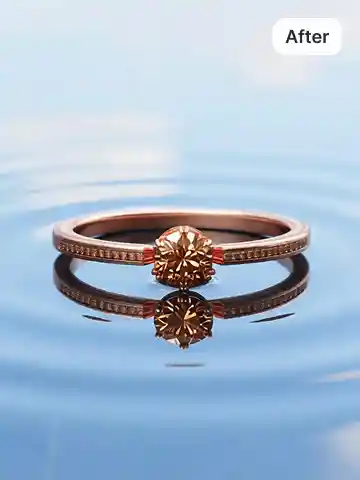
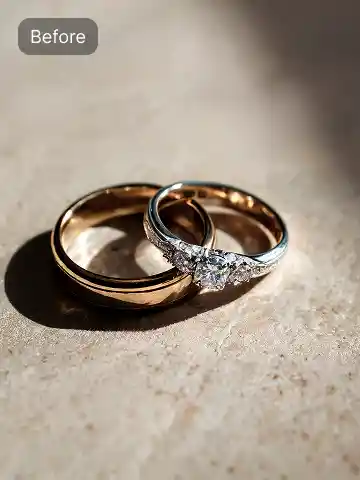
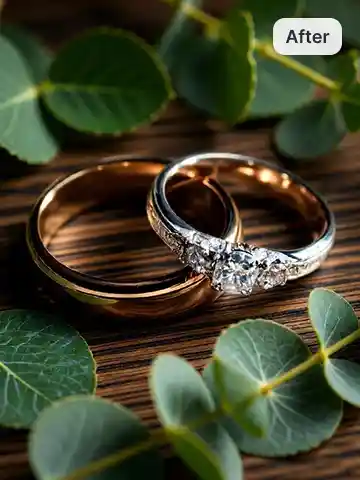
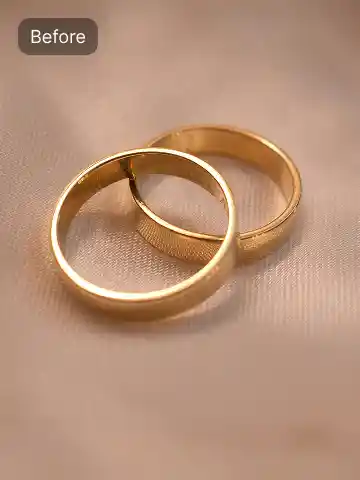
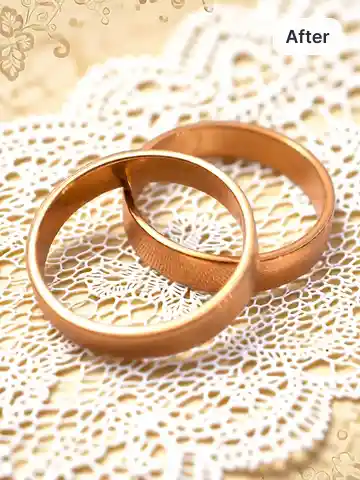
Free AI ring photoshoot tool for everyone
If you sell rings online, manage a jewelry brand, or run a small business, this tool simplifies everything. Our free AI ring photoshoot tool lets you turn raw jewelry product photos into studio-grade product visuals without studios, photographers, or editing software. You get professional output in seconds without spending on production. The tool delivers high-quality outputs that are Ideal for jewelry brands, Etsy and Amazon sellers, Shopify store owners, handmade jewelry creators, and social media businesses.
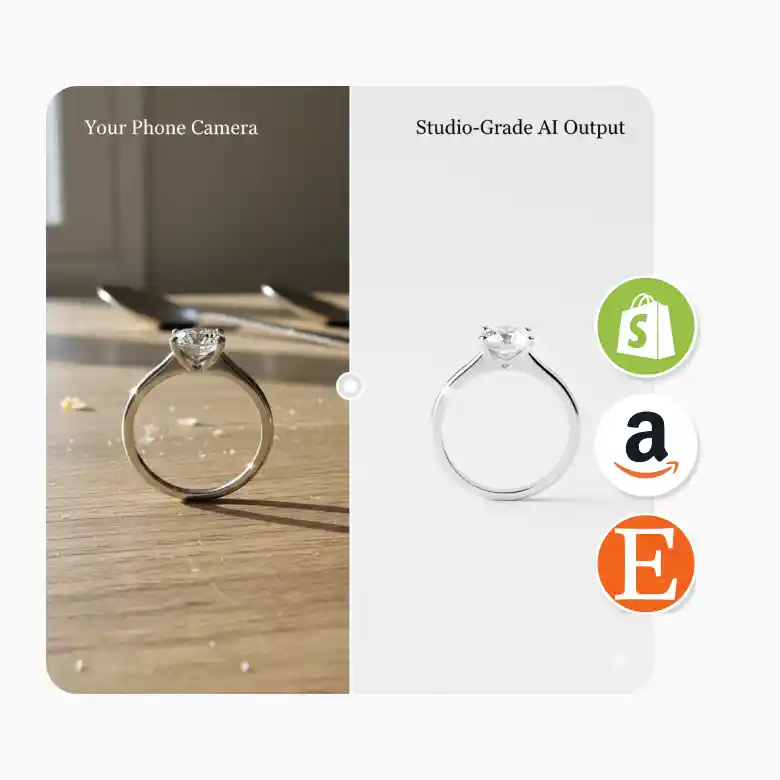
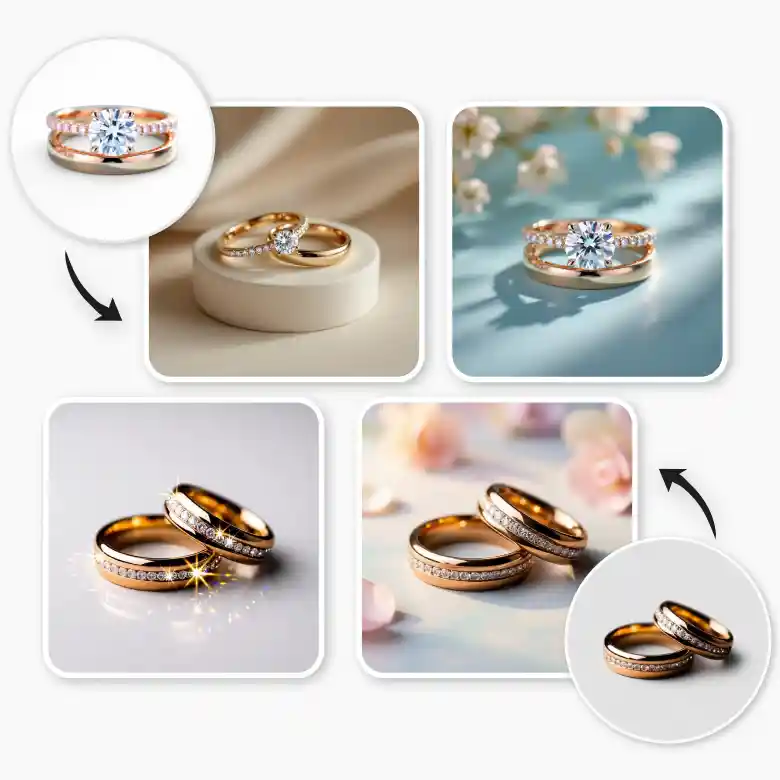
Unique ring photoshoots you can generate instantly
Create a virtual ring photoshoot online for different purposes:
• Engagement ring photos for emotional appeal
• Wedding ring photography for collections and catalogs
• Diamond ring shots that highlight brilliance
• Gold ring visuals with luxury tones
• Minimal backgrounds for marketplace listings
• Lifestyle-style scenes for ads and social media
• Creative concepts for campaigns and banners
Each output looks clean, professional, and optimized for online selling.
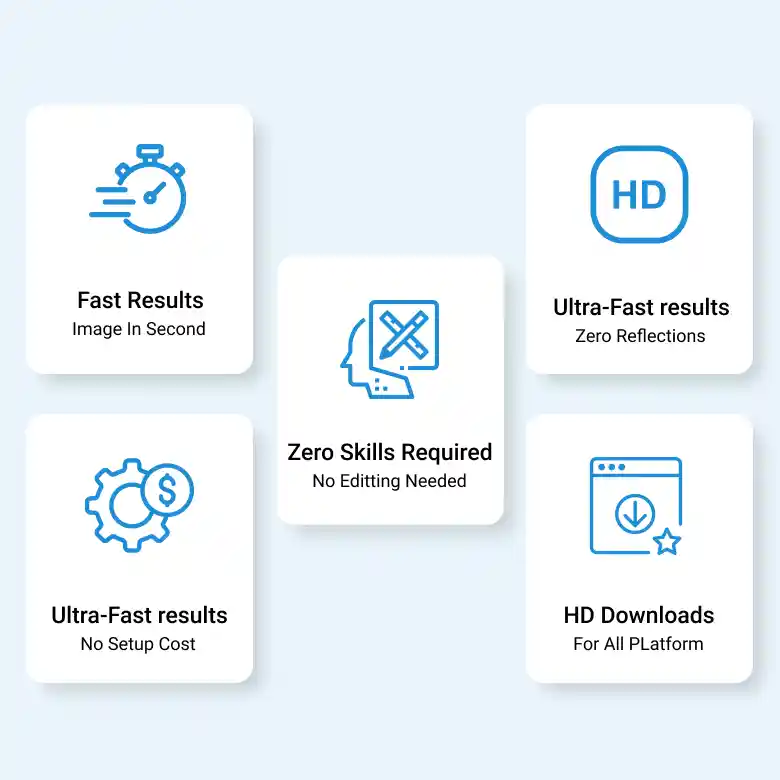
Key features of our AI ring photoshoot tool
• Fast results – generate images within seconds
• No reflection issues – clean and professional output
• No design or editing skills needed
• Free to use with no setup cost
• High-quality downloads for web, ads, and marketplaces
Things to consider for better ring photos
When writing prompts or choosing styles, consider:
• Background style – luxury, minimal, studio, lifestyle
• Lighting mood – soft, bright, dramatic, spotlight
• Theme – romantic, premium, festive, modern
• Ring type – engagement, wedding, diamond, gold
• Platform use – Amazon-style, Instagram-style, catalog-style
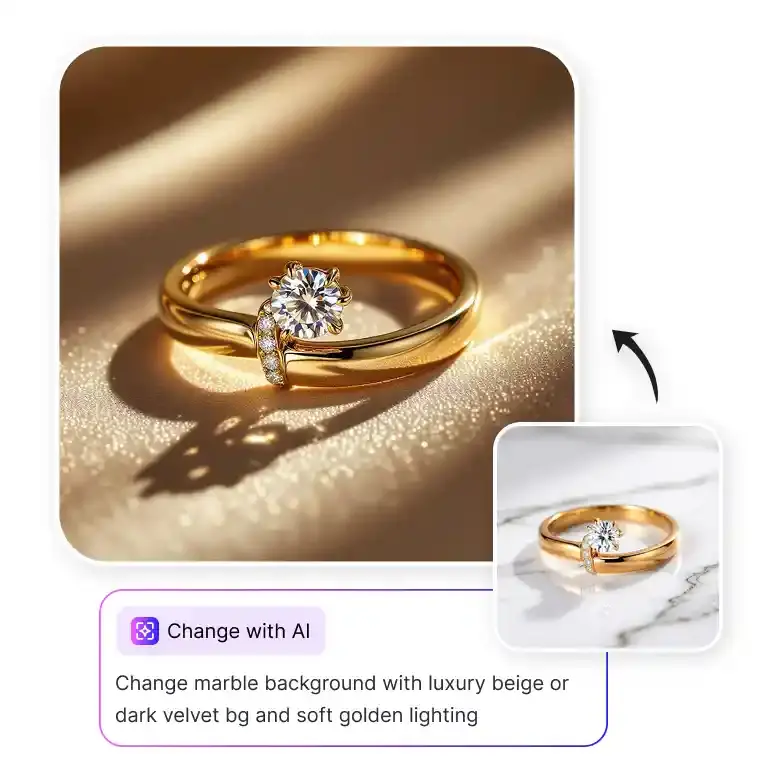
Edit further with additional features of lightx
After getting various ring photoshoots, you can also edit with change with AI options, where you can add, change, or replace anything instantly. Further, you can also remove background, upscale, and expand the images for professional, ready-to-use jewelry photos.
Frequently Asked Questions
Yes. You simply upload your photo, and the AI handles lighting, background, and presentation automatically.


