
How to add a neon effect to a photo
Upload your photo
Upload a clear image in JPEG, PNG, or WEBP format.
Choose lighting
Explore all lighting presets and choose “neon” or any other light effect.
Generate and Download
Click generate, and once done, download your high-resolution neon photo to your device.
Give your photos a bright neon makeover
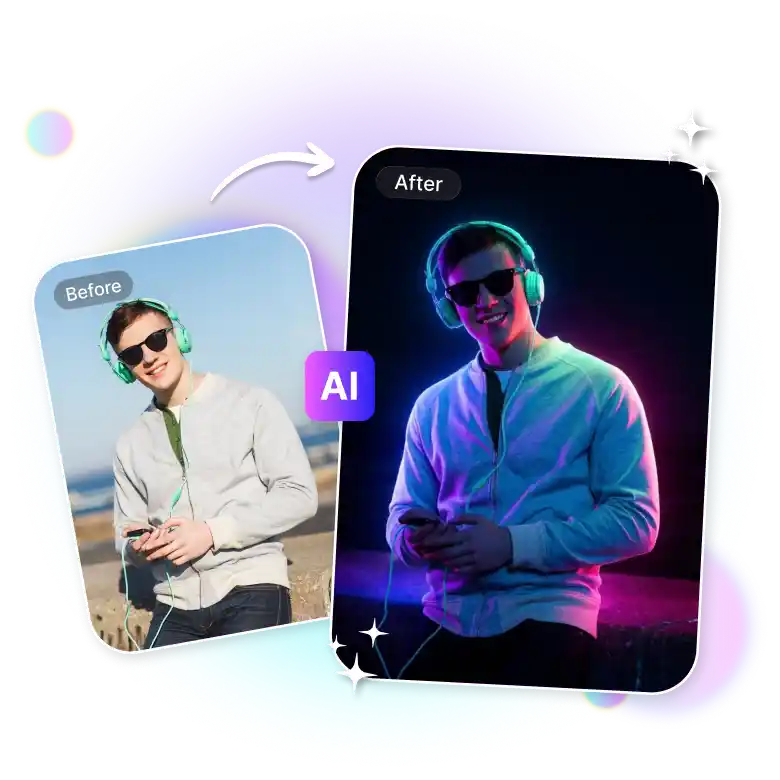
Make your photo glow with futuristic neon effects. You also don't need any complicated tools or designing skills to use this feature. Simply upload a picture and pick your neon look to get glowing neon lights, cyberpunk colors, futuristic effects, and electric highlights automatically. You can also experiment with different neon styles to get your perfect pictures. Get high-quality, watermark-free images at no cost in just seconds.
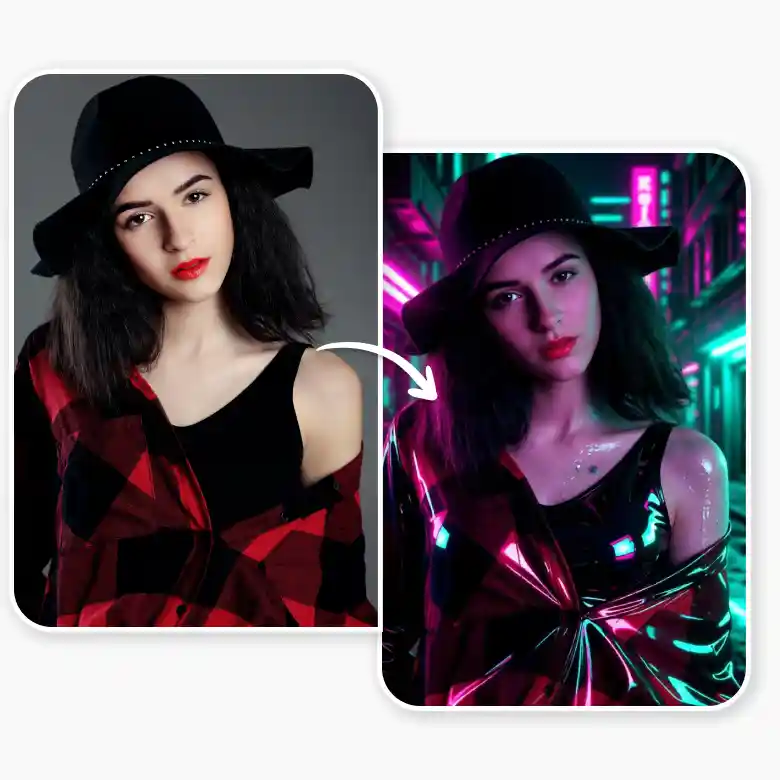
Create different neon photo styles
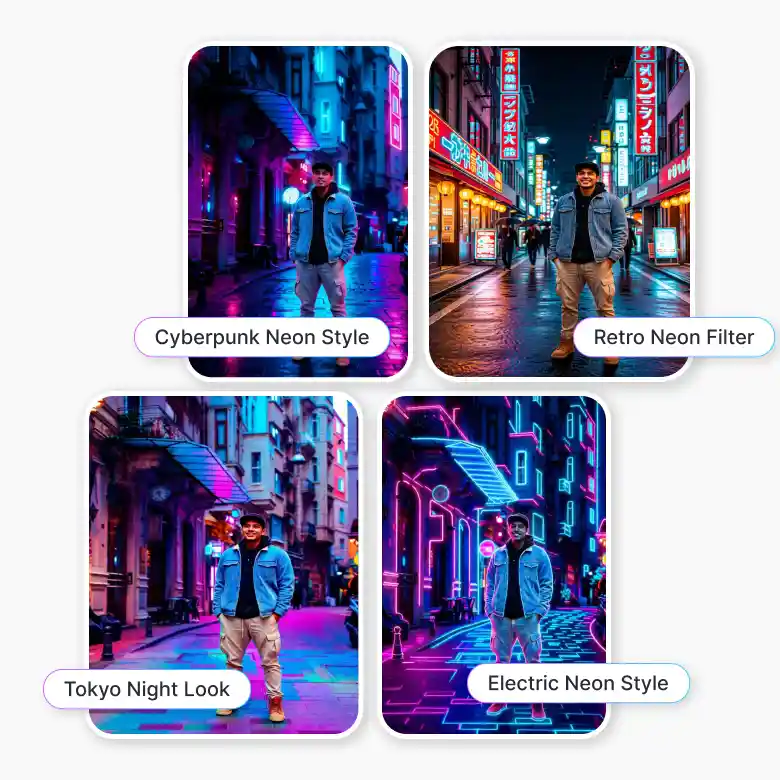
With this neon effect photo editor, you can try different neon looks and creative styles easily:
• Cyberpunk Neon Style: Futuristic neon lights with bold city vibes
• Tokyo Night Look: Bright neon signs with colorful lights, and urban aesthetics
• Retro Neon Filter: Vintage neon colors with a nostalgic fee
• Holographic Glow Effect: Dreamy lighting with futuristic tones
• Neon Portrait Effect: Glowing highlights and cinematic lighting for portraits
• Electric Neon Style: Bright glowing colors with strong contrast and energy
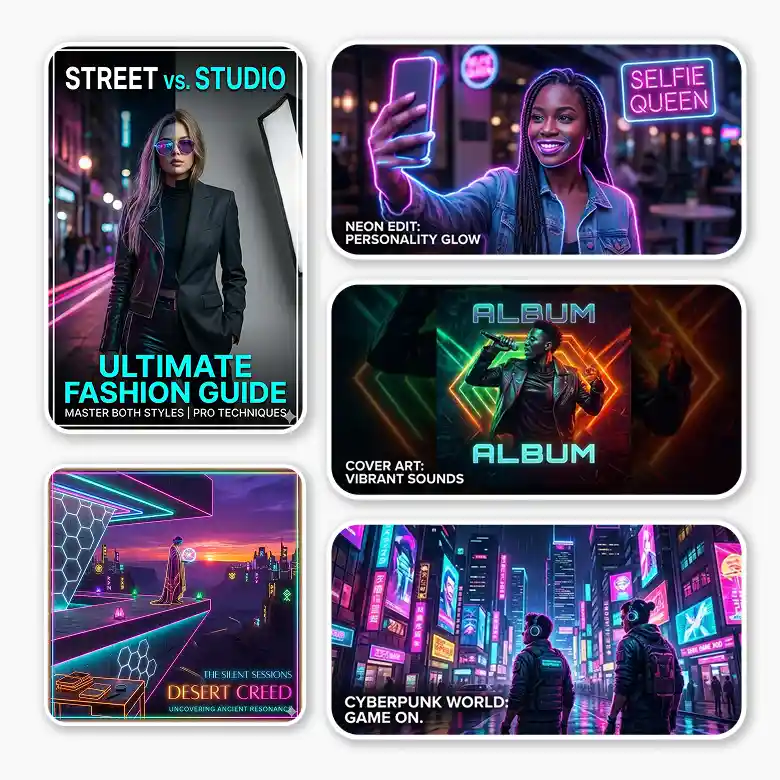
Add neon effects to photos for social media and creative projects
Use this neon light photo editor to create eye-catching visuals in just a few clicks. It is perfect for:
• Portrait and selfie editing
• Social media posts and profile pictures
• Fashion and street photography
• Music cover art and album visuals
• Gaming and cyberpunk-inspired content
• Creative digital artwork and posters
• YouTube thumbnails and promotional visuals
• Urban night photography edits
• Branding and aesthetic content creation
Why people love this neon glow filter
• Add neon effects easily without editing skills
• Create glow, lighting, and neon colors in one tool
• Get fast results in seconds
• Generate high-quality neon photos insta
• Simple and beginner-friendly to use
• Great for social media, portraits, and creative edits
Tips for the best neon filter results
• Use clear and well-lit images for sharper neon glow effects
• Night portraits and urban backgrounds work especially well
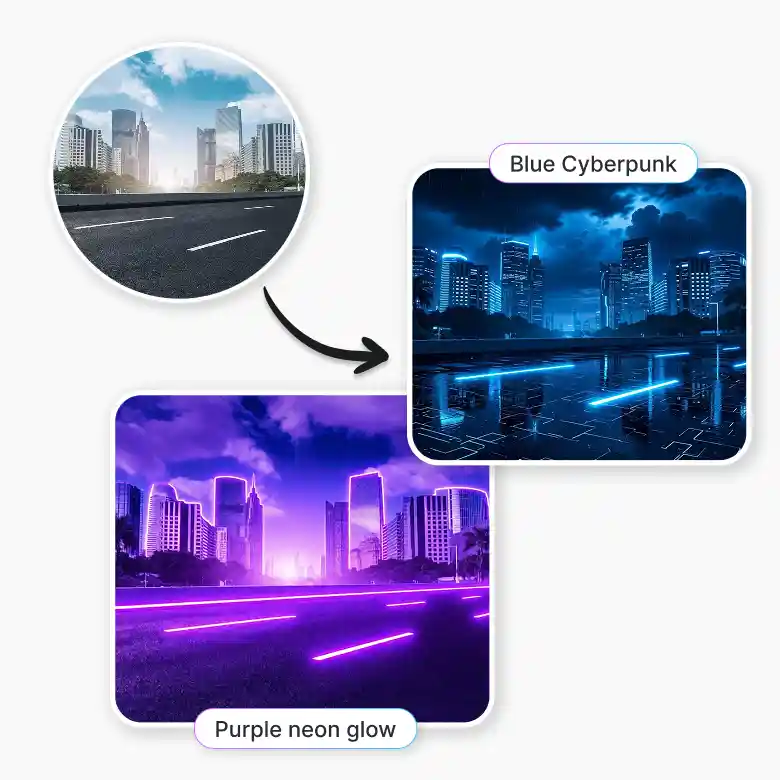
• Try options with colors like “purple neon glow” or “blue cyberpunk lights.”
• Combine neon lights with haze or blur effects for cinematic output
• Use close-up portraits for stronger rim lighting and glow reflections
• Experiment with futuristic backgrounds and vibrant contrasts
Explore more AI photo editing tools
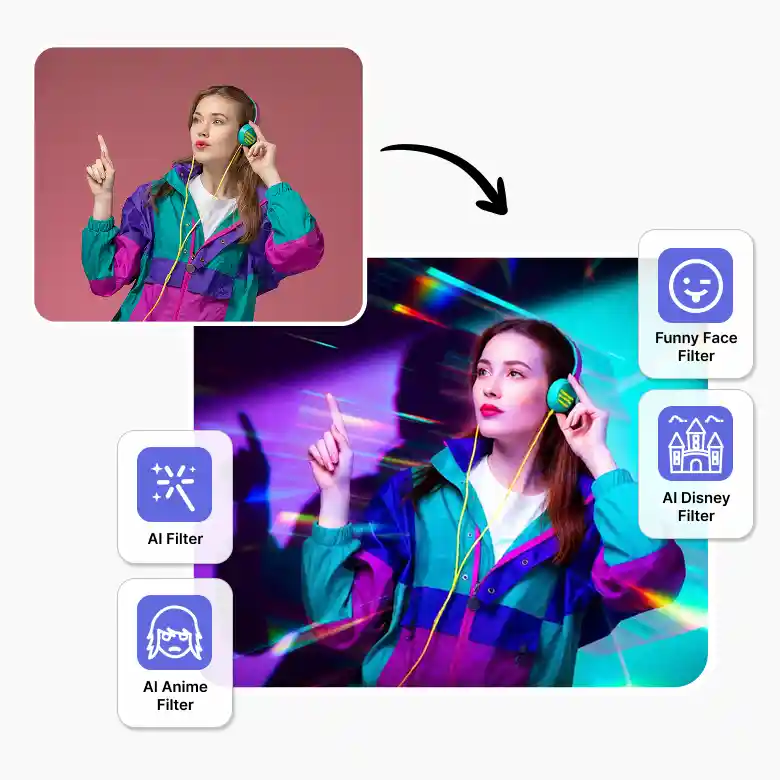
• Funny Face Filter: Create fun and hilarious face edits instantly.
• AI Filter Tool: Try multiple creative AI photo filters easily.
• Anime Filter: Get an anime-style photo in seconds.
• Cyberpunk Filter: Add futuristic neon and cyberpunk vibes.
• Disney Filter: Get magical cartoon-style portraits.
• Watercolor Filter: Give photos a soft watercolor painting look.