


How to create a mini version of yourself?
Upload your image
Upload a clear selfie, portrait, or full-body photo in JPEG, PNG, or WEBP format.
Describe your Mini Me style
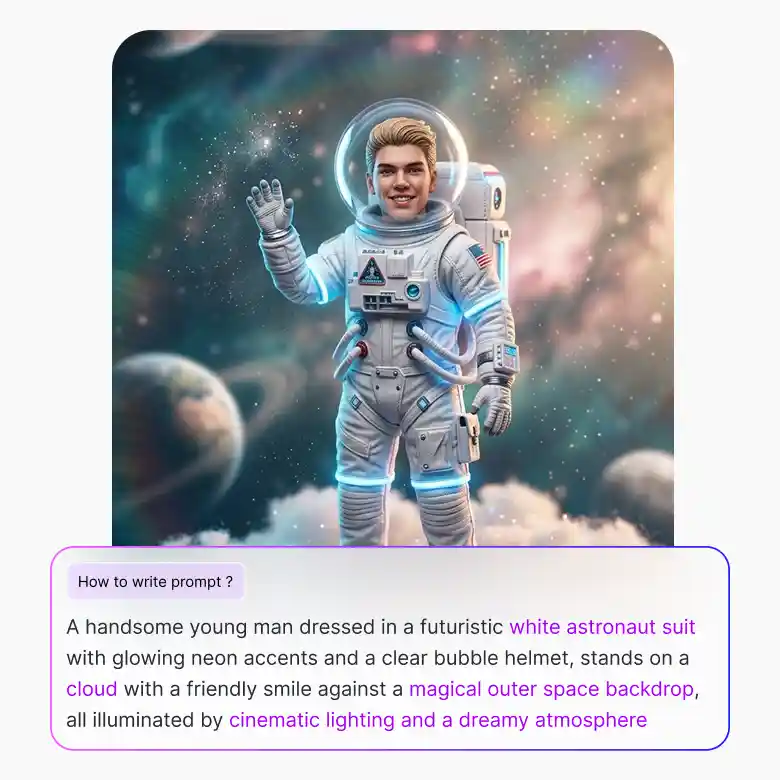
Give simple text prompts by describing all the details. Mention outfits, lighting, background, etc.
Generate and download
Click generate, download your perfect mini version, and share it with family and your loved ones.
Bring your tiny AI twin to life
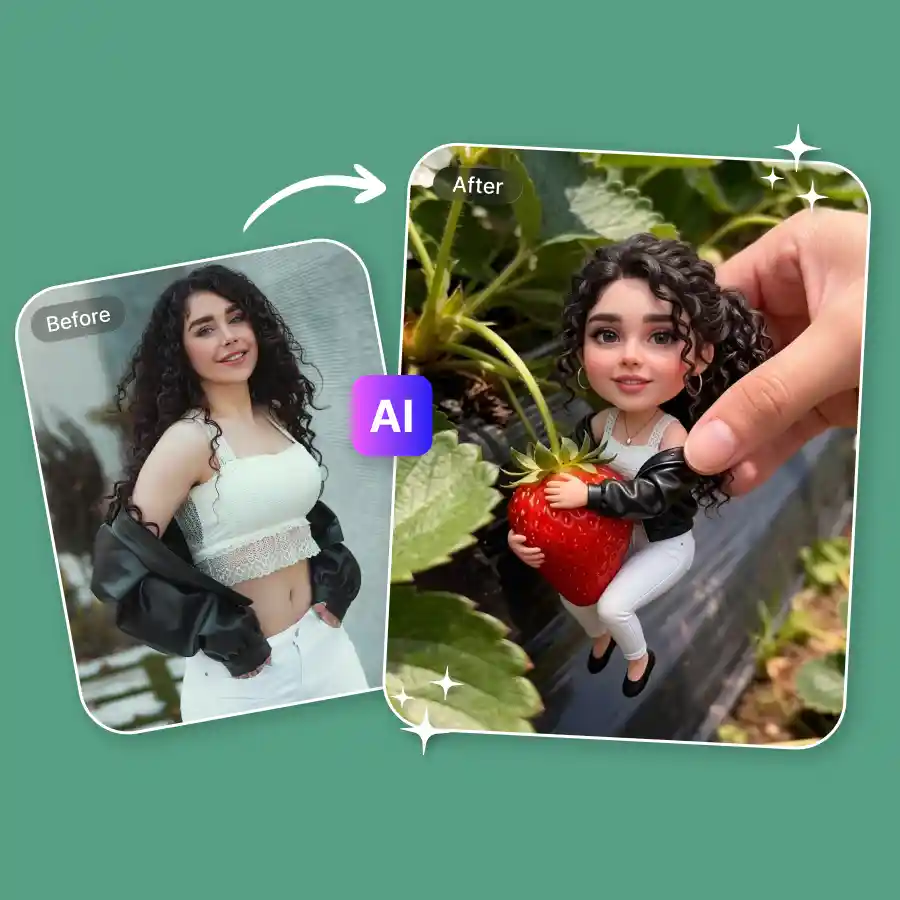
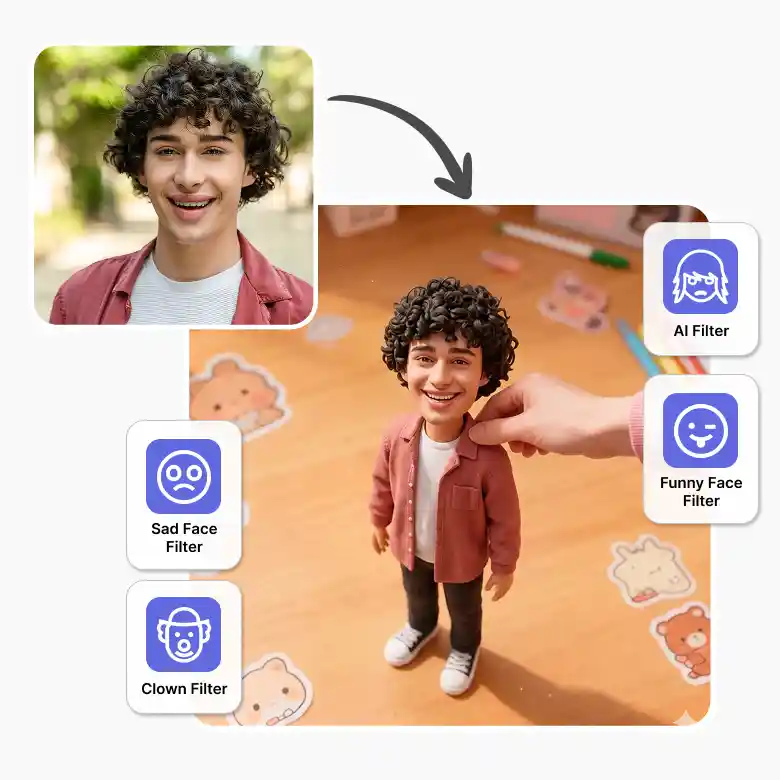
Make a creative and adorable mini photo of yourself instantly. Our surreal photo editing tool will automatically transform your image into a miniature version with accurate proportions, details, and animated style visuals. You can easily experiment with various themes, character styles, and backgrounds to get unique results every time. Get ready to see your realistic mini version in seconds with simple text prompts.
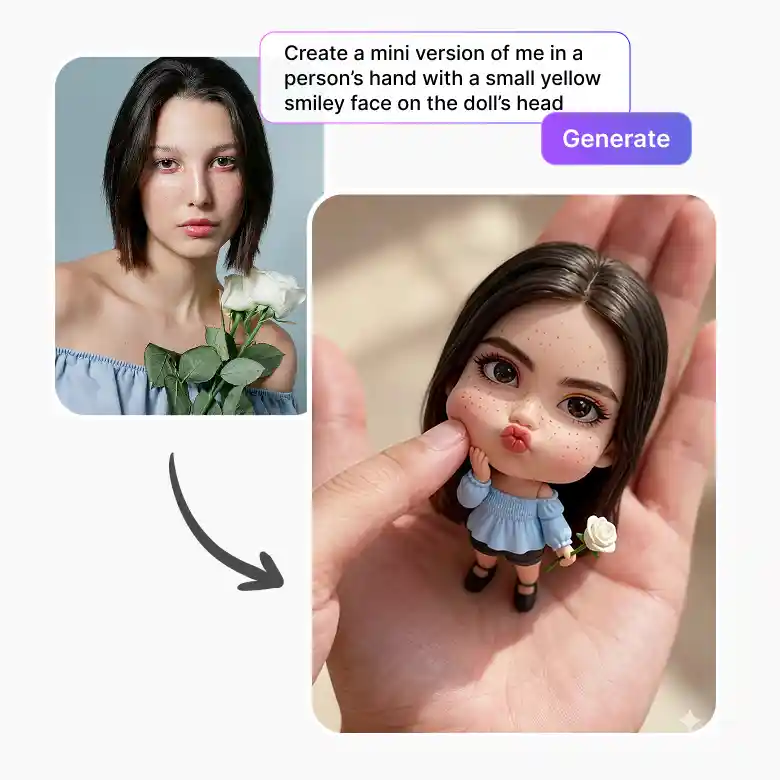
Try multiple mini-me character looks
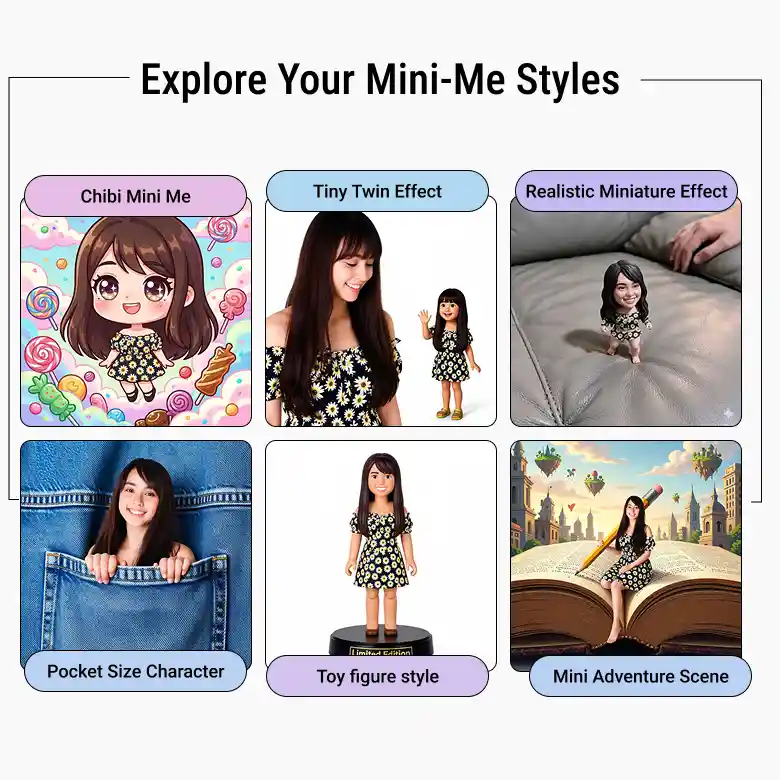
With this mini me photo editor, you can explore multiple creative looks and trending styles:
• Cute Cartoon Mini Me: Tiny animated version with playful expressions
• Pocket-Size Character: Create a small version standing beside you
• Tiny Twin Effect: Generate a younger or miniature clone of yourself
• Fantasy Mini Me: Magical outfits, dreamy lighting, and creative worlds
• Toy Figure Style: Action figure-inspired miniature character look
• Chibi Mini Me: Big-head cartoon style with adorable aesthetics
• Mini Adventure Scene: Tiny character interacting with oversized objects
• Realistic Miniature Effect: Real-life tiny proportions with cinematic visuals
Best ways to use your mini me photos
You can simply use this AI photo cloning tool for various purposes:
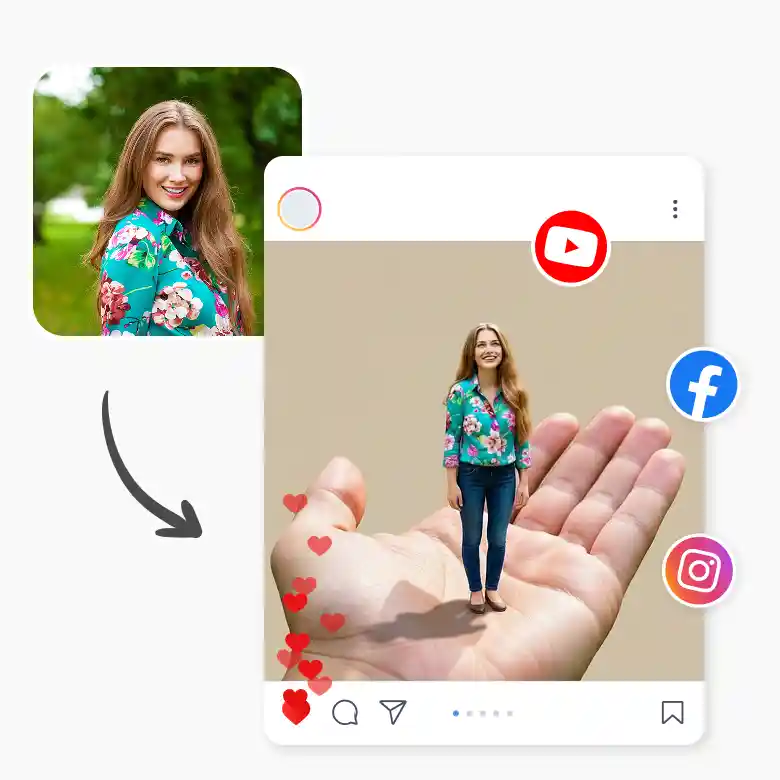
• Social media posts and profile pictures
• Mini character storytelling content
• Cute AI-generated portraits
• Fun reels and short-form videos
• Gaming and animated-style edits
• Creative digital artwork and posters
• Personalized stickers and avatars
• Trending Mini Me social media challenges
• YouTube thumbnails and creative visuals
• Fantasy and playful photo concepts
Tips for the best mini me results
There are a few ways to get the perfect lifelike replicas. Follow these tips to create your own:
• Use clear front-facing portraits for better character generation
• Try full-body photos for more detailed miniature effects
• Describe clothing, pose, and background clearly in prompts
• Use creative themes like “tiny astronaut,” “mini gamer,” or “cartoon twin”
• Experiment with oversized environments for realistic tiny effects
• Bright lighting helps generate sharper results
• Add fantasy or cinematic details for unique outputs
Why LightX is great for mini me edits
• Create cute and realistic Mini Me photos instantly with AI
• Simple and easy to use for everyone
• Change outfits, poses, backgrounds, and styles easily
• Create high-quality Mini Me images in seconds
• Perfect for social media trends, profile pictures, and creative content creation
Try more creative AI filters
• Funny Face Filter: Create funny and exaggerated face edits instantly.
• Sad Face Filter: Add realistic sad face effects to your photos easily.
• Clown Filter: Turn your photos into fun clown-style edits.
• AI Filter Tool: Explore different creative AI photo filters easily.
• Anime Filter: Transform your photos into anime-style characters instantly.
Frequently Asked Questions
Discover more tools


