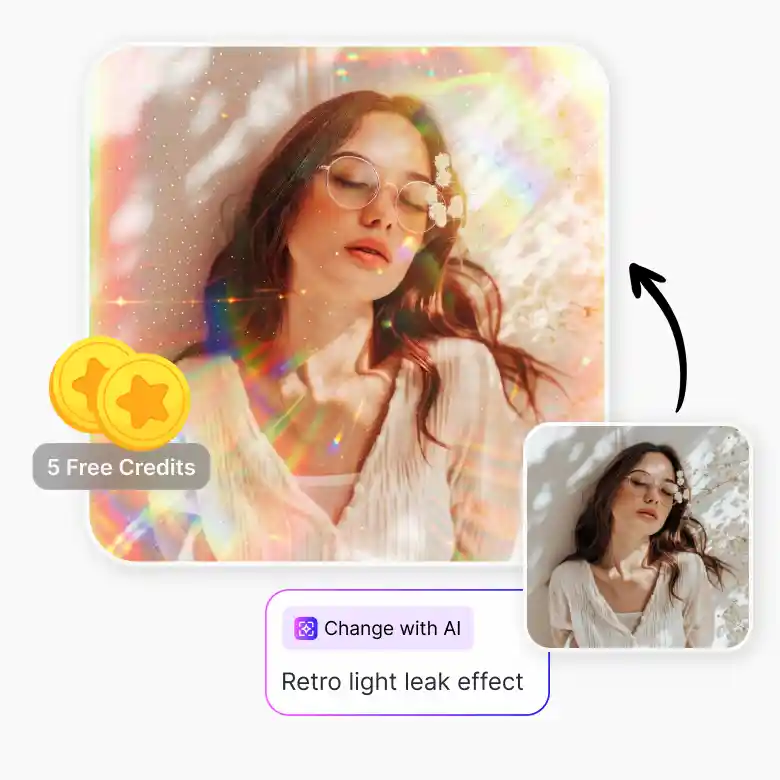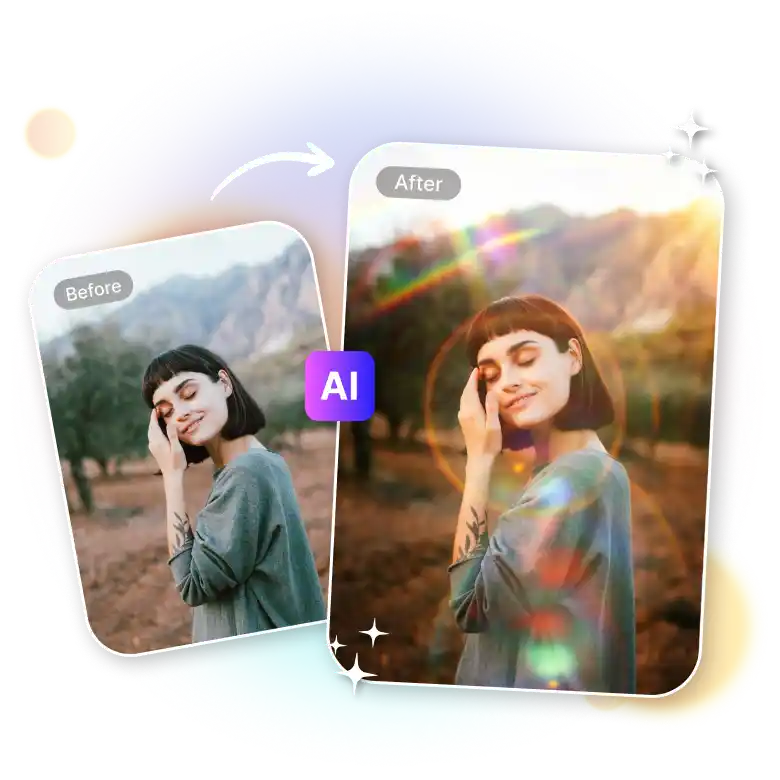
How to use the light leak photo editor
Upload your photo
Upload your photo in JPEG, PNG, or WebP format to the LightX light leak photo editor.
Choose lighting
Explore all lighting presets and choose “God Rays” or any other light leak effect.
Generate and Download
Click generate, and once done, download your high-resolution light leak photo to your device.
Nostalgic photo effects for everyday photos
Give any digital photo the aesthetic warmth and film burn of old film photography. Whether it's a candid, portrait, old scan, or phone shot, our tool applies light leaks accurately without distortion or affecting the important parts of the image. It doesn't apply an overlay; it smartly analyzes each element of the photo and regenerates it with the effect. Your facial features and other parts of the image remain unaffected.
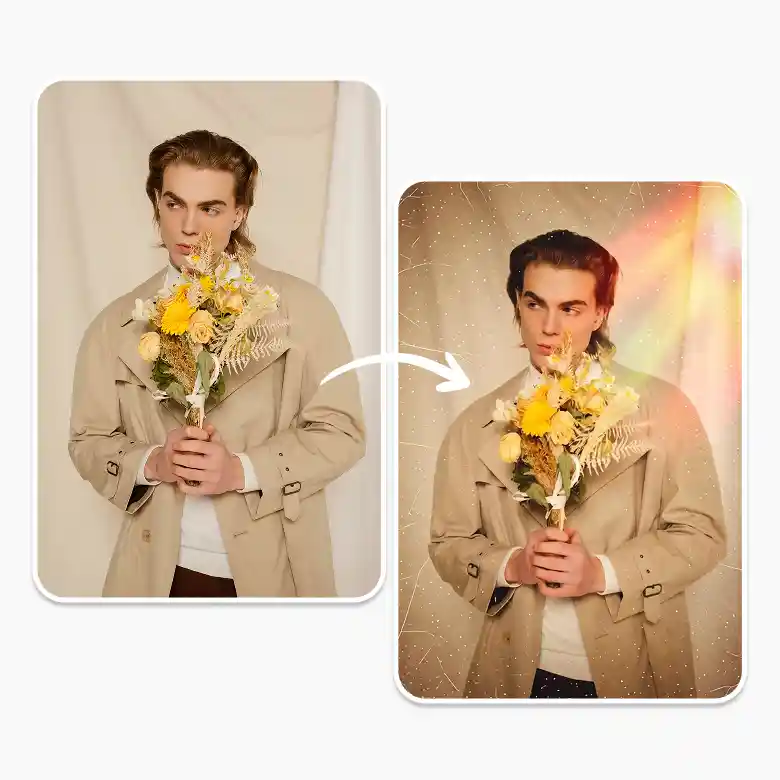
Add halation without any lighting setup
Most overlays wash out faces. LightX generates a glare or light bloom around your subject that enhances without losing detail, without lighting equipment, or post-production setup. Get beautiful color cast, grain weight, and intensity from presets and see results immediately. Add grain alongside the light leak for a fuller vintage look, all in one generation.
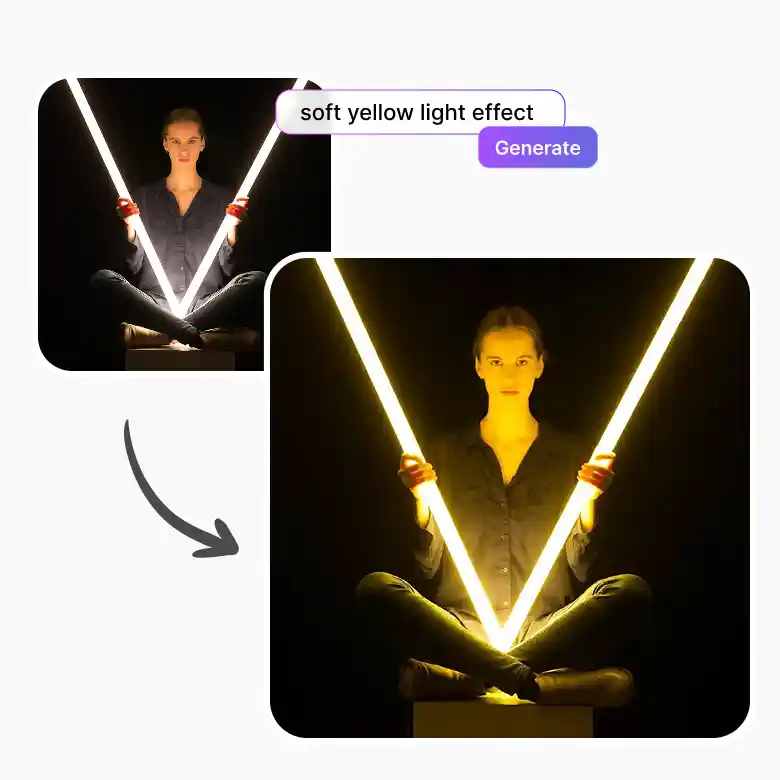
Make photos look fashion & editorial
Our tool is an AI-enabled filter that doesn't just apply, but generates light around you. Get that Vogue magazine look in high-contrast cinematic leaks, pastel color bleeds, or overexposed edges with grain — and get an authentic analog film effect with cool tones that actually fit the image. The AI reads the composition before applying the effect, so it lands where it makes sense in the frame rather than uniformly across it.
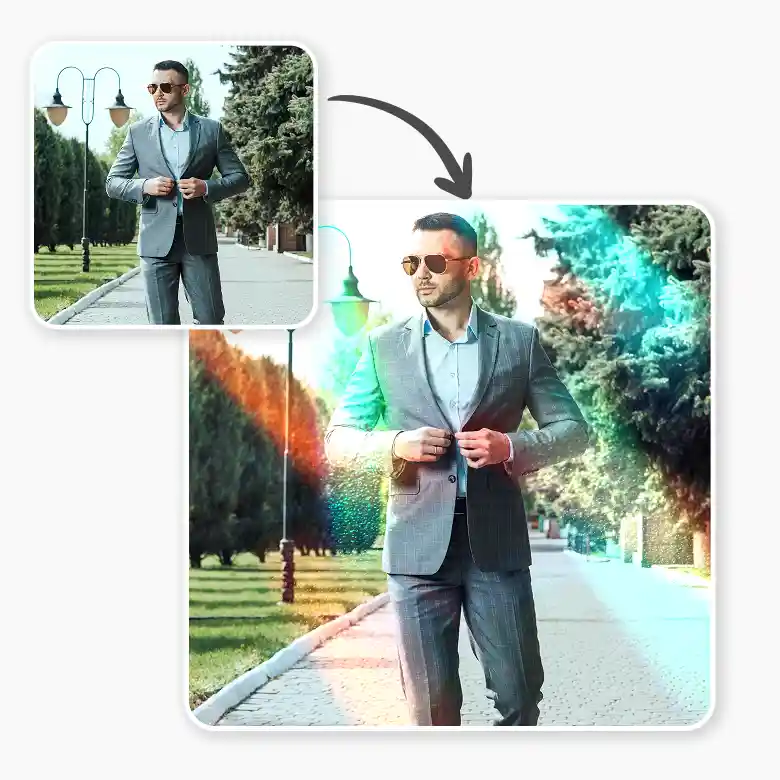
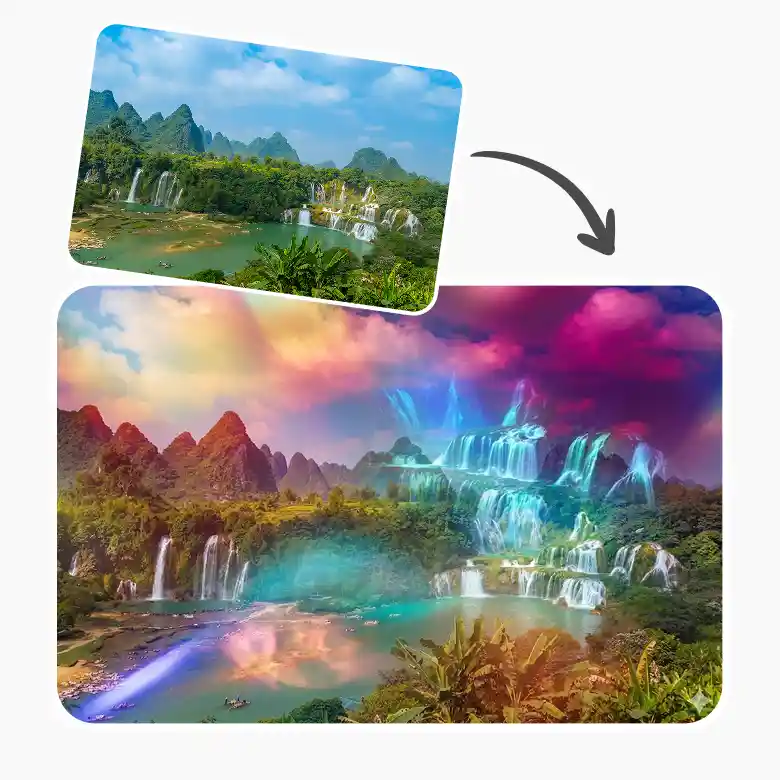
Light leaks in every color, direction & temperature
No restrictions on type, color, warmth, intensity, direction, or position. Tell the AI exactly what you want, and it generates a fitted light leak filter to your specific image. The result never looks generic or unnatural because the effect is built around what's already in the photo, not applied over it.
More tools to explore
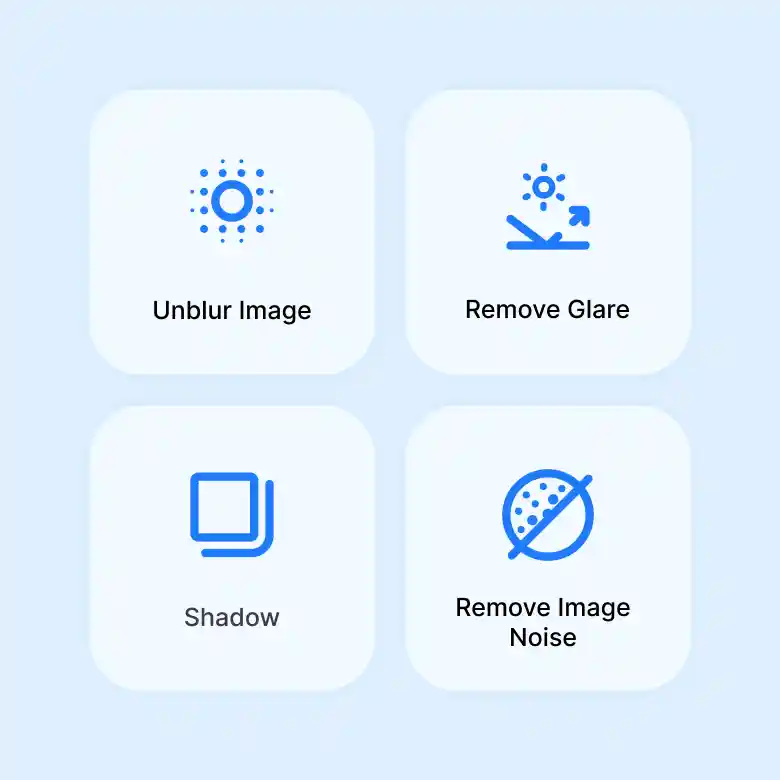
Take your analog aesthetic further with LightX's full editing suite: Add or remove grain for a cleaner or more textured film look Unblur Image to recover sharp detail without losing the soft analog feel Remove unwanted shadows and glare before layering your light leak Download the LightX iOS App or Android App and create film-inspired edits anywhere.
Why use LightX light leak effect
✔ Free to try: Sign up and get 5 free credits daily. No credit card required.
✔ Customizable: Not feeling the first result? Go to “My Generations” and hit "Change with AI" and write a prompt to adjust color, intensity, position, or style in real time.
✔ High-quality output: This retro light effect makes any photo look like it was shot on a 2000s camera, but in high quality.