

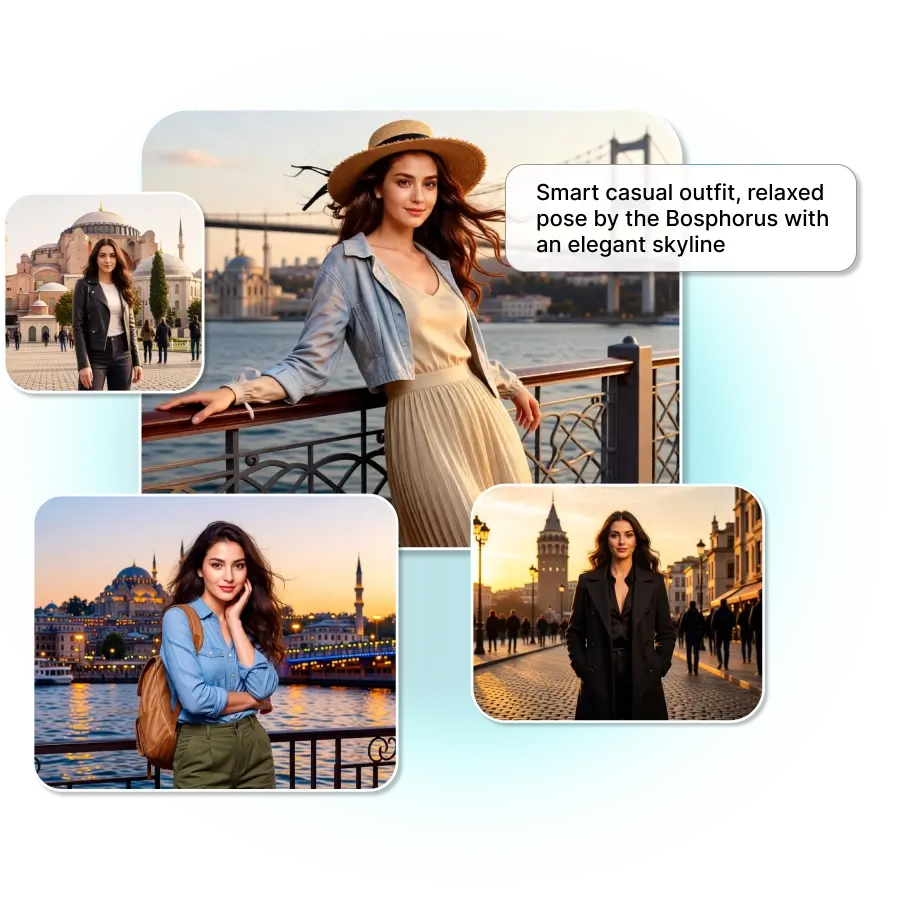
How does AI conduct an Istanbul photoshoot?
Upload your photo
You need to select a clear photo featuring one or more people in JPG or PNG format.
Type a prompt
Describe your desired look & places in the prompt box, or you can also choose it from our presets.
Download
Click "generate" to get the photoshoot. Then “download” the image in the preferred file format and resolution.
Get Istanbul-style photos in iconic places
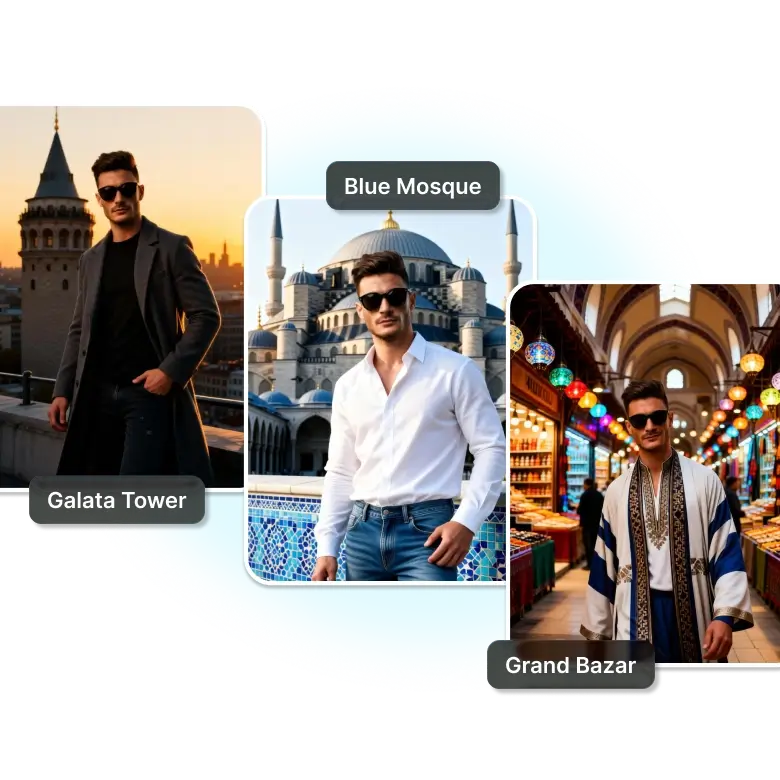
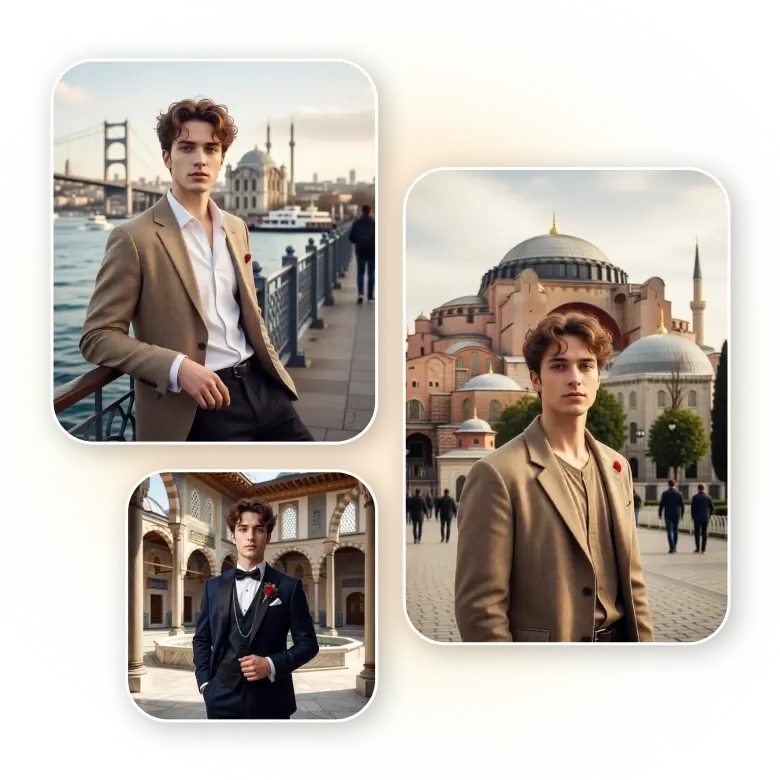
Our AI Istanbul photo generator makes it easy for anyone to create a realistic photo shoot in Istanbul without any effort. You just need to give a simple prompt, and you will be placed at the famous iconic locations of this city :
• Hagia Sophia – A historic building that changed from church to mosque.
• Blue Mosque – A famous mosque with six minarets and blue tiles.
• Bosphorus Bridge – A bridge that links Europe and Asia.
• Grand Bazaar – A large old market with many small shops.
• Galata Tower – A tall old tower with city views.
• Topkapi Palace – A grand palace of the Ottoman rulers.
Why use the AI Istanbul photo generator?
This tool is user-friendly. Anyone can use it easily, and results are also generated in seconds. It's totally perfect for travelers, influencers, bloggers, and social media users who have a low budget and can also be used for profile pics, social media posts, marketing, and content creation, or just for fun.
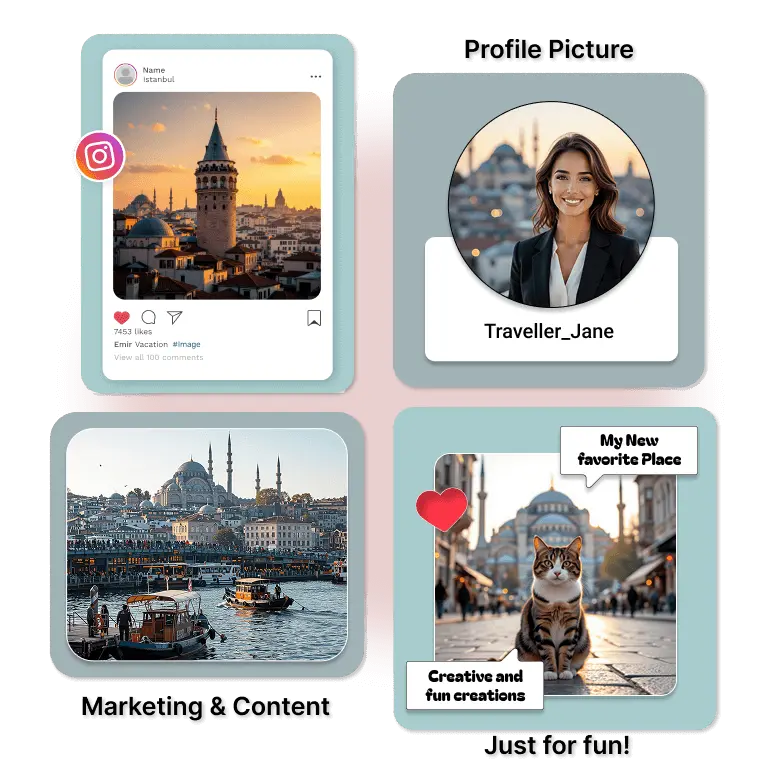
Benefits of AI-generated istanbul photoshoots
• Shoot at famous Istanbul spots
• Choose different photography styles and times of day
• Capture Ottoman or modern Turkish vibes
• Get high-resolution, professional-looking photos
• Use photos for commercial purposes
• Start for free and create instantly
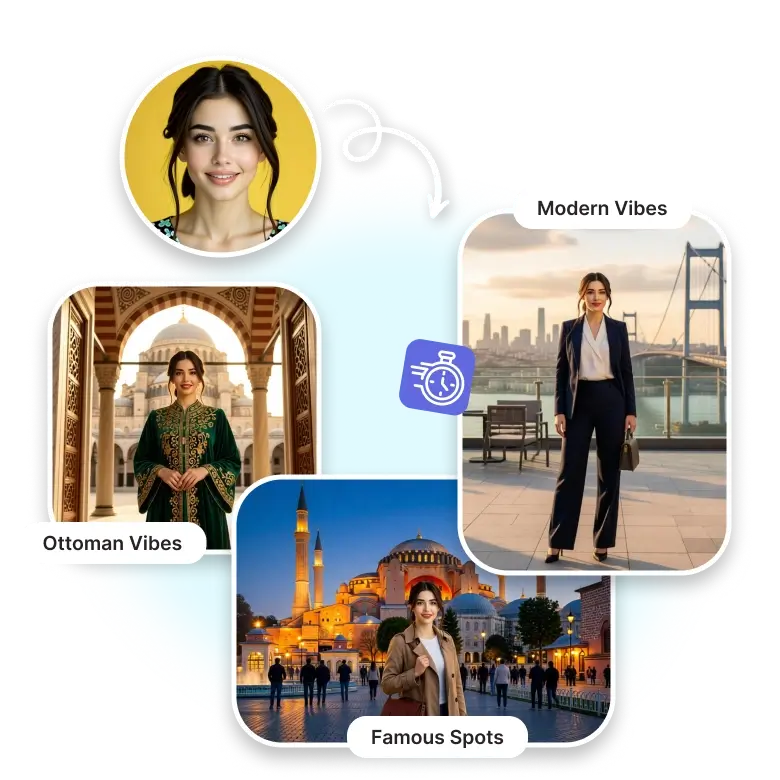
Get better Istanbul photos
In Istanbul, you can also create various photo shoots like couple, maternity, baby, travel & also famous flying dress photoshoots at iconic locations. You can also get pictures from the rooftop, stairs, busy streets, and over the bridge, etc. After getting pictures, you can also further edit them or make several changes like upscaling, expanding, removing background, changing colors, adding texts, or more.
Frequently Asked Questions
Yes! You can easily get pictures by giving a simple prompt & within seconds, you will get the high-quality images.


