




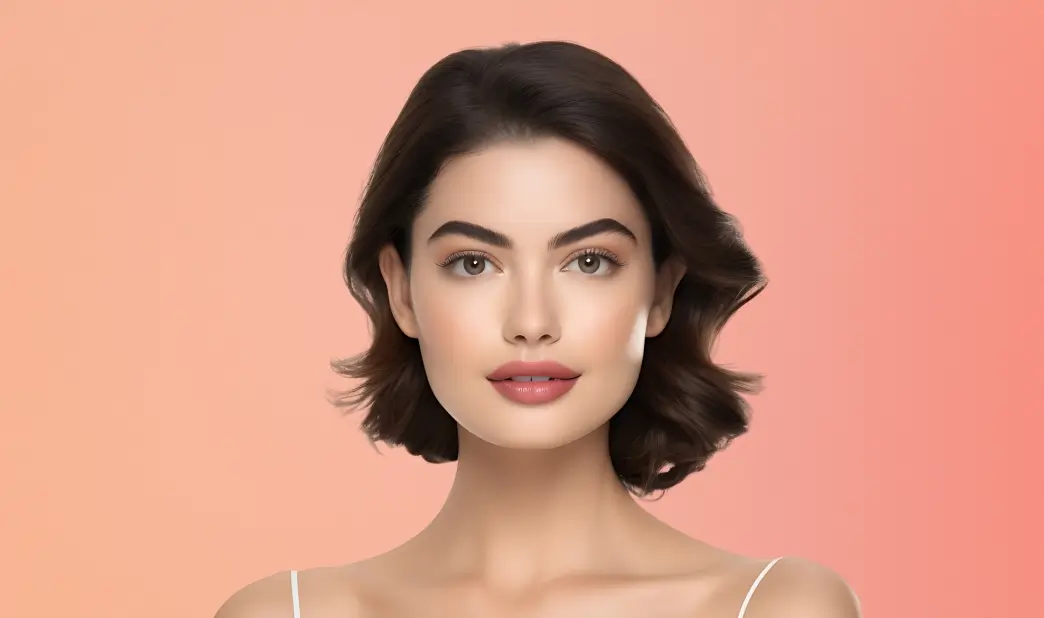
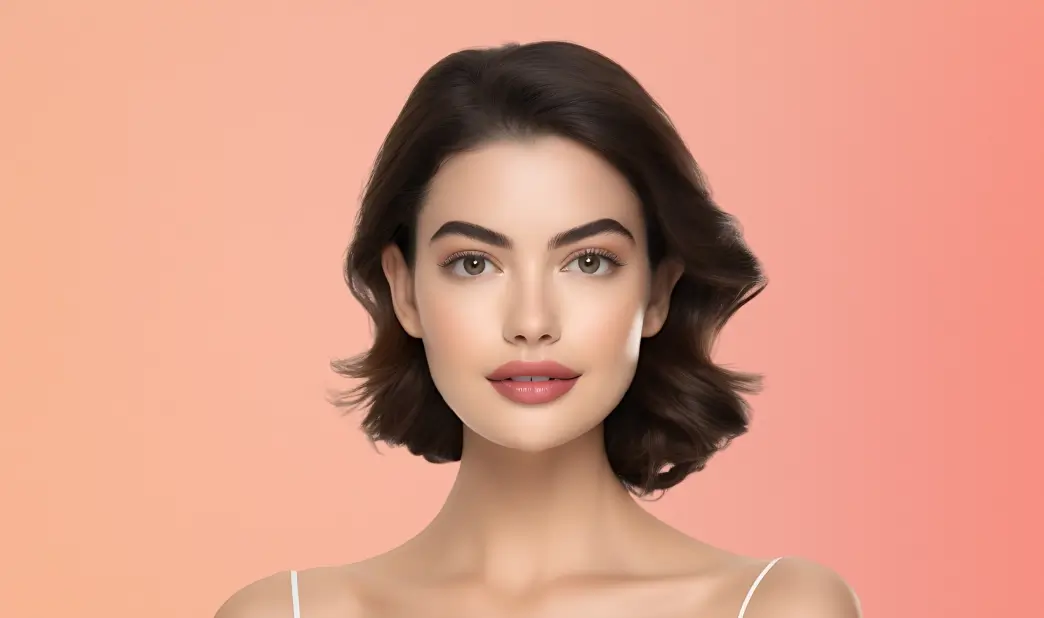
How to use the slim photo editor?
Upload your photo
Select or drag and drop a clear face photo to the Face Reshape tool. JPG and PNG formats are supported.
Go to “Shape”
Pick from various facial points like chin, V-shape, slim, width, jaw, cheekbones, forehead, and temples. Use the sliders to adjust the intensity to your preference.
Download
Click Apply and then Download to save the image in JPEG or PNG format.
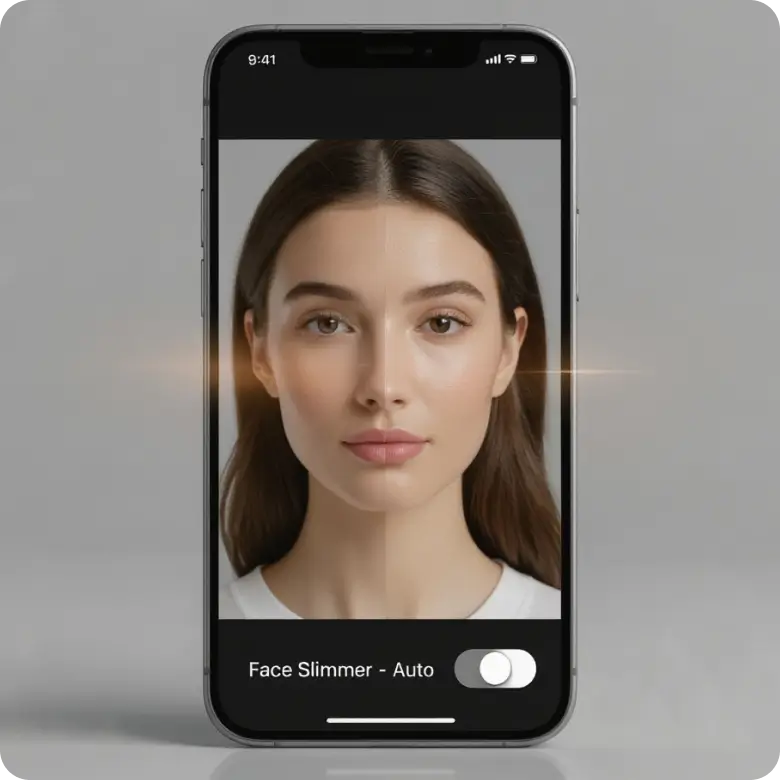
Natural face slimming without manual editing
Slim the face naturally without fake-looking filters. LightX is an AI-powered face slimmer tool that makes your facial contours flattering and slimmer. It’s the perfect tool for both women and men who want a sharp, slim face in photos. Whether fullness is caused by camera angles or natural structure, the tool automatically detects and slims the face without requiring any manual editing.
Separate editing for each feature
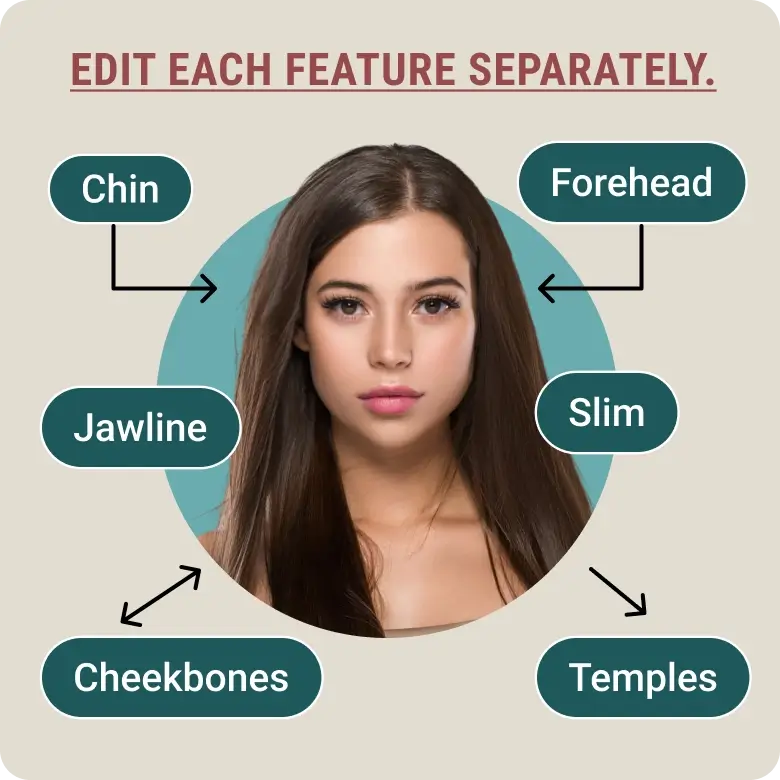
Experience overall face slimming in all your photos, or focus on individual areas for precise adjustments. Refine each facial feature by just picking the option and using the sliders to control the level of enhancement.
You can fix features such as:
• Chin: Adjust the length of your chin; you can move it up or down.
• V-Shape: Create a slimmer, V-shaped jawline.
• Slim: Make the overall face smaller.
• Width: Control how wide or narrow your head looks from side to side.
• Jaw: Define or soften the jawline.
• Cheekbones: Enhance or reduce cheekbone contouring.
• Forehead: Adjust forehead height or width.
• Temples: Make the temples appear wider or narrower.
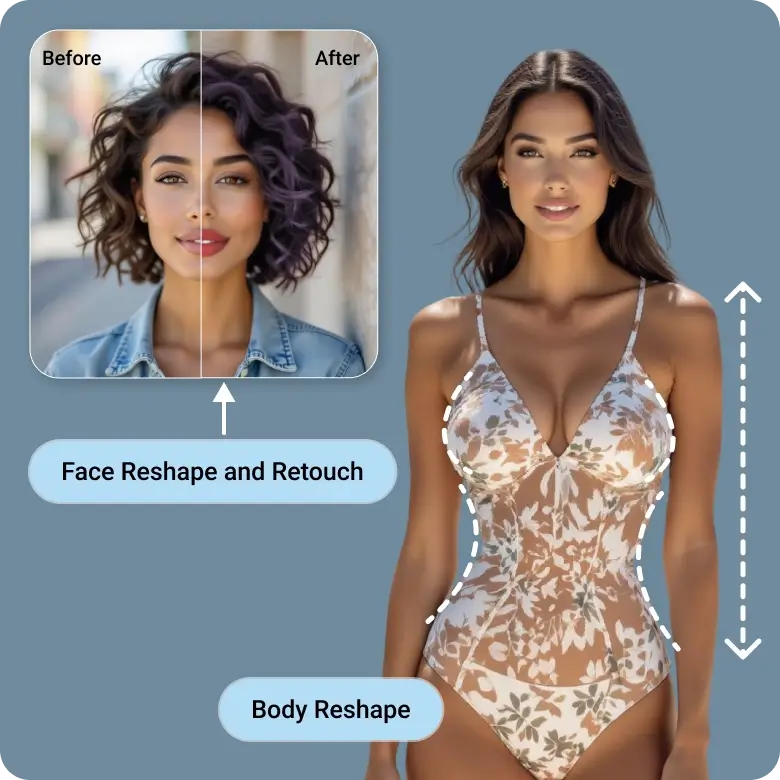
Reshape & Retouch Face and Body
Do more than just slimming faces. Our Reshape Tool comes with a full set of features to edit each facial element like a pro, along with body reshaping, background removal tools. You can also explore our Retouch Tools to add even more aesthetic appeal to your selfies and portraits. Start using now for free!
Frequently Asked Questions
Yes! Our tool delivers high-quality, realistic results that look professional. You can confidently use those edits for portfolios, headshots, or any pro-level needs.