
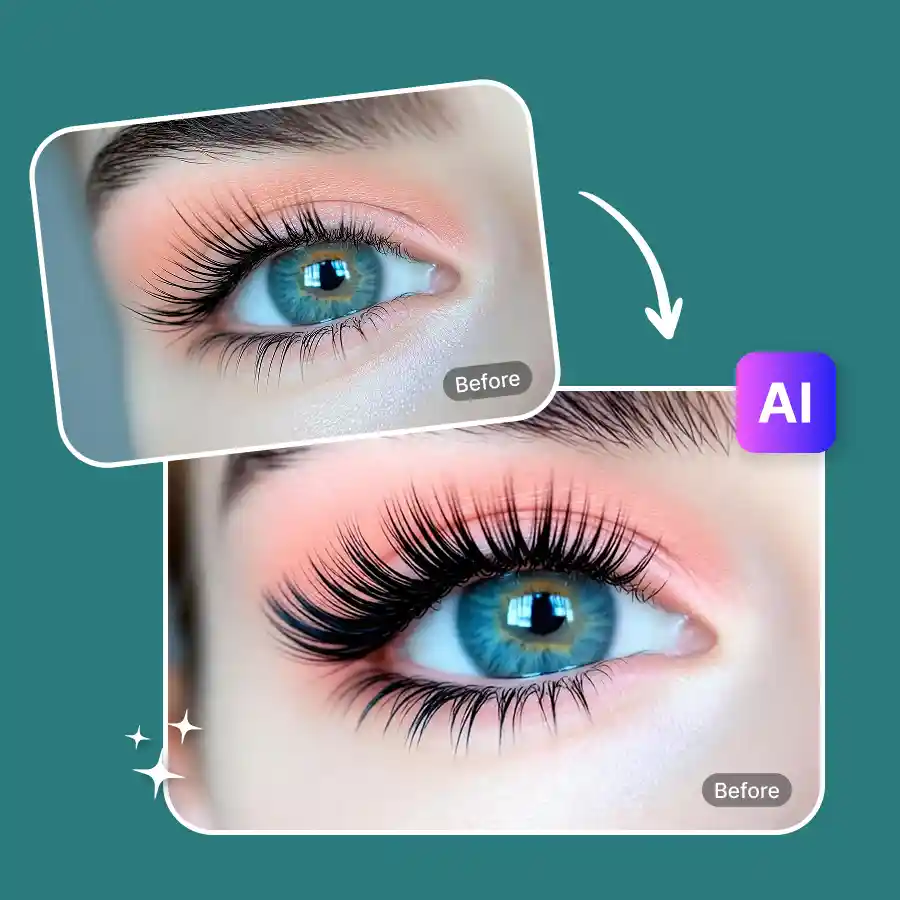
How to try eyelashes on your photo
Upload your photo
Upload your photo in JPEG or PNG format. Make sure your eyes are open and clearly visible.
Select an eyelash style
Choose from many eyelash styles and click generate.
Download
Once ready, download the edited photo and share it anywhere.
Instantly try eyelash extensions online
See what eyelash extensions look like before spending big bucks in salons. Our AI eyelash filter is a realistic virtual lash try-on that lets you preview big, beautiful lashes. Turn natural lashes into fuller lashes without manual effort. Explore different eye makeover looks in seconds.
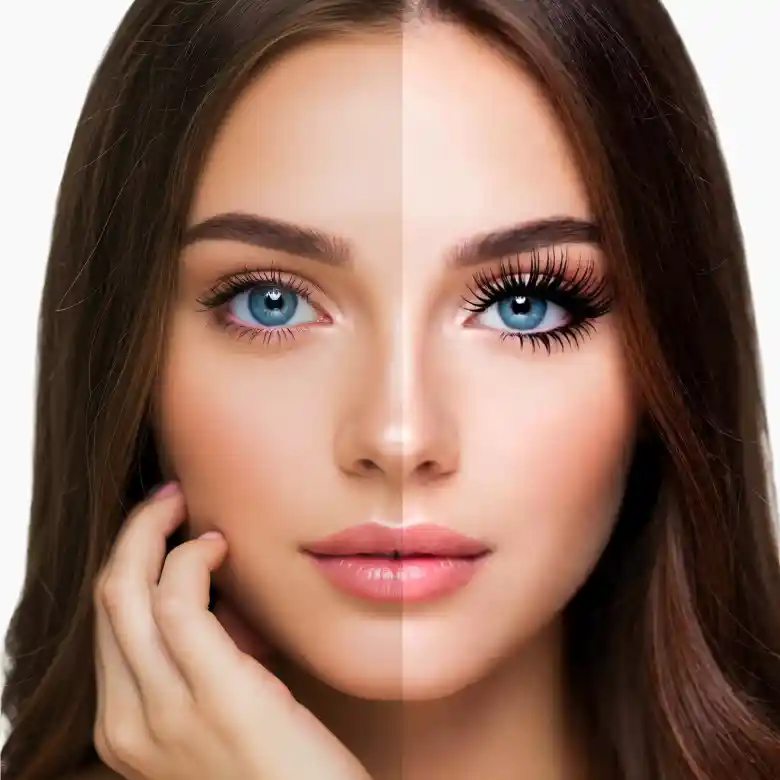
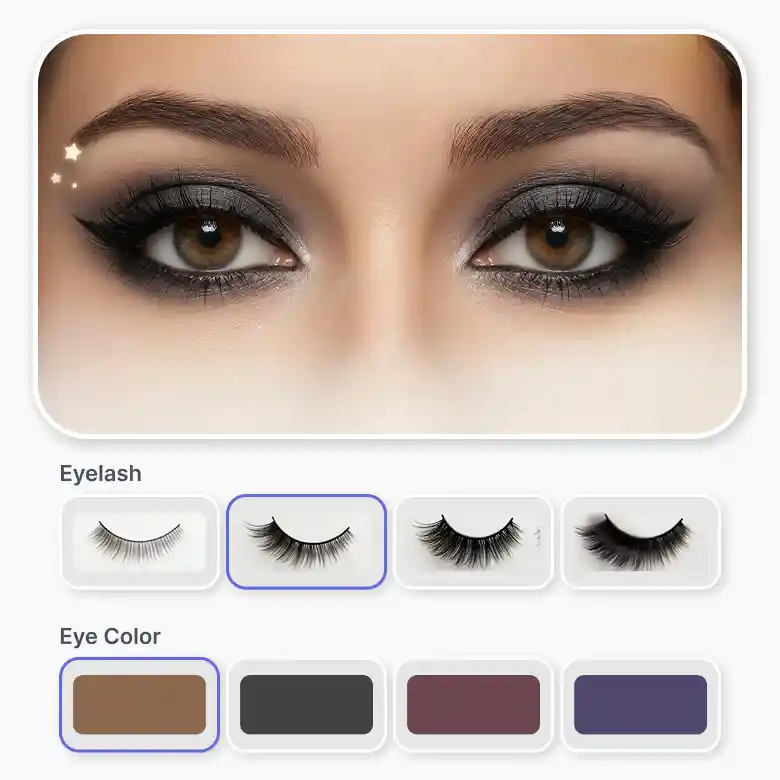
Choose from many fake eyelash styles
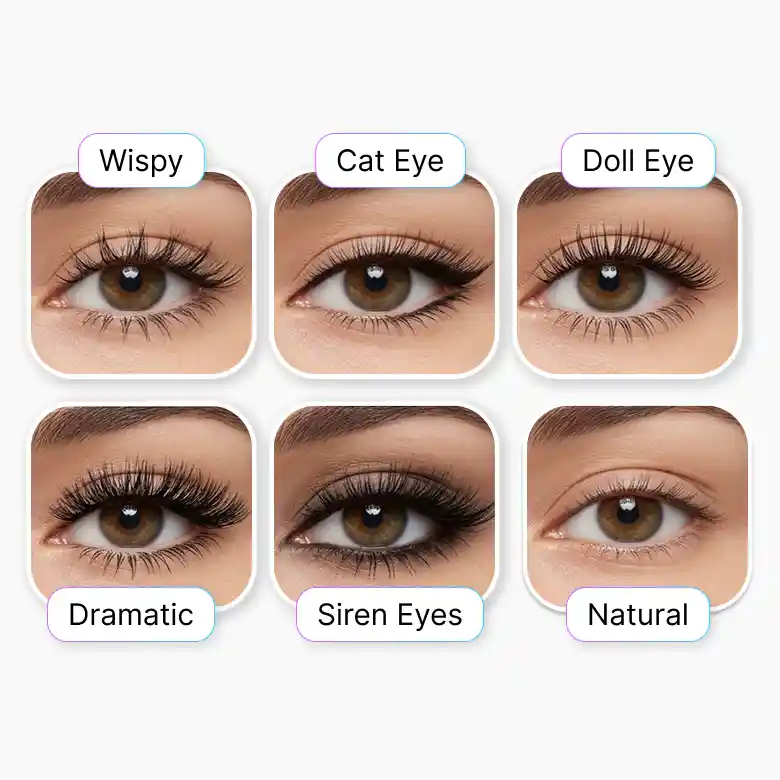
Our eyelash makeover filter includes multiple preset lash styles so you can find the best look for your face.
You can try styles like:
• Natural
• Wispy
• Cat eye
• Doll eye
• Subtle mascara
• Dramatic
• Siren eyes
These presets help you experiment with different lash enhancement styles using a simple eyelash filter online.
Realistic and high-quality eyelash enhancement
The LightX AI eyelash filter gives you a big lash lift with high precision. It doesn't place a eye lash sticker. Our AI smartly detects eye shape and facial features to generate the lashes naturally. The tool doesn't change facial features or reduce image quality.
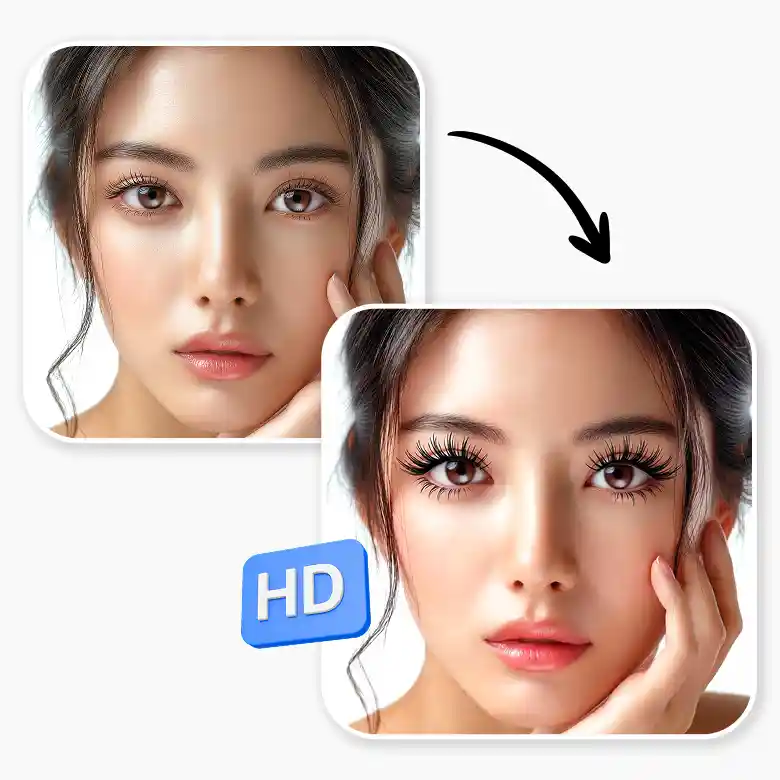
Our eyelash filter’s use cases
• Preview eyelash extensions
• Try different eye makeup styles
• Social media beauty edits
• Show clients how different lash styles will look using a virtual lash try-on.
Do more face editing in one place
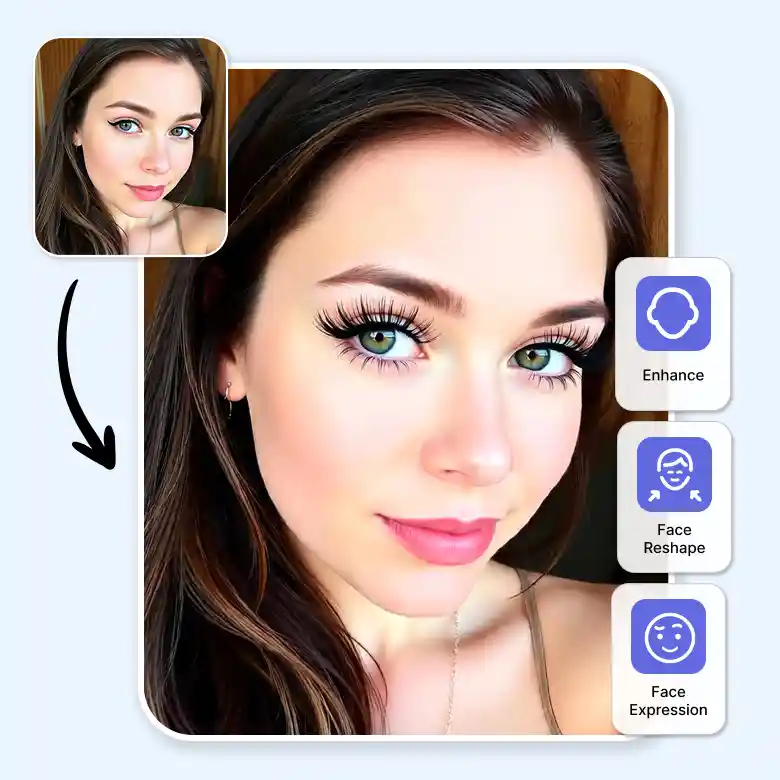
LightX offers more than eye makeover tools. Get AI-powered beauty editing tools along with the eyelash filter app. So you can do full face retouching and enhancement at one place. All these tools are AI-enabled and beginner-friendly. None of these tools requires professional skills and works in seconds.
Frequently Asked Questions
Any photo where the eyes are visible can work well.
Discover more tools


