




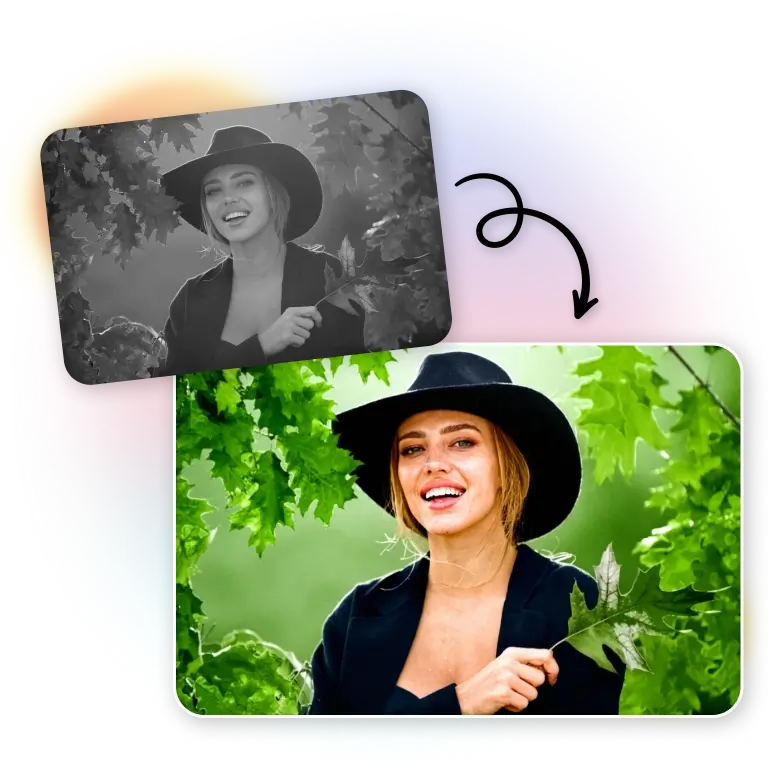
How to recolor images?
Upload
Choose or drag and drop an image into “Quick Edits.” Supported formats are JPG or PNG.
Recolor
Select the “Colorize Photo” feature and click the colorize button. The tool will automatically add color to the photo.
Download
Once the photo is colored, download it to your device in JPG or PNG.
See B&W photos in their original colors
LightX features a one-click colorize tool that automatically detects and recolors your image in high quality. With the help of generative AI, it adds colors even to the smallest pixels in your photo. You can upload black-and-white, sepia, faded, or grayscale photographs and see them restored in the original colors they had when the photo was taken.
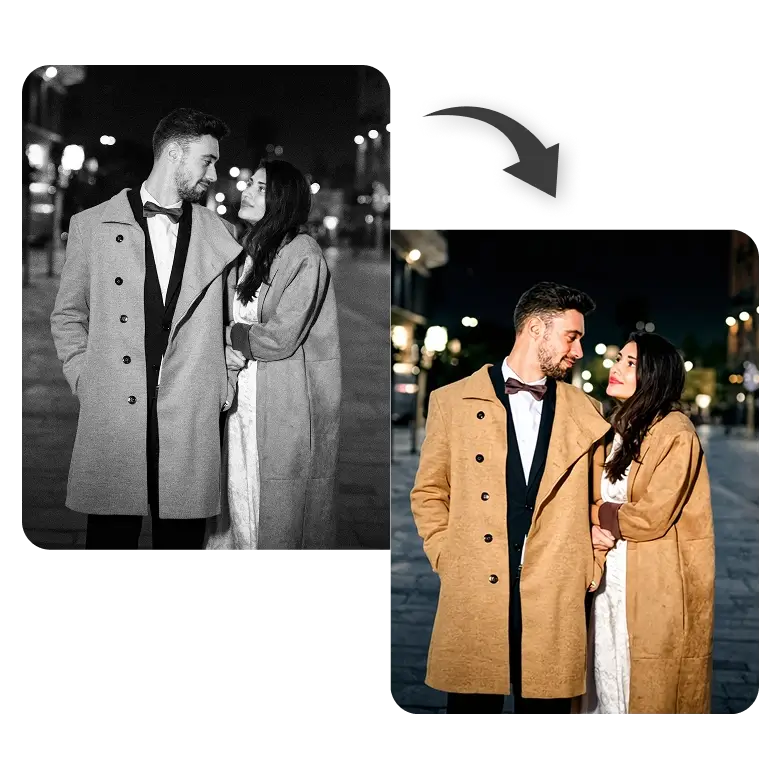
Colorize old family photos
It is accessible for anyone to see their ancestors and family portraits in vivid colors without requiring editing skills. Whether your original picture was taken without color or has just faded over time, you can fix both easily. Just capture those photographs with your phone camera or scan them, upload them to the tool, and watch as they become lifelike in seconds.
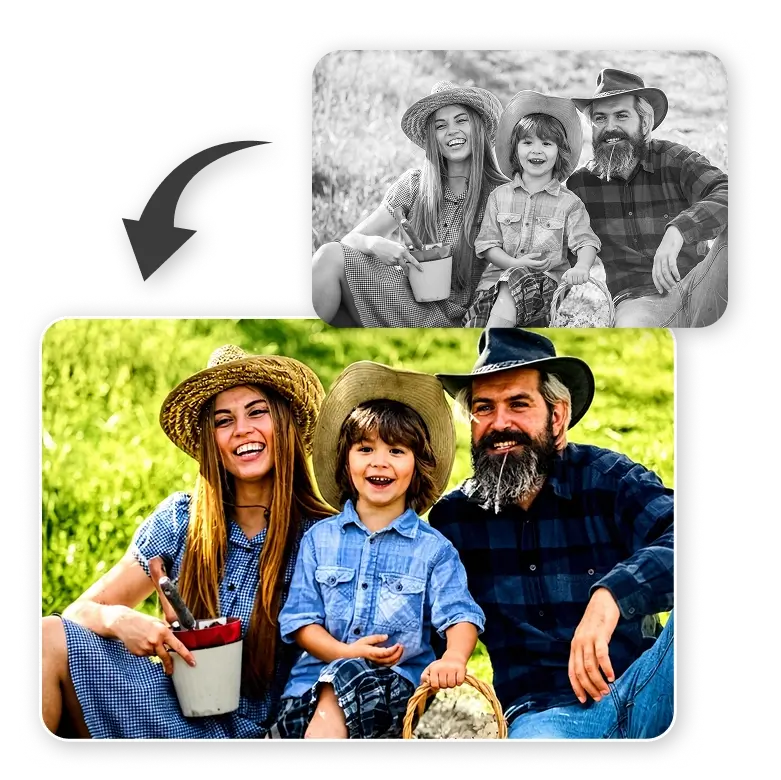
Colorize historical photos, paintings, maps & more
Accurate coloring and high-resolution outputs are the tool’s core strength. History professionals, researchers, and students can confidently use this tool to restore the original colors of vintage photographs and historical moments. Additionally, with the strong privacy and security measures in place for all uploaded images, LightX is an even more reliable choice for handling sensitive or valuable archives.

Explore more creative uses
LightX comes with a full suite of photo restoration. Once restored, you can explore many other creative ways to use them. You can:
• Colorize movie screenshots for social media content.
• Colorize historical black-and-white images for school projects, blogs, and presentations.
• Add color to old photos for wall art, prints, or digital galleries.
• Create photo books, prints, or collages as unique gifts.

Frequently Asked Questions
No, the tool is fully automated so that you get the most accurate and realistic results.