




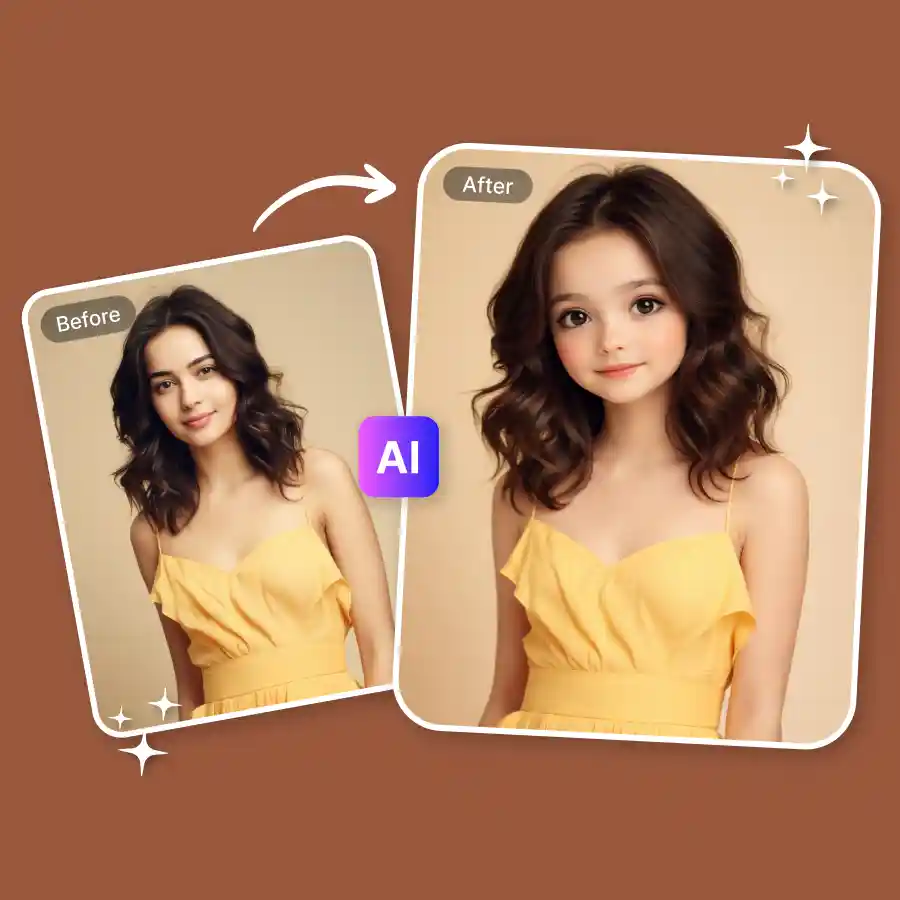
How to use the baby face filter
Upload your photo
Choose a clear, front-facing photo.
Apply the baby face prompt
Our prompt is already loaded. Edit it for a specific age or a different baby-face look.
Download your result
Generate and save your new photo.
What would you look like as a baby?
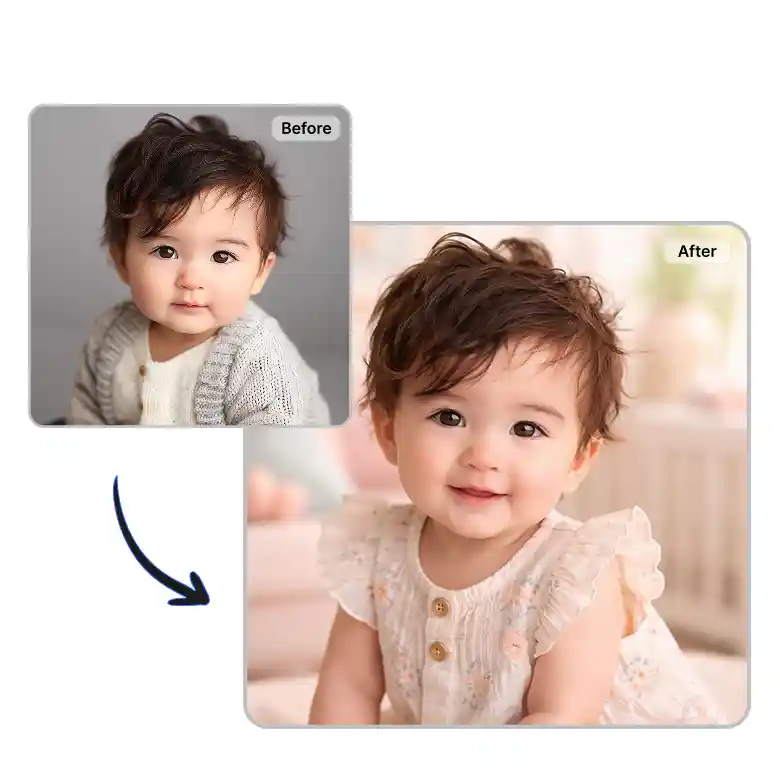
Everyone's curious about this at some point, what your own face looked like before you remembered it. This AI baby face filter turns any adult photo into a baby version of the same person, keeping your actual features recognizable instead of generating a generic baby face.
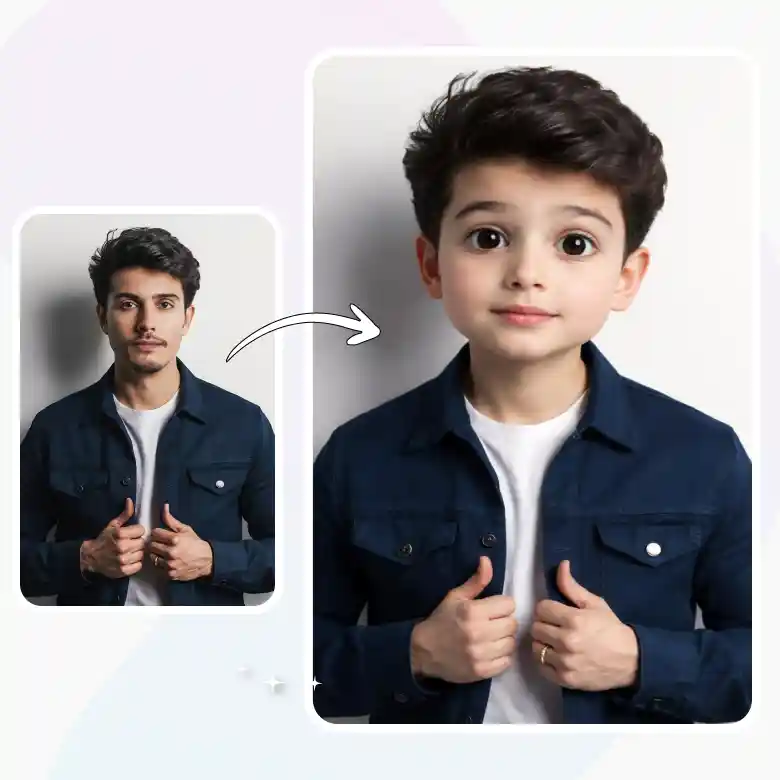
Realistic results, with same features
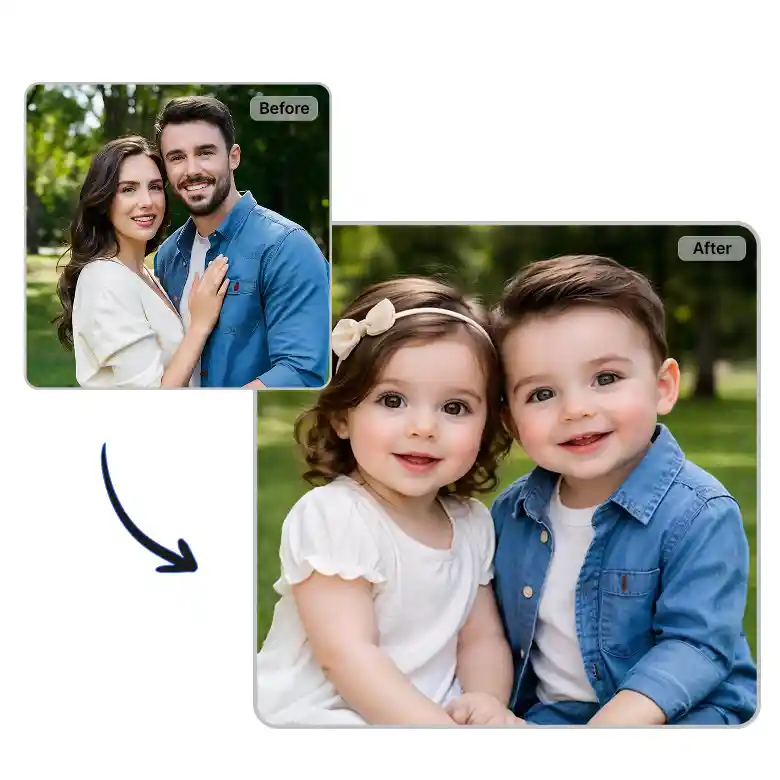
The AI baby face filter analyzes your facial structure, skin tone, and features from the uploaded photo, then generates a younger version built around those same features rather than swapping in a generic baby face. That's why the result still looks recognizably like you, just at a different age.
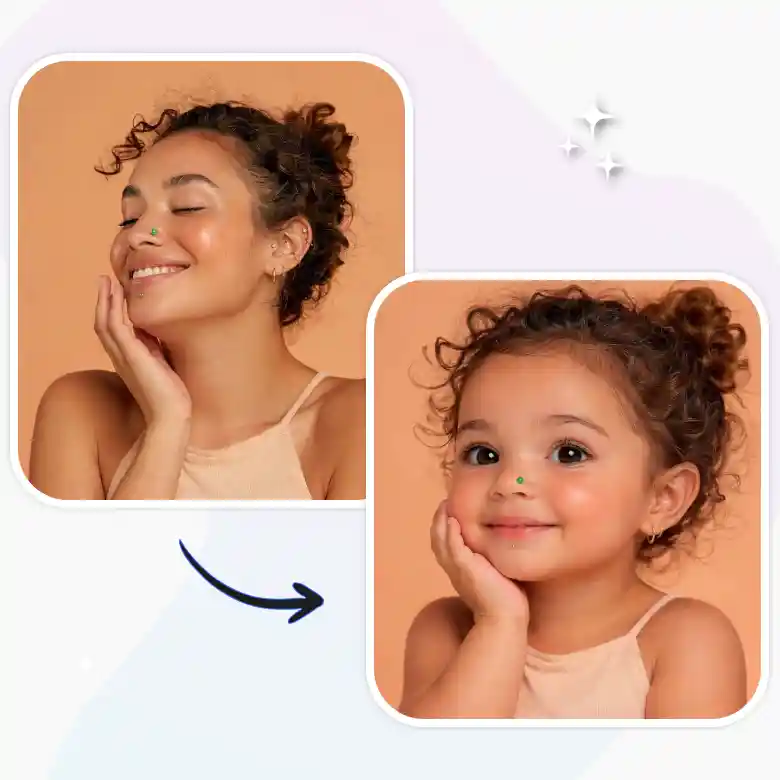
One prompt, multi-age baby transformations
Edit the prompt to control how young the result looks, a toddler, an infant, or a specific age. This age regression AI means you're not stuck with one fixed output, describe the age and the AI generates it. Generate yourself as an infant, baby, toddler, pre-teen, and teenager.
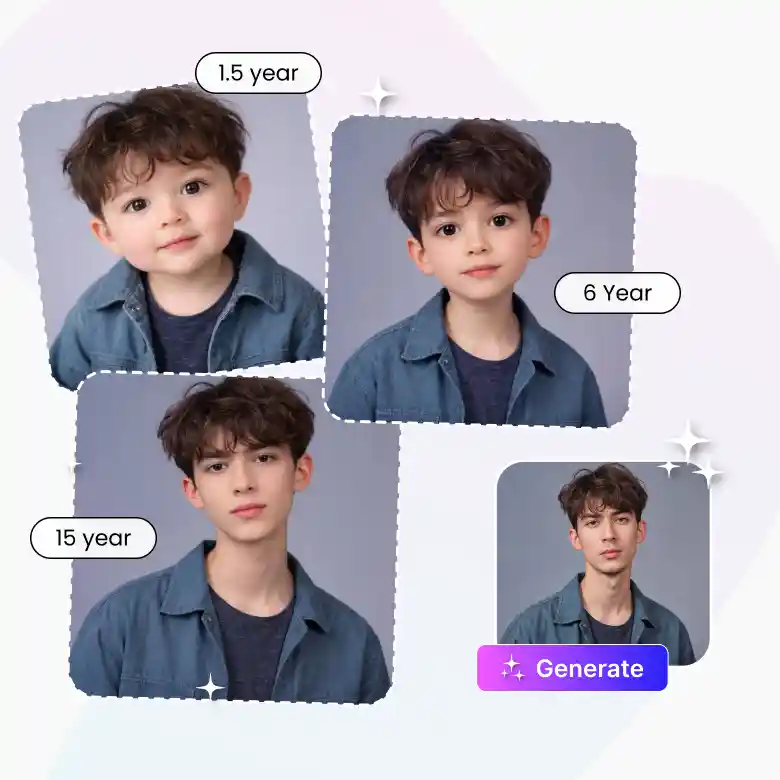
Fine-tune the result afterward
Not quite right on the first try? Use the follow-up prompt to adjust the expression, lighting, background, or even the outfit in the generated photo, without starting the whole edit over.
Made for a specific kind of curiosity
It's a novelty tool that most people use it for:
• Content creators and social media users: quick "me as a baby" posts for Instagram and TikTok
• Parents: comparing their own baby photos to their kid's, or generating one since an old photo doesn't exist
• Siblings: side-by-side comparisons for a fun family post
• Couples: imagining what a future kid might look like, blending curiosity with humor
What this AI baby face filter gets right
• Editable prompt for age and look, not a fixed filter
• Choice of AI models
• Keeps your actual facial features recognizable, not a generic baby face
• Fast turnaround, no editing skills needed
• Works on mobile and desktop
Frequently Asked Questions
Discover more tools


