

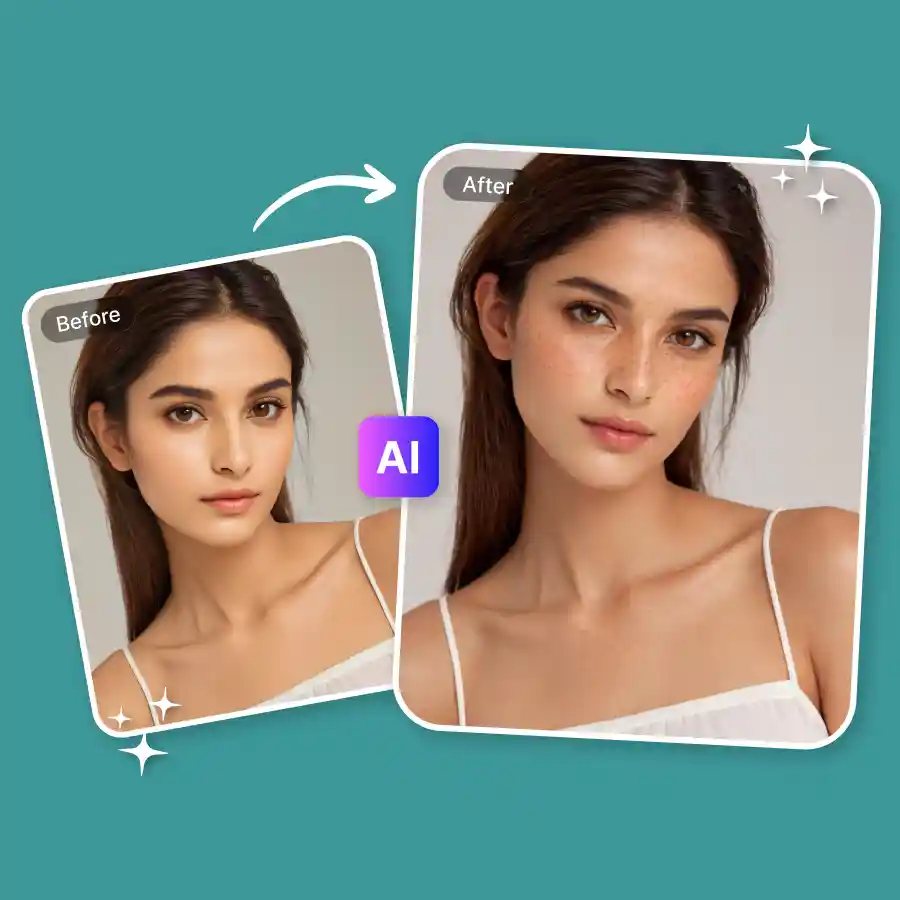
How to get aesthetic freckles in photo?
Upload your photo
Choose a JPG or PNG, any clear face shot works.
Click generate
The prompt is pre-configured to add natural freckles. Hit generate. You can also edit the prompt for a customized look.
Download your photo
Once done, download, and you're good to go.
Sun-kissed, speckled, and suddenly everywhere
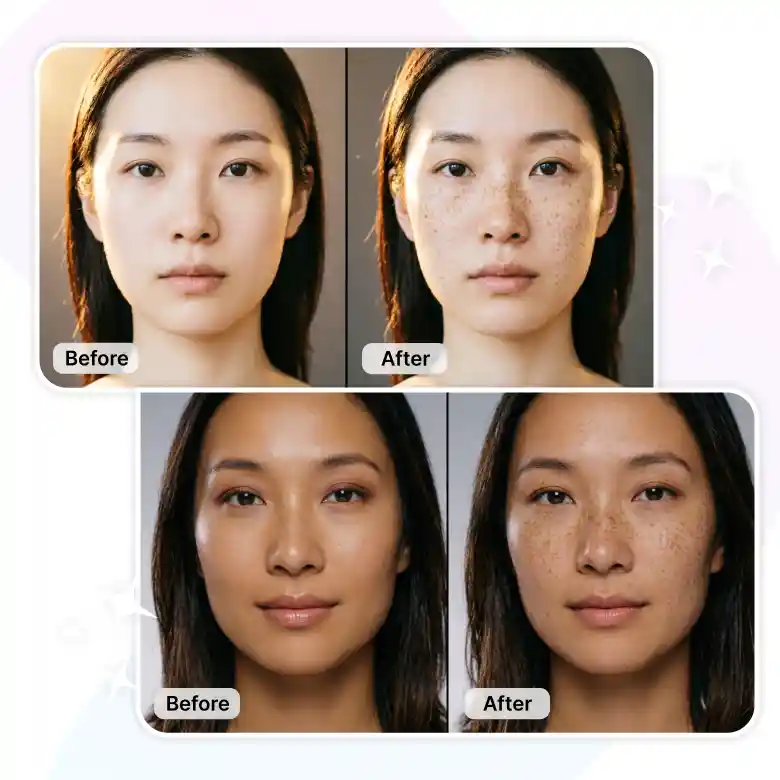
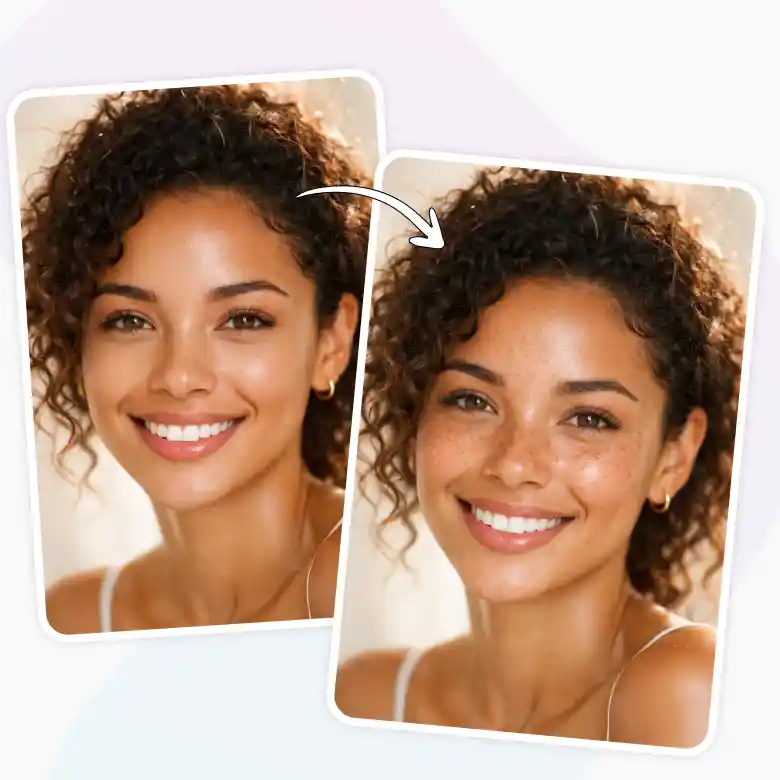
Adding a small detail of freckles makes a photo feel alive, unfiltered, yet beautiful. LightX's AI freckle filter lets you add that natural speckled finish to any photo instantly. Realistic placement, all skin tones, no makeup, no editing skills, just upload and generate.
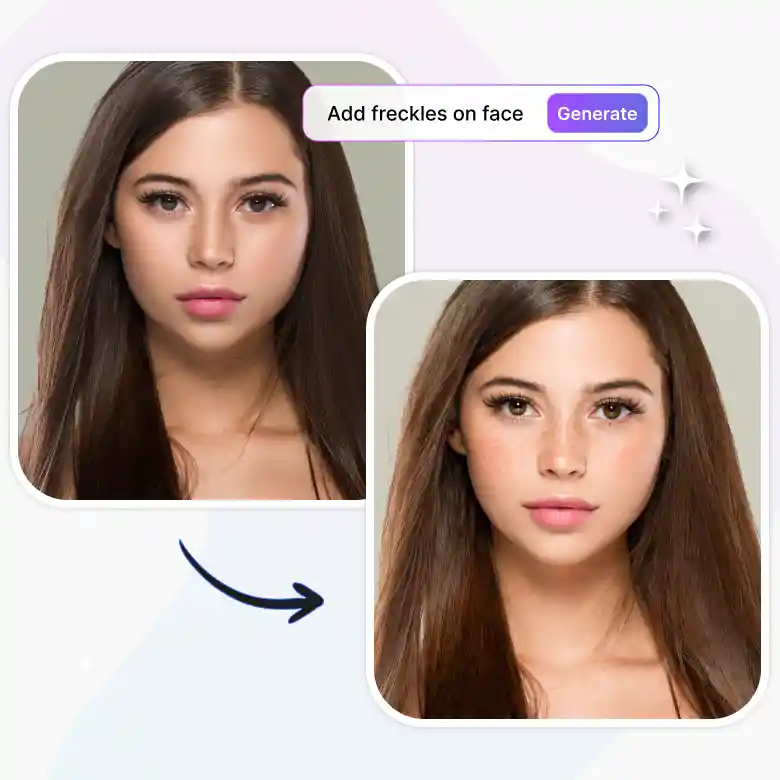
AI-powered, Hyper-realistic freckles
Most freckle filters online just stamp the same dots on every face. Same overlay, same placement, doesn't matter if you're fair, deep, or anywhere in between. LightX actually reads your skin tone, lighting, and face structure and places each speck where it would naturally sit.
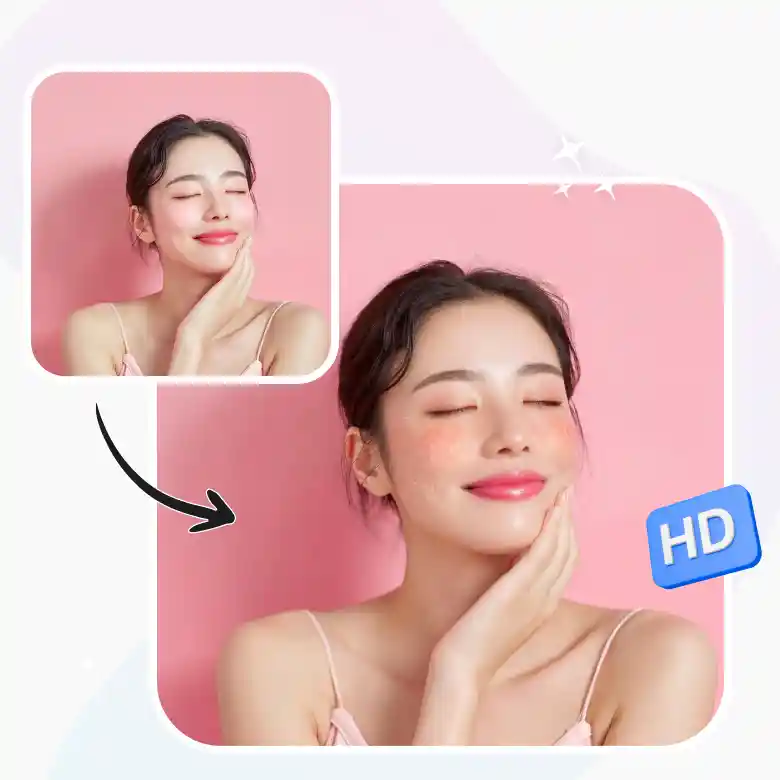
Soft, bold, natural, sun-kissed. You pick your freckles.
The default prompt generates a natural freckle effect but the tool doesn't lock you in. Edit the prompt to retouch freckles. You can go lighter, darker, more scattered, more concentrated, or full makeup-style. The AI adjusts, you download, done. No sliders. No layers. No tutorial required.
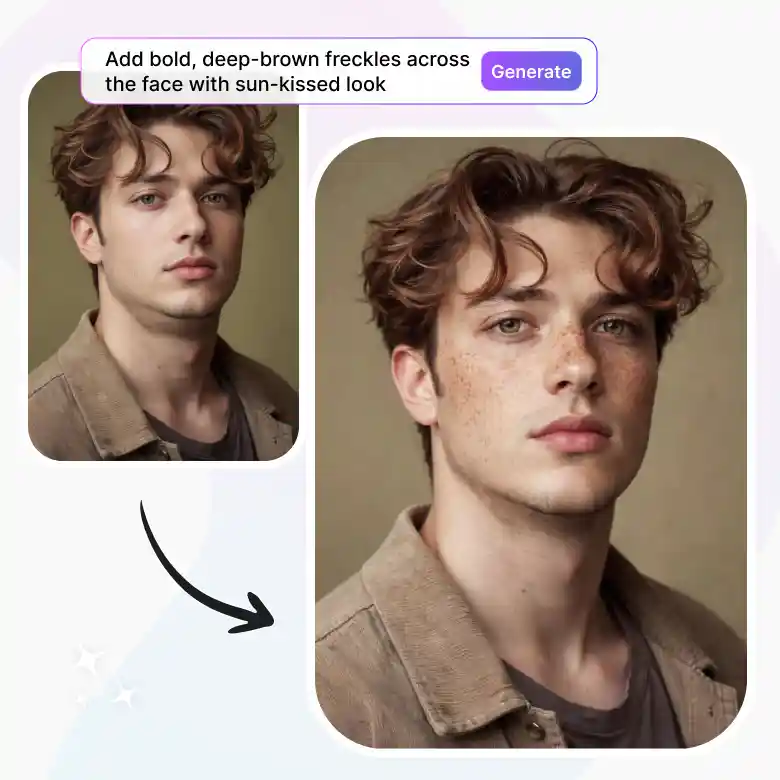
Freckles photo editor for literally everyone
• Aesthetic creators who want that dreamy, editorial skin finish
• Beauty enthusiasts testing a freckled makeup look before trying it IRL
• Photographers adding natural skin detail to portrait shoots
• Anyone who just wants a sun-kissed selfie without the sun
More ways to enhance your look with LightX
Freckles are just the start. Give your photo a full glow-up with AI photo retouching, brighten your smile with teeth whitening, sculpt your look with face reshaping and face slimming tools, or go full sun-drenched with the tan filter. Feeling bold? The glamour filter takes it all the way up. Do it all in one place, online, or download the iOS, and Android apps now.
Frequently Asked Questions
Discover more tools


