
Turn words into creative YouTube logos
With over 100 million YouTube channels, a unique logo can only make a channel memorable. Whether you're a gamer, educator, or vlogger, the LightX AI YouTube Channel Logo Generator helps you create custom logos in seconds. It takes just a few simple text prompts to generate designs that are not only creative but also match your channel’s theme.

Packed with features for YouTube creators
• Uniqueness in every generation
• Generation and editing are all done with prompt commands.
• AI Inspirations so you don't have to brainstorm ideas.
• Apply styles in one click for efficiency.
• Accuracy in typography and spelling.
• Easy interface, made for all creators.
• High-resolution downloads for a strong first impression.
• App access on Play Store and App Store.
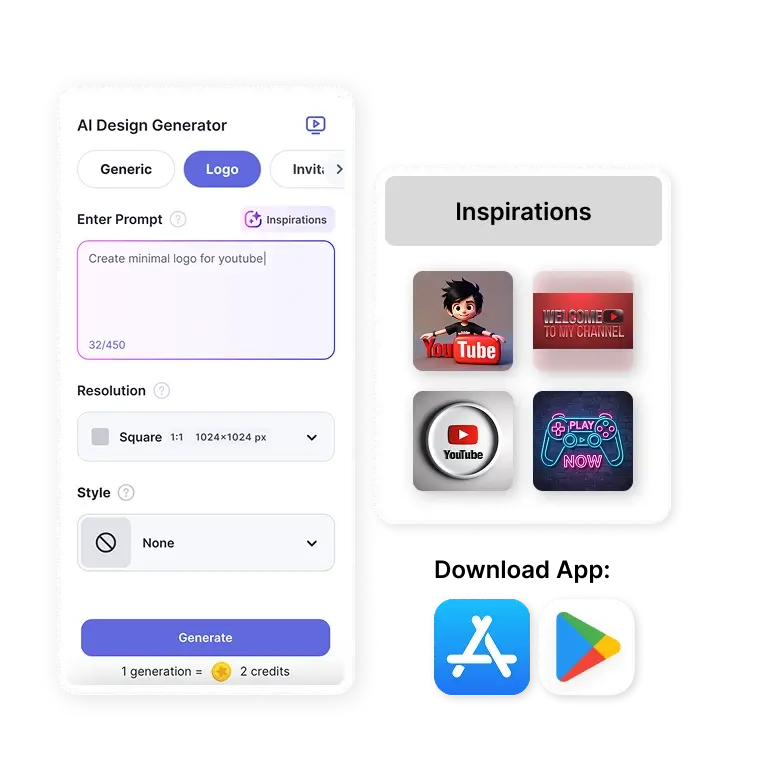
How to write prompts
For generating
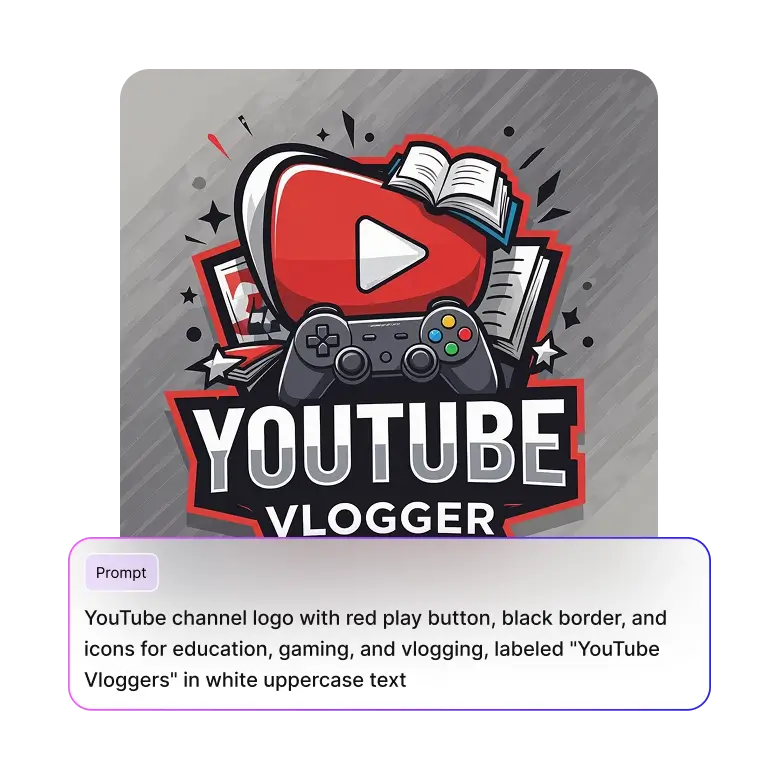
You can start by generating a basic logo. Mention the channel name (do not make spelling errors), genre, and some icons or symbols.
E.g.: “create a clean logo for my makeup channel called 'Makeovers by Nia’ and add a pink hair brush below the name”
For editing
Once the tool generates, edit further to make adjustments. You can fix the placement of elements, replace colors, or change fonts and aesthetics.
E.g.: “Replace pink brush with a vintage lipstick, make text bigger”
Only specific elements will be changed, leaving the rest of the logo intact. Change the elements in the prompts, and this method can be used for any type of genre.
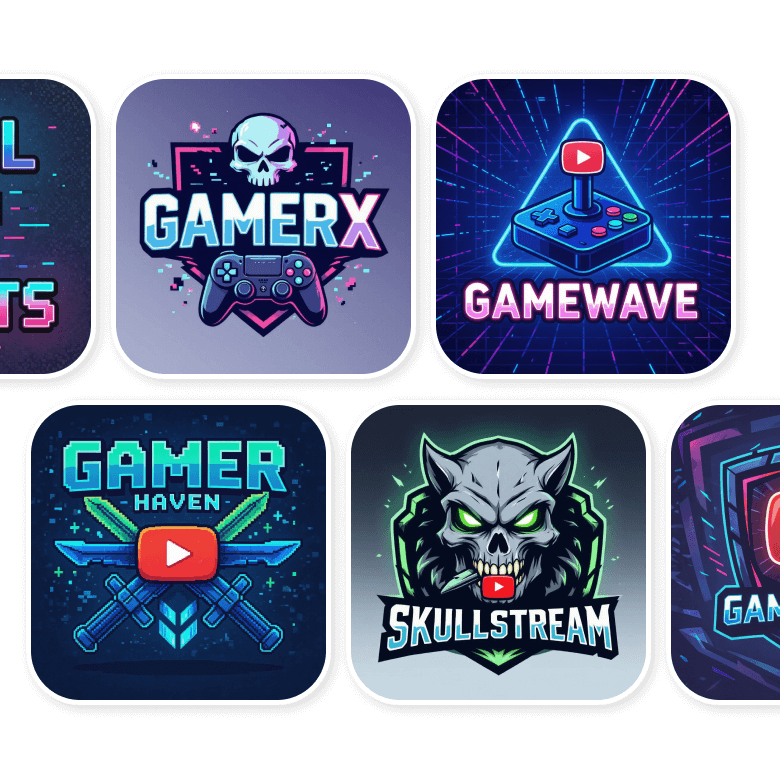
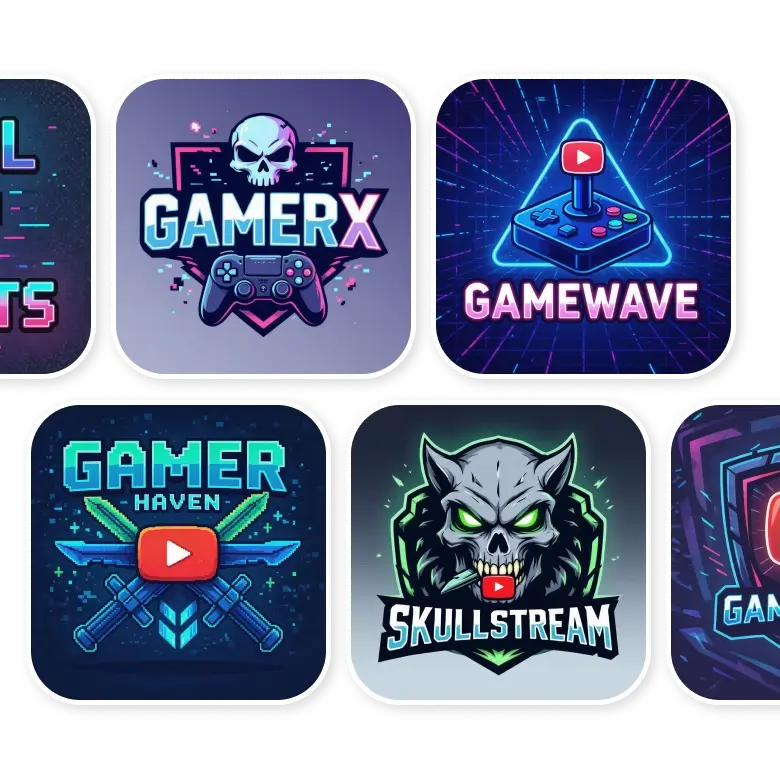
For the gaming channel
Typography: Bold fonts, pixilated edges, or letters with glitch effects
Colors: Color schemes include neons, dark bold colors, high-contrast colors
Graphics: Weapon silhouettes, neon game controllers, skull illustrations, pixelated icons
Background: dark backgrounds, blur backgrounds, subtle gradients
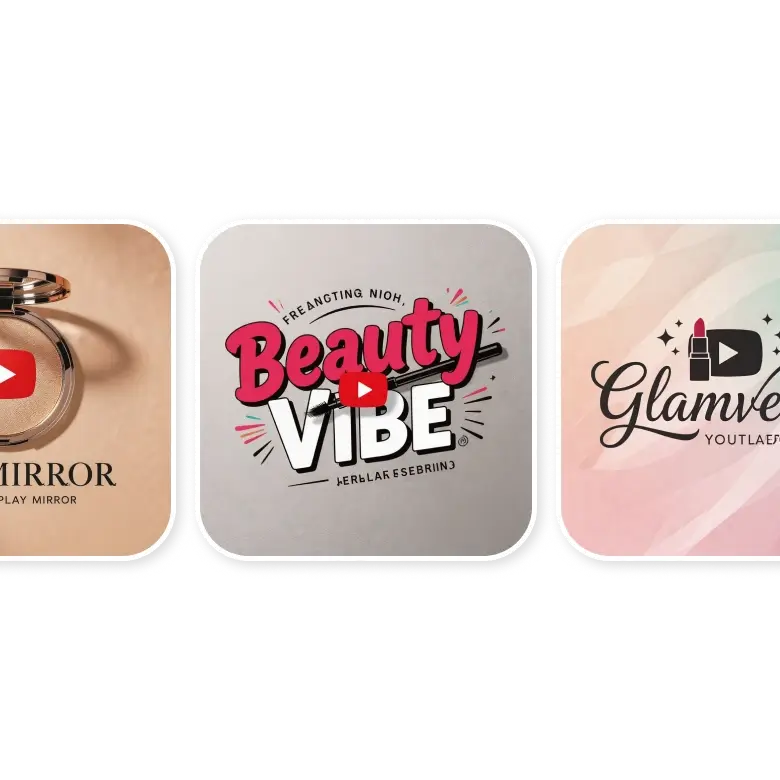
For fashion & makeup channel
Typography: Elegant fonts, vintage typography, or playful bold fonts
Colors: Soft colors, pastels, light beiges, pinks, and peaches
Graphics: Illustrations of clothing or makeup objects, flowers, geometrical shapes
Background: Pastel backgrounds, Light gradients, floral backgrounds, or street backgrounds
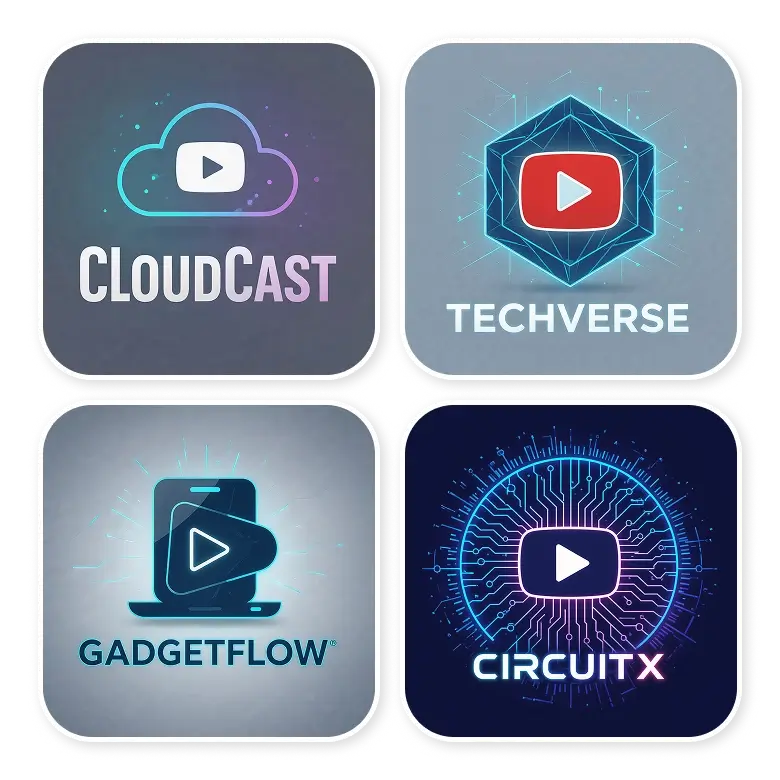
For tech channel
Typography: Sleek fonts, italics, geometric, or high-tech style
Colors: Neons, dark solids, blue and white palettes
Graphics: Gadget illustration, software icons
Background: Light backgrounds, neons, studio background, podiums
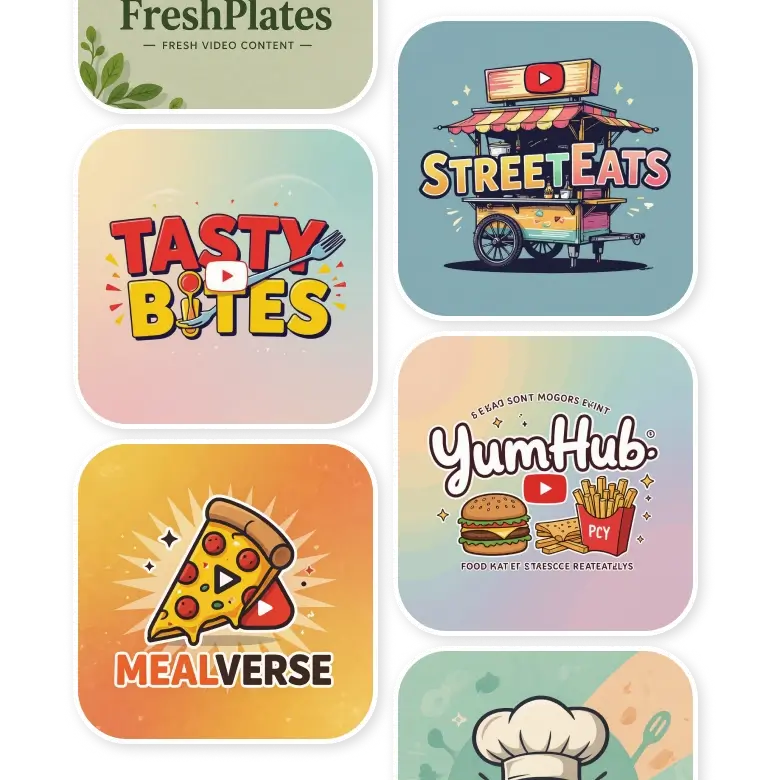
For food channels
Typography: Playful fonts, or elegant typography in sleek styles
Colors: Bright & vibrant colors, with high contrast, gradients, or pastels
Graphics: Illustrations of food, utensils, people eating, or food trucks etc
Background: light colors, paster backgrounds, subtle color gradients. The focus should be more on icons
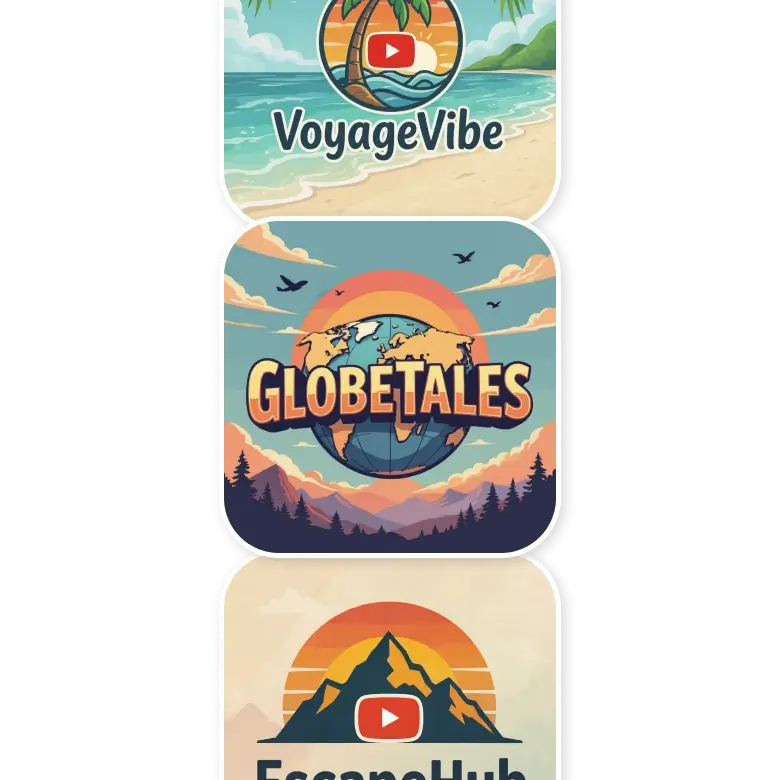
For travel & lifestyle
Typography: Playful, bold, handwritten fonts
Colors: Blues, greens, or sunset colors
Graphics: Illustrations of landmarks, coconut trees, underwater world, flight silhouettes
Background: beaches, famous cities, textured, solids, or skies
How to edit your generation
Customization of your generations is easier than ever! No need to make manual adjustments. Simply click on the generated image and select 'Change with AI.' Then, mention the changes in the prompt box below.
For example, mention “Add the skull icon and a glowing red outline” in the prompt box, and only the part you mention will be edited, and everything else will be the same.
Frequently Asked Questions
Yes, you need an account to access free credits and generate your YouTube logo for free.
Discover more tools


