


Create custom text with effect through a prompt
Enter a prompt detailing the text effect you want. In mere seconds, the AI will bring it to life as you desired.
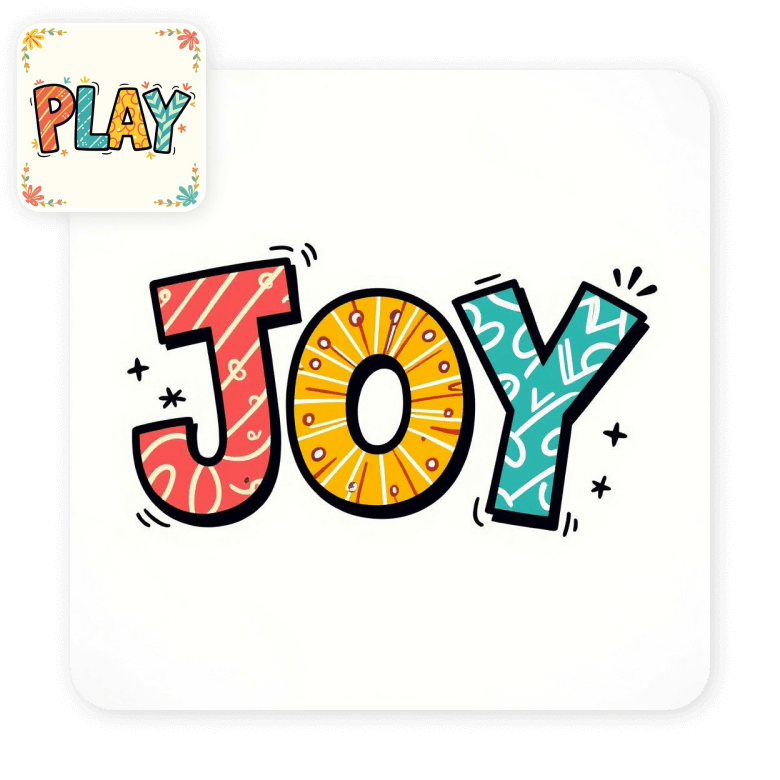
Generate AI text effects online
Stop spending hours looking for your dream text effect online! Create any text with stunning effects through a prompt in LightX’s AI text design generator.
1. Custom stylized text generation with AI.
2. It’s automatic, easy, and quick.
3. Create for free with daily 5 AI credits.
4. Generate with any effect, texture, or pattern.
5. No complicated software or design skills needed.
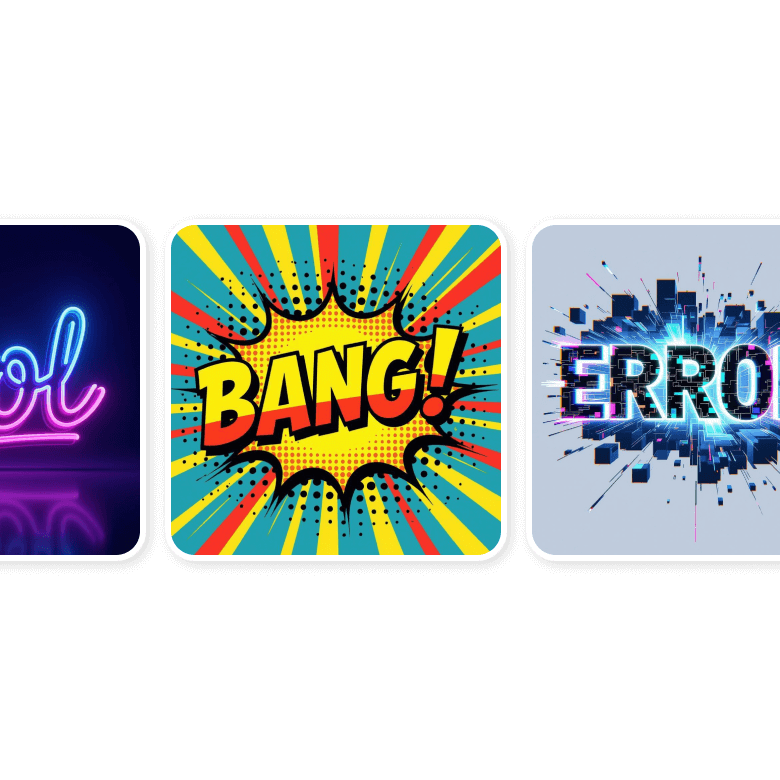
Design letters or words with eye-catching effects
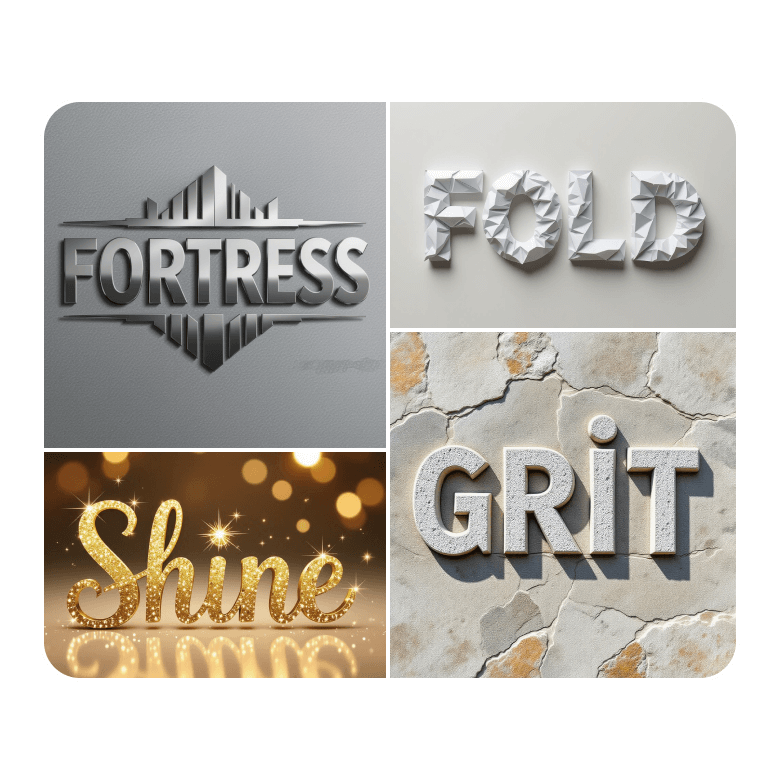
Create thumb-stopping, cool text graphics of your own words, letters, phrases, or CTAs. Using prompts, try the popular pizza, sequins, retro, flower petals, jewels, neon, balloons, electrical wires, 3D, glitch, aesthetic text, and many more effects. Explore a wide range of styles, as well, for a specific look.
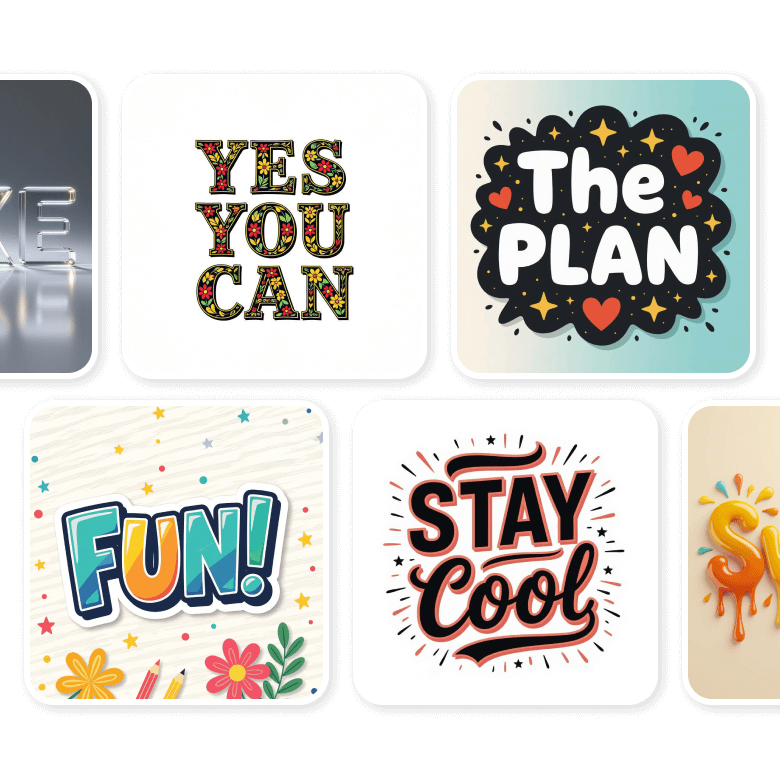
A text stylizer for all your purposes
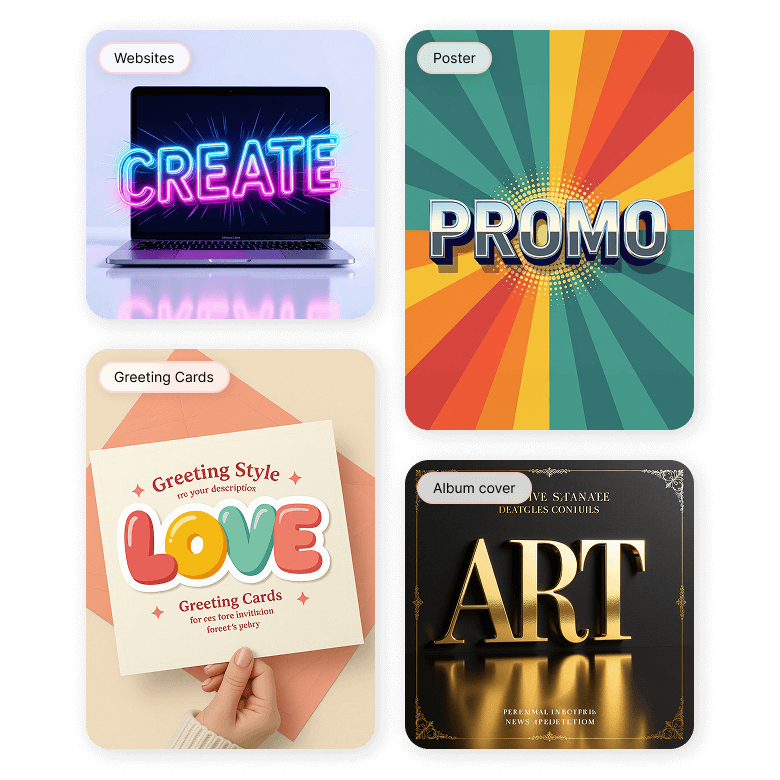
Add effects to text for any and every purpose! Easily remove the background to use it online or print it.
1. Online content: Social media posts, logos, websites, and presentations.
2. Marketing: Advertisements, flyers, posters, and promotional materials.
3. Creative projects: Book covers, album covers, and custom stickers.
4. Personal use: Cards, invitations, collages, and scrapbooks.
How to generate an AI text effect?
Describe your text effect
In the prompt box, describe details like the letter or word, along with the desired effect, texture, pattern, color, theme, etc.
Choose text effect orientation
Select the size—portrait, square, or landscape—and choose the resolution. If you’re unsure, go with the standard square format that you can resize later.
Generate the design
Click “Generate” to get the result. “Generate More” to explore different variations.
Customize or download
To customize, tweak the prompts to refine any details of your generated design. Or, download your favorite designs in JPEG format.
Frequently Asked Questions
For the best results, you can try letters, single words, or short phrases. It is better to avoid long sentences or paragraphs.


