AI图像放大器:将图像放大至4K

一款超高分辨率在线AI图像增强工具,可在3秒内锐化模糊图像、修复像素化并去除图像噪点。免费提升图像质量高达4倍。

or drop an image
or drag & drop an image

No Image? try one of these
Sample Image
Sample Image
Sample Image
Sample Image
By uploading an image, you agree to our Terms of Service.
ai image upscaler online enhances a pixelated image of an aesthetic living space turning it into a sharp high-resolution visual with improved clarity.lightx ai image upscaler free transforms a pixelated photo of an aesthetic room into a stunning high-definition image with preserved detail.

如何提升图片分辨率?

Step 1

上传

拖放或选择JPEG或PNG格式的照片。

Step 2

高档

选择所需的放大倍数——2倍或4倍,然后单击“生成”来处理图像。

Step 3

下载

完成后,将放大后的图像以 JPEG 或 PNG 格式下载到设备。

获取更高质量、更清晰、更细腻的图像

只需 3 秒,即可将低分辨率图像提升至高分辨率。LightX AI 照片倍线器不仅能提高图像分辨率,还能保留并增强图像细节。它能改善纹理、边缘和图案,使图像更加清晰锐利。即使在光线不足或图像压缩的情况下,它也能发挥出色效果。
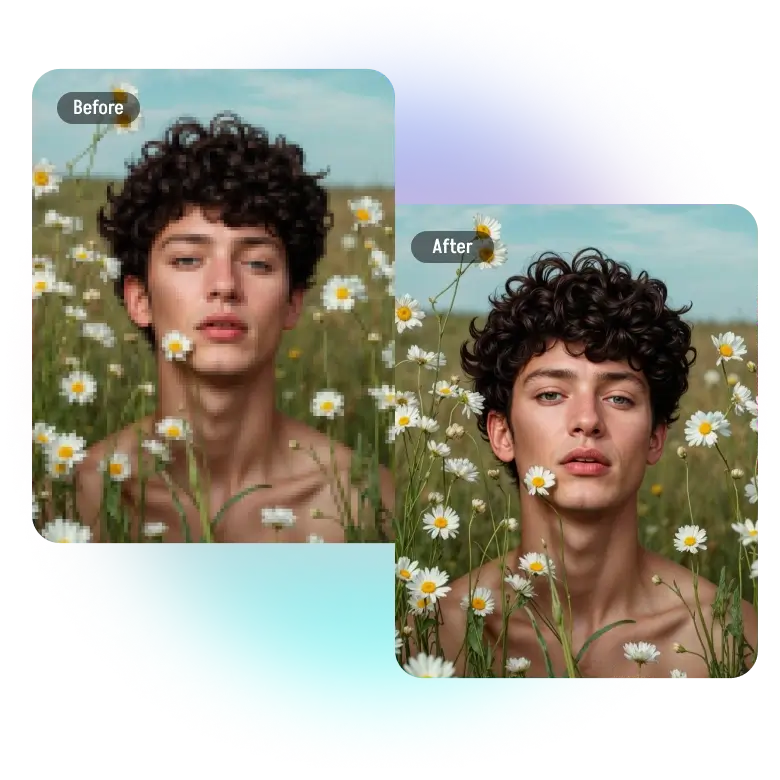
make image hd with ai upscaler generating a sharper more detailed boy portrait with realistic textures and enhanced visual depth.

放大而不出现像素化

你会发现,图像放大太多时会出现像素化现象。这是因为图像的像素数量有限。LightX AI HD 图像分辨率增强器会在图像中生成新的像素,从而提高图像分辨率。这样即使放大图像,也能确保细节清晰锐利。
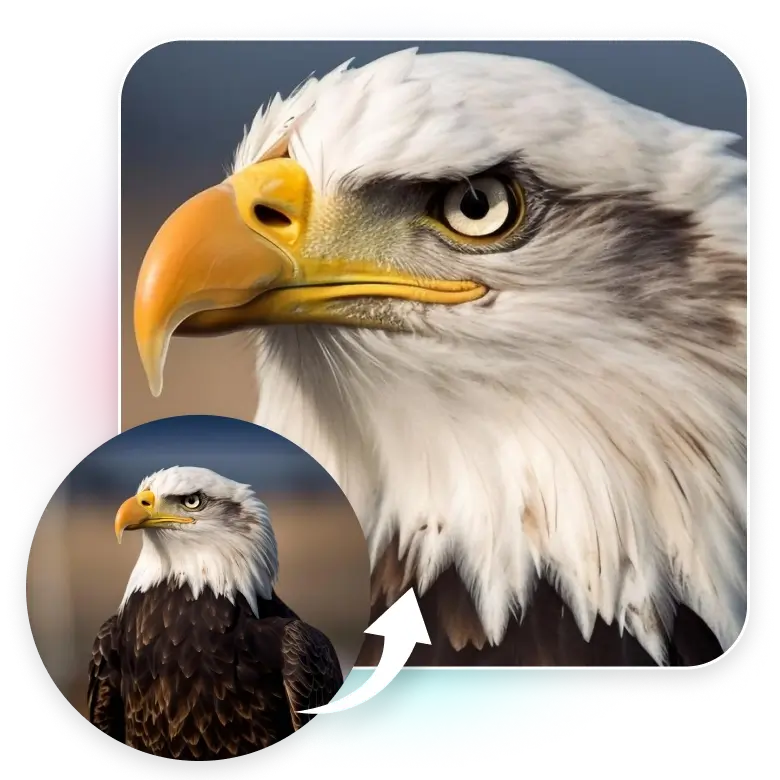
4k image upscaler creates a crystal-clear close-up of a bald eagle capturing fine feather details and deep contrast for a professional finish.

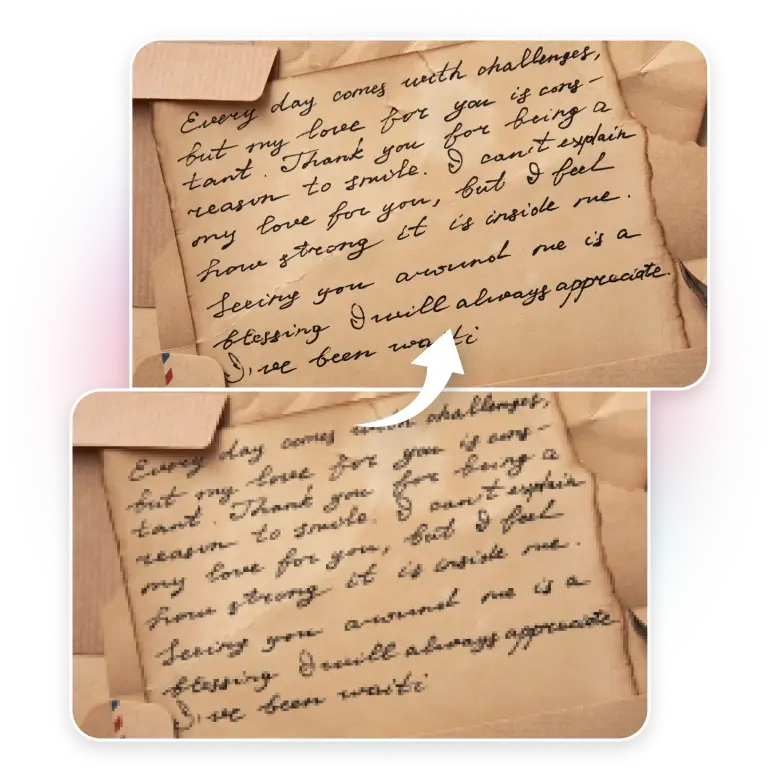
照片中的文字模糊不清?让它们清晰易读。

这对于带有文字的图片尤其有效!放大包含文字的图片(即使文字很小)后,文字会变得更清晰、更易读。无论是扫描文档、徽标、副标题​​还是说明文字,模糊或褪色的文字都会恢复清晰流畅。

ai hd upscaler improves text and manuscripts by enhancing resolution for better readability making old documents look crisp and legible.

准备好用于大幅面打印的图片!

不进行放大打印会带来诸多问题,例如像素化、细节丢失以及色彩褪色和泛白。LightX 可智能放大图像,补充缺失的细节,并平滑边缘。它还能修复泛白的色彩,增强色彩鲜艳度,从而确保在高 DPI 下也能获得卓越的打印质量。
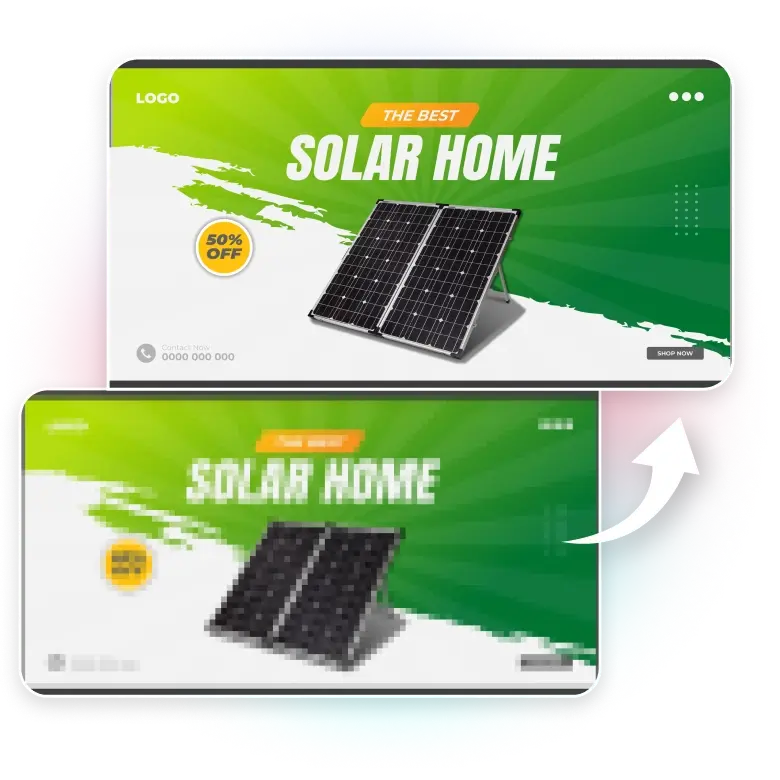
lightx ai image enlarger turns a solar panel ad banner into a high-resolution print ready asset using its advanced image resolution enhancer.

为什么要使用 LightX AI 图像放大器?

1. 将照片制作成 4K 壁纸 和屏幕保护程序,适用于任何设备。


2. 将图像放大,提高图像清晰度,使文字难以辨认。


3. 优化照片,使其适合 Instagram、Facebook 和 YouTube 缩略图。


4. 增强闭路电视录像,以提高人脸和物体识别能力。


5. 提高图像、海报和横幅的打印质量。


6. 增强产品图像,使小细节更加清晰可见,更具吸引力。


7. 修复旧照片并将其转换为高清照片。

enhance photo quality and upscale images for social media using bulk image upscaler tools ensuring high-quality uploads with no pixelation.

常见问题解答

Drop an image anywhere to upload
Upload one image at a time