New Year Video Maker: Create Personalized Wishes & Greetings
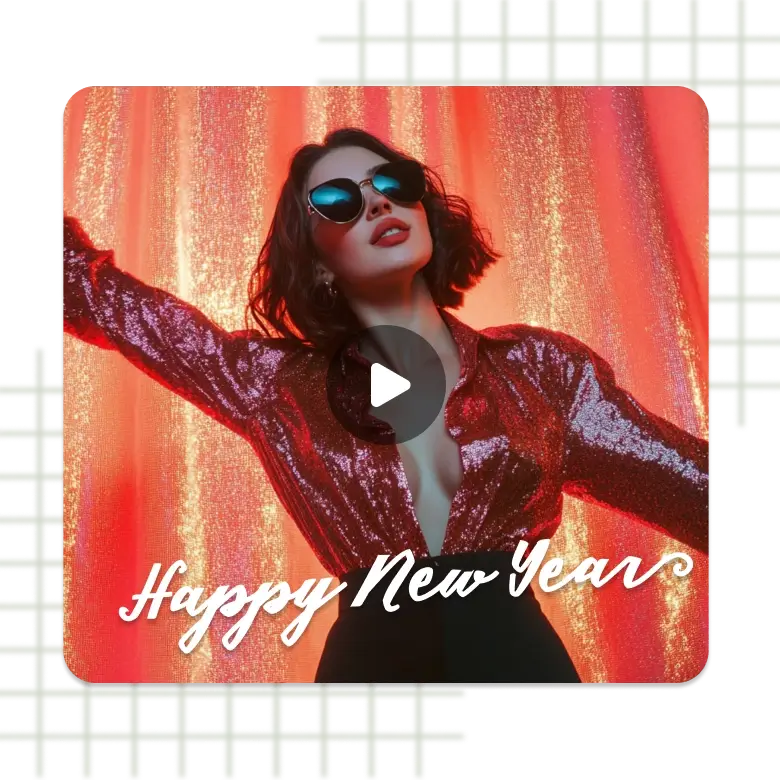
Design free animated New Year greetings cards to send wishes to your loved ones with LightX New Year video maker. For a wonderful year ahead, make personalized video cards for New Year easily.


How to Make a New Year Video Greeting?

Select a New Year Template
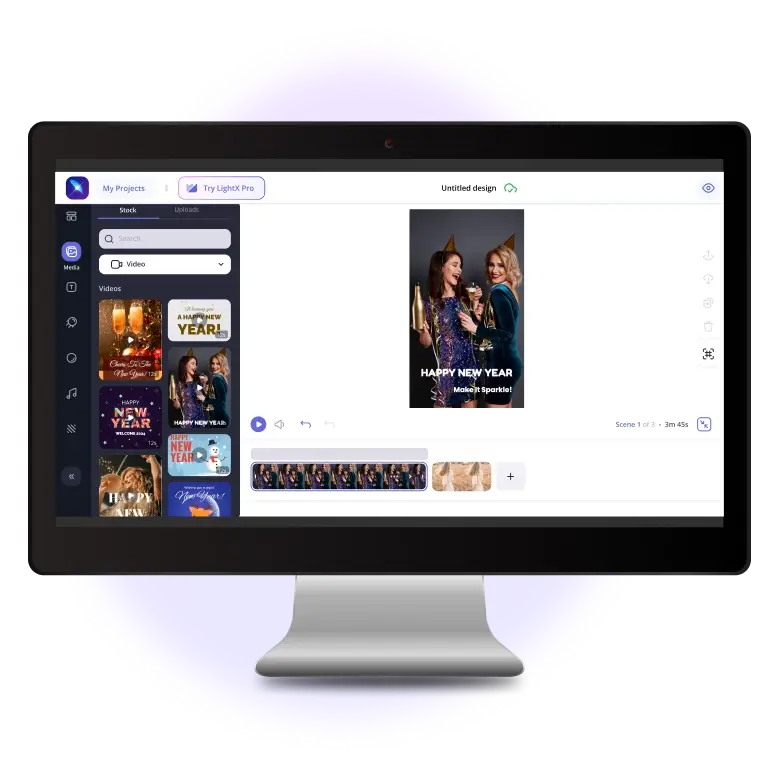
LightX provides many editable New Year animated card templates. To choose one, login or sign up to LightX’s website. Click on Video Templates and select New Year. Choose a suitable wish template to begin.
Customize the Template
Design an attractive and customized Happy New Year Ecard video by adding different elements like stickers, illustrations, shapes, etc. Add your own images or video clips, music, and more.
Save and Share
Click on Export to save your New Year video cards to your device. Apply an appropriate resolution and click Export Video to confirm. Your video will be saved in mp4 format.
Watermark-free new year video maker
This New Year, wish your family, friends, neighbors, colleagues, and everyone a wonderful year ahead in a unique way - Create Happy New Year video greeting cards online. LightX provides dozens of animated New Year video card templates for you to get started and done with the creation of your video cards in seconds. You don't even need any special skill or experience in order to use LightX. Just visit the website, select a template and you are all set.
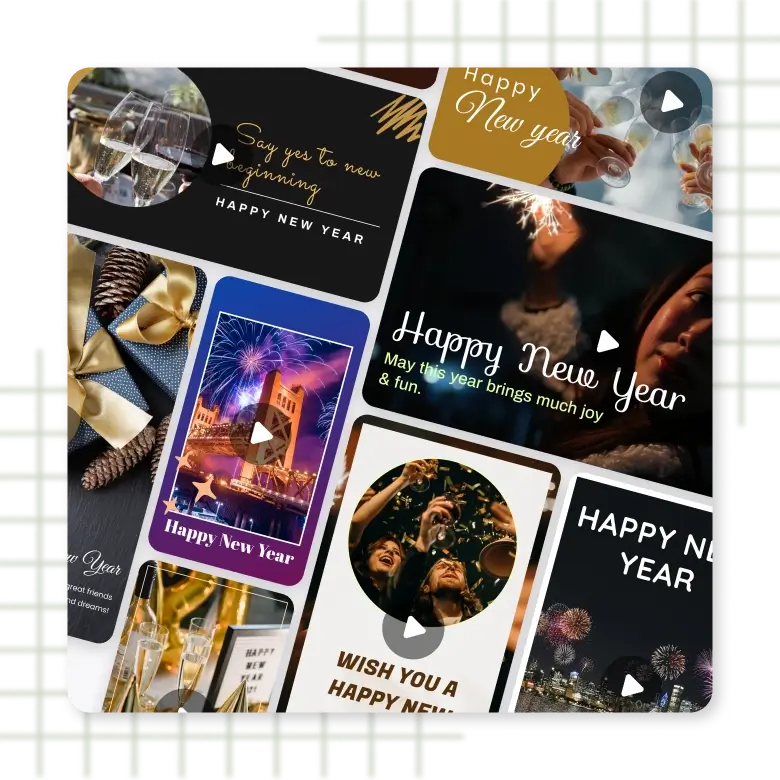
Add Music to New Year Video Cards
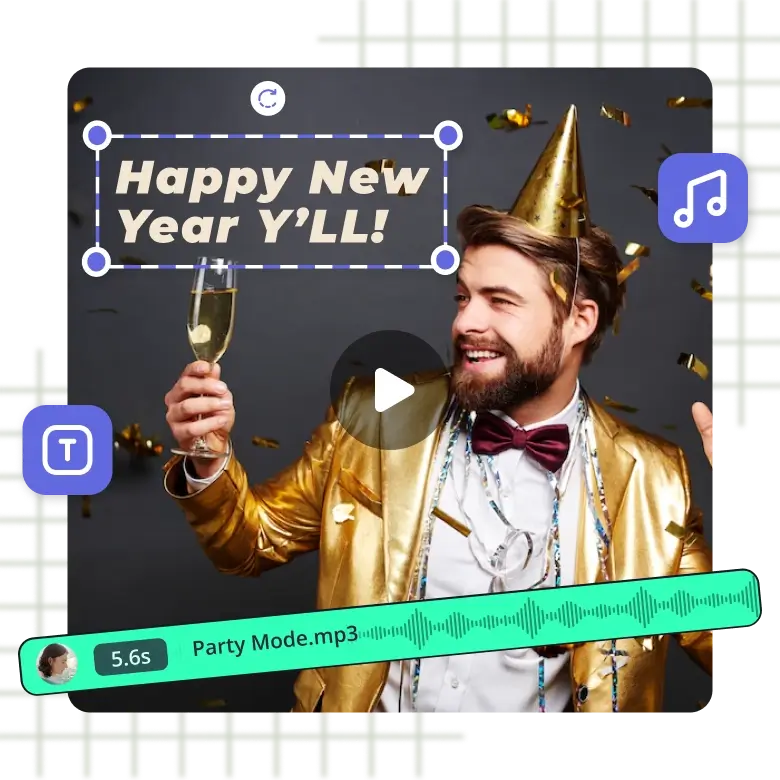
Do you feel that words are falling short to express your feelings? With LightX, put the right music that makes your video card perfect. Add excitement and joy to your digital New Year cards with a bunch of genres available and categorized in LightX's Music library as Happy, Smooth, and many more. For desired festive and holiday vibes, you can also add a song, soundtrack, or any other audio from your device. Make the music sync with scenes in your Happy New Year e-card video with just a few clicks.
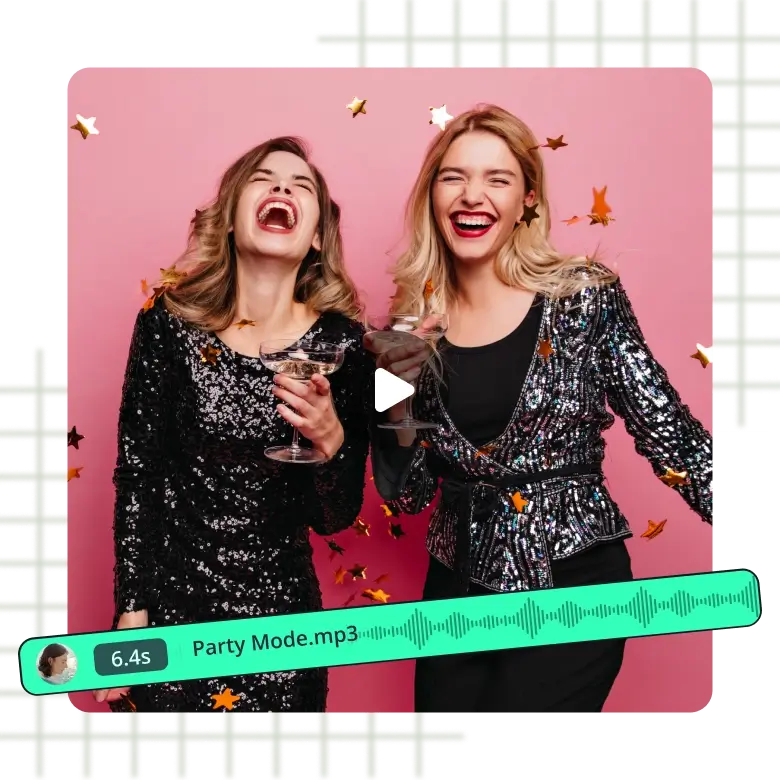
Put Stickers on New Year Video Cards
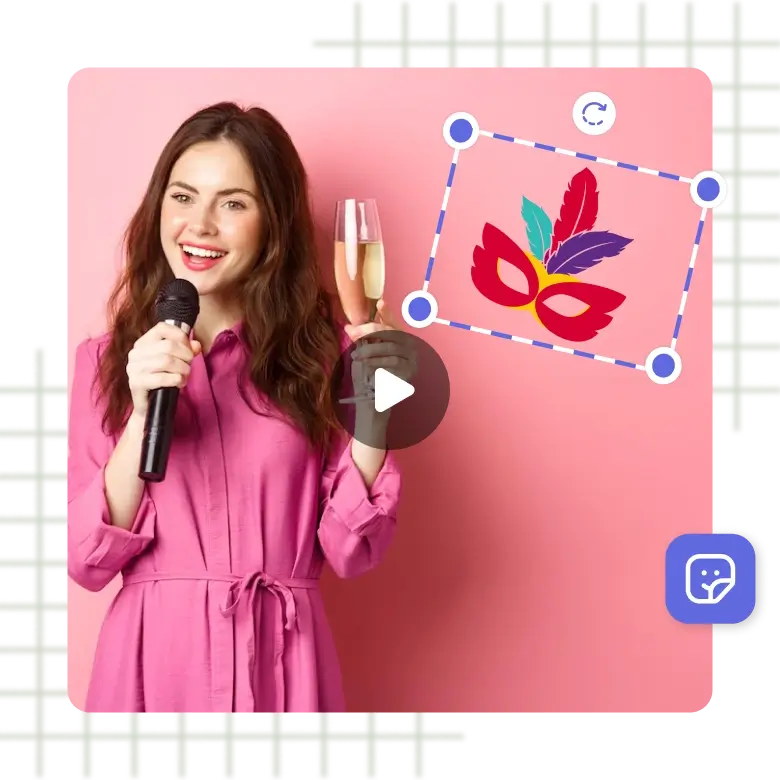
Celebrate New Year with customized wishes & greetings! Create personalized New Year video cards more expressive and engaging by adding LightX's exclusive New Year stickers. Enjoy eye-catching stickers full of New Year feels. Add multiple suitable stickers in one go to different scenes or any part of your video. You can also edit the added stickers at your fingertips by scaling, rotating, flipping them, or changing their opacity. Animate them, as well, by applying distinct effects like Fade, Slide, Roll, Wipe, etc. Make truly enticing New Year animated cards with LightX.
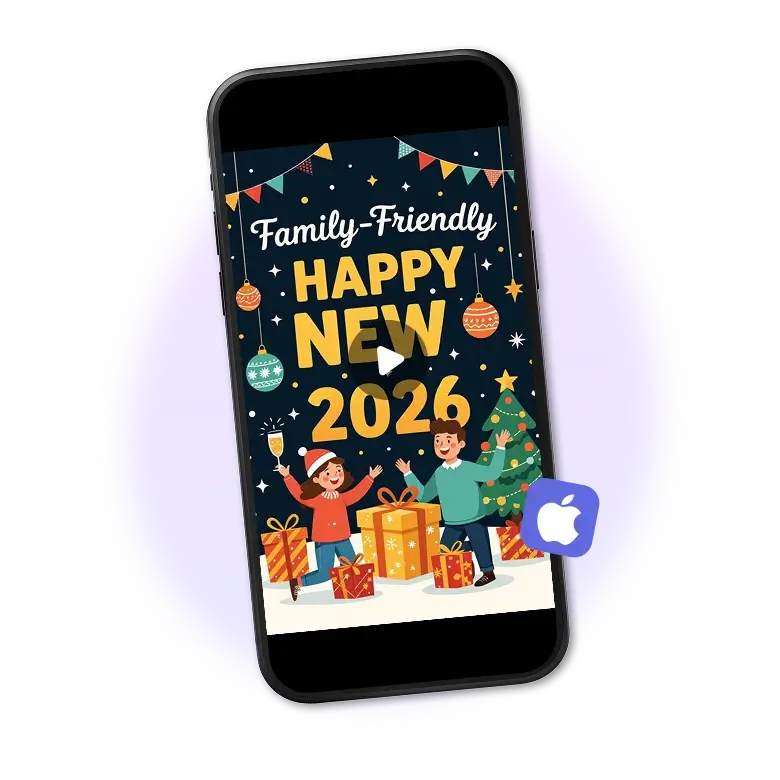
Make Happy New Year Ecard Video on iPhone
Feeling too lazy to get up and pick your laptop to make a video greeting card for the New Year? Worry not! Get your hands on LightX iOS mobile app and access free New Year ecards templates on your iPhone. Get editable templates to create a custom video card. Express and spread love, joy, and luck for the coming year by sharing Happy New Year E-Greetings cards with loved ones. Add image or video clips, text, and other elements to make the video card absolutely attractive.
Why do you need to make a happy new year video?
1. Share your wishes better: A video makes your message even more personal.
2. Stand out easily: Your greeting looks fresh and different.
3. Reach more people: Videos spread fast and get more views.
4. Show your creativity: Add music or stickers to make it yours.
5. Create a memory: People can save and rewatch it anytime.
Easy ways to make your new year's video better
• Pick clear visuals
Use clean photos or clips so your video looks neat and easy to watch.
• Use simple text
Short lines are easier to understand and help your message stand out.
• Match music with mood
Select music that fits the tone of your New Year's message.
• Keep scenes smooth
Use soft transitions so the video flows well from start to finish.
• Choose the right duration
Keep the video short and focused. One to two minutes is enough for most New Year messages.
• Check before sharing
Watch the video once to fix small errors and make it look complete.
More ways to make new year content
There are various ways to make your content more creative and unique. We have unique New Year Photo Frames and a Card Maker to make your creations more personalized. You can also try our Collage Maker, Flyer Templates, Poster Maker, and other design tools to make posts, invites, and announcements even more interesting.
Frequently Asked Questions
Visit the official website of LightX and login/signup. Go to our online New Year wishes editor, select New Year, and choose the desired template. On the editing screen on the toolbar on the left, click Music. Either add from LightX's Music library or upload one from your device.
Get access to dozens of professional templates
And start creating your project today