
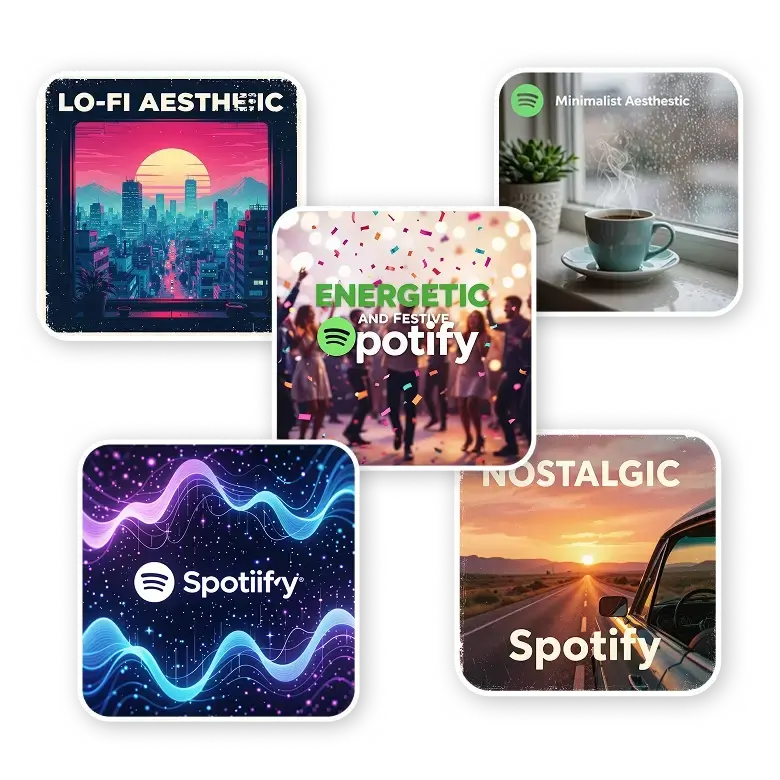
Get inspired by various Spotify cover designs
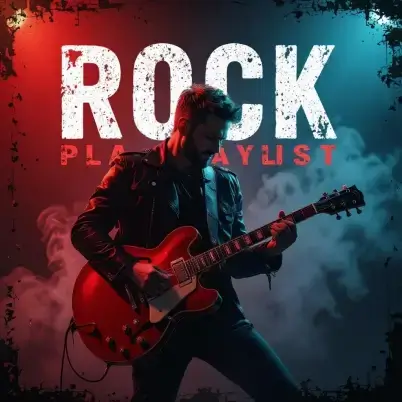
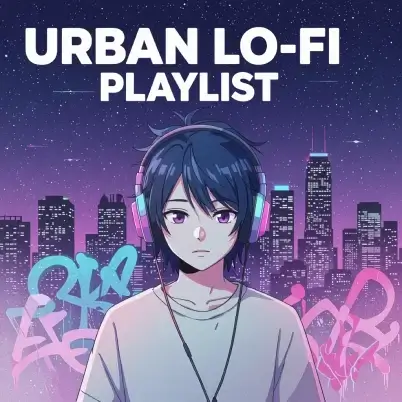

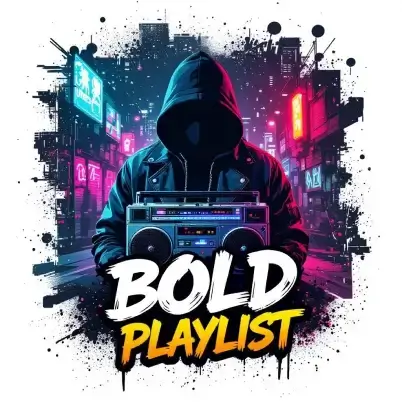
How to generate a spotify player cover?
Describe Your Playlist Cover Idea
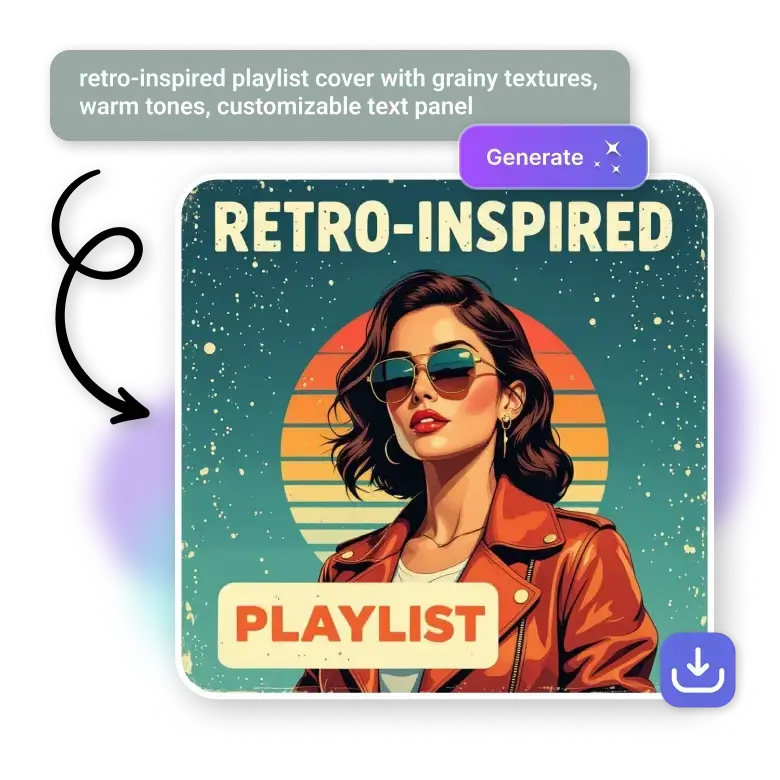
First, you need to describe your idea by giving simple text prompts. More clearer description will give you more accurate results.
Generate Your Cover with AI
Click generate, and our tool will instantly generate your prompt into a unique custom Spotify playlist cover design.
Download Your Cover Image
You can easily download your cover in high-quality JPG or PNG format.
Bring Your Playlist to Life with Spotify Playlist Cover Generator
Change any playlist vibe into an aesthetic cover by describing it. So, when it's lo-fi, rock, EDM, indie, jazz, chill, rap, pop, R&B, our tool will help you make the perfect artwork for it.
Still not sure what to design? Write the vibe like aesthetic, moody, retro, neon, anime, or minimal, and AI instantly brings it to life.
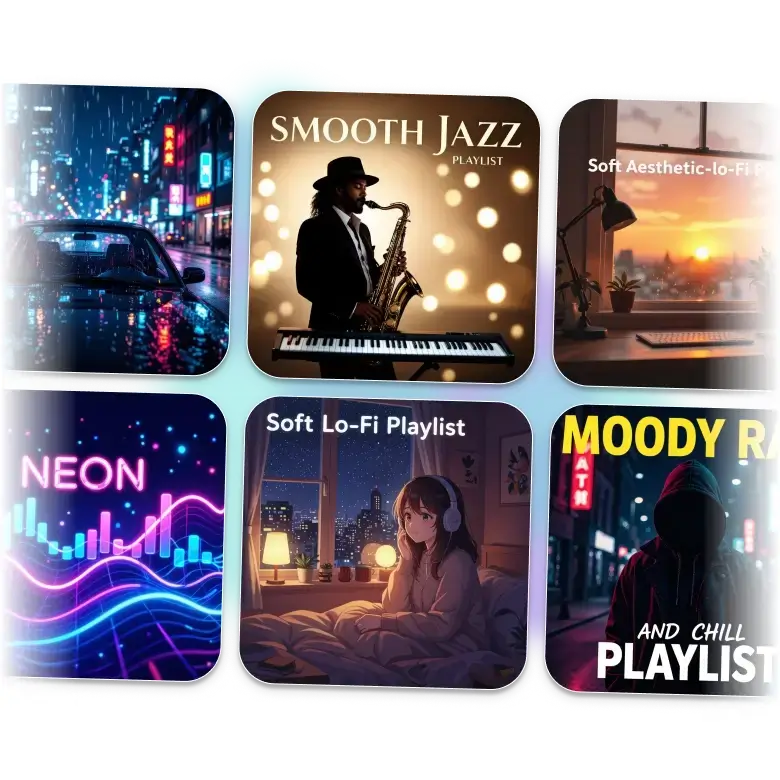
Style Your Playlist Cover with Your Own Words, Colors, and Images
Design a cover that matches your playlist’s mood in minutes. You can add text, change colours, or add images instantly to give the look you want in your playlist cover.
Already have a picture? Upload it and use image-to-image to restyle, enhance, or transform it into a fresh Spotify-ready cover.
Get the ideal Spotify cover size for crisp, high-quality results
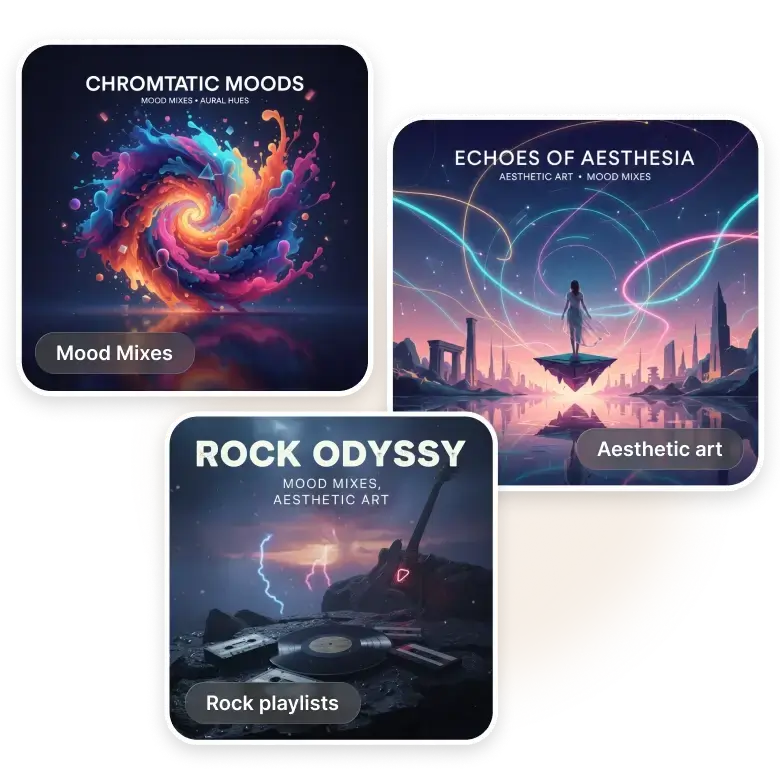
You can also create Spotify playlist cover art of the perfect dimension (3000×3000 px) to keep your artwork sharper and more professional. So, if you want to create it for rock playlists, aesthetic art, mood mixes, genre playlists, or personal favourites, the right dimension ensures your design always looks great.
Unique ideas to showcase your playlist covers
1. Mood Playlists - Make Spotify song covers for every mood, like sad, happy, chill, etc.
2. Genre Playlists - Easily create your cover art for every genre like lo-fi, rock, classical, indie, hip-hop, or more.
3. Artist Mixes - Create an aesthetic cover of your favourite artists, bands, or producers in a second.
4. Workout & Travel Playlists - You can easily make an energetic Covers for your gym sessions, long drives, road-trip mixes, or more.
5. Seasonal & Event Playlists - Make a fun-themed art Cover for every occasion, like weddings, parties, birthdays, or any Festivals, easily.
Frequently Asked Questions
No, there are not any limit to create it, you can create unlimited art covers.
Discover more tools


