

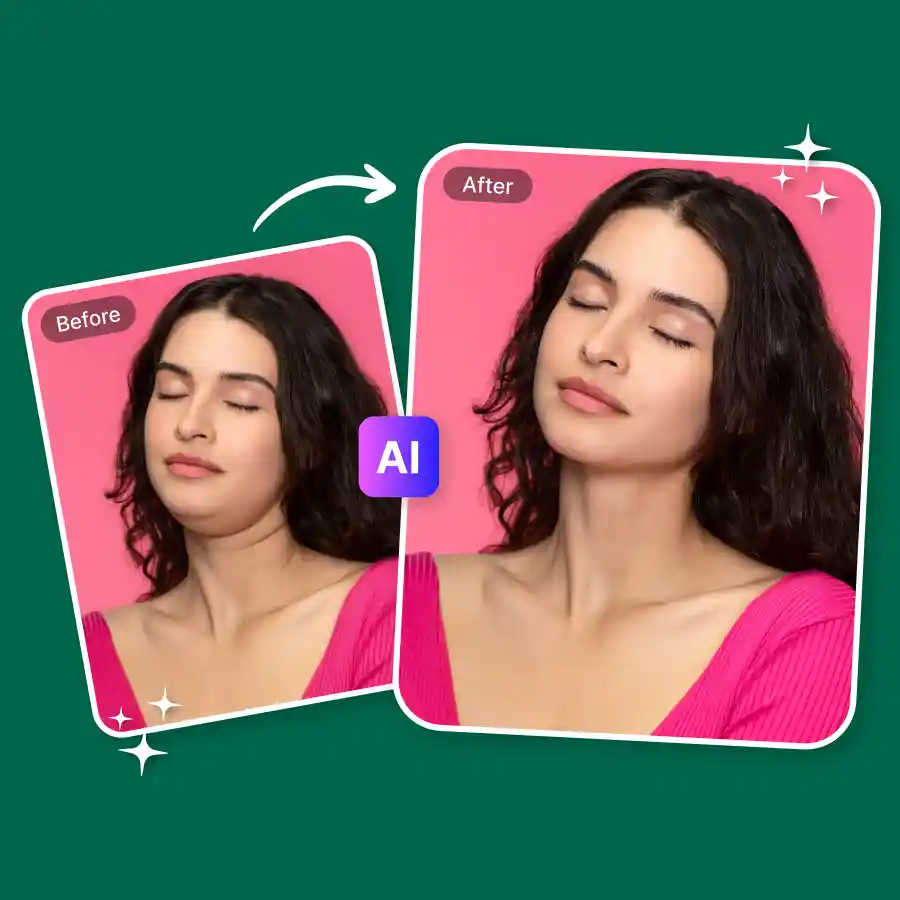
How to remove a double chin from a photo
Upload
Choose a clear photo showing your face and jawline. Use JPG, PNG or WebP.
Apply the prompt
Our prompt is already loaded. Edit it for a subtler or more noticeable slim.
Generate and Download
Generate and save your new photo.
Get rid of double chin: No manual editing
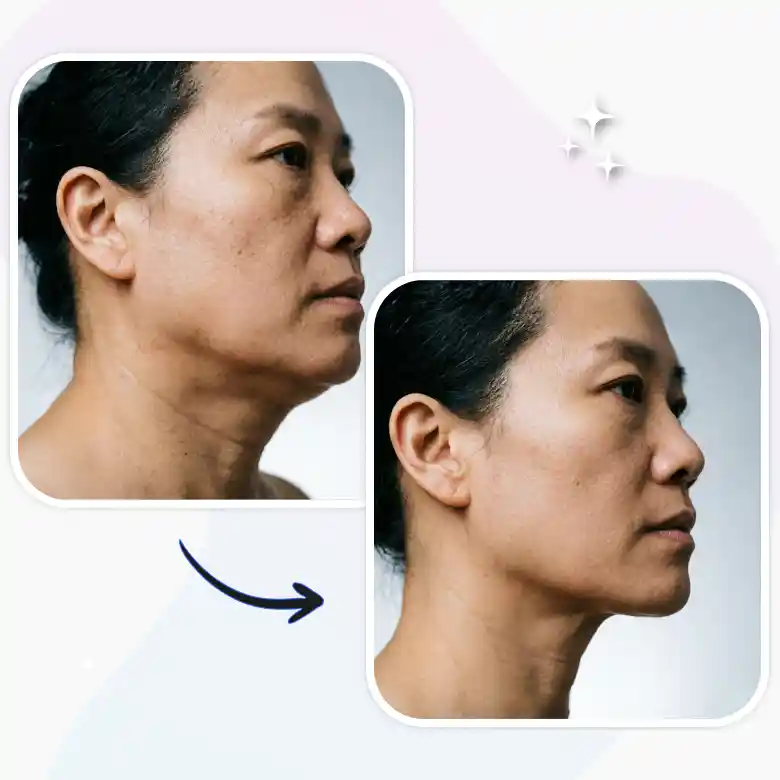
A double chin is often less about physique and more about optics, camera angle, lighting, posture, even the tilt of your neck. If a particular photo bothers you, our AI double chin filter corrects it in seconds. Just upload the photo, apply the prompt, and download a version you're happier with. No manual retouching, no separate app, no learning curve.
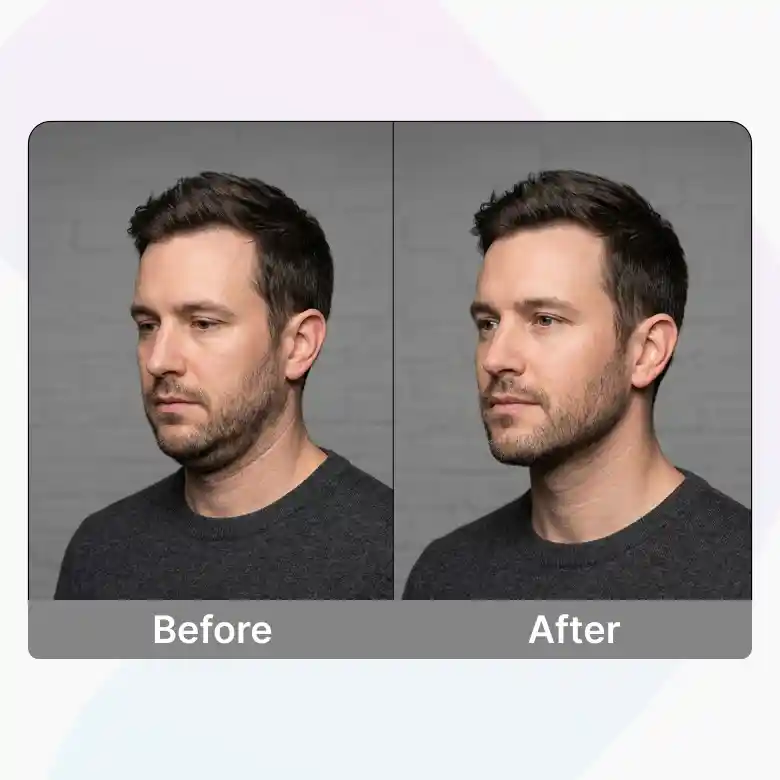
Realistic results, not an obvious retouch
Our double chin reshaping calibrates to your actual jaw structure. When your jawlines gets edit the skin texture, lighting, and the rest of your facial features remain untouched. So the output reads as an authentic photo.
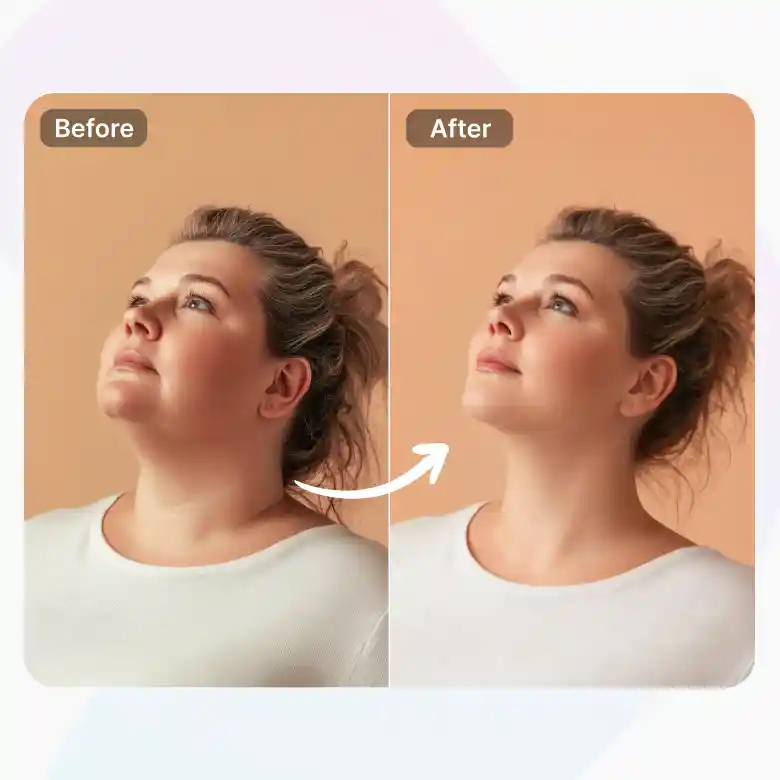
One prompt, multiple intensities
No complicated prompting required. Just adjust the wording of the built-in prompt to dial the effect up or down. It can go from a sculpted jawline to a whole slim face. All you have to type is a simple sentence: 'Slim my face,' 'Sharpen my jawline,' or 'Reduce my double chin slightly.
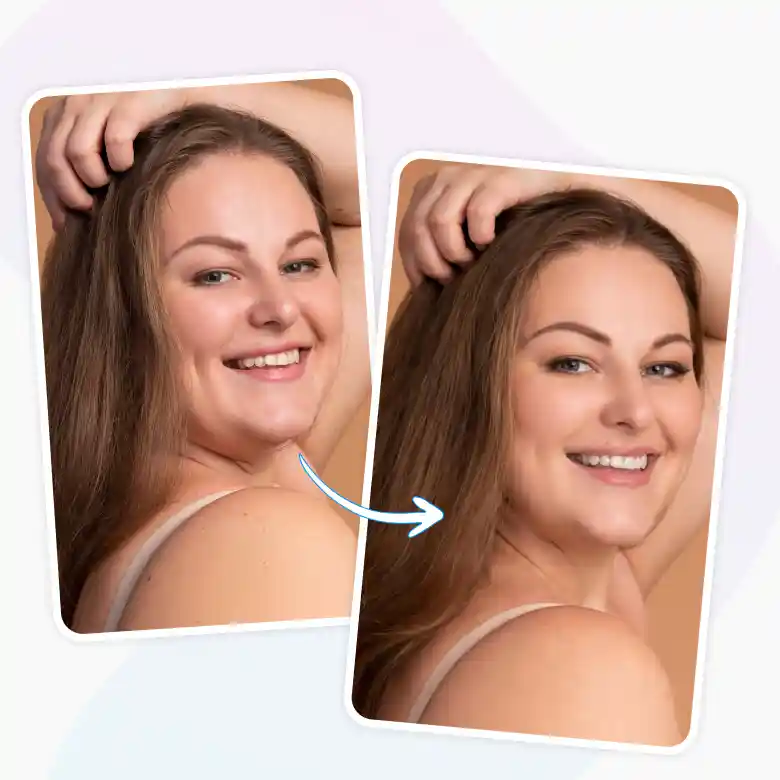
Works on side angles, low angles, not just front
A double chin usually shows up hardest in the angles you don't control, a low camera angle, a side profile, a candid shot someone else took. This tool handles those the same way it handles a front-facing selfie. edit out double chin from an entire camera roll.
A photo you actually want to keep
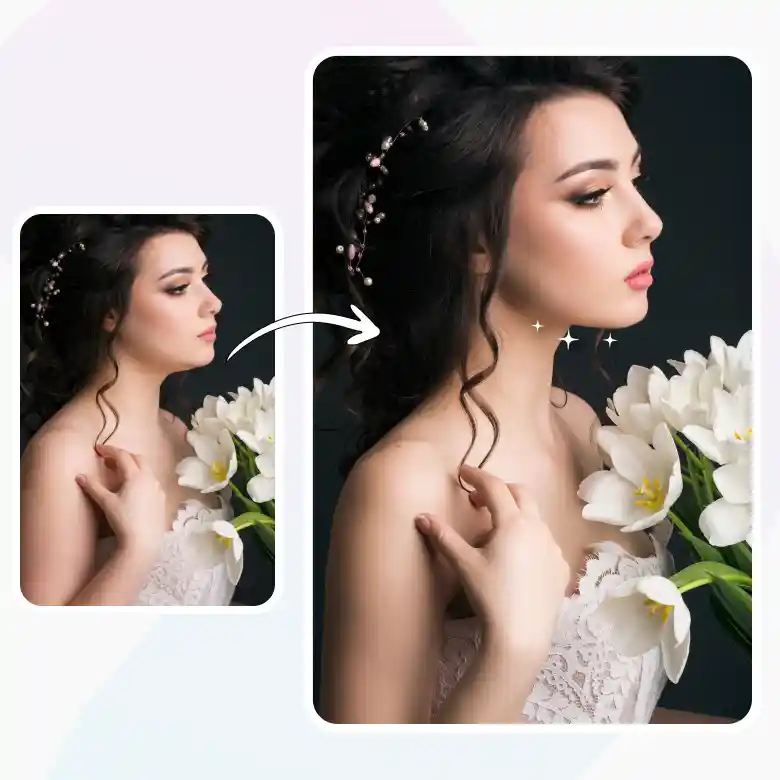
One unflattering angle shouldn't be reason enough to delete or bury a photo you otherwise like. This corrects that single detail instead of writing off the entire shot, whether it comes up for:
• Wedding and event photography, where you rarely control the angle
• Business headshots and LinkedIn profile photos
• Passport-style or ID photos, where the angle is fixed and forgiving lighting isn't an option
• Travel photos shot from below or at an awkward tilt
• Content creators refining a selfie
• Professionals prepping a model headshot
• Even old photos you never posted because of that one small angle
No dentist, no gym, no waiting
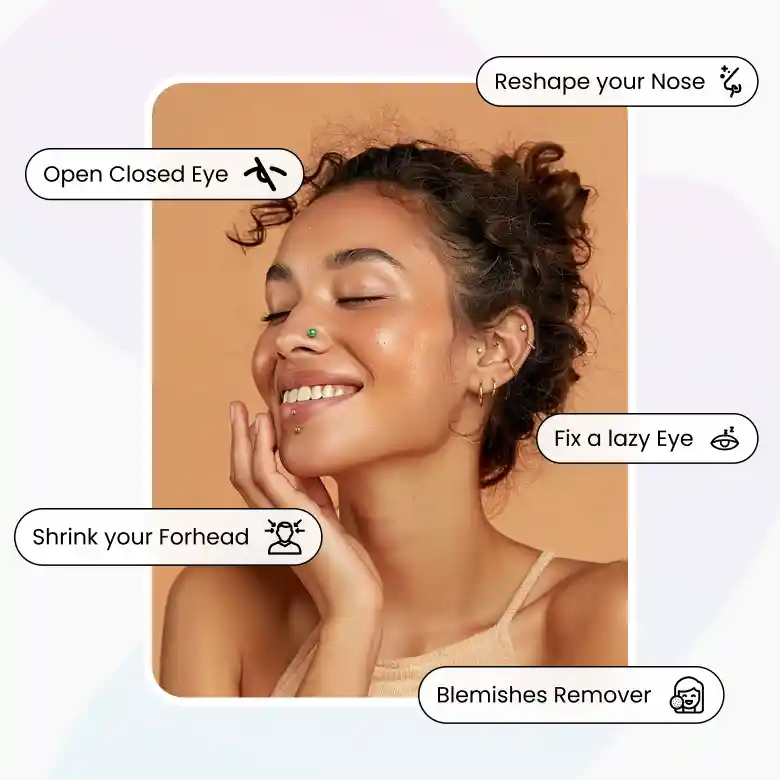
Unlike an actual physical change, this requires no time investment, no lifestyle commitment, and no appointment. It's a targeted photo correction for a photo-specific issue. You can edit the whole aesthetic of your photo with blemish removal, look taller, reshape your nose, shrink your forehead, fix a lazy eye, or adjust open or closed eyes, resolved in the time it takes to upload and download. And it's even more accessible on the go, use it on mobile, or through our iOS and Android app.
Frequently Asked Questions
Discover more tools


