
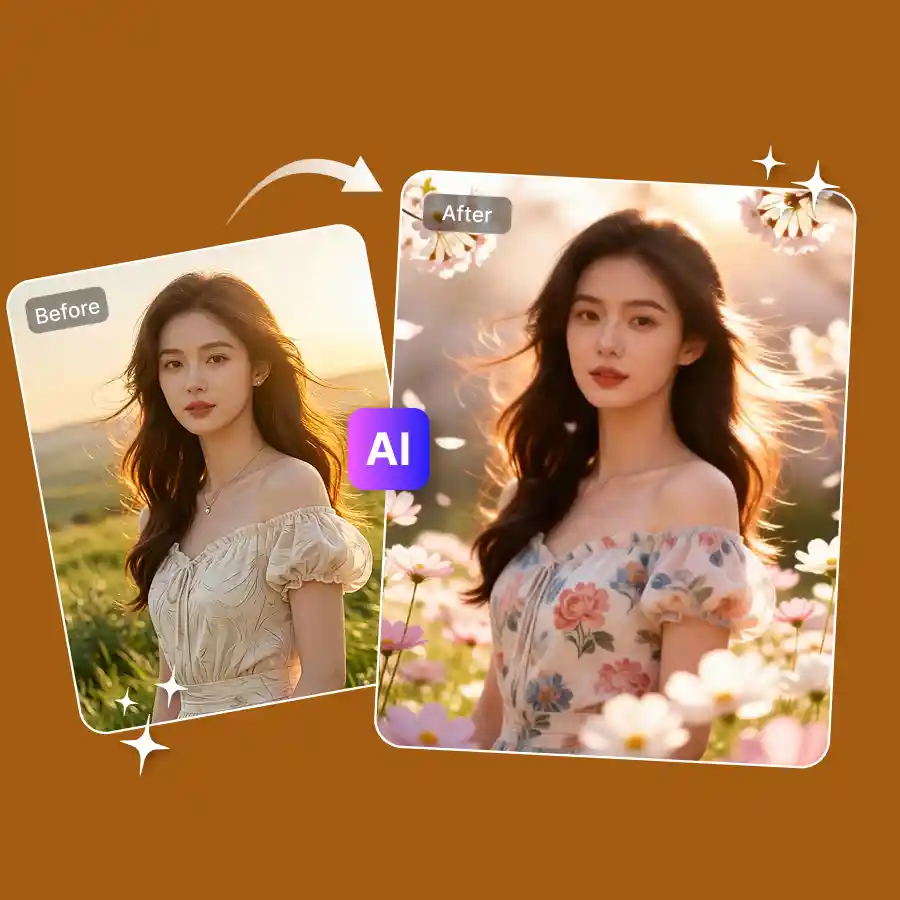
How to generate a spring flower photo?
Upload your photo
JPG or PNG. Portrait, selfie, landscape — anything works.
Pick a style or enter a prompt
Choose from spring presets. Explore blossoms, wildflowers, floral backgrounds, and more. Or you can type a prompt describing the transformation you want.
Generate and download
Hit generate, download your spring photo in full resolution.
No overlays. AI spring filters that actually look good
Completely change the vibe of your portraits, landscapes, and pet photos. Add bright colors, floral elements, and that happy, in-bloom feel in a single click. Explore LightX’s spring flowers photo effect and make photos aesthetic in mere seconds. Just upload, apply, and be wowed.
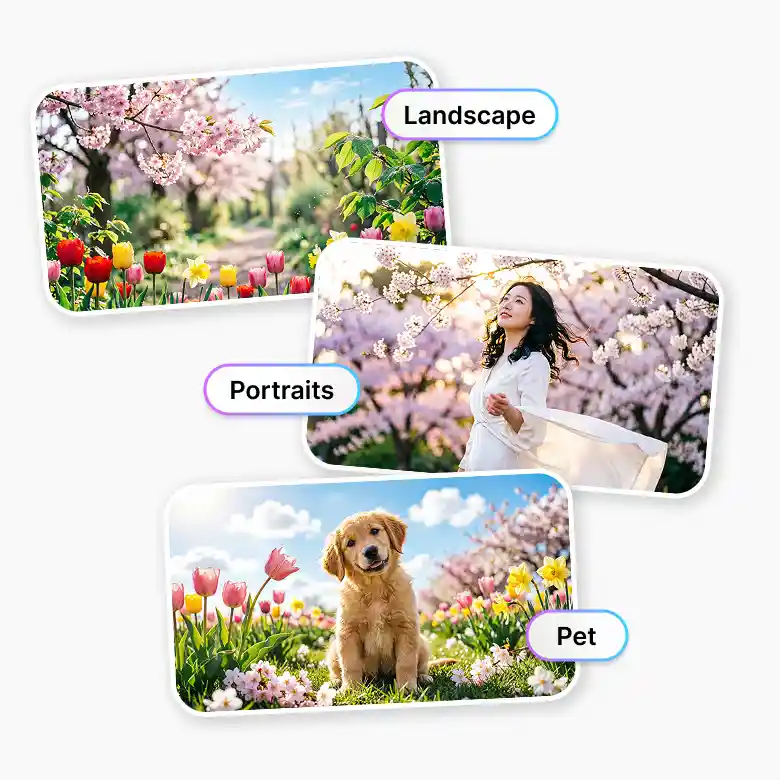
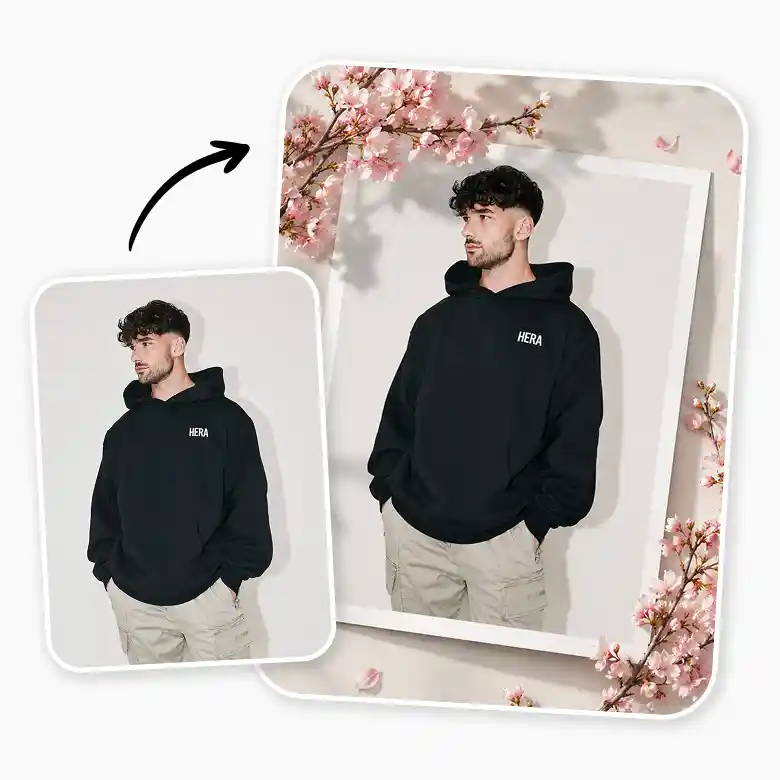
Change the scene. Swap backgrounds in a click
Teleport to a meadow in just a few seconds. Replace any background with a cherry blossom park, a wildflower meadow, a sunlit garden, or a dreamy floral studio. LightX generates realistic backgrounds that adapts to your photo's natural lighting. Use on portraits, product photos, or pet photos. Use a preset or describe the exact backdrop you want with a text prompt.
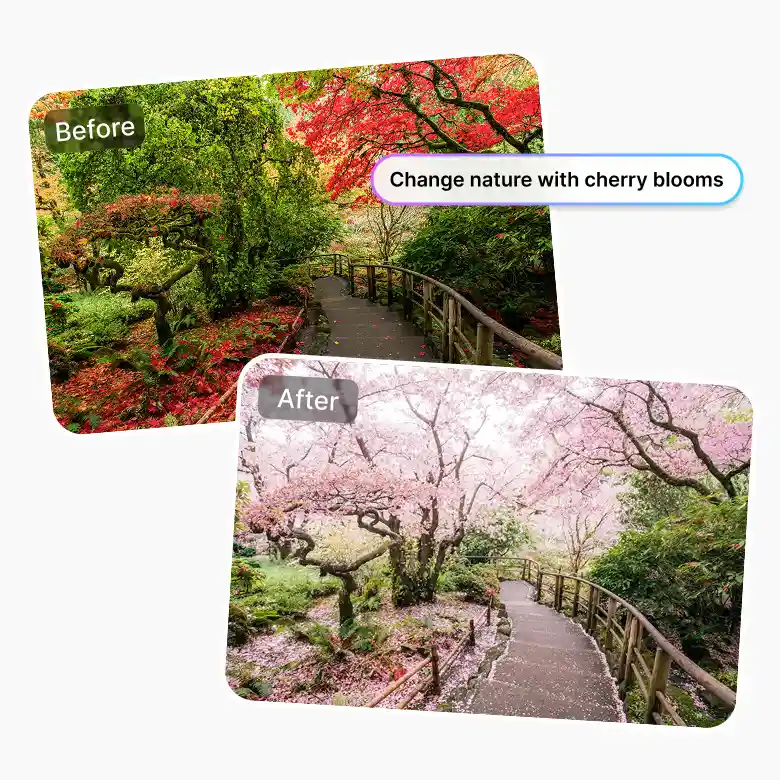
Add flowers to your photo
Either everywhere or just one spot. Flowers in the hair, a floral crown, petals scattered across the frame, or a full bloom overlay. You decide how much spring shows up. LightX lets you add flowers to the whole photo or target a specific area like hair, shoulders, or the background only. Hit "Change with AI" to place flowers exactly where you want them. Works beautifully on portraits, selfies, and couple photos.
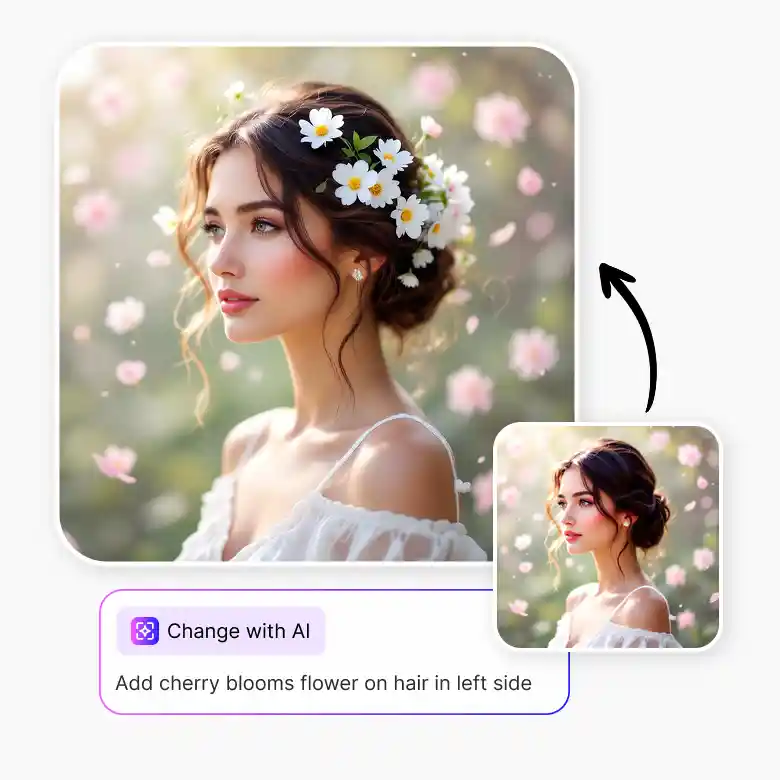
Generate the viral spring framing effects
The low angle blur flower effect is trending everywhere right now — soft petals rising from the ground, wrapping around your subject with natural depth. LightX makes it a one-click effect. Layer in a foreground flower frame for that editorial, shot-through-the-garden look, or use the flower overlay depth effect to add dimension to flat photos. These are the effects that make people stop scrolling and ask how you did it.
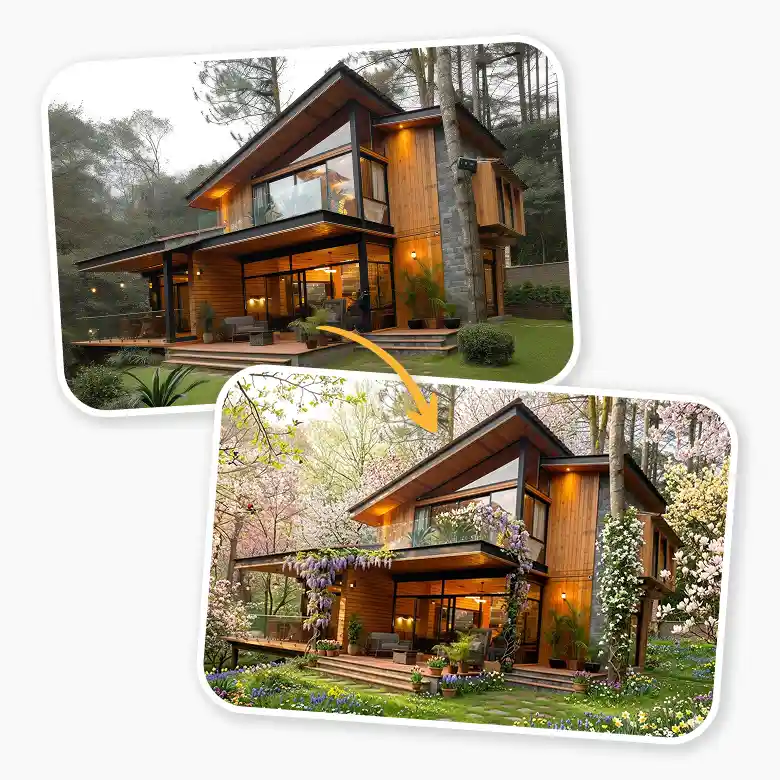
Turn any landscape into a spring scene
A trick landscape and real estate photographers, travel creators, and interior stylists all love is now accessible in one click. The ultra-wide spring effect turns any landscape look like it was shot in a panoramic bloom season. Works on landscapes, houses, interiors, and gardens. Upload anything and make it feel like spring just arrived.
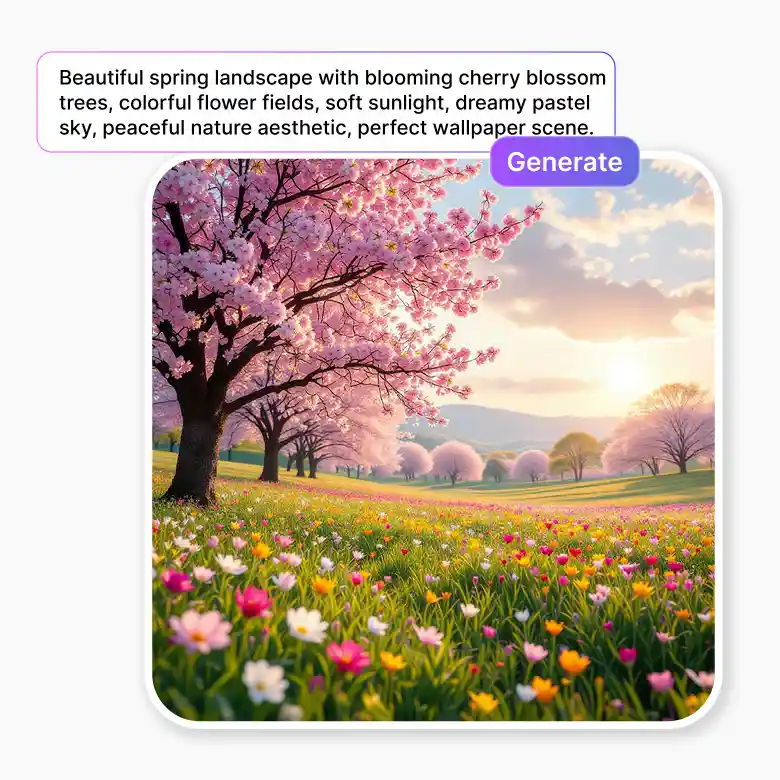
Create spring photos from scratch
Generate a photorealistic spring scene from scratch. Use text-to-image to turn prompts into a beautiful spring scene. Perfect for wallpapers, stock images, social content, and more. Generate and use without worrying about copyright. What you generate is all yours to use.
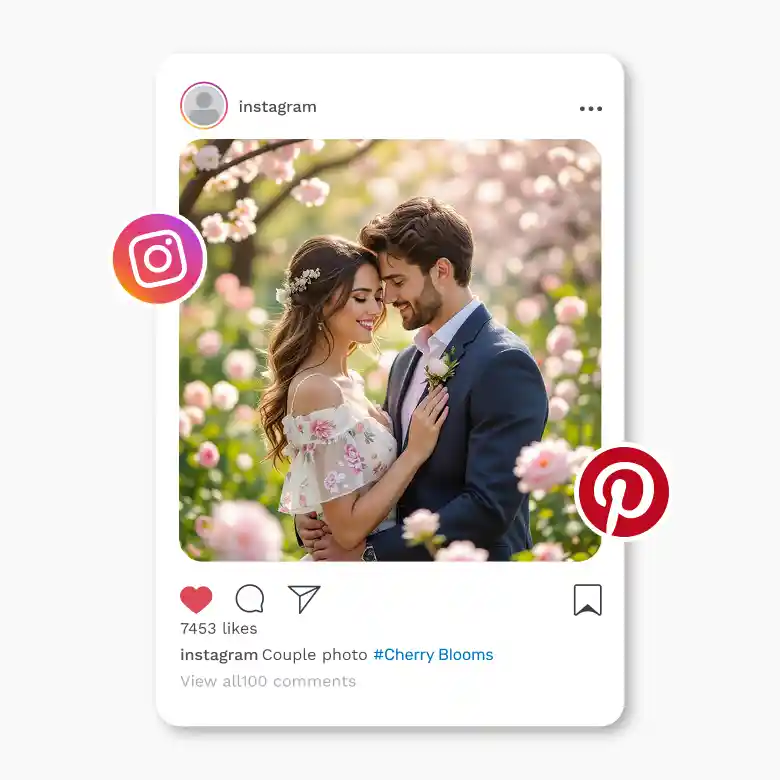
Share straight to pinterest, instagram, and beyond
Frequently Asked Questions
Discover more tools


