
Prompt ideas for One Piece style characters
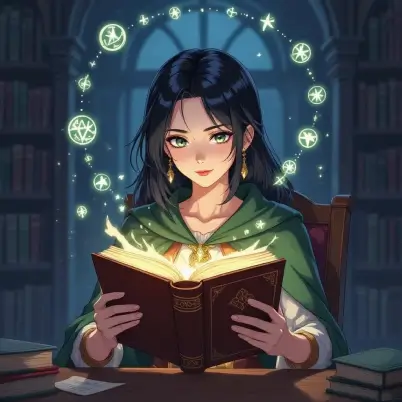
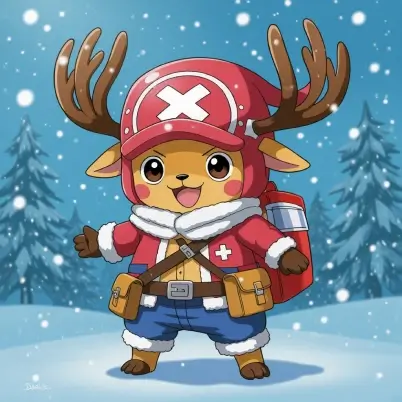
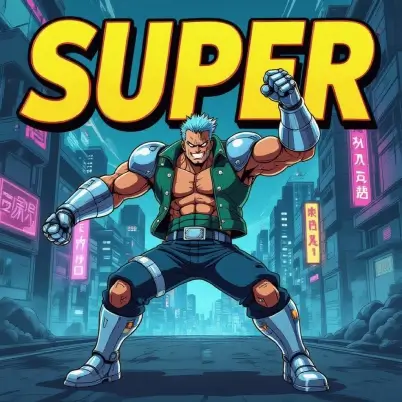
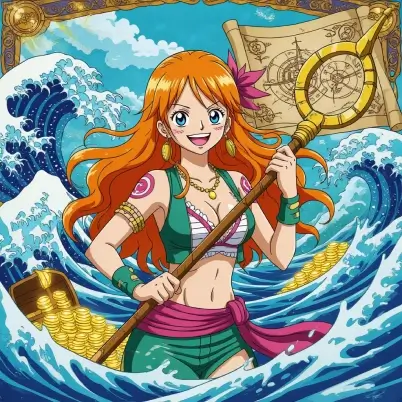
How to turn a text into a One Piece character?
Enter your input
Choose the "Text-to-Image" option and describe your One Piece characters in the prompt box. You can also give a reference image for AI to mimic its style.
Set parameters
Customize your characters by adjusting features, color tones, resolution, and art style to match the One Piece aesthetic.
Create and save
Generate your AI One Piece image instantly. Generate variations or simply download your image in JPEG or PNG format.
Turn text into a One Piece character instantly
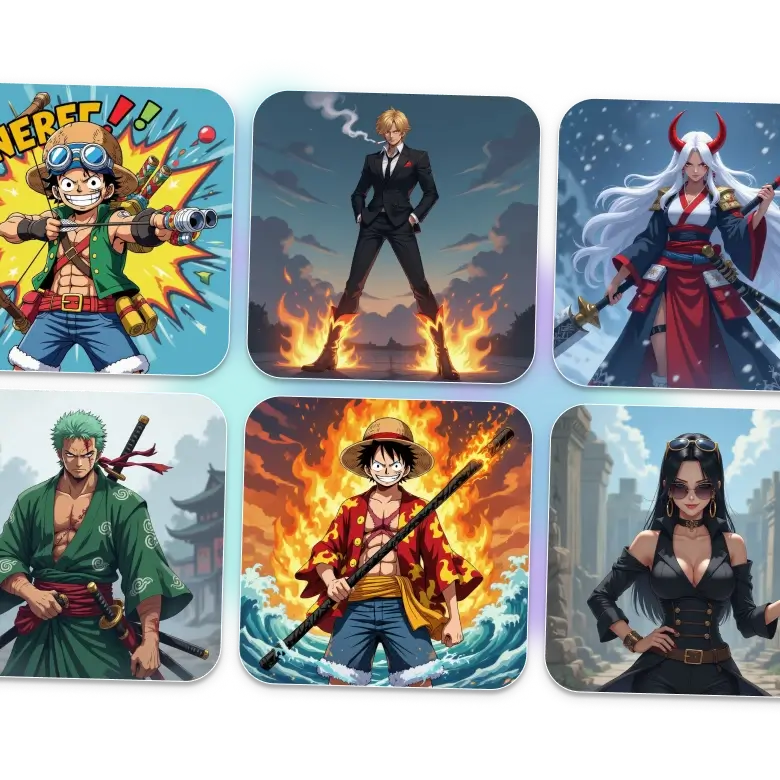
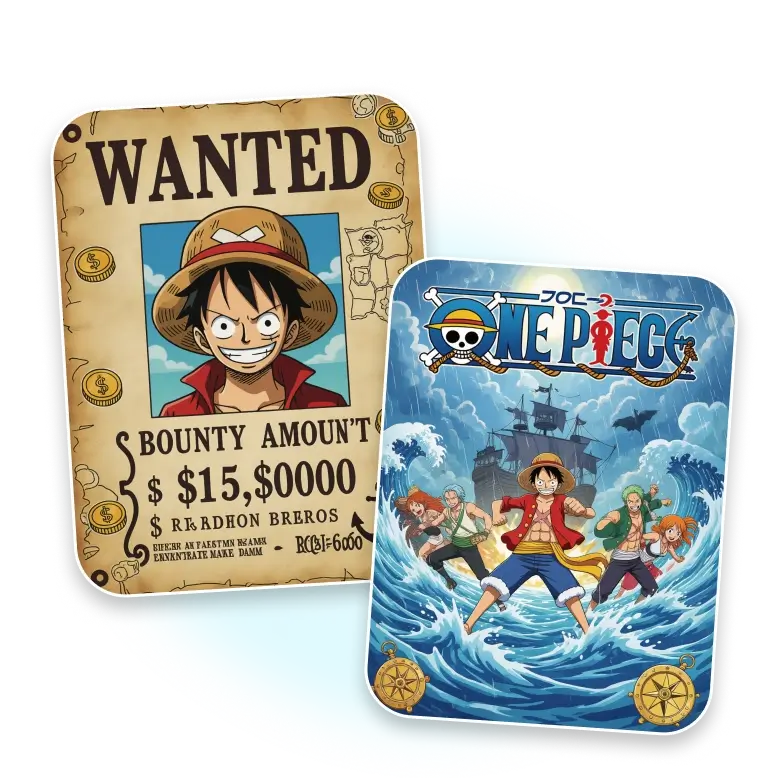
Use LightX’s random One Piece character generator to create famous figures such as Monkey D. Yamato, Luffy, Roronoa Zoro, Nami, Usopp, Sanji, and more. Simply give a text prompt mentioning the desired character’s attire and overall personality. You can also upload a reference image for the AI to mimic in your generated picture.
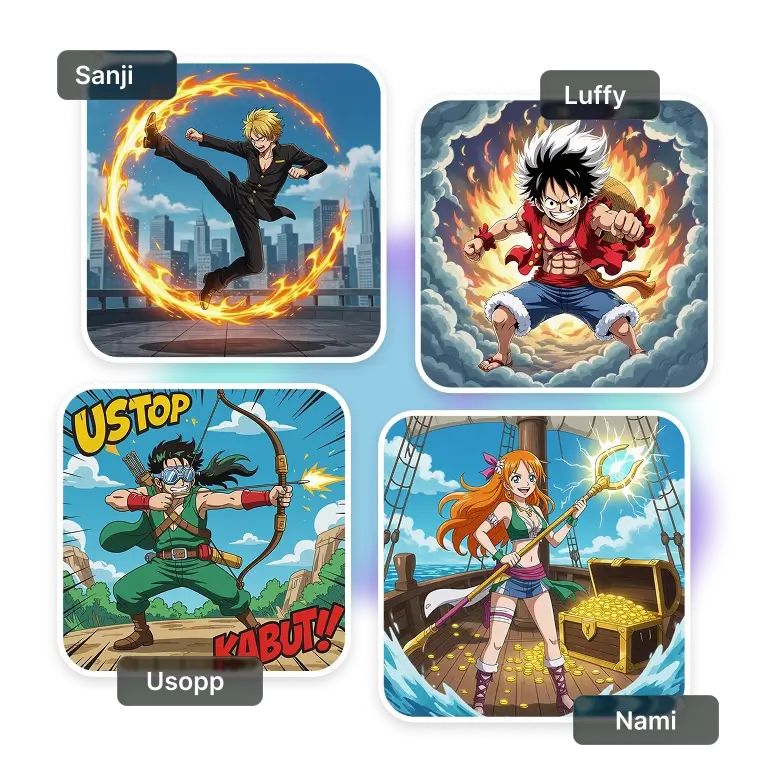
Signature styles of One Piece characters
Get into the adventure world of One Piece Pirates and see how they look and what you can add.
Outfits: Describe Nami’s stylish wave-pattern haori and iconic tops, or Luffy’s flame haori.
Accessories: Mention Zoro’s bandana, Nami’s gold earrings, Usopp mask, Sanji cigarette, or Robin sunglasses.
Weapons: Luffy's black iron staff, Zoro three swords, Zoro’s blades, Nami's storm staff, Usopp's bow, Sanji's flame boots, and more.
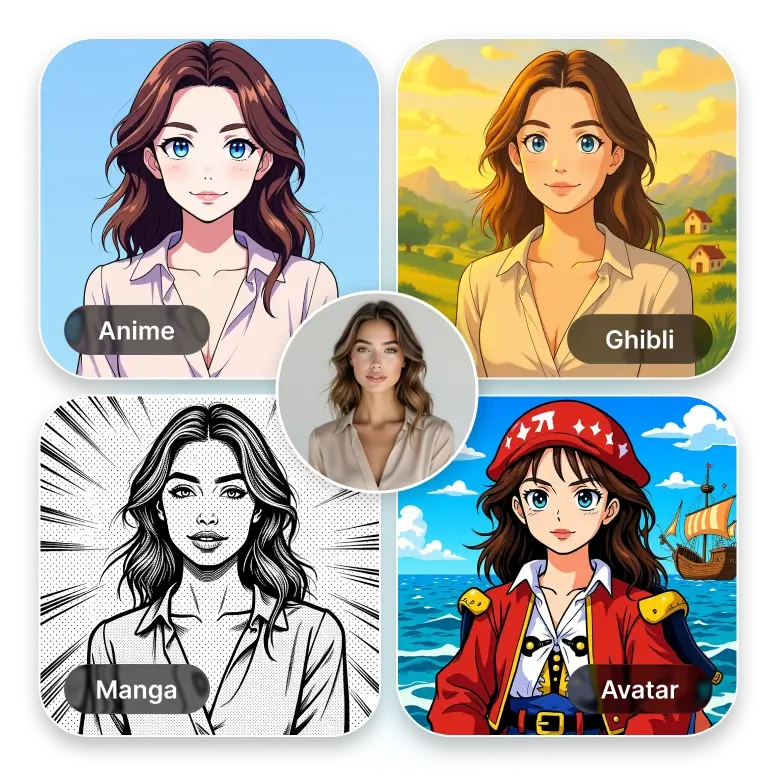
Convert your photo into One Piece characters
LightX not only generates random One Piece characters but also lets you transform your image into a One Piece masterpiece, inspired by traditional Japanese art. Use the AI filters to turn your regular picture into a One Piece avatar instantly. Look for an anime character or manga character of your choice. Turn yourself into the popular Studio Ghibli aesthetic character.
Use your One Piece character in many ways
Your One Piece character transformation can be a perfect wallpaper for your devices. Resize the picture in common aspect ratios, including 4:3, 3:4, 16:9, or 9:16, and apply seamlessly on your phone or PC. Or, edit it by adding text and then download and print it in high resolution. You can also share it with your followers or friends on social media platforms like Instagram or Facebook.
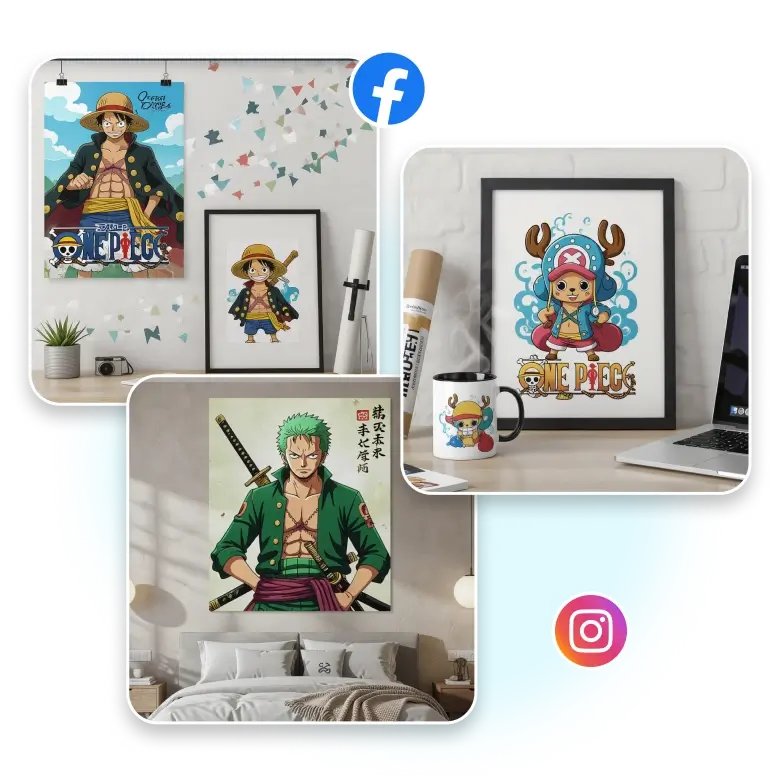
Design Free One Piece Posters
Once the character is created, simply add fun stickers and use the artwork in One Piece-inspired posters for fan events. LightX makes it easy to insert your images into various poster templates and pick the one that works best.
Frequently Asked Questions
Yes, you can easily upscale your image just after generating the One Piece image using LightX image upscaler to increase the overall quality of your picture.
Discover more tools


