
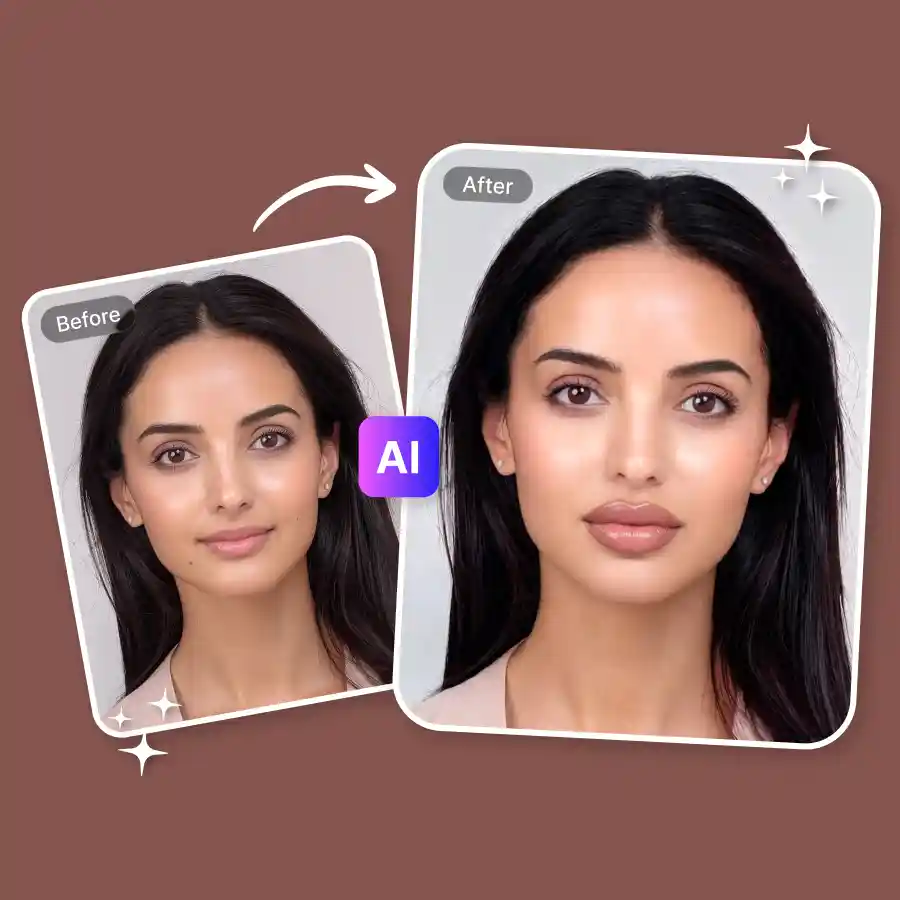
How to try lip fillers on your photo
Upload your photo
Upload your photo in JPEG or PNG format. Portrait photos, selfies, and front-facing images work best for accurate lip detection.
Select types of lip fillers
Choose from different preset lip filler styles. Each preset simulates a different lip augmentation style so you can preview how fuller lips will look on your face.
Generate and download
Click Generate to apply the lip filler filter. Once ready, download your edited image and share it anywhere.
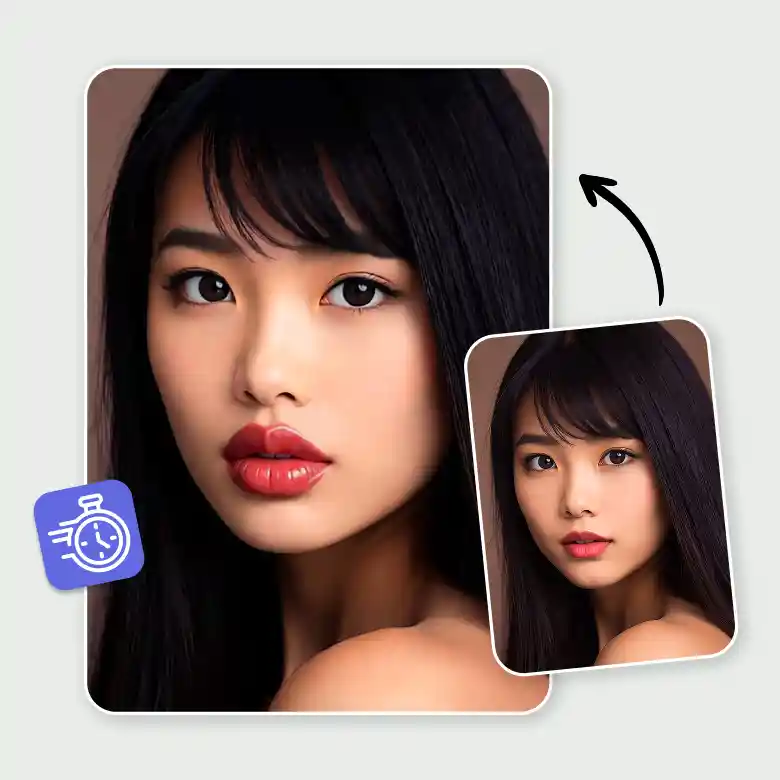
Instantly try virtual lip fillers
See fuller lips without injections or cosmetic procedures. The AI lip filler filter lets you preview lip enhancement in seconds. Instead of visiting a clinic first, you can try a lip filler virtual try-on to see how different lip shapes look on your face. It works like a lip filler simulator that helps you visualize lip augmentation safely and instantly. You can turn thin lips into fuller lips and preview different lip transformations before making any real changes.
Choose from many lip filler shapes
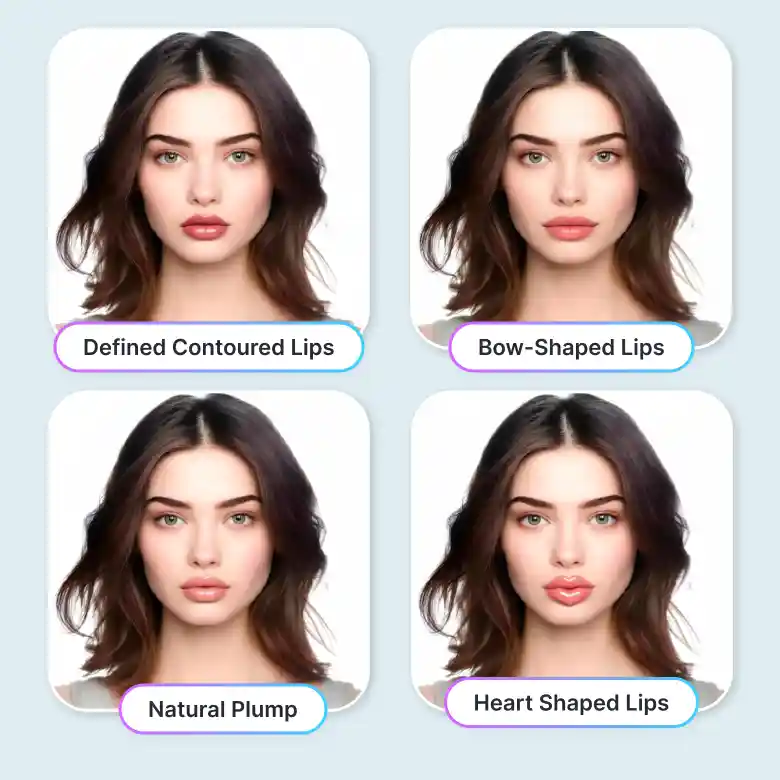
Our lip filler visualizer comes with multiple preset lip shapes. You can instantly try different lip filler styles and see which shape suits your face. Try:
Russian Lips
Heart-Shaped Lips
Natural Plump
Full Lips with Defined Contours
Pillow Lips
Bow-Shaped Lips
These presets help simulate different lip enhancement styles, making the tool a practical lip filler preview and lip reshaping tool.
Realistic and high-quality lip transformation
The LightX AI lip transformation technology adjusts lip shape while preserving natural facial details. AI precision ensures that the edited lips match your face shape, lighting, and skin tone. The tool regenerates the lip area while keeping natural texture and facial features intact.
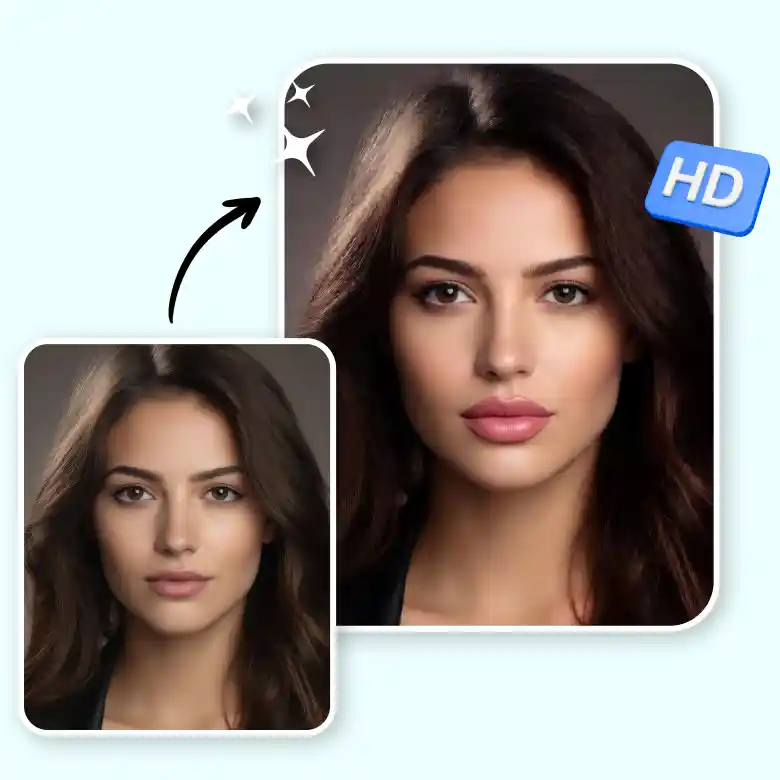
Why try a lip filler simulator
Our virtual lip filler lets you explore cosmetic changes safely before making real decisions.
Benefits include:
✔ Preview lip augmentation results instantly
✔ Try different lip filler styles without pain
✔ See what you would look like with lip fillers
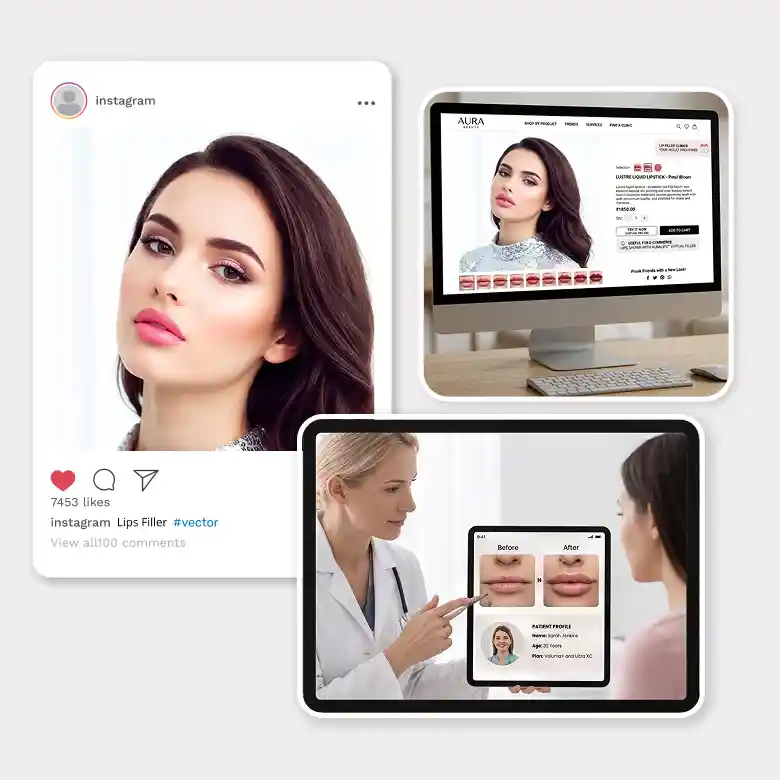
✔ Create Instagram-shareable beauty edits
✔ Make fun edits or prank friends
✔ Useful for e-commerce beauty editing
✔ Lip filler clinics can show clients potential results
This makes the lip filler virtual try-on useful for both personal and professional purposes.
Do more face editing in one place
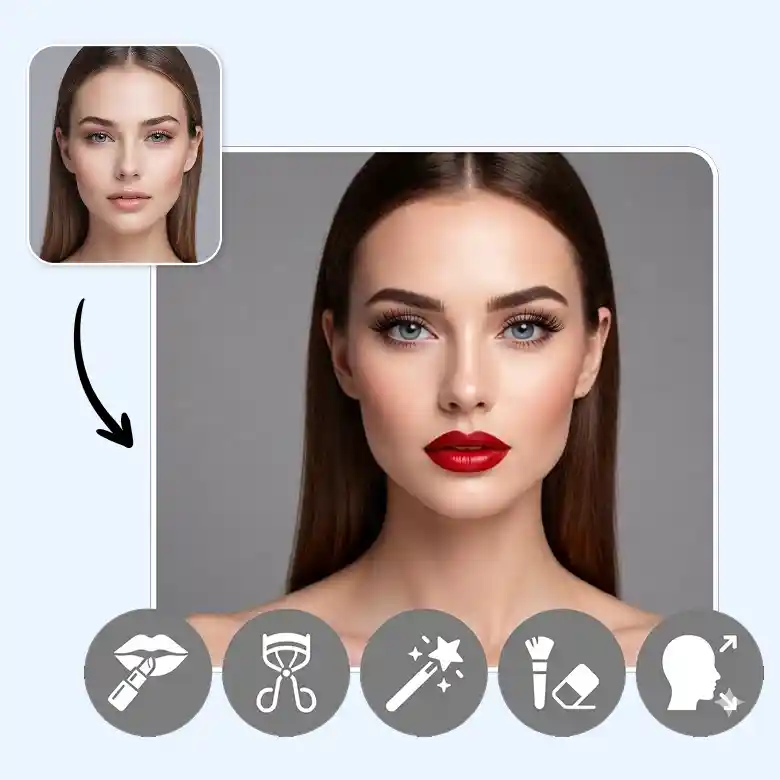
LightX offers multiple AI-powered beauty editing tools along with the lip filler filter app. You can also enhance photos using tools like: Add lipstick to a photo, adjust eyebrow shape and style, edit eyelashes, enhance, retouch, and reshape faces, and more. All tools are AI-enabled and beginner-friendly, allowing you to edit portraits quickly without professional editing skills.
Frequently Asked Questions
Yes. You can try the LightX AI lip filler filter online for free. Sign up to get free daily credits and preview different lip filler styles instantly.
Discover more tools


